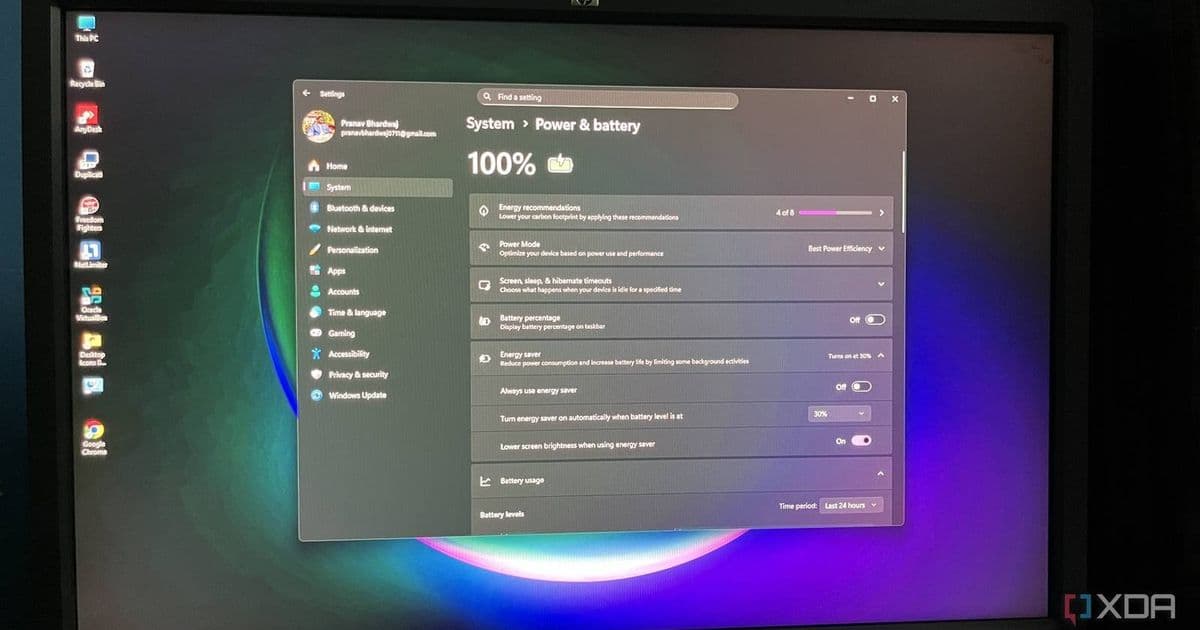
Microsoft confirms February 2026 update KB5077241 is finally rolling out colored battery icons and percentages to Windows 11 users after months of delays.
Windows 11 users have been waiting patiently for a simple yet highly requested feature that should have been available at launch: colored battery icons with percentage indicators. After multiple delays and a confusing rollout, Microsoft has finally confirmed that the February 2026 update KB5077241 is bringing this functionality to more PCs.
The Long Road to Colored Battery Icons
The journey to colored battery icons in Windows 11 has been anything but straightforward. Back in December 2024, Microsoft first previewed the feature, generating excitement among users who wanted visual battery status indicators similar to what's available on mobile devices. However, what should have been a straightforward addition turned into a drawn-out process.
Microsoft initially released the colored battery icons to the public in November 2025, but many users reported they still weren't seeing the change on their systems. The company acknowledged the slow rollout and has now confirmed that the February 2026 optional update KB5077241 is finally activating the feature for more users.
How to Get the New Battery Icons
If you're eager to get colored battery icons on your Windows 11 PC, here's what you need to do:
- Run Windows Update - Check for available updates in Settings > Update & Security > Windows Update
- Opt into Priority Updates - Ensure you're receiving optional updates, not just security patches
- Install KB5077241 - This is the specific update that activates the new battery features
- Enable Battery Percentage - Once installed, go to Settings > Personalization > Taskbar and toggle on "Battery percentage"
The update also includes other improvements, such as enhancements to the Start menu, making it a worthwhile installation even if you're not specifically interested in battery icons.
Why This Feature Matters
While colored battery icons might seem like a minor cosmetic change, they represent a significant usability improvement for Windows 11. The visual indicators make it immediately apparent how much battery life remains without having to hover over the icon or open the battery settings. This is particularly useful for users who frequently work on the go or need to monitor their battery status at a glance.
The addition of percentage indicators alongside the colored icons provides even more precise information, eliminating the guesswork that comes with traditional battery icons that only show rough estimates through visual cues.
The Bigger Picture
This rollout highlights a broader issue with Windows 11's feature development and deployment. Features that seem basic and should have been included at launch are taking months or even years to reach all users. The staggered rollout approach, while intended to ensure stability, can leave users confused about whether they're missing out on features or if their system is simply not yet eligible.
For a feature as straightforward as colored battery icons, the extended timeline raises questions about Microsoft's development and testing processes. However, the company's commitment to eventually delivering the feature to all users demonstrates that user feedback does influence the Windows 11 roadmap.
What's Next for Windows 11
As Windows 11 continues to evolve, users can expect more refinements to core features like battery management, display settings, and system notifications. The successful rollout of colored battery icons suggests that Microsoft is learning from past deployment challenges and working to improve the user experience across the operating system.
For now, Windows 11 users who have been waiting for this feature can finally breathe a sigh of relief. The colored battery icons are on their way, bringing a touch of visual polish and practical functionality that makes Windows 11 feel more complete.
Comments
Please log in or register to join the discussion