Microsoft's latest Windows 11 update resolves persistent full screen rendering problems in the Xbox app, improving gaming experiences and streamlining cross-platform development workflows.
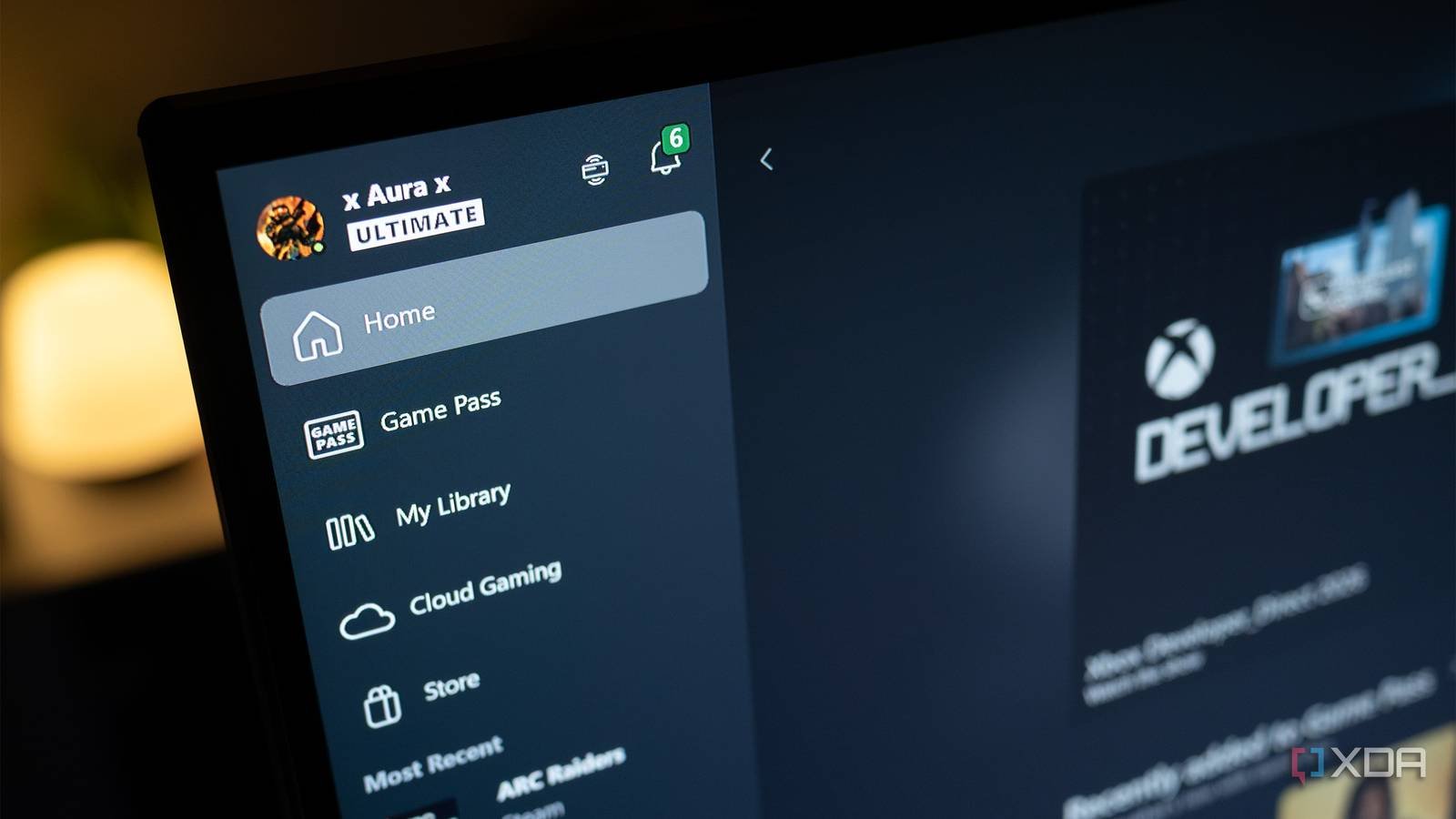
Microsoft has rolled out a significant update for Windows 11 (build 22631.xxxx) targeting long-standing issues with the Xbox app's full screen functionality on PC. This patch specifically addresses rendering artifacts, resolution scaling problems, and performance degradation that occurred when switching between windowed and full screen modes—a persistent pain point for gamers and developers since the app's redesign. The fix arrives as Microsoft intensifies efforts to unify gaming experiences across Xbox consoles and Windows PCs.
Platform Requirements and Technical Details
The update requires Windows 11 version 22H2 or later and integrates with the Xbox Game Bar SDK version 5.8+. Key technical improvements include:
- DirectX 12 Optimization: Fixed memory allocation conflicts causing screen tearing during full screen transitions
- DPI Scaling Fixes: Correct handling of high-DPI displays (200%+ scaling) that previously distorted UI elements
- Windowed Full Screen Parity: Eliminated frame rate inconsistencies between exclusive full screen and borderless windowed modes
- Multi-Monitor Support: Resolved focus loss issues when alt-tabbing on secondary displays
Developer Impact and Cross-Platform Considerations
For game developers using the Xbox ecosystem, this update reduces platform-specific workarounds previously needed to handle full screen rendering quirks. Projects built with GDK (Game Development Kit) now exhibit more consistent behavior between Xbox Series X/S and Windows builds, particularly for:
- Resolution Switching: Unified handling of dynamic resolution changes
- HDR Transitions: Smother handoff between SDR and HDR modes
- Overlay Integration: Stable rendering of Xbox Game Bar overlays in full screen
Cross-platform engines like Unity and Unreal Engine benefit through Microsoft's IDXGIFactory6 API updates, which standardize full screen negotiation across DirectX 12 backends. Developers should note that legacy Win32 games still require application manifests declaring DPI awareness for optimal results.
Migration Recommendations
Developers should:
- Update to the latest Windows 11 SDK (version 10.0.22621.0+)
- Rebuild projects referencing Xbox Game Bar libraries
- Remove workarounds for full screen focus loss (e.g., DXGI_SWAP_CHAIN_FLAG_ALLOW_MODE_SWITCH)
- Validate HDR pipelines using the new AutoHDR diagnostics in PIX
Microsoft encourages testing through the Windows Insider Program and bug reporting via the Feedback Hub. The update signifies ongoing refinement of Windows as a gaming platform, reducing friction for developers targeting both Xbox and PC simultaneously.
Comments
Please log in or register to join the discussion