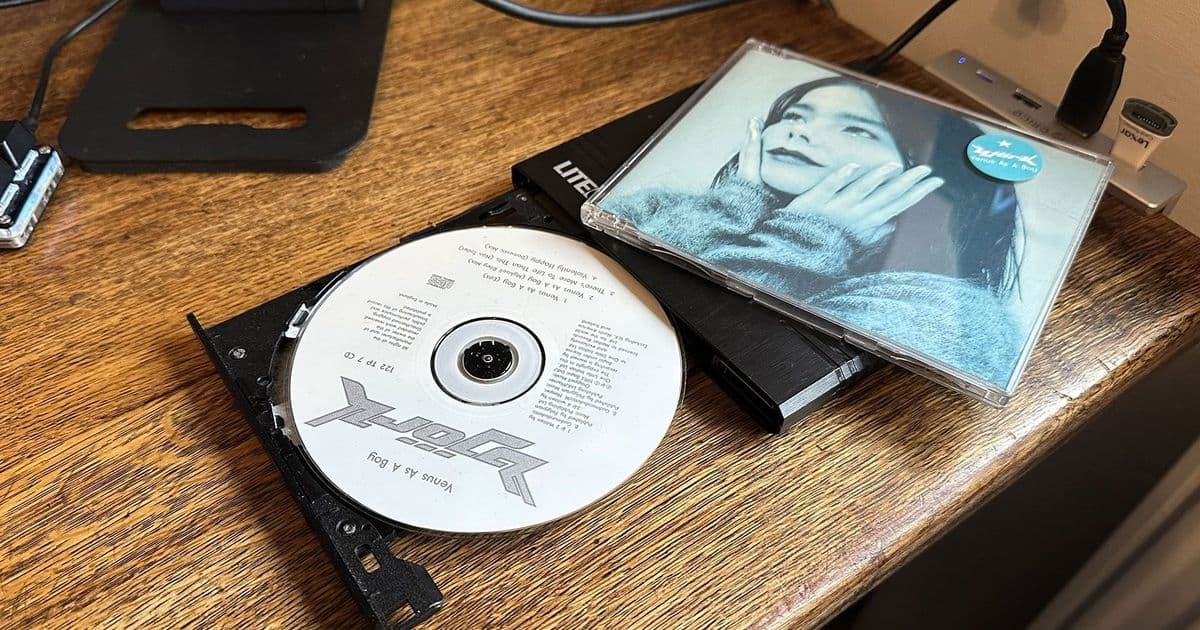
Microsoft has quietly disabled the automatic album metadata retrieval feature in both Windows Media Player Legacy and the modern Media Player app on Windows 11, leaving users without built-in support for fetching track names, album artwork, and genre data when playing or ripping CDs.
Microsoft has removed the 'find album information' and 'update album info online' tools from the Media Player applications included with Windows 11, effectively breaking a long-standing workflow for users who still play and rip audio CDs. The functionality, which automatically retrieved track names, album artwork, genre classifications, and composer data from online databases, no longer works in either the legacy Windows Media Player or the newer Media Player app that serves as the default audio and video player in current Windows builds.
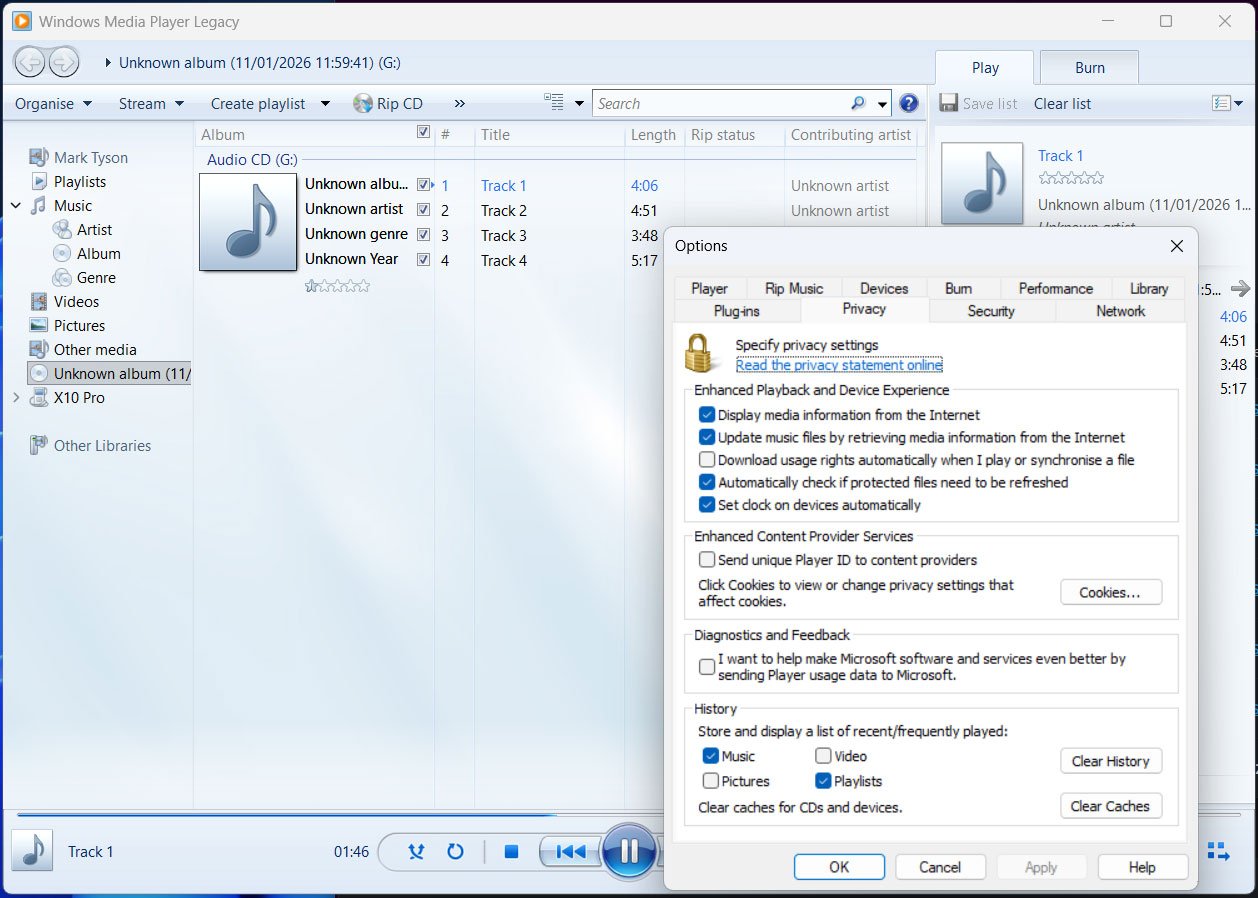
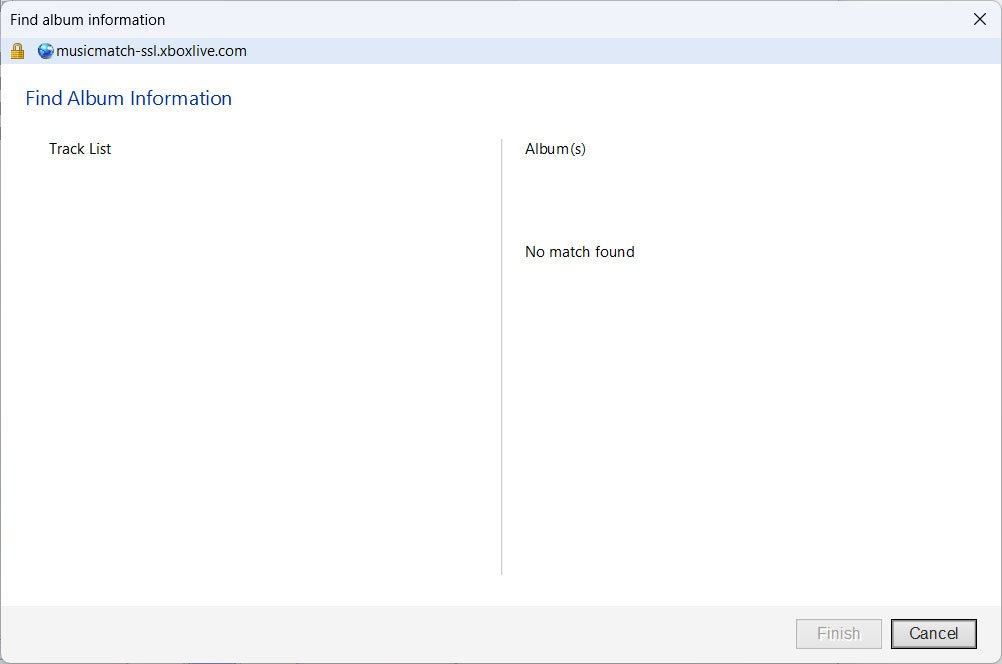
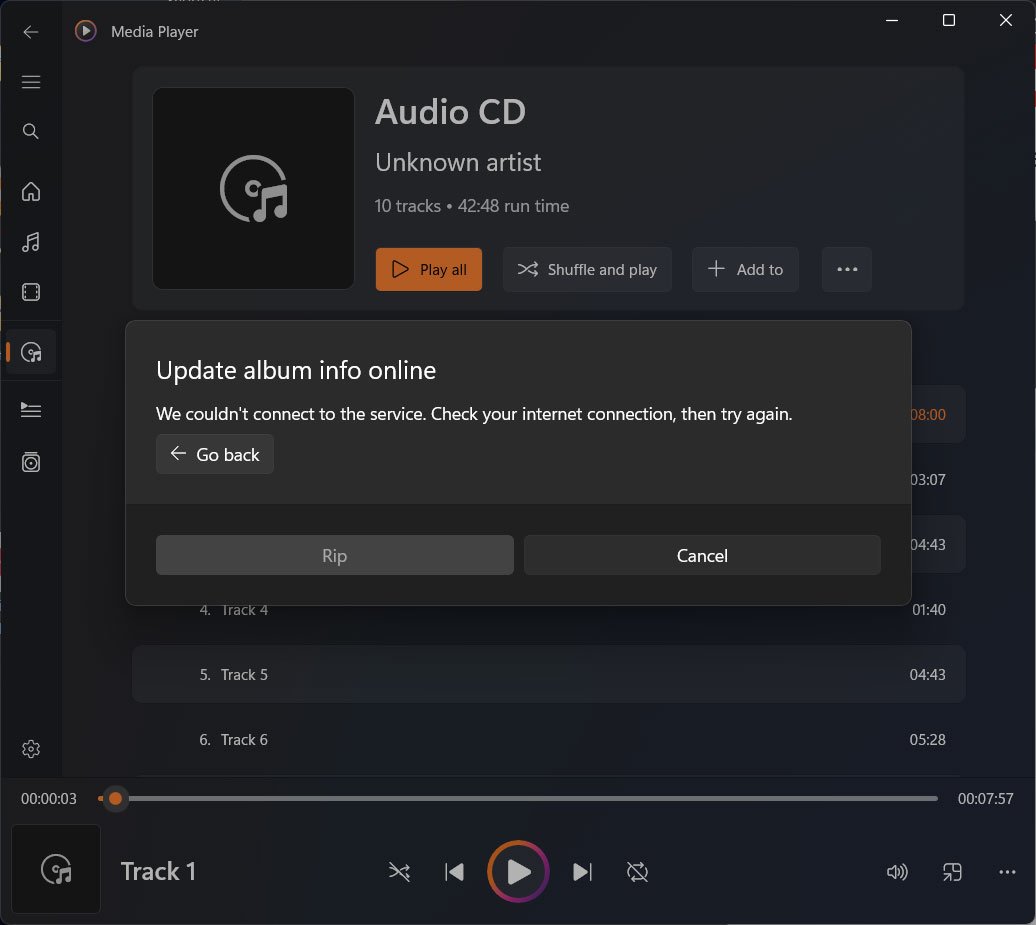
Both applications were tested with multiple audio CDs, and neither could connect to retrieve album metadata. The legacy app's 'Find Album Information' service attempts to reach musicmatch-ssl.xboxlive.com, but the connection fails. The newer Media Player app displays the error message: "We couldn't connect to the service. Check your internet connection, then try again," even when the internet connection is functioning properly. Microsoft has not publicly acknowledged the change or responded to inquiries about whether the service has been intentionally retired.
This change affects two distinct applications. Windows Media Player Legacy, the classic application that has shipped with Windows for decades, saw its metadata service quietly disabled. The newer Media Player app, introduced as part of Windows 11's modernization effort and designed to handle both video and audio playback along with playlist management, suffers from the same limitation. For users who still rely on optical media, this represents a significant gap in functionality that third-party software must now fill.
The timing is notable given the declining but persistent use of optical drives. Few modern PCs ship with CD, DVD, or Blu-ray drives, but a dedicated user base continues to use optical media for archival purposes, collecting, or simply preference. Music and movie enthusiasts who maintain physical libraries often prefer the consistent quality and ownership model of discs over streaming services. For these users, the ability to automatically tag ripped files with accurate metadata was a core feature of the built-in Windows tools.
The removal of this feature highlights the broader shift in Microsoft's focus away from optical media support. Windows 11 has progressively reduced built-in capabilities for handling discs, from the removal of Windows Media Center in earlier versions to the current deprecation of metadata services. Users who need to rip CDs with proper track information now must turn to alternatives like iTunes, Foobar2000, Exact Audio Copy, or other third-party tools that maintain their own metadata databases or support user-configured sources.
While streaming services dominate music consumption, the loss of this built-in functionality affects users in specific scenarios: collectors archiving personal CD libraries, audiophiles who prefer lossless formats, users in regions with limited internet bandwidth for streaming, and professionals who need local copies for editing or performance. The feature's removal from both legacy and modern applications suggests a deliberate decision rather than a temporary outage, though Microsoft's silence leaves the permanence uncertain.
For now, Windows 11 users attempting to play or rip audio CDs will need to manually enter track information or seek third-party software that can access metadata from sources like MusicBrainz, Freedb, or Gracenote. The built-in Windows Media Player applications remain capable of basic playback and ripping, but the convenience of automatic album information retrieval has been quietly eliminated.
Comments
Please log in or register to join the discussion