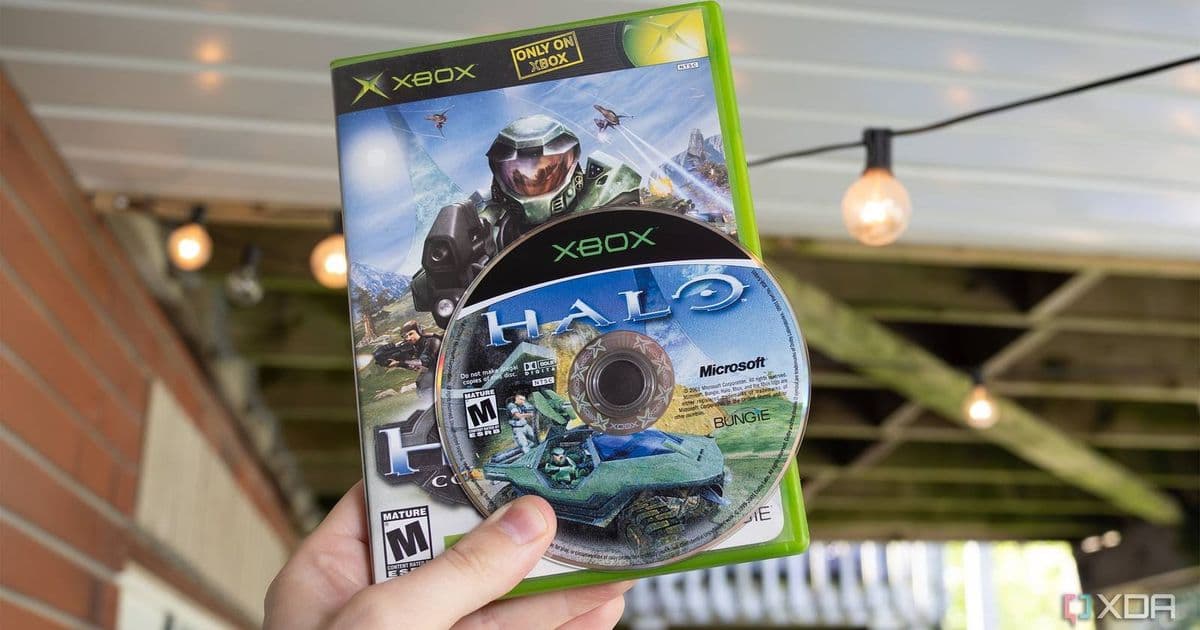
The new OmniDrive firmware mod for MediaTek MT1959 Blu‑ray drives lets users back up GameCube, Wii, Xbox 360 and other disc‑based titles without resorting to piracy, while preserving compatibility with newer consoles’ encrypted media.
You Can Now Legally Rip Your Wii, GameCube, and Xbox Games Using a Blu‑ray Drive
By Patrick O'Rourke – May 25, 2026
What’s the news?
A community‑driven firmware patch called OmniDrive now runs on a subset of MediaTek MT1959‑based Blu‑ray drives (most of them manufactured by Hitachi‑LG Data Storage). The patch rewrites the drive’s low‑level firmware so it can read the raw data streams from classic game discs – GameCube, Wii, Xbox 360, Dreamcast GD‑ROM and even the low‑density portion of the Dreamcast’s proprietary format. In short, you can plug a compatible Blu‑ray drive into a PC, flash the custom firmware, and use standard disc‑imaging tools to create 1:1 backups of your physical game library.
Key features of OmniDrive
| Feature | Details |
|---|---|
| Supported consoles | GameCube, Wii, Xbox 360, Dreamcast (GD‑ROM low‑density), Wii U, PS3/PS4/PS5, Xbox Series X |
| Drive compatibility | MediaTek MT1959 chipset; most LG and Asus external/internal drives that use this chip. A full list lives on the Disc Preservation Project Wiki. |
| Installation | Flash the supplied .bin file via the drive’s USB or SATA interface using the provided Windows/Linux utility. The process takes under five minutes on a typical PC. |
| Safety | The firmware includes a checksum‑verification step; flashing the wrong image will abort rather than brick the drive. Still, a backup of the stock firmware is recommended. |
| Cost | Compatible drives sell for $100‑$200 new; many users repurpose older drives from decommissioned PCs or external enclosures. |
| Legal angle | Backing up games you own is permitted under most jurisdictions’ fair‑use or private‑copying exceptions. The mod does not provide any decryption keys for encrypted discs, so it stays on the right side of the law. |
How it works under the hood
The MT1959 controller handles the low‑level laser modulation and error‑correction for Blu‑ray media. Stock firmware is hard‑coded to recognize only Blu‑ray, DVD‑R, and DVD‑ROM disc structures. OmniDrive replaces the lookup tables that tell the chip how to interpret sector layouts, allowing it to treat a GameCube disc’s 1.5 GB ISO‑9660 layout or an Xbox 360 DVD‑5 disc’s XGD2 format as a raw block device.
When the drive receives a read command, the patched firmware bypasses the usual Blu‑ray demux stage and streams the raw sector data straight to the host. Software like ImgBurn, dd, or the open‑source DiscImageCreator can then write an exact copy to an ISO or a custom container (e.g., .gcm for GameCube). For encrypted titles (PS3/PS4/PS5, Xbox Series X|S, Wii U), the drive can still extract the raw encrypted sectors, but a separate decryption step is required – something the community deliberately leaves out to avoid legal trouble.
Ecosystem considerations
Preservation vs. lock‑in
Retro gamers have long been forced to choose between preserving their collections and staying within the bounds of console‑specific ecosystems. Most modern consoles lock disc content behind proprietary file systems and encryption, making archival copies difficult without console‑specific hardware hacks. OmniDrive sidesteps that by treating the disc as a generic block device, but it stops short of breaking encryption. That design respects the legal boundaries while still offering a practical path for preservation of unencrypted titles.
Impact on the home‑brew scene
The ability to create perfect disc images opens the door for more reliable emulation. Projects like Dolphin (GameCube/Wii) and Xenia (Xbox 360) already accept ISO files; having a clean dump eliminates the occasional checksum errors that arise from using consumer‑grade ripping tools. Moreover, the Dreamcast GD‑ROM support is a pleasant surprise – it has been a pain point for collectors because the low‑density area is not readable by standard drives.
Compatibility with future hardware
Because the patch targets the drive’s firmware rather than the host OS, it works on Windows, macOS and Linux alike. The only requirement is a driver that exposes the drive as a raw SCSI device, which most modern operating systems do. As newer consoles move away from optical media (the Switch already uses cartridges, PS5 uses Blu‑ray but with stronger DRM), the relevance of OmniDrive will gradually decline, but for the next decade it covers the bulk of disc‑based retro titles.
Getting started
- Identify your drive – Look up the model number on the Disc Preservation Project Wiki. Typical compatible models include the LG‑WH16NS40 and Asus DRW‑24B1ST.
- Download the firmware – Grab the latest
.binfrom the official GitHub releases page: https://github.com/DiscPreservationProject/OmniDrive/releases. - Back up stock firmware – Run the provided
backup_firmware.exe(Windows) orbackup_firmware.sh(Linux) to save a copy of the original image. - Flash OmniDrive – Execute the flashing utility with administrator rights, select the downloaded image, and let the process complete.
- Rip a disc – Insert a GameCube disc, open your preferred imaging tool, and choose the drive as a raw device. Save the output as
game.iso. - Verify – Compare the hash of the ISO against known good dumps (if available) using
sha1sumor a similar tool.
Risks and cautions
- Bricking – While the firmware includes safety checks, flashing the wrong image can render the drive unusable. Keep the stock backup handy.
- Warranty – Modifying firmware voids the manufacturer’s warranty. Most users purchase a drive specifically for this purpose, so it’s rarely an issue.
- Legal limits – Do not attempt to decrypt protected discs you do not own. The mod does not provide decryption keys, and using third‑party tools to break DRM can expose you to legal liability.
Bottom line
OmniDrive gives retro enthusiasts a legitimate, low‑cost way to back up their disc‑based game libraries. By leveraging a widely available Blu‑ray drive chipset, the community has created a solution that works across Windows, macOS and Linux, respects copyright law, and adds a valuable tool to the preservation toolbox. If you have a stash of GameCube, Wii or Xbox 360 discs and a compatible drive lying around, now is a good time to give OmniDrive a try.
Comments
Please log in or register to join the discussion