The May 2026 release of 86Box 6.0 adds hard‑disk sounds, a cross‑host networking switch, UI overhauls, and extensive hardware support. While power users celebrate the depth, newcomers question the growing complexity and distribution hurdles.
86Box v6.0: More Sound, More Speed, More Complexity
The latest stable build of 86Box lands on May 31 2026, bringing a cascade of updates that feel less like a routine bug‑fix sprint and more like a strategic push to cement the emulator as the go‑to platform for retro‑PC enthusiasts. The release notes, authored by community veteran richardg867, list over 300 individual changes ranging from hard‑disk sound emulation to a brand‑new local network switch that works across Windows, Linux, and macOS.
What the community is buzzing about
Audio fidelity finally gets a hardware‑level treat
Since the floppy‑drive‑clicks introduced in v5.2, the hard‑disk sound feature has been a long‑standing request. v6.0 delivers three 3600 RPM drive models, each with distinct acoustic profiles. The implementation lives in the hard‑disk settings panel, separate from the generic “model presets” that previously governed all drive sounds. This level of granularity is a clear signal that the project is listening to the niche of users who care about period‑accurate ambience when running DOS games or legacy business apps.
“I can finally hear the whine of a Seagate ST‑506 while running Windows 3.1,” posted a user on the 86Box Discord server.
A cross‑host networking switch that actually works
Networking has always been a pain point for emulators. Earlier attempts, such as VDE, required manual bridge configuration and left Windows users in the dark. The new local switch abstracts all that: create isolated networks, protect them with passwords, and even attach other emulators via a documented API. The switch auto‑discovers machines on the same LAN, which means you can spin up a DOS‑based file server on one laptop and a Windows 95 client on another without fiddling with TAP adapters.
The documentation (see the Networking section on the official site) outlines how to expose the switch to external virtual machines, opening the door for mixed‑environment labs that combine 86Box with QEMU or VirtualBox.
UI tidying and the long‑awaited video‑card merge
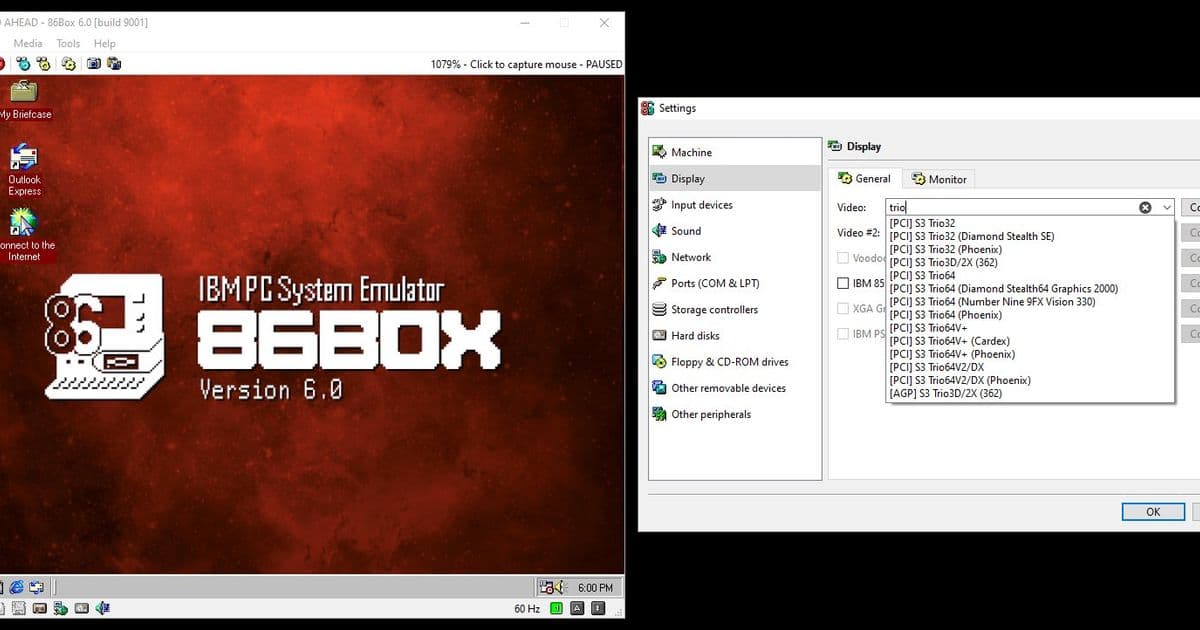
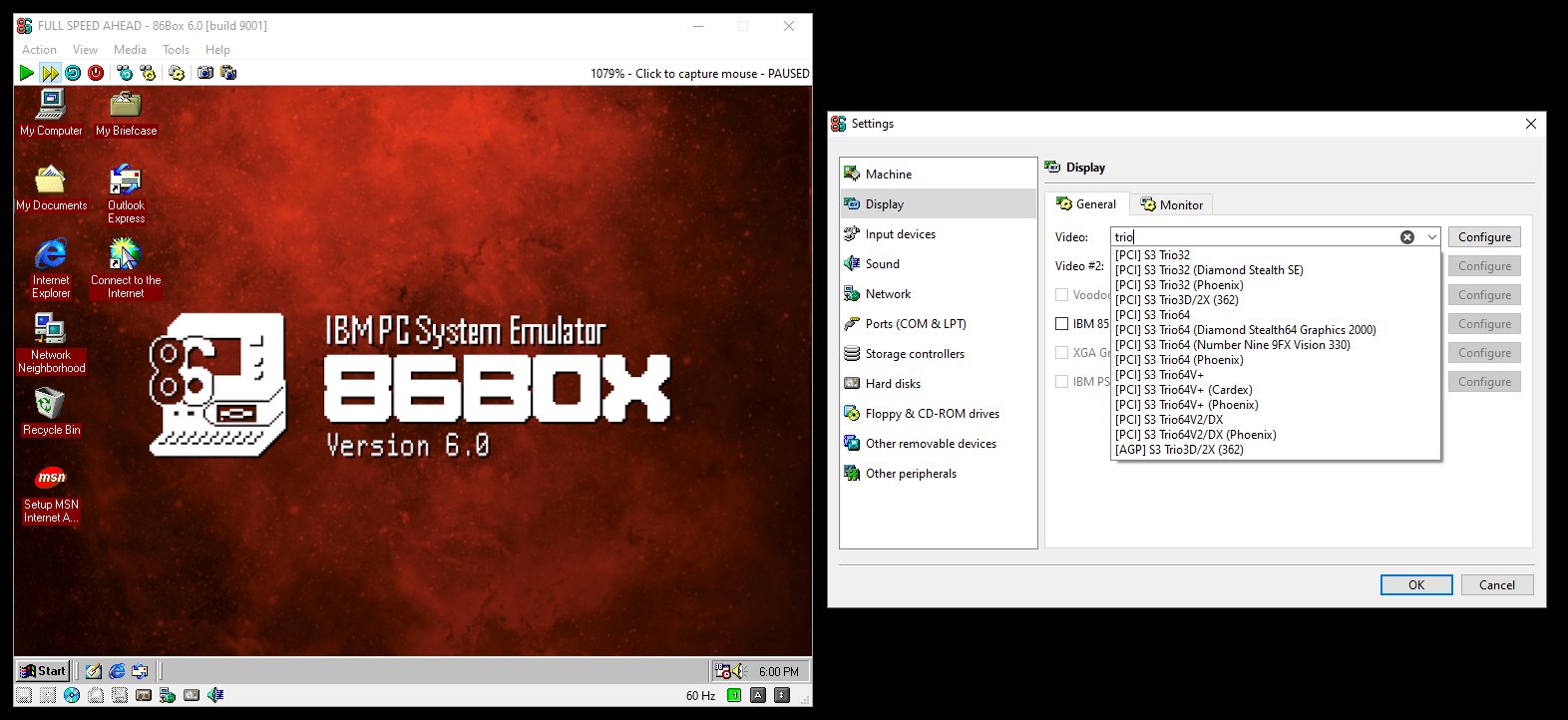
The Settings and Preferences windows finally get tabs, making the once‑overwhelming list of options more navigable. Device selectors now have a search box (click the X and type), which is a lifesaver when hunting for a specific ISA sound card among the dozens now supported.
Perhaps the most visible change is the video‑card consolidation. Instead of a flat list of hundreds of cards, the selector now shows chipsets (e.g., S3 ViRGE, Voodoo Banshee) with a Configure button that reveals the exact model and VBIOS variants. The migration is automatic, but the release notes warn that downgrading to v5.3 or earlier will lose those settings.
Signals of broader adoption
- ARM support for Windows – The new Windows ARM64 build (compatible with Snapdragon and Nvidia N1) shows the project’s intent to stay relevant on the increasingly ARM‑centric hardware market. The build requires Windows 11, but that aligns with Microsoft’s own roadmap.
- Expanded hardware catalog – Over 150 new machines, ranging from 8086‑class IBM Multistation to Socket 7‑class ASUS TXP4‑X, indicate a healthy influx of contributors. Each addition is accompanied by BIOS variants, which suggests a systematic approach rather than ad‑hoc additions.
- License‑driven modularity – The Daemon Tools MDS v2/MDX support now lives in an external component (
mdsx.dll/mdsx.so) due to license incompatibility. By isolating the non‑GPL code, the core remains fully open‑source, a move that may encourage distribution maintainers to package 86Box without legal headaches.
Counter‑perspectives: Complexity vs. Accessibility
While power users applaud the depth, a growing chorus of newcomers raises concerns:
- Feature bloat – The sheer number of toggles (e.g., separate key‑binding pages, per‑device sound options) can intimidate first‑time users. The project’s own notes acknowledge the “overwhelming” Settings window as a motivation for the new tabbed layout, but the underlying complexity remains.
- Distribution friction – The ARM build’s missing optional components (Discord integration, PostScript PDF conversion) mean that users on Windows ARM may encounter “missing feature” errors unless they manually copy the required DLLs. Linux packagers also have to decide whether to ship the
mdsx.sofrom a non‑free repository, a decision that could delay updates in major distros. - Hardware‑specific bugs – Despite extensive testing, the release still lists numerous edge‑case crashes (e.g., Voodoo Banshee on certain drivers, S3 ViRGE refresh‑rate glitches). For users who need a stable environment for teaching or archival work, these bugs can be a blocker.
“I love the new network switch, but I spent an hour just figuring out why my Windows 95 VM couldn’t see the other machine,” wrote a Reddit user on r/retrocomputing.
What this means for the retro‑emulation ecosystem
86Box’s v6.0 demonstrates a clear shift from a hobbyist playground to a semi‑professional platform. By addressing long‑standing pain points—audio realism, networking, and UI ergonomics—the project positions itself as a viable alternative to more heavyweight solutions like QEMU for legacy PC work.
However, the trade‑off is a steeper learning curve. The community appears divided: seasoned veterans relish the new knobs, while newcomers risk being deterred by the same depth. The upcoming GPL‑compatible reimplementation of the MDS/MDX decryption algorithms could further lower entry barriers, provided the effort materializes.
In short, v6.0 is a milestone that validates 86Box’s relevance, but its long‑term success will hinge on how well the project can balance feature richness with approachable documentation and smooth packaging across all host platforms.
For a full list of changes, see the official changelog on the 86Box GitHub releases page.
Comments
Please log in or register to join the discussion