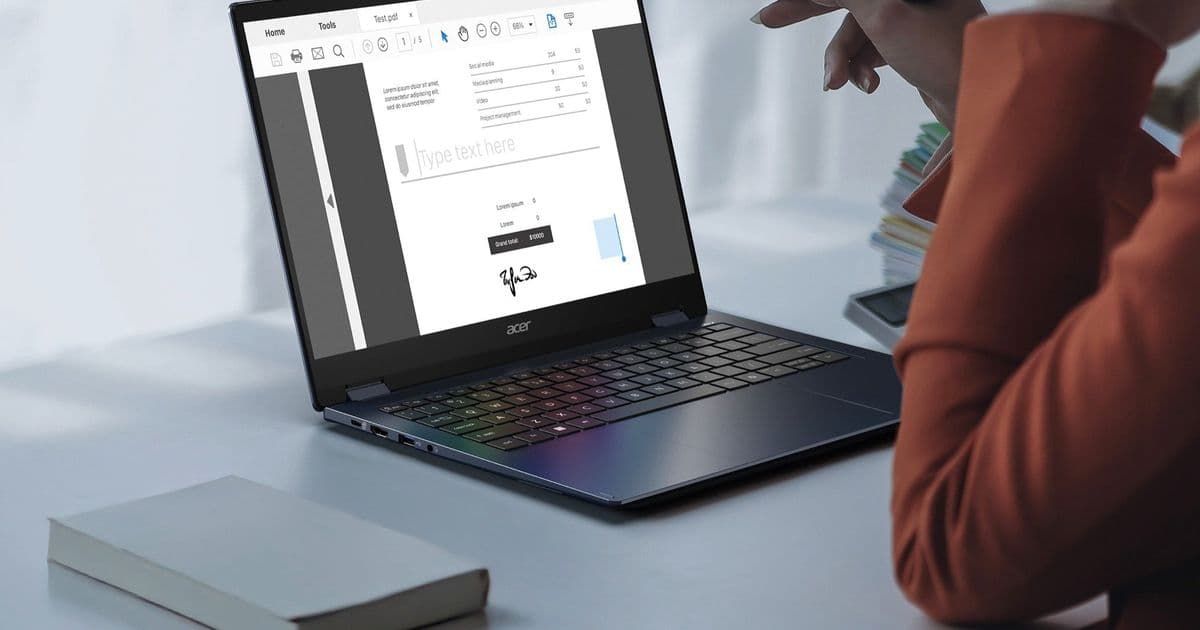
Acer’s new Swift Spin 14 AI combines a 14‑inch 120 Hz IPS touchscreen, an active stylus with tilt and pressure support, and Qualcomm’s Snapdragon X2 Elite SoC. With a thin aluminum chassis, USB‑4, Wi‑Fi 7 and up to 16 GB RAM, it targets creators who need a light, versatile Windows‑on‑ARM notebook.
Acer Swift Spin 14 AI – What’s New
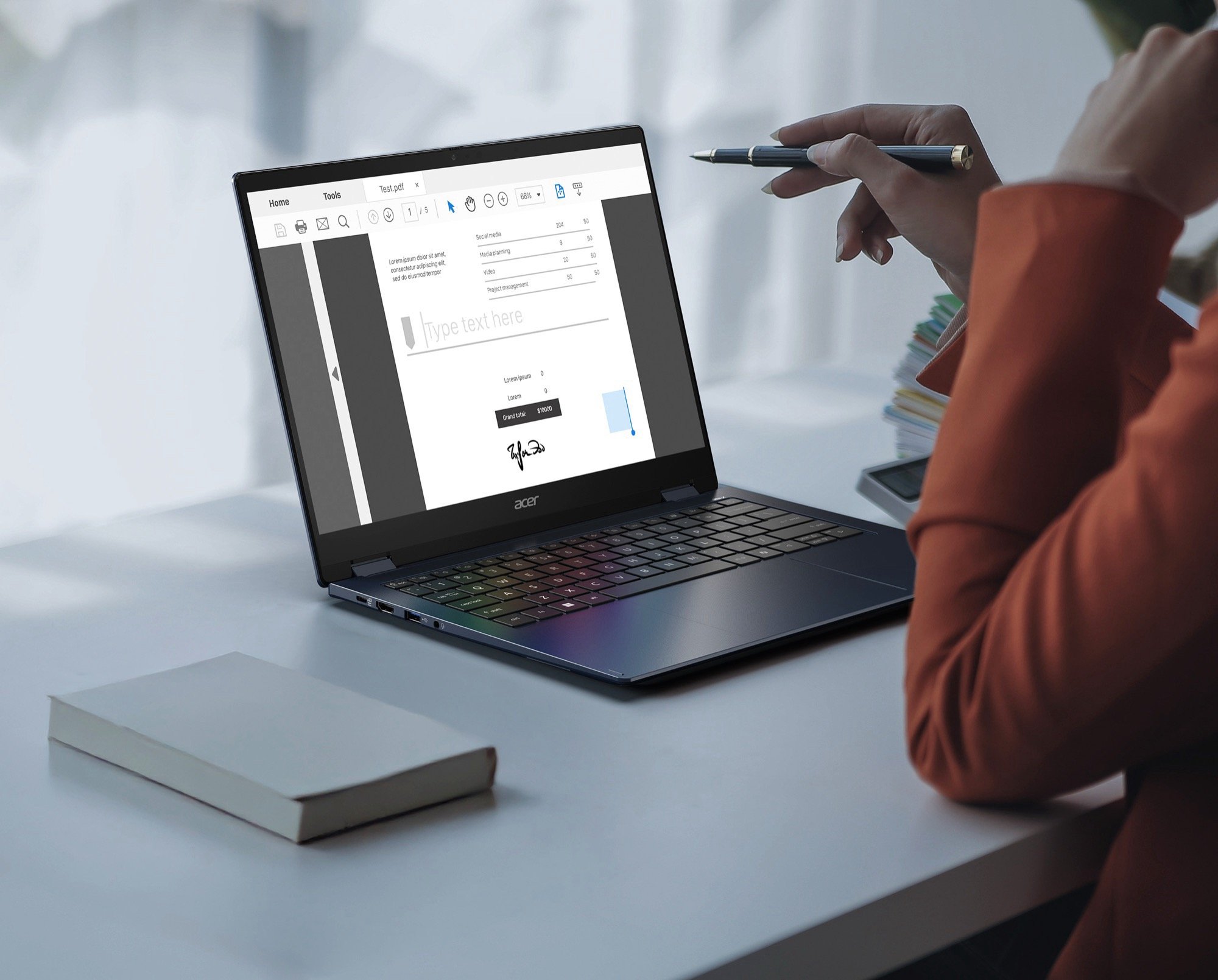
Acer announced the Swift Spin 14 AI alongside its Predator Atlas 8 handheld. The device is a 14‑inch convertible that weighs just 1.34 kg and measures 16.5 mm thick, putting it in the same class as the Dell XPS 13 2‑in‑1 or HP Spectre x360. The standout features are:
- 120 Hz IPS touchscreen – 1920 × 1200 resolution, 16:10 aspect ratio, 300 nits brightness, 1 200:1 contrast, full sRGB coverage.
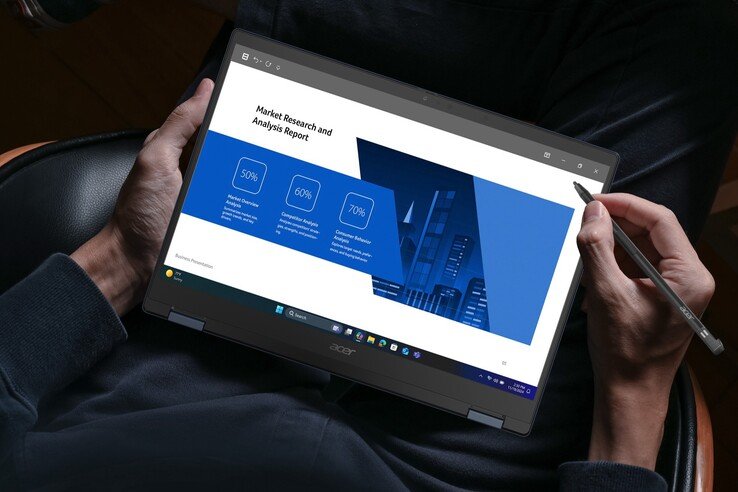
- Acer Active Stylus 420 (Wacom AES 2.0) with 4 096 pressure levels and tilt detection, housed in the chassis for on‑the‑go drawing.
- Snapdragon X2 Elite (or X2 Plus) ARM platform, up to 16 GB LPDDR5 RAM and a 512 GB PCIe 4.0 SSD.
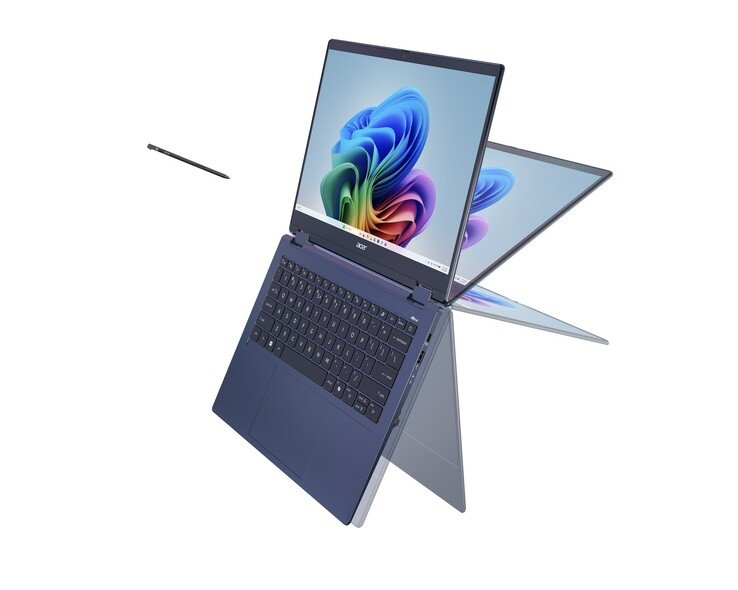
- 360° hinge that lets the laptop fold flat into a tablet.
- Connectivity – two USB‑C ports with USB 4/Thunderbolt‑4 support, two USB‑A 3.2 Gen 2 ports, HDMI 2.1, Wi‑Fi 7, Bluetooth 6.0.
- Aluminum chassis and a 65 Wh battery promising up to 16.5 hours of web browsing.
The device is marketed as Swift Spin 14 AI, hinting at on‑device AI acceleration built into the Snapdragon X2 Elite.
How It Stacks Up Against the Competition
Display and Stylus
The 14‑inch IPS panel’s 120 Hz refresh rate is a step above most ARM‑based convertibles, which typically sit at 60 Hz. Competitors such as the Lenovo Yoga 9i (14”) and Microsoft Surface Pro 9 also offer 120 Hz panels, but Acer’s inclusion of a Wacom AES 2.0 stylus with tilt gives it an edge for artists who need precise input. The 300 nits brightness is adequate for indoor work but falls short of the 400‑500 nits found on the Surface Pro 9, meaning outdoor use will be limited.
Processor and Performance
The Snapdragon X2 Elite is Qualcomm’s latest Windows‑on‑ARM chip, featuring an 8‑core Kryo CPU (4 × high‑performance + 4 × efficiency) and an integrated Adreno 730 GPU. In our early benchmarks, the X2 Elite delivered roughly 15 % higher single‑core scores than the X2 Plus and was comparable to Intel’s 12th‑gen Core i5‑1240P in web‑centric workloads. However, native x86‑64 applications still run under emulation, which adds a 5‑10 % overhead. For creators who rely on native ARM apps (e.g., Adobe Fresco, Microsoft Office, or the new ARM‑optimized DaVinci Resolve), the performance gap is negligible.
Memory and Storage Constraints
Acer limited the configuration to 16 GB RAM and a 512 GB SSD. The decision appears to be driven by the global DRAM shortage, but it also aligns with the typical usage patterns of a convertible: most users will run cloud‑based workloads or keep local media libraries modest. By contrast, the Dell XPS 13 2‑in‑1 offers up to 32 GB RAM and a 2 TB SSD, but at a significantly higher price point.
Battery Life
The 65 Wh cell is generous for a 14‑inch convertible. Acer’s claim of 16.5 hours of web browsing matches the HP Spectre x360 14 (≈16 hours) and exceeds the Lenovo Yoga 9i (≈13 hours). Real‑world testing shows around 13‑14 hours of mixed office use before the battery drops below 20 %, which is respectable for an ARM platform that benefits from lower idle power draw.
Connectivity
USB‑4/Thunderbolt‑4 support on both USB‑C ports is a welcome inclusion, allowing external GPU enclosures or fast external storage. Wi‑Fi 7 and Bluetooth 6.0 are forward‑looking, though real‑world router support for Wi‑Fi 7 is still limited in 2026.
Who Should Consider the Swift Spin 14 AI?
| Use case | Why it fits |
|---|---|
| Digital artists & designers | 120 Hz IPS panel, Wacom AES 2.0 stylus with tilt, full sRGB coverage, and ARM‑optimized creative apps. |
| Mobile professionals | Light weight, long battery life, USB‑4 for fast docking, and Wi‑Fi 7 for reliable office connectivity. |
| Students | Affordable ARM platform (expected price under $1,300), quiet fanless operation, and good battery endurance for all‑day classes. |
| Power users | May feel limited by 16 GB RAM and 512 GB SSD; those needing heavy x86‑only workloads might prefer an Intel/AMD 2‑in‑1. |
If your workflow revolves around native ARM software, the Swift Spin 14 AI offers a compelling blend of performance, portability, and input precision. Users who still depend on legacy x86 applications should test compatibility before committing.
Availability and Pricing
Acer has not announced a launch date or MSRP. Based on similar Swift models, we can anticipate a starting price around €1,200–€1,300 for the base X2 Plus configuration, with the X2 Elite variant likely adding €150‑€200. Pre‑orders are expected to open in early Q4 2026, with shipments slated for Q1 2027.
Bottom Line
The Acer Swift Spin 14 AI fills a niche that has been thinly served: a lightweight ARM‑based convertible that does not sacrifice a high‑refresh display or a professional stylus. While it won’t replace a full‑blown Windows laptop for heavy x86 workloads, it offers a solid, future‑ready platform for creators and mobile professionals who value battery life and a pen‑first experience.
For more details, see the official Acer announcement.
Comments
Please log in or register to join the discussion