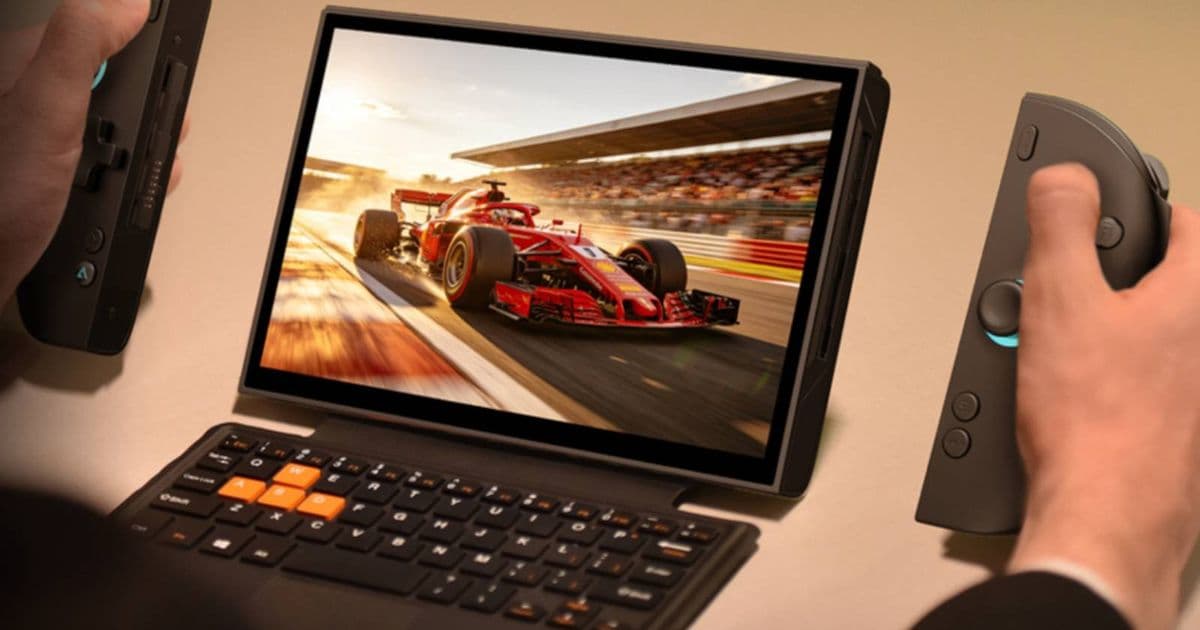
OneXPlayer announced two new handheld PCs – the OneXPlayer 3 powered by Intel Arc G3 Extreme and the smaller X2 Mini Pro with an AMD Ryzen AI Max+ 395. Both devices feature liquid‑cooling, Hall‑Effect sticks and an 8.8‑inch 144 Hz OLED panel, and they will launch on Indiegogo in the coming weeks.
OneXPlayer unveils 3‑in‑1 handhelds with detachable controllers, liquid cooling and a 144 Hz OLED screen
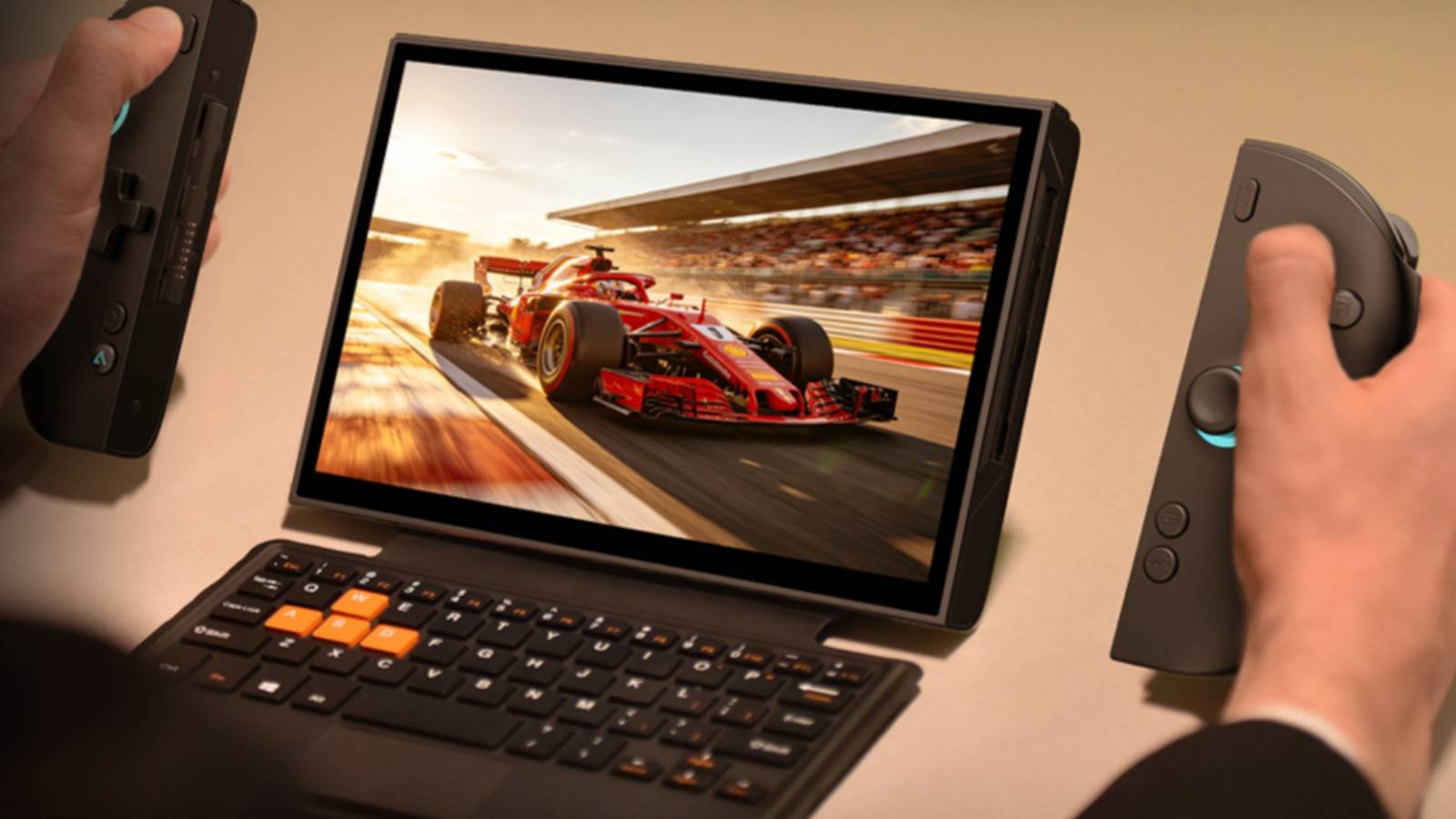
OneXPlayer is back with two new form‑factor PCs aimed at the portable‑gaming market. The flagship OneXPlayer 3 pairs Intel’s latest handheld‑focused GPU, the Arc G3 Extreme, with an 8.8‑inch 144 Hz OLED display, an 85 Wh battery and a Hall‑Effect stick system. The companion device, the X2 Mini Pro, trims the size down to a 7‑inch chassis and swaps the Intel GPU for an AMD Ryzen AI Max+ 395 APU, while retaining the same liquid‑cooling architecture.
Platform update
- GPU – Intel Arc G3 Extreme (OneXPlayer 3) and AMD Ryzen AI Max+ 395 (X2 Mini Pro). Both chips ship with drivers that target Windows 11 22H2 and later; the Intel GPU also supports the new DirectX 13 runtime, while the AMD APU is built on the RDNA 4 stack.
- OS – Devices ship with a clean Windows 11 build, pre‑installed with the Windows Subsystem for Android (WSA) 2.0 package, allowing native Android app execution. The OS image includes the Microsoft Store for Android and the Xbox Game Pass client.
- Battery & cooling – An 85 Wh lithium‑polymer cell powers the larger model; the Mini Pro uses a 65 Wh cell. Both employ a closed‑loop liquid‑cooling loop that runs at 1.2 L/min, controlled by a PWM‑driven pump with a temperature‑target of 70 °C.
- Peripheral modes – Detachable controllers connect via USB‑C with a 5 Gbps data lane, enabling low‑latency input for games. When the controllers are removed, the device can be used as a tablet; a magnetic keyboard dock adds a laptop‑style experience.
Developer impact
Windows SDKs
Developers targeting these devices should update to the Windows 11 SDK 10.0.26100 or newer. The SDK includes updated headers for the DirectX 13 feature level 12_3, which unlocks variable‑rate shading and mesh shaders on the Arc G3 Extreme. For the AMD‑based Mini Pro, the AMD Radeon Software SDK 23.5 provides access to the FidelityFX Super Resolution 3 (FSR 3) upscaler, which can be leveraged to keep frame rates high on the 144 Hz panel.
Android app compatibility
Because WSA 2.0 runs a Android 14 runtime, Android developers need to test against API level 34. The new runtime supports Foldable UI and high‑refresh‑rate rendering, so apps that declare android:requiresHighRefreshRate="true" will automatically request the 144 Hz mode when launched on the handheld.
Cross‑platform toolchains
- Unity 2023.2 LTS – Fully supports DirectX 13 and the Android 14 runtime, making it straightforward to ship a single build to both Windows and Android on the same device.
- Unreal Engine 5.4 – Adds a new Liquid‑Cooling Profile plugin that lets developers query the device’s temperature sensors via the Windows.Devices.Sensors API and adjust graphics settings in real time.
- Flutter 3.22 – Includes a high‑refresh‑rate flag for desktop targets, allowing UI‑heavy apps to stay smooth on the OLED screen.
Performance considerations
The Arc G3 Extreme is rated at 8 TFLOPs of FP32 performance, comparable to a mid‑range desktop GPU. However, the liquid‑cooling loop adds a ~0.5 W overhead per minute of sustained load. Developers should implement dynamic resolution scaling to keep the device under the 70 °C target during long gaming sessions.
Migration path for existing handheld owners
- Update the OS – Run Windows Update to pull the latest 22H2 cumulative patch and the WSA 2.0 package. This ensures Android apps can request the 144 Hz mode.
- Install the latest SDKs – Download the Windows 11 SDK from the Microsoft developer portal and the AMD Radeon Software SDK from the AMD developer site. Existing Unity or Unreal projects can be opened in the latest editor versions without code changes.
- Test high‑refresh‑rate rendering – Enable
DXGI_SWAP_CHAIN_FLAG_ALLOW_TEARINGin DirectX projects and setandroid:requiresHighRefreshRate="true"in Android manifests. Verify that the frame‑time stays below 7 ms to fully utilize the 144 Hz panel. - Profile thermal behavior – Use the built‑in OneXPlayer Thermal Dashboard (accessible via
Win+T) to monitor pump speed and coolant temperature. Adjust in‑game graphics presets if the dashboard reports sustained temperatures above 70 °C. - Leverage detachable peripherals – When switching to tablet mode, disable controller input in the game engine to avoid stray events. When docking the keyboard, enable the Windows on‑screen keyboard for text‑heavy applications.
What’s next?
Both devices will launch on Indiegogo within the next two weeks. Early backers receive a discounted 1 TB NVMe SSD upgrade and a custom key‑cap set for the detachable keyboard. The company promises a firmware update in September that will expose a second performance profile for the liquid‑cooling loop, giving developers a higher‑power mode for short bursts.
For more details, visit the official pages:
OneXPlayer’s new handhelds bring a desktop‑class GPU, liquid cooling and a 144 Hz OLED screen into a portable form factor, while the accompanying SDK updates give developers the tools they need to deliver smooth, high‑refresh‑rate experiences across Windows and Android.
Comments
Please log in or register to join the discussion