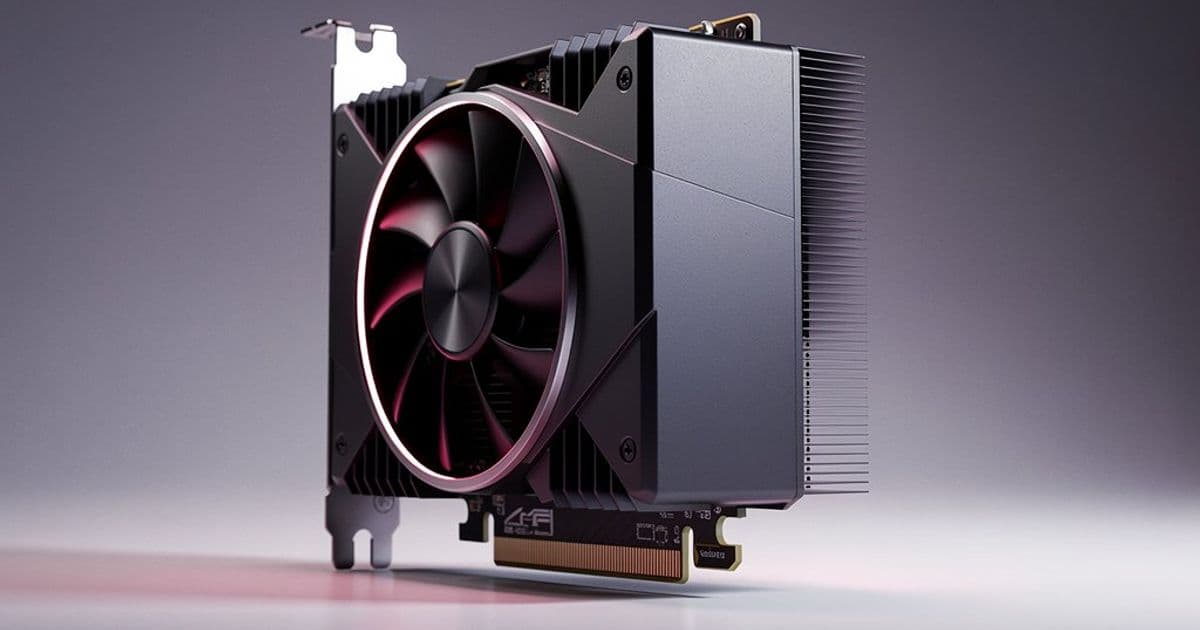
AMD's latest ROCm 7.2 release officially adds support for two new RDNA4 graphics cards and the RDNA3-based Radeon RX 7700 series, while introducing ROCm Optiq, a new visualization platform for GPU profiling data.
AMD has officially released ROCm 7.2.0 for Linux, bringing expanded hardware support and new tooling to its open-source GPU compute stack. While the company previewed features at CES earlier this month, the full release is now available for download. This update significantly broadens the official support matrix for consumer Radeon graphics cards in compute workloads and introduces a new visualization platform for GPU profiling.
Expanded Hardware Support
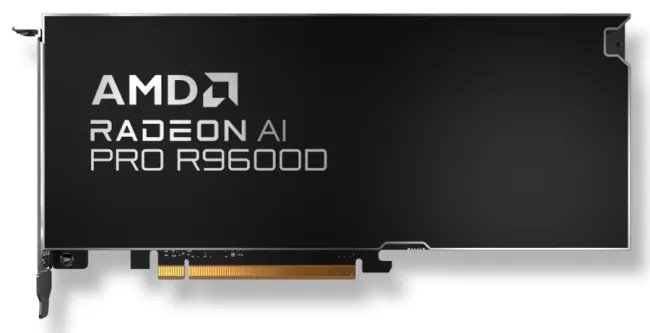
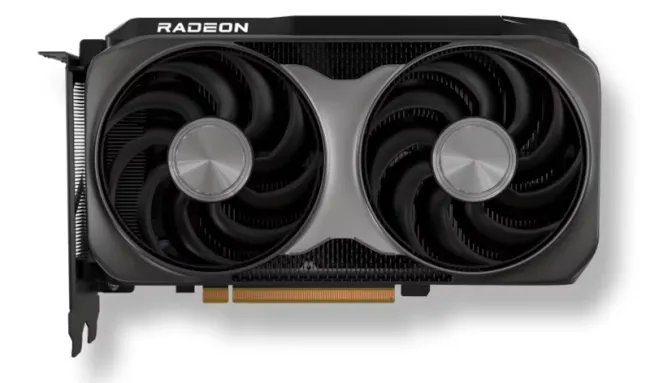
The headline addition is official support for two new RDNA4 graphics cards: the AMD Radeon AI PRO R9600D and the AMD Radeon RX 9060 XT LP. The Radeon AI PRO R9600D is a cut-down variant of the R9700, featuring 3072 stream processors, 32GB of GDDR6 memory, and a 150W board power rating. The Radeon RX 9060 XT LP is a low-profile, low-power card with 32 compute units (32 ray accelerators, 64 AI accelerators), 16GB of GDDR6 memory, and a 140W board power envelope.
Crucially, ROCm 7.2 also adds proper support for the RDNA3-based Radeon RX 7700 series. This has been a long-standing gap for users wanting to leverage AMD's compute stack on these popular mid-range cards. The RX 7700 XT and 7700 XT, with their 54 and 58 compute units respectively, can now be used for ROCm-accelerated workloads like machine learning inference, rendering, and scientific computing.
ROCm Optiq: A New Visualization Platform
One of the most significant additions is ROCm Optiq, a next-generation visualization platform now in beta. Optiq is designed to provide a graphical user interface for in-depth visualization of GPU traces captured by ROCm profiling tools. This addresses a common pain point for developers and researchers: interpreting raw profiling data to understand GPU utilization, memory access patterns, and kernel execution timelines.
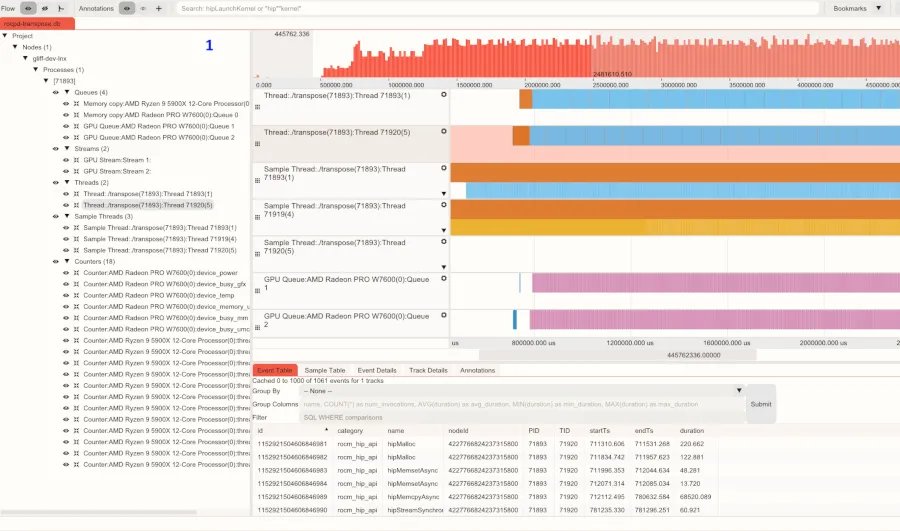
Optiq supports both Windows and Linux, making it a cross-platform tool for GPU performance analysis. It's particularly valuable for developers optimizing compute kernels or diagnosing performance bottlenecks in complex multi-GPU applications. The platform aims to make the wealth of data from tools like rocprof and omniperf more accessible through visual exploration.
Performance and Infrastructure Improvements
Beyond new hardware support, ROCm 7.2 includes several under-the-hood improvements:
- Node Power Management: New capabilities for managing power across multi-GPU nodes, important for data center efficiency and thermal management.
- Model Optimizations: Specific optimizations for the Instinct MI300X and MI350 series accelerators, improving performance for AI/ML workloads.
- HIP Runtime Performance: Various performance improvements to the HIP runtime, which serves as the primary API for AMD GPU programming.
- New HIP APIs: Expanded API surface for developers building compute applications.
- SPIR-V Support: Added support for SPIR-V intermediate representation in hipCUB and rocThrust libraries, enabling more portable and optimized kernel code.
- ROCm Simulation: A new toolkit designed for physics-based and numerical simulations, targeting scientific computing workloads.
Enterprise Linux Support
For enterprise users, ROCm 7.2 brings official support for the Instinct MI350X and MI355X accelerators on SUSE Linux Enterprise Server 15 SP7. This expands the deployment options for AMD's data center GPUs in production environments.
Why This Matters for Homelab Builders and Researchers
For homelab enthusiasts and small-scale researchers, ROCm 7.2's expanded consumer GPU support is particularly significant. The addition of the RX 7700 series to the official support matrix means users can now leverage more affordable RDNA3 cards for compute workloads without resorting to community workarounds. The low-power RX 9060 XT LP, with its 140W TDP, is an attractive option for compact, power-efficient compute nodes.
The introduction of ROCm Optiq fills a critical gap in AMD's tooling ecosystem. While NVIDIA's Nsight Systems and Nsight Compute provide sophisticated visualization for CUDA workloads, AMD's equivalent tools have been more command-line focused. Optiq brings a more intuitive interface for analyzing GPU performance, which is essential for optimizing compute kernels and understanding bottlenecks.
Getting Started
The ROCm 7.2.0 release is available for download from the official documentation site. The installation process typically involves adding the ROCm repository to your system and installing the relevant packages. For users with newly supported cards like the RX 7700 series, ensure your kernel and Mesa drivers are up to date, as ROCm builds upon the underlying graphics stack.
For those interested in the visualization capabilities, ROCm Optiq is available as a separate download. The beta release indicates AMD is actively soliciting feedback to refine the tool before a stable release.
The Broader Compute Landscape
AMD's continued investment in ROCm demonstrates its commitment to challenging NVIDIA's dominance in the GPU compute space. Each release expands hardware compatibility and improves tooling, making it increasingly viable for developers to target AMD GPUs for compute workloads. The addition of consumer Radeon cards to the official support matrix is particularly strategic, as it lowers the barrier to entry for developers and researchers who want to experiment with AMD's compute stack before deploying to Instinct accelerators in production.
The focus on visualization with Optiq and simulation tooling with ROCm Simulation shows AMD is thinking holistically about the developer experience, not just raw performance metrics. For homelab builders who measure everything, these tools provide the data needed to make informed decisions about hardware and software optimization.
As the ROCm stack matures, we can expect continued expansion of supported hardware, improved performance, and more sophisticated tooling. For now, ROCm 7.2 represents a solid step forward, particularly for users with RDNA3 and RDNA4 graphics cards looking to explore GPU compute.
Comments
Please log in or register to join the discussion