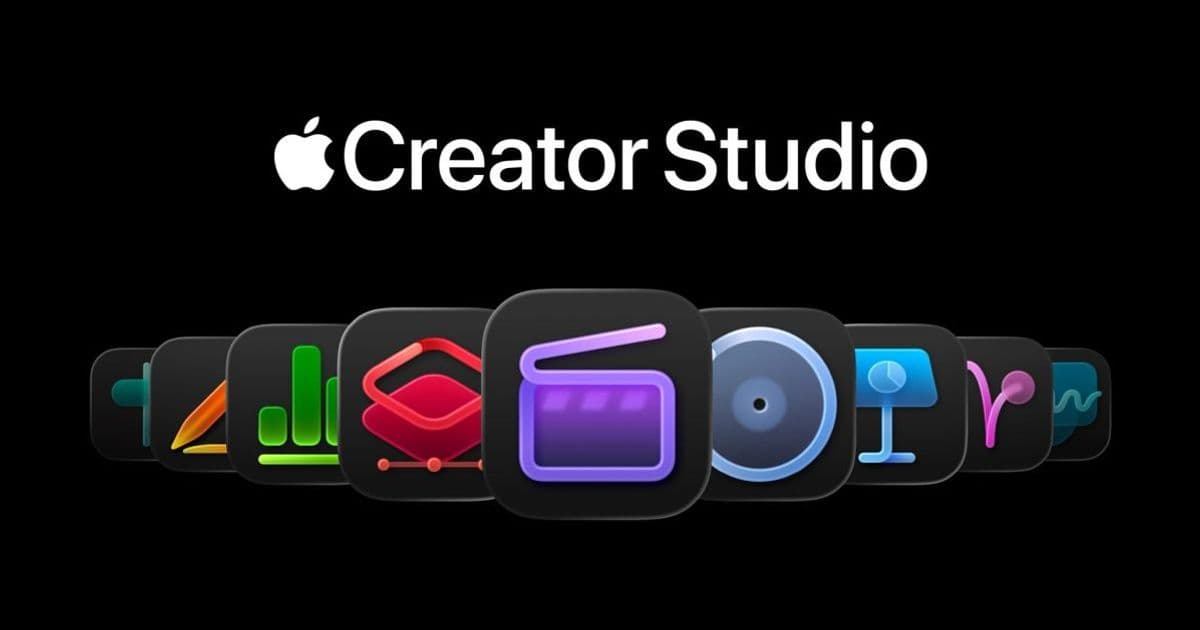
Apple introduces a $12.99/month subscription granting access to professional creative apps including Final Cut Pro, Logic Pro, and Pixelmator Pro – now available on iPad for the first time – alongside new AI-powered features in iWork apps.
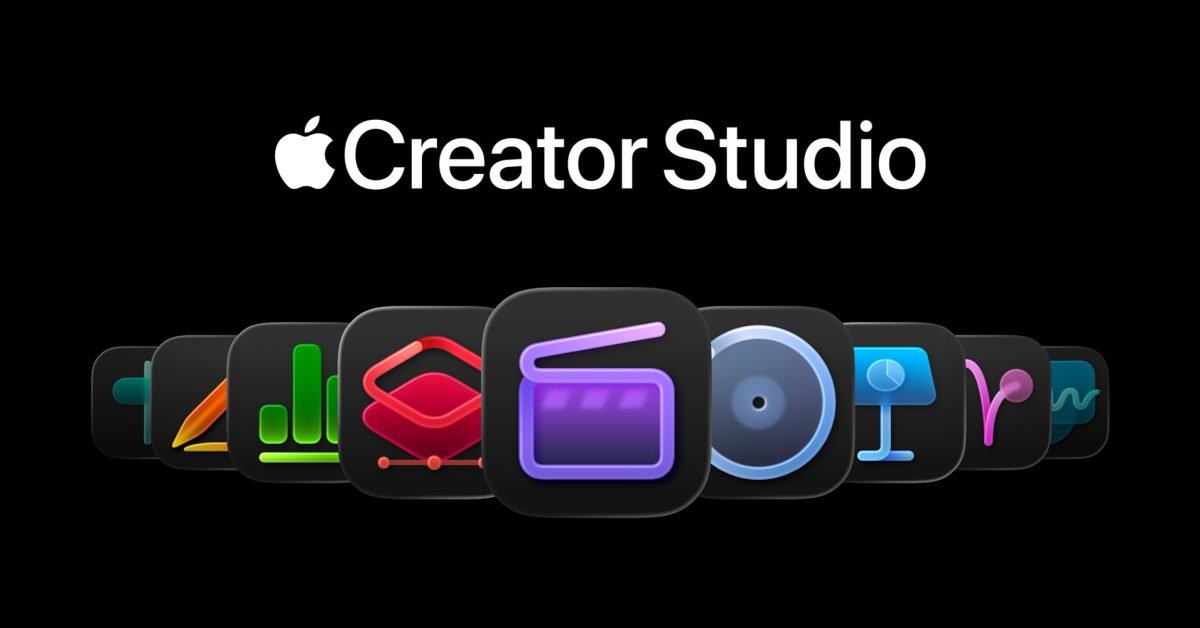
Apple has shifted its creative software strategy with the introduction of Apple Creator Studio, a subscription bundle positioning professional media tools within reach of casual creators. Launching January 28 on the App Store, the service costs $12.99 monthly or $129 annually, with educational pricing at $2.99/month. This marks Apple's most aggressive push toward subscription-based access for its pro applications, particularly impacting iPad users who lose one-time purchase options.
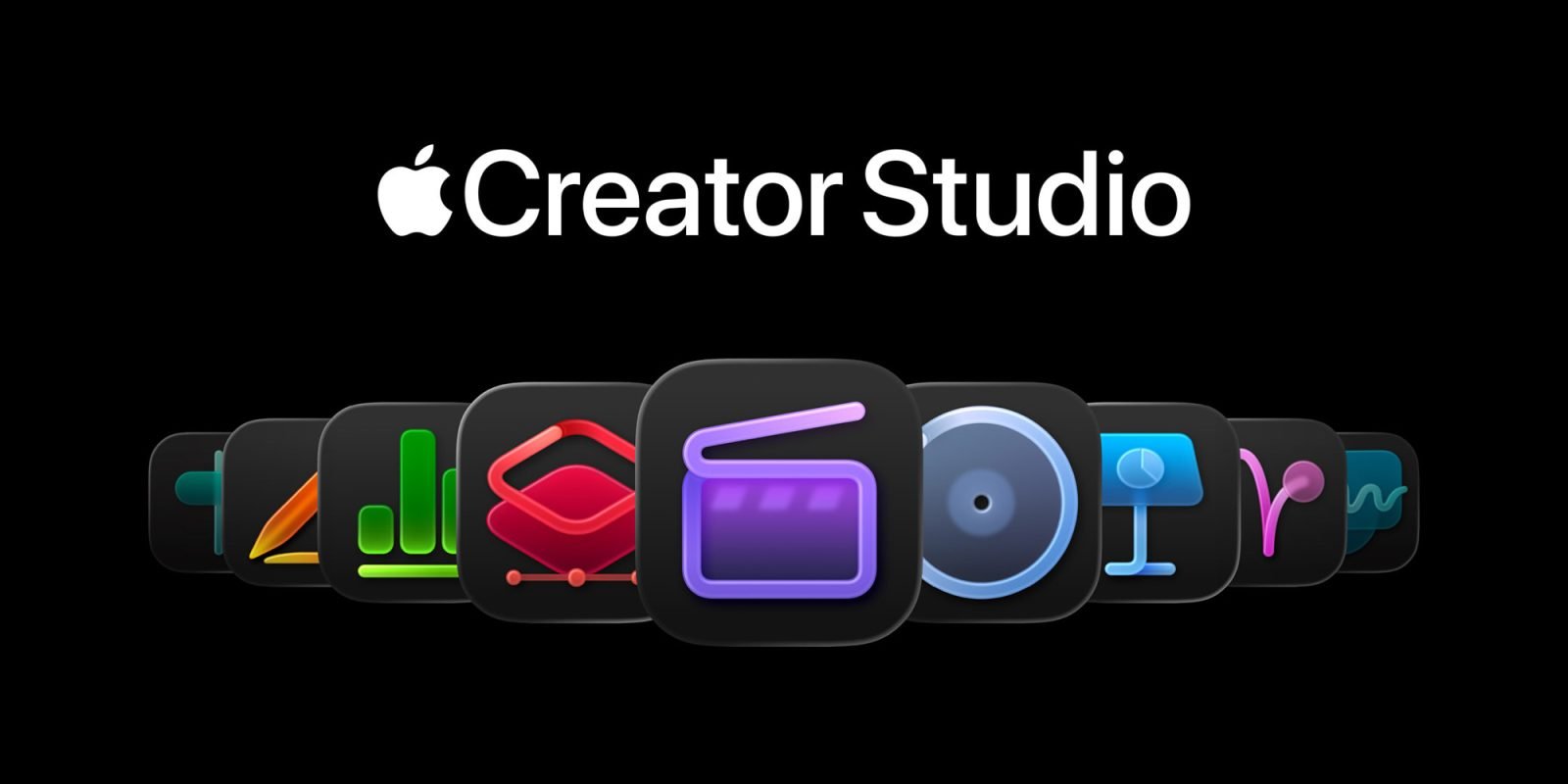
The core offering includes desktop and mobile versions of Final Cut Pro, Logic Pro, and Pixelmator Pro – the latter making its iPad debut as Apple's first major release since acquiring Pixelmator in 2024. Mac users retain one-time purchase alternatives ($299 for Final Cut Pro, $199 for Logic Pro), but iPad versions exist solely through subscription. Additional Mac-only apps include Motion ($49.99 standalone), Compressor ($49.99), and MainStage ($29.99).
Pixelmator Pro's iPad arrival signifies a strategic expansion. Optimized for touch and Apple Pencil, the app leverages Apple silicon for performance while maintaining feature parity with its macOS counterpart. This delivers a full image editing suite – from layer-based compositing to color grading – directly to tablets, enabling cross-device workflows between iPad and Mac.
Beyond app access, Apple Creator Studio introduces significant updates:
Final Cut Pro
- Transcript Search: NLP-powered audio search locates dialogue phrases across footage
- Visual Search: Object/action recognition indexes video content for instant retrieval
- Beat Detection: Logic Pro's AI analyzes music tracks, displaying beat grids for precision editing
- Montage Maker (iPad): Automated editing selects highlight clips, syncs to music, and reframes aspect ratios
Logic Pro
- Synth Player: AI-generated synth/chord patterns complementing existing session players
- Chord ID: Converts audio/MIDI recordings into editable chord progressions
- Quick Swipe Comping (iPad): Streamlined vocal take selection
- Natural Language Search: Finds loops using descriptive terms
For iWork applications (Keynote, Pages, Numbers), subscribers gain a Content Hub – a curated library of photos and illustrations – plus AI tools:
- Generative Image Creation: OpenAI-powered text-to-image generation
- Image Transformation: Style transfer and content modification
- Super Resolution: On-device AI upscaling
- Auto Crop: Composition-aware cropping suggestions
Beta features include AI-generated Keynote slides from outlines and Numbers' Magic Fill for formula suggestions. Crucially, free iWork versions remain available with Liquid Glass UI updates and iPadOS 26 compatibility.

Comments
Please log in or register to join the discussion