A rumored late-2026 Mac refresh is really a build infrastructure story for teams shipping iOS and Android apps from the same desk, repo, and CI budget.
Platform Update
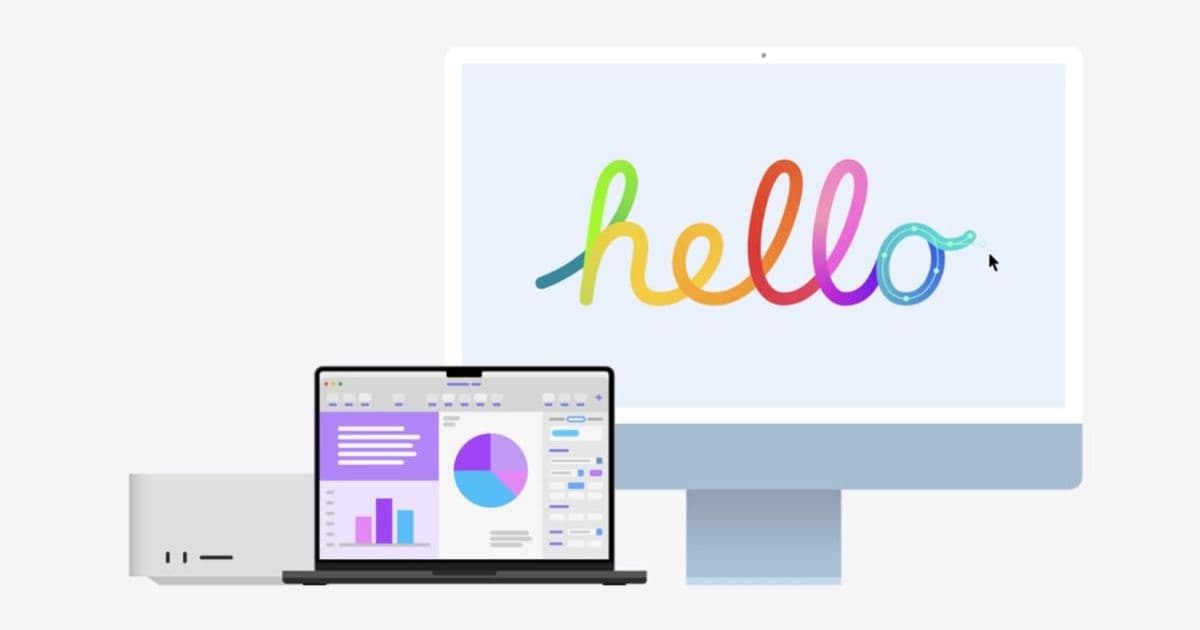
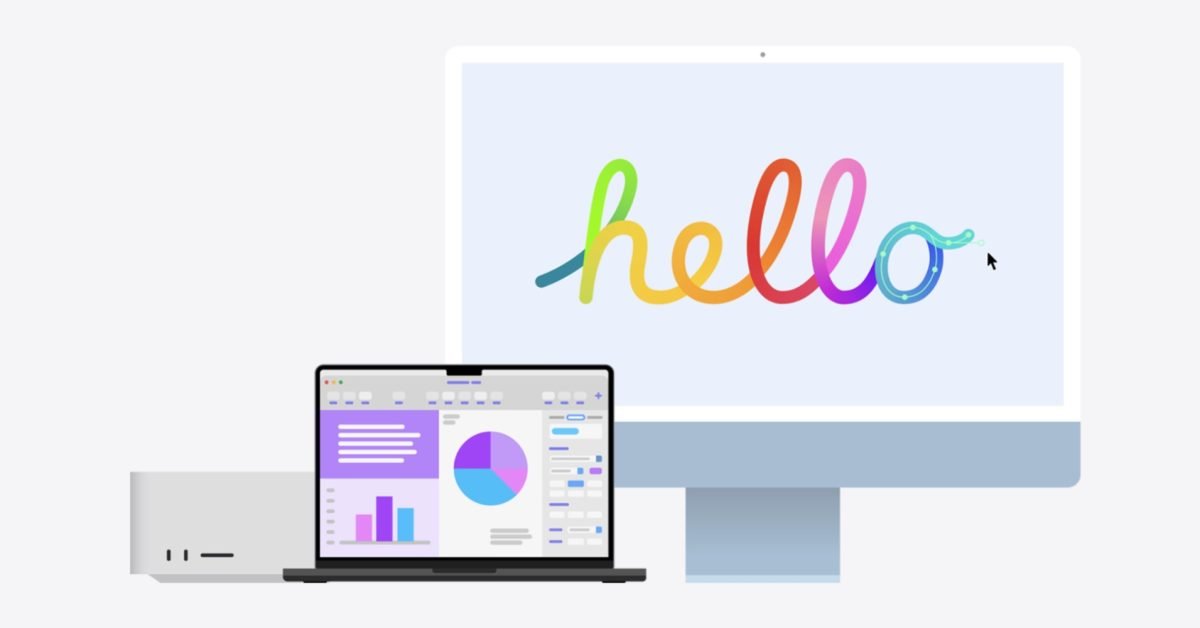
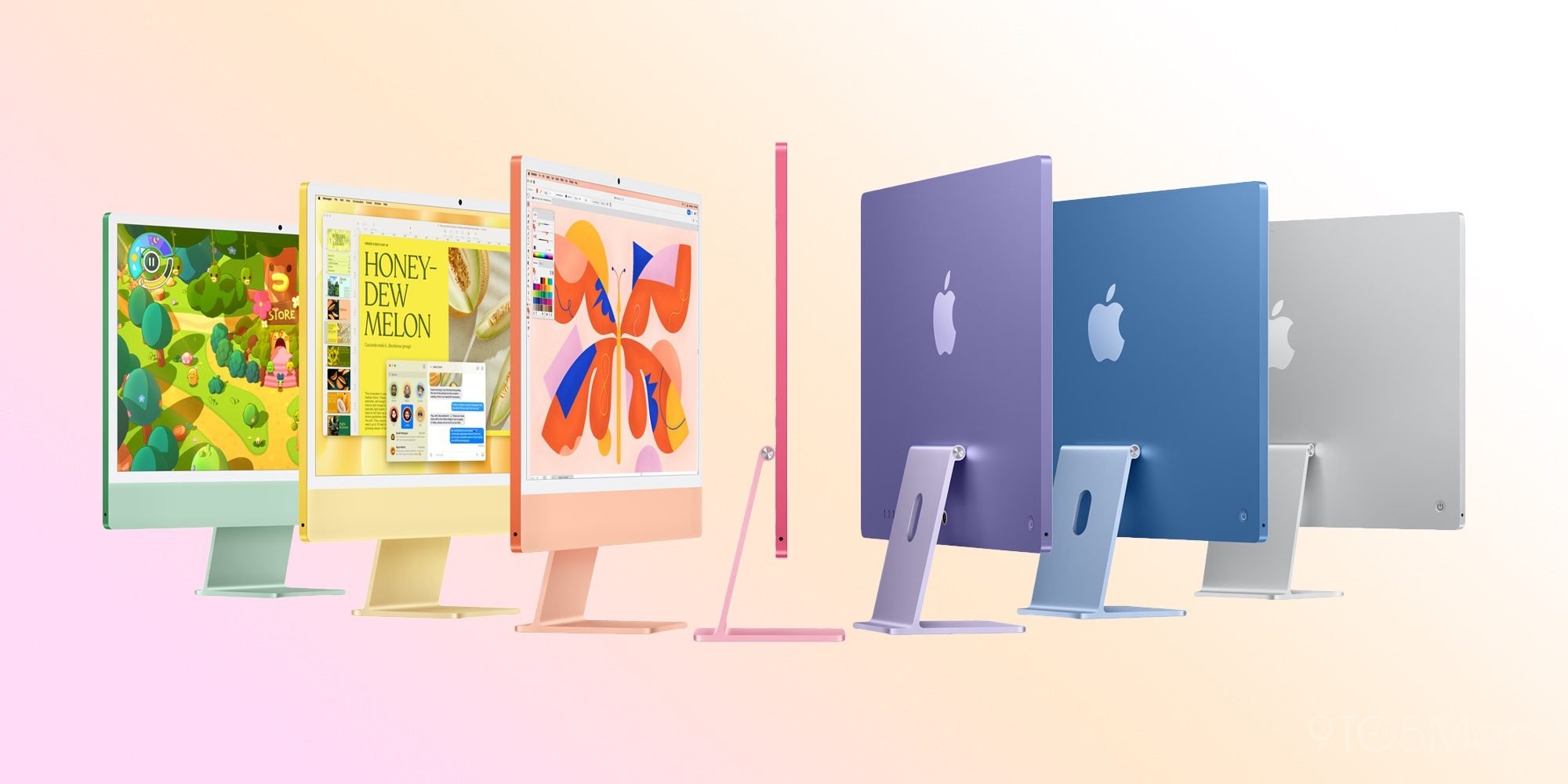
9to5Mac reports that Apple has four more Macs rumored for later in 2026: a refreshed Mac Studio with M5 Max and M5 Ultra, an iMac with M5 and new colors, a Mac mini with M5 and M5 Pro, and a redesigned high-end MacBook that may arrive as a MacBook Ultra or a redesigned MacBook Pro. The original report is at 9to5Mac.
For mobile developers, this is not just another Apple silicon speed bump. The timing lands after Apple’s April 28, 2026 App Store Connect requirement that uploaded apps be built with Xcode 26 or later using an SDK for iOS 26, iPadOS 26, tvOS 26, visionOS 26, or watchOS 26. Apple’s current Xcode page is already pointing developers toward Xcode 27 beta features, while production teams still need stable Xcode 26 pipelines for App Store submissions.
That creates a familiar split for anyone maintaining apps across iOS and Android: one machine has to be stable enough for signed releases, fast enough for simulator-heavy test runs, and flexible enough to host Android Studio, Gradle, Kotlin, Flutter, React Native, CocoaPods, Swift Package Manager, local emulators, and usually several language toolchains at once.
On the Android side, the baseline has also moved. Google’s Android 16 SDK setup documentation lists API level 36, recommends Android Studio Meerkat 2024.3.1 or higher, and calls for Android Gradle Plugin 8.9.0-rc01 or higher before moving compileSdk and targetSdk to 36. Google Play’s target API policy says that starting August 31, 2025, new apps and updates must target Android 15, API level 35, or higher, with Android 16 migration now part of the normal planning cycle. In practice, a Mac bought in late 2026 is not just an iOS workstation. It is the machine that has to carry both platform release trains.
Developer Impact
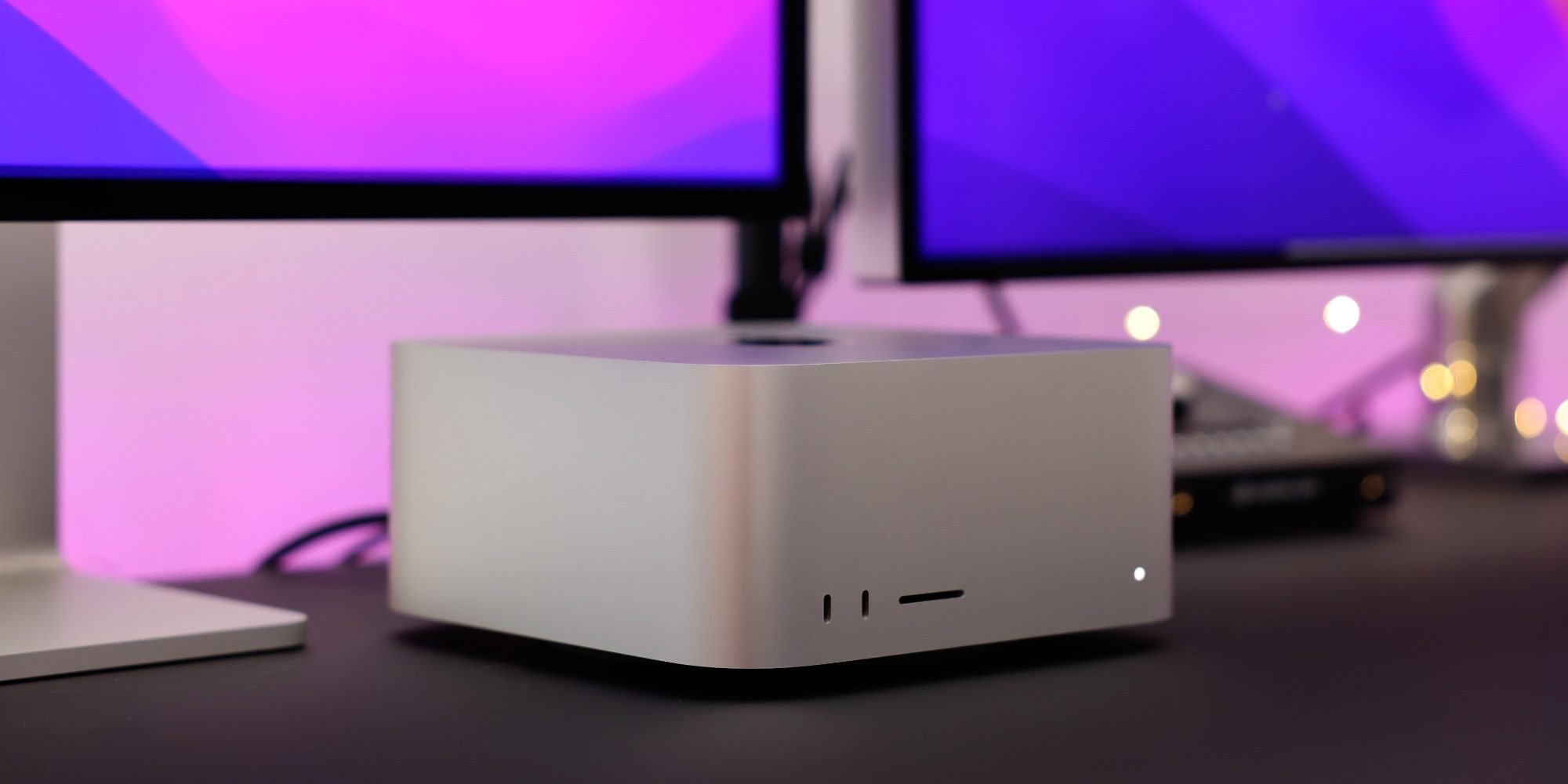
The most interesting rumored machine for larger mobile teams is the Mac Studio. A Mac Studio with M5 Max or M5 Ultra would mostly matter in places where waiting is already visible: clean Xcode archives, Swift module builds, SwiftUI preview indexing, simulator test batches, Android Gradle builds, local LLM-assisted coding, and parallel CI worker usage. If Apple keeps the current enclosure and only changes the silicon, the migration cost should be low for teams already using Mac Studio nodes in offices, labs, or self-hosted CI.
That matters because mobile builds are increasingly memory-bound as much as CPU-bound. A modern cross-platform app can easily combine Swift, Kotlin, TypeScript, native C or C++, generated code, snapshot tests, visual diff tools, multiple simulators, and Android emulators. The pain point is rarely a single compile. It is the second and third task running at the same time: Xcode indexing while Android Studio syncs Gradle, iOS simulator tests while a Metro server runs, or a release archive while a local emulator is still alive from a previous debugging session.
For a team working in native Swift and Kotlin, the Mac Studio is the likely anchor for shared capacity. For a Flutter or React Native team, the CPU jump is useful, but memory, storage, and thermal headroom matter more than peak benchmark numbers. Flutter’s official documentation and React Native’s environment setup guide both still route iOS work through Xcode on macOS, so even Android-first cross-platform teams cannot avoid Apple hardware when they ship to the App Store.
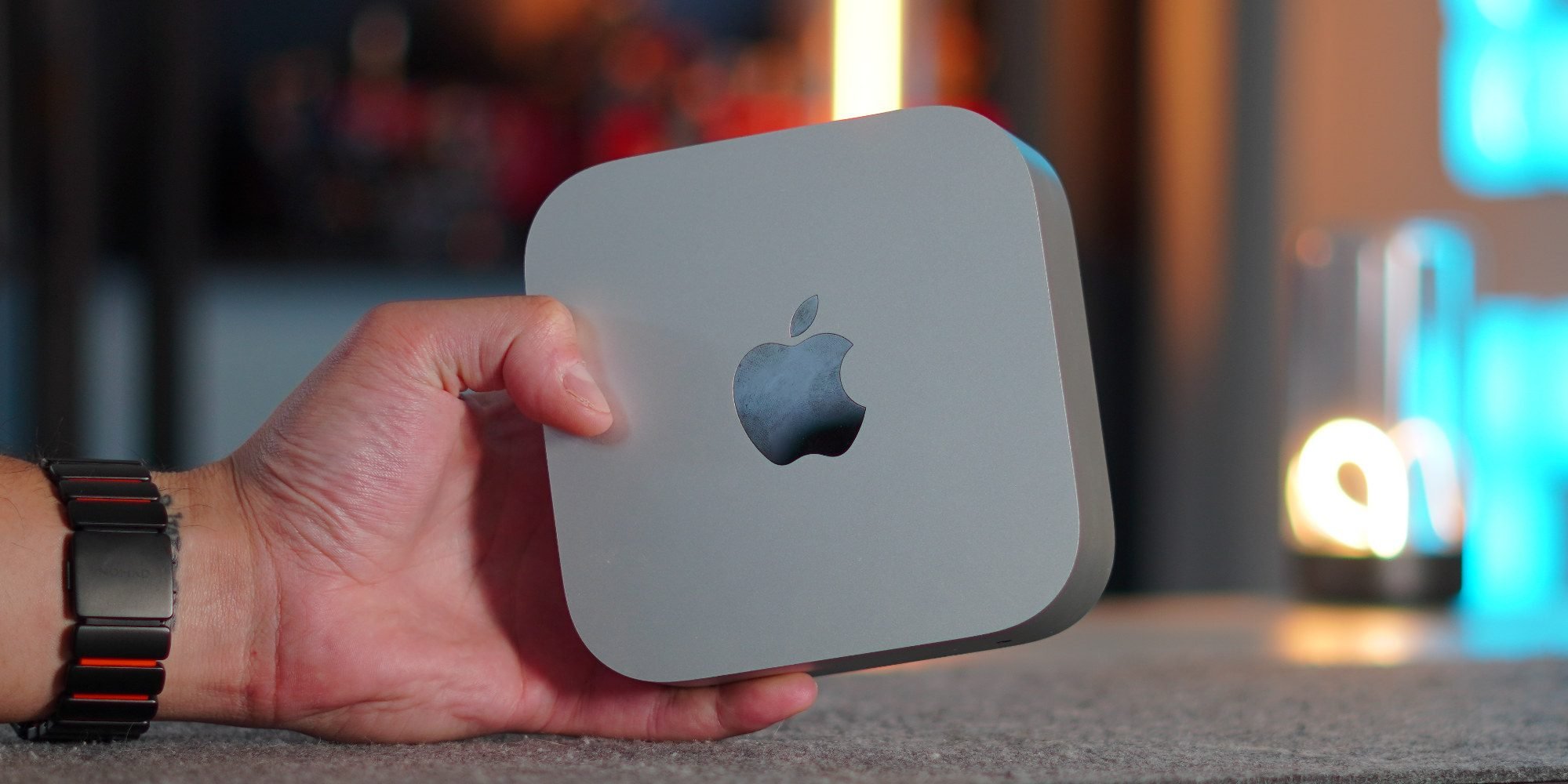
The rumored M5 Mac mini is the practical story. The current Mac mini is already common as a desk machine, test host, and small CI runner. If Apple ships M5 and M5 Pro options without changing the enclosure, the Mac mini becomes the upgrade path for teams that need more runners instead of one large workstation. In mobile CI, horizontal capacity often beats one huge box. Four smaller machines can run four independent pull request pipelines, each with its own simulator state, derived data, Gradle cache, and signing environment.
The iMac is less of a CI machine and more of a developer workstation. An M5 iMac would be attractive for teams that want a clean desk setup for app UI work, QA triage, design review, and simulator testing. New colors do not change the engineering story, but the all-in-one format can still be useful in shared spaces where a dedicated display, camera, speakers, and keyboard setup reduce desk friction. The limitation is expandability. For mobile developers who keep multiple iOS runtimes, Android system images, local package caches, and build artifacts, base storage configurations tend to age badly.
The high-end MacBook rumor is the one to watch carefully. A thinner and lighter redesign with OLED, touch input, a Dynamic Island-style area, and possibly Apple’s C2 cellular modem would be the most visible Mac change. But for day-to-day mobile development, the question is not whether the laptop looks new. The question is whether it can sustain long builds without thermal throttling, drive external displays reliably, and keep enough ports or bandwidth for devices, hubs, debug accessories, and external storage.
A touchscreen Mac would also create a subtle testing question. iOS and iPadOS developers already test touch interfaces on real devices and Simulator. Android developers test touch through emulators and hardware. If macOS gains more touch-adjacent hardware, teams will need to avoid reading too much into it. A Mac touchscreen would not make a Mac a substitute for iPhone, iPad, foldable, tablet, or Android device testing. It may improve some design workflows, but app behavior still belongs on the target platform.
Cross-Platform Considerations
The main planning mistake would be treating these Macs as isolated Apple purchases. For a team shipping both iOS and Android, the machine choice affects build topology, cache strategy, and release risk.
A native iOS team can usually justify the fastest Mac it can afford because Xcode is the central tool. A cross-platform team has a more mixed profile. React Native builds hit Node, Metro, Xcode, Gradle, CocoaPods or Swift Package Manager, and often Hermes. Flutter builds hit Dart tooling, Xcode, Gradle, platform channels, and native dependency managers. Kotlin Multiplatform teams add shared Kotlin compilation, Gradle configuration time, generated frameworks for iOS, and Swift interop concerns. The right Mac depends on which part of that graph dominates.
For most mobile teams, memory should be prioritized before the last CPU tier. Running Xcode, Android Studio, multiple simulators, Chrome, a backend service, Docker where supported, and a code assistant can punish a low-memory configuration quickly. Storage also deserves more attention than it usually gets. Xcode derived data, iOS runtimes, Android SDK platforms, Gradle caches, npm or pnpm stores, CocoaPods repos, and archived builds can consume hundreds of gigabytes over a machine’s life.
There is also a toolchain stability issue. App Store uploads now require Xcode 26 or later with the iOS 26 family of SDKs, while Xcode 27 beta is relevant for early testing. Android projects moving toward Android 16 need compileSdk = 36, and teams that opt into Android 16 behavior changes will eventually set targetSdk = 36. Those are separate decisions. On Android, raising compileSdk lets you build against newer APIs without opting into every target behavior change. Raising targetSdk changes runtime expectations. On iOS, building with the required SDK is tied directly to App Store submission rules, but your deployment target can still support older OS versions if your app and dependencies allow it.
A pragmatic setup is to separate release and preview lanes. Keep at least one known-good macOS and Xcode 26 environment for production App Store builds. Run Xcode 27 beta on separate hardware, a separate APFS volume, or disposable CI nodes. Do the same on Android by separating stable Android Studio and AGP versions from preview testing. That avoids a single workstation becoming both the release gate and the experiment box.
Migration
For teams planning hardware refreshes, the M5 Mac mini is likely the safest default if the goal is CI capacity, QA stations, or general development. The Mac Studio fits teams with heavy local build needs, larger monorepos, many simulator tests, or shared build infrastructure. The iMac fits fixed desks and review stations. The rumored high-end MacBook fits senior engineers, tech leads, and developers who need maximum portable capacity, but only if battery life, thermals, and port strategy hold up in real builds.
A sensible migration plan starts with measurement rather than specs. Capture current clean build times, incremental build times, archive duration, test suite duration, simulator boot time, Android emulator startup time, Gradle sync time, and peak memory use. Compare native iOS, native Android, and cross-platform flows separately. A Mac that improves Xcode archive time but leaves Gradle configuration unchanged may still be the right purchase for an iOS-heavy team, but it will not solve every mobile bottleneck.
Then pin the toolchain. For Apple releases, document the exact Xcode version, selected SDK, Swift version, macOS version, signing setup, and CI image. For Android, document Android Studio, command-line tools, AGP, Gradle, Kotlin, JDK, compileSdk, targetSdk, NDK if used, and emulator images. For Flutter or React Native, add framework version, package manager, Node or Dart version, CocoaPods version, and any native plugin constraints.
The actual migration should be staged. First, bring up the new Mac with the current production toolchain and reproduce existing release builds. Next, move caches and dependency managers in a controlled way instead of copying years of local state. Then run simulator and emulator test suites with clean state. Finally, trial the next SDK lane: Xcode 27 beta for Apple platform readiness, Android 16 API 36 for Android readiness, and framework updates for Flutter, React Native, or Kotlin Multiplatform.
The rumored Macs are not automatically must-buy machines. The useful way to read this report is that Apple’s hardware cadence is lining up with another round of SDK churn. If your team is already fighting slow archives, overloaded laptops, fragile CI runners, or cross-platform dependency drift, late 2026 may be the right moment to refresh the Mac fleet with build throughput and release isolation in mind, not just the newest chip name.
Comments
Please log in or register to join the discussion