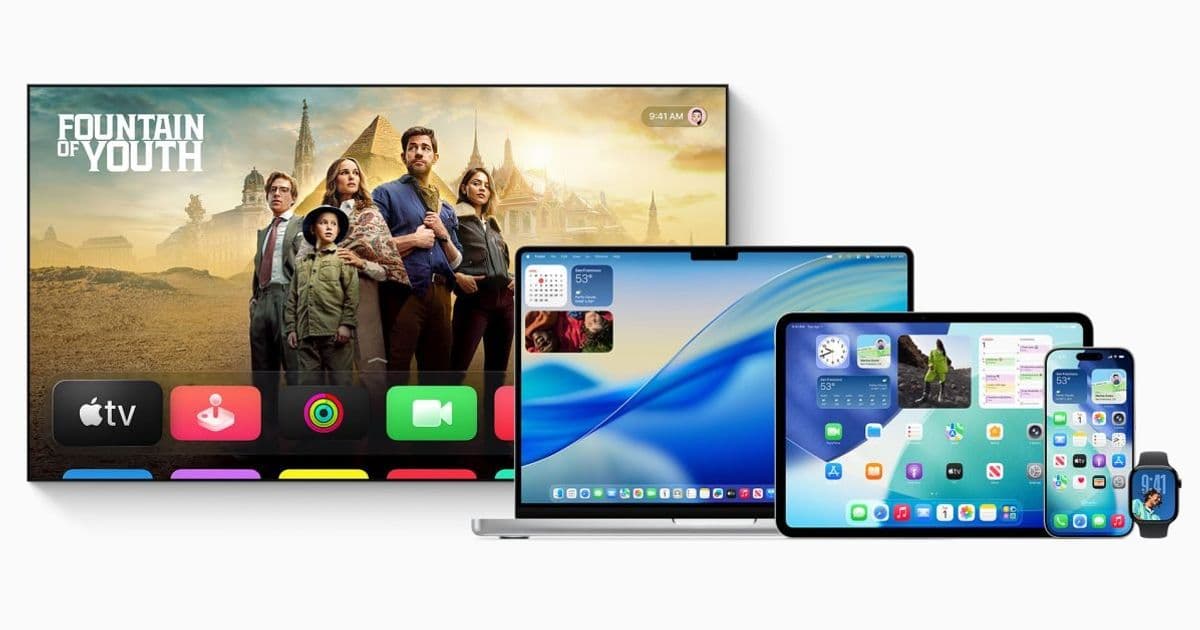
Apple has released developer beta 2 for tvOS 26.3, watchOS 26.3, and related platforms, resuming its beta cycle after the holiday break. While the initial beta offered minimal changes, this second release may contain more substantive updates for developers targeting Apple's TV and wearable platforms.
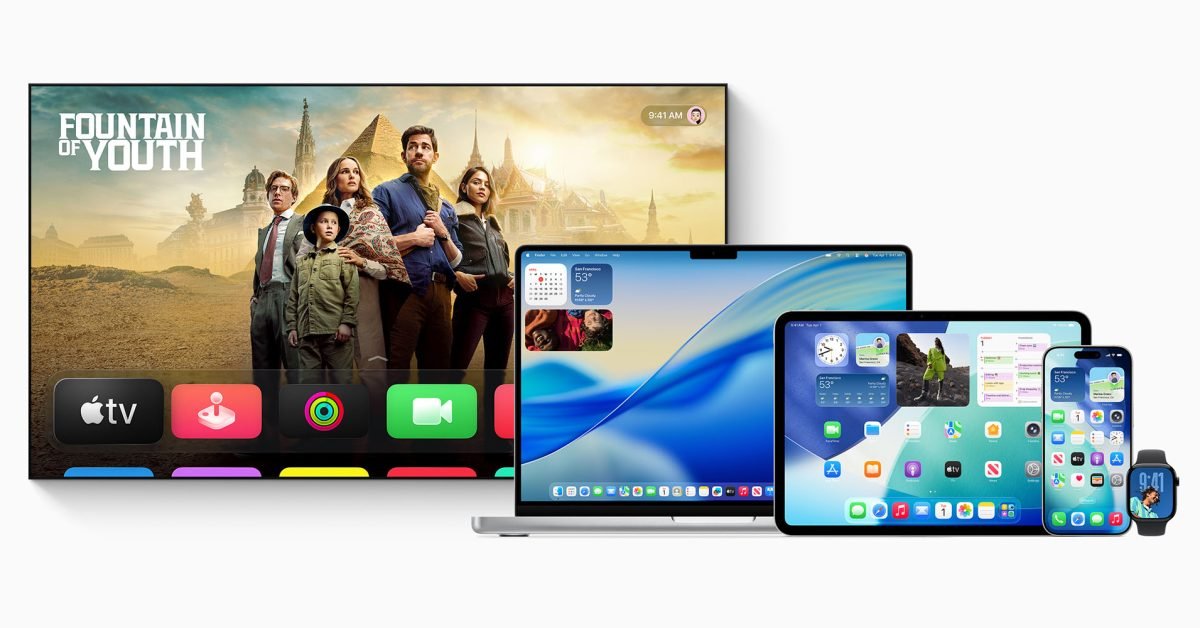
Apple has released developer beta 2 for tvOS 26.3, watchOS 26.3, HomePod 26.3, and additional platform updates, marking the resumption of its pre-holiday beta cycle. This release follows beta 1, which shipped in December with minimal visible changes—a common pattern for updates that land just before Apple's holiday engineering break.
What's New in Beta 2
For developers maintaining apps across Apple's ecosystem, this beta cycle appears focused on backend infrastructure rather than user-facing features. The 26.3 updates are primarily addressing EU regulatory compliance requirements and refining the iPhone-to-Android transfer mechanism introduced in iOS 26.3.
These platform-specific updates matter for cross-platform developers because they represent the ongoing maintenance burden of keeping apps current across Apple's hardware lineup. While tvOS and watchOS may not receive the same feature fanfare as iOS, they require consistent attention to ensure compatibility and leverage new APIs.
Platform-Specific Considerations
tvOS 26.3 affects how developers approach the Apple TV platform. The set-top box runs a variant of iOS but with distinct constraints and opportunities:
- Focus on 10-foot interface design
- Limited local storage requiring careful asset management
- Integration with HomeKit and Matter for smart home apps
- Gaming capabilities with controller support
watchOS 26.3 continues Apple's evolution of the wearable platform:
- Standalone app capabilities with expanded background execution
- HealthKit integration improvements
- Complication updates for watch face customization
- Performance optimizations for older hardware
Developer Impact and Migration Path
For teams maintaining cross-platform applications, these beta releases signal the need to test existing codebases against the new SDKs. Even without headline features, minor API changes and deprecations can break functionality.
Testing Strategy
- Install beta profiles on dedicated test devices—never primary hardware
- Run automated test suites against the new SDK to catch regressions
- Verify third-party dependencies compile cleanly with updated toolchains
- Check for deprecated APIs that may require migration before final release
Cross-Platform Considerations
If you're using tools like React Native, Flutter, or Xamarin, monitor your platform-specific module maintainers for compatibility updates. These betas often include subtle changes to system frameworks that can affect native module behavior.
For native developers, review the tvOS SDK release notes and watchOS SDK release notes for detailed API changes. Pay particular attention to:
- Privacy manifest requirements
- Background task scheduling changes
- Networking API modifications
- Security framework updates
EU Compliance and International Considerations
The recurring mention of EU-specific changes reflects Apple's ongoing response to regional regulations. For developers targeting European markets, these updates may include:
- Alternative app distribution mechanisms
- Third-party payment system integrations
- Browser engine choice requirements
- Interoperability improvements with non-Apple services
Developers outside the EU should still monitor these changes, as they often represent broader platform evolution that may eventually roll out globally.
HomePod 26.3 Context
While not the primary focus, HomePod 26.3 beta 2 continues Apple's refinement of its smart speaker platform. For developers building audio experiences or smart home integrations, this update may include:
- AirPlay 2 improvements
- Multi-user recognition enhancements
- Third-party music service integration refinements
- Matter protocol updates
Looking Ahead
The 26.3 beta cycle represents a maintenance release focused on stability and compliance rather than major feature additions. This pattern is typical for point releases that bridge larger annual updates.
Developers should expect:
- Continued EU regulatory compliance work
- Bug fixes and performance improvements
- Security patches
- Minor API refinements
The final public release will likely arrive in spring 2026, following several more beta iterations.
Getting Started with Beta 2
To install these updates on your development devices:
- Enroll in the Apple Developer Program
- Download the appropriate beta profile for your device
- Navigate to Settings → General → Software Update
- Select the beta update option
- Install and restart your device
Remember that beta software is unstable. Use dedicated test hardware and maintain complete backups before installing.
Resources for Developers
- Apple Developer Documentation
- tvOS Beta Release Notes
- watchOS Beta Release Notes
- Apple Developer Forums for beta discussions
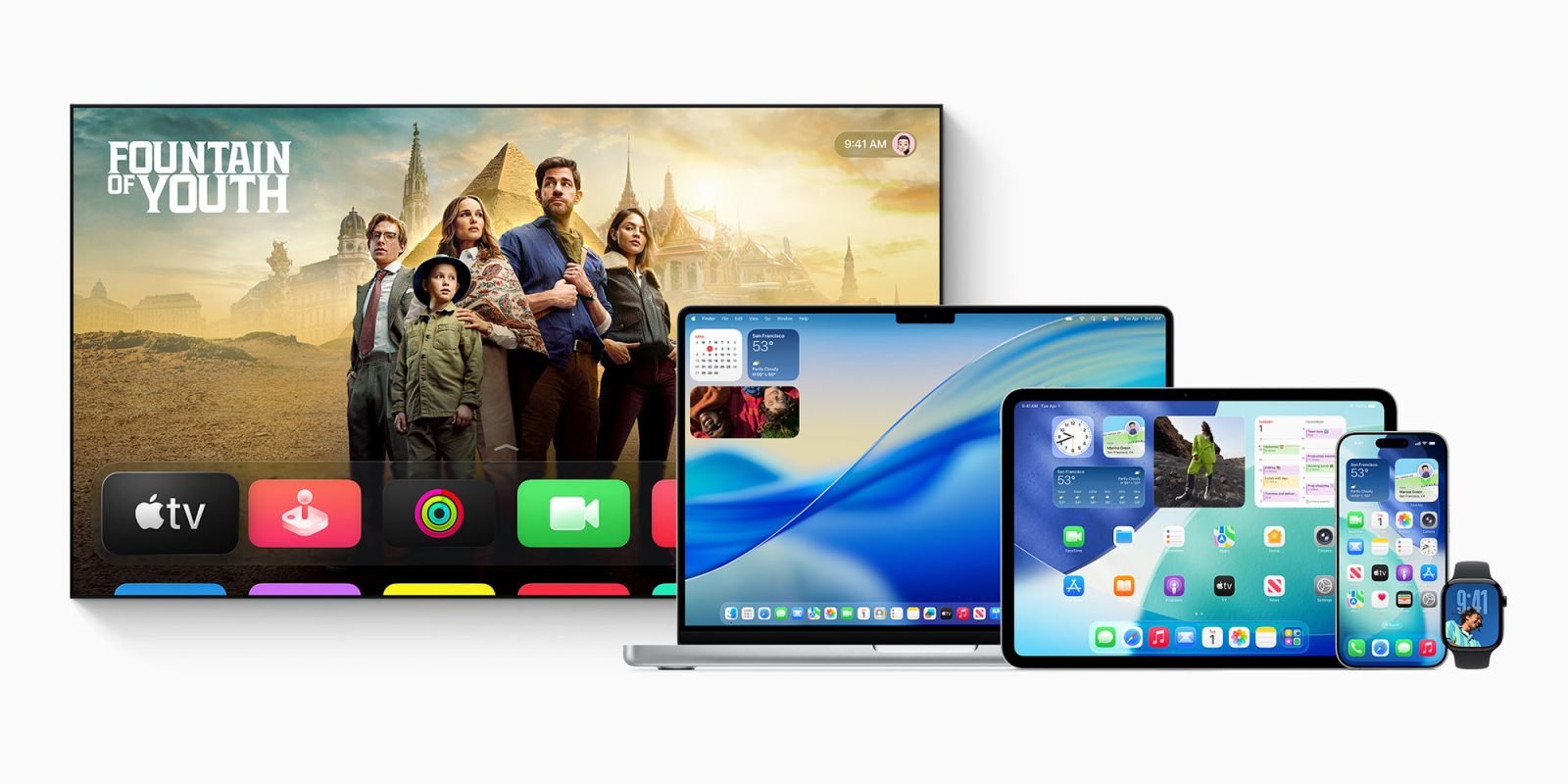
As Apple continues its beta cycle, we'll monitor these releases for any significant changes that affect development workflows or app functionality. For now, developers should focus on compatibility testing and preparing their apps for the final 26.3 release.
Comments
Please log in or register to join the discussion