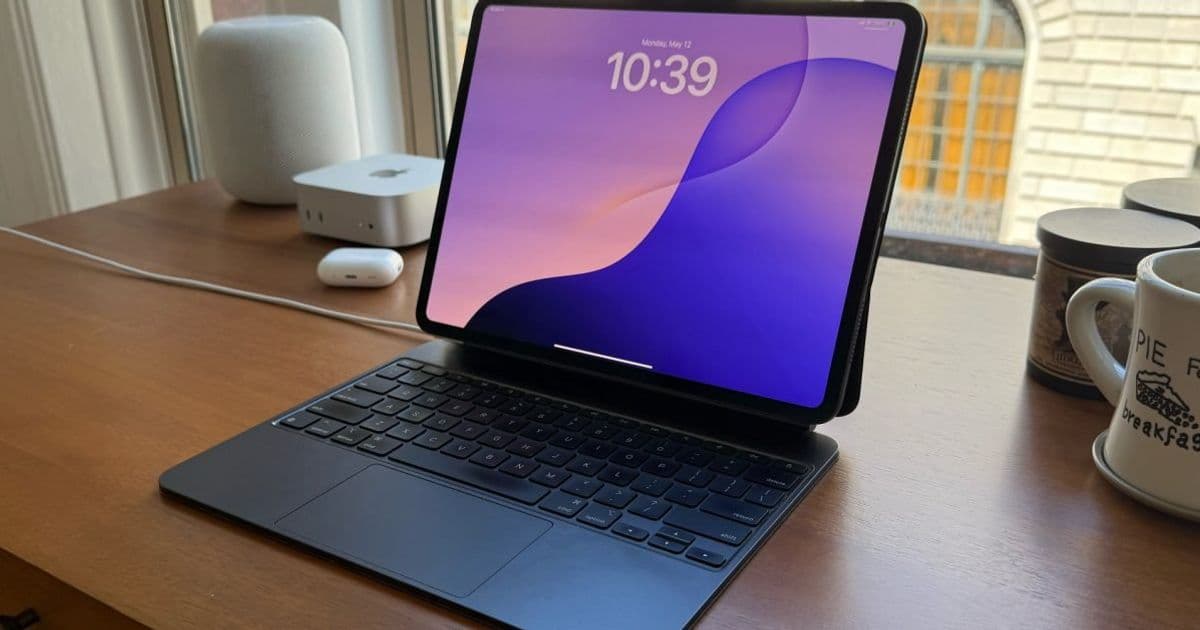
Apple has quietly released firmware updates for four Magic Keyboard models associated with its latest iPad Pro and iPad Air lines. The updates, while lacking detailed release notes, target reliability and security improvements for accessories that have become central to the iPad's laptop-replacement strategy.
Apple is rolling out firmware updates for four distinct Magic Keyboard models, targeting both the M4 iPad Pro and M3 iPad Air ecosystems. The updates, discovered in the wild by Apple insider Aaron Perris, cover the accessory hardware for the latest tablet generations, including both 11-inch and 13-inch form factors.
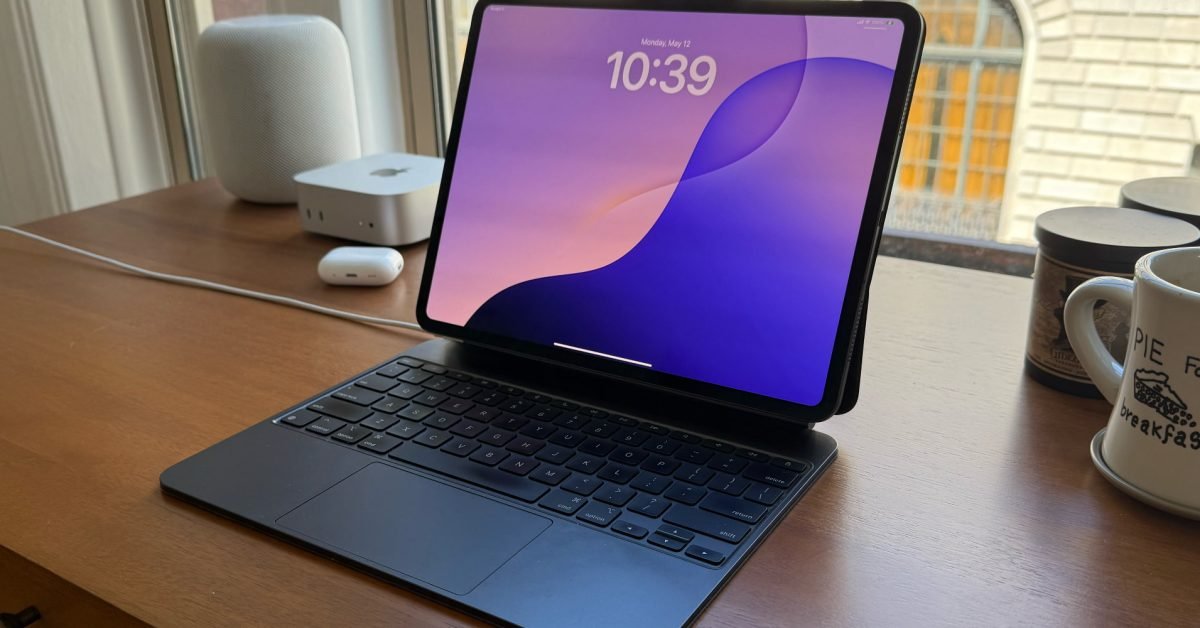
While firmware updates for accessories like the Magic Keyboard are relatively infrequent compared to iOS or iPadOS releases, they serve a critical role in maintaining the hardware integration that defines the iPad experience. The Magic Keyboard isn't just a Bluetooth peripheral; it's a sophisticated piece of hardware that draws power, manages data, and maintains a persistent connection through the Smart Connector. This architecture means firmware stability directly impacts the user's perception of the iPad as a viable laptop alternative.
The update covers four specific models:
- Magic Keyboard for M4 (and M5) iPad Pro 11-inch
- Magic Keyboard for M4 (and M5) iPad Pro 13-inch
- Magic Keyboard for M3 iPad Air 11-inch
- Magic Keyboard for M3 iPad Air 13-inch
Understanding Magic Keyboard Firmware Architecture
Unlike standard Bluetooth keyboards, the Magic Keyboard connects via Apple's Smart Connector, which provides both power and data transfer without requiring traditional pairing. This direct-wired connection allows for more complex firmware updates delivered through the iPad itself. When connected and actively paired, the iPad can push firmware updates to the keyboard in the background, similar to how AirPods receive updates.
The firmware manages several key functions:
- Key mapping and layout management: Ensuring the physical keys match the software expectations across different language layouts and system configurations
- Trackpad gestures and precision: The built-in trackpad requires precise calibration for multi-touch gestures, cursor speed, and palm rejection
- Power management: The keyboard must balance its own power draw with the iPad's battery life, especially since it draws power through the Smart Connector
- Connection stability: Maintaining the Smart Connector handshake and preventing intermittent disconnects
Why These Updates Matter
The Magic Keyboard has evolved from a simple accessory into a core component of Apple's iPad-as-computer vision. At $299-$349 depending on the model, these keyboards represent a significant investment that users expect to function flawlessly. Previous Magic Keyboard issues have included:
- Trackpad inconsistency: Early M1 iPad Pro models sometimes exhibited cursor lag or jumpiness
- Key chatter or double-registering: Some users reported keys that registered multiple inputs
- Connection drops: The Smart Connector occasionally loses connection, requiring a full detach and reattach
- Battery drain: Unoptimized firmware can cause excessive power draw from the iPad
These firmware updates likely address such issues, though Apple hasn't provided specific release notes. The company typically only publishes detailed notes when updates introduce new features, while bug fixes and performance improvements arrive silently.
Checking and Updating Your Magic Keyboard
Apple doesn't provide a manual trigger for Magic Keyboard firmware updates. The process happens automatically under specific conditions:
- The Magic Keyboard must be actively attached to an iPad
- The iPad must be running a compatible OS version (iPadOS 17 or later for these models)
- The iPad needs to be connected to Wi-Fi
- The device should have sufficient battery life or be charging
To verify your current firmware version:
- Open Settings on your iPad
- Navigate to General > About
- Scroll down to find Magic Keyboard
- Check the Firmware Version field
The update process is silent. You won't see a progress bar or notification. The keyboard simply receives the update while attached, and the version number will change in the About menu once complete. If you're unsure whether you've received the update, check the version number periodically over the next few days.
Ecosystem Implications
This firmware release comes at a pivotal moment for Apple's iPad strategy. With the M4 iPad Pro pushing performance boundaries and iPadOS 18 expected to bring more advanced features, the accessory ecosystem must keep pace. The Magic Keyboard's firmware plays a crucial role in:
Bridge functionality: The keyboard acts as a bridge between iPadOS's touch-first interface and traditional desktop workflows. Any lag or instability in this bridge undermines the entire "computer replacement" narrative.
Developer confidence: Third-party accessory makers watch Apple's firmware approach closely. Consistent, reliable updates signal that Apple is committed to the Smart Connector standard and the broader iPad accessory market.
User retention: For professionals who have invested in the iPad Pro + Magic Keyboard combo, firmware stability is a retention tool. Frequent issues could push users toward traditional laptops or competing tablets with more reliable accessories.
What's Next
While Apple hasn't announced any new features for the Magic Keyboard, this update lays the groundwork for potential future enhancements. The M4 iPad Pro's advanced display and processing capabilities could enable new keyboard features, such as:
- Enhanced haptic feedback integration
- Dynamic key illumination based on ambient conditions
- Improved palm rejection algorithms for the trackpad
- Better integration with upcoming iPadOS features
For now, users should simply allow the update to install automatically. If you're experiencing specific issues with your Magic Keyboard, check your firmware version and ensure your iPad is updated to the latest iPadOS. The silent nature of these updates means many users won't notice the improvements, but the cumulative effect of these maintenance releases keeps the iPad ecosystem running smoothly.
The fact that Apple continues to support and update hardware from previous generations (like the M3 iPad Air) alongside current models shows a commitment to the accessory ecosystem that extends beyond the typical 1-2 year upgrade cycle. This approach matters for users who hold onto their iPads longer than the annual refresh cycle, ensuring their expensive accessories remain functional and reliable throughout the device's lifespan.
Comments
Please log in or register to join the discussion