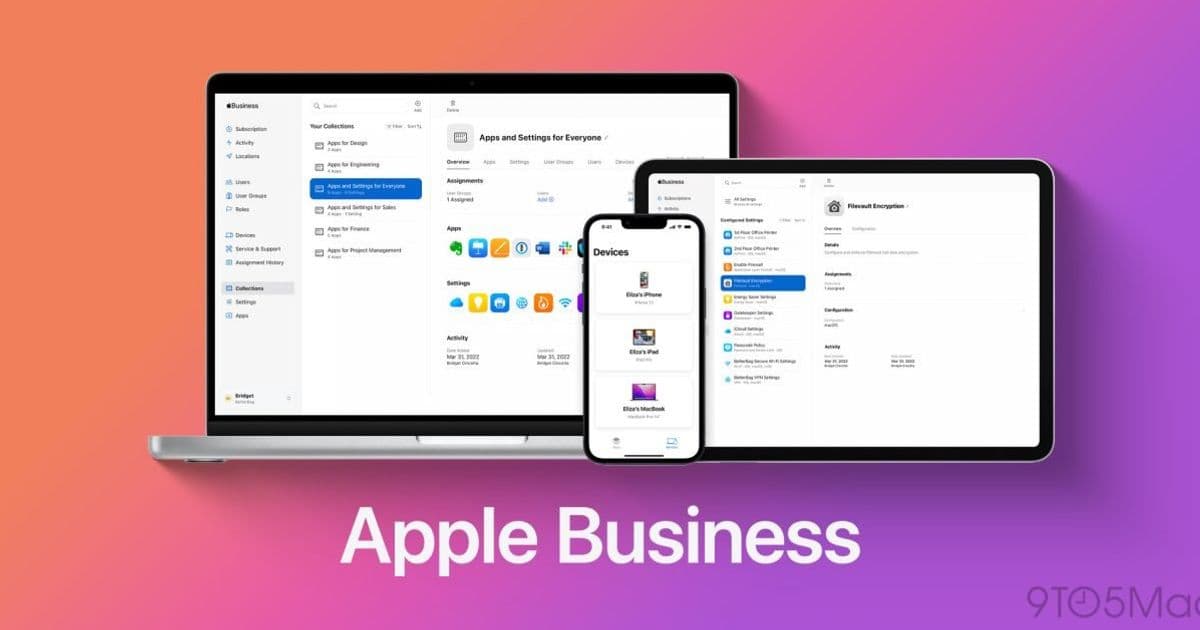
Apple's zero-touch enrollment has fundamentally changed the economics of device theft by making stolen corporate hardware nearly worthless to thieves, providing IT departments with both data security and hardware protection.
In the early days of mobile device management, physical theft represented a significant financial and security challenge for organizations. When a MacBook or iPad was stolen, IT departments faced a double nightmare: potential data exposure plus the complete loss of hardware assets. Thieves could easily wipe devices using recovery drives or USB installers, removing all traces of corporate ownership before reselling them on secondary markets. This created a thriving black market for stolen corporate devices, with buyers often unaware of the devices' questionable origins.
The situation changed dramatically with the introduction of Apple's Automated Device Enrollment (ADE), now an integral part of Apple Business Manager. This system fundamentally altered the relationship between physical hardware and organizational ownership by creating a permanent mapping between a device's serial number and the company's portal at activation.
How Zero-Touch Enrollment Works
When an organization purchases Apple devices through Apple or authorized enterprise resellers, the serial numbers are registered in Apple Business Manager. IT administrators then assign these serial numbers to their device management services. When an employee unboxes a new device and connects it to Wi-Fi, the device automatically communicates with Apple's activation servers, recognizes its organizational affiliation, and downloads all necessary management profiles, applications, and security policies.
This same mechanism that enables seamless device setup creates an effective theft deterrent. When a thief steals a managed MacBook Pro and attempts to wipe it, the device behaves differently than it did in the past. Once the freshly wiped Mac connects to the internet during setup, it immediately contacts Apple's servers. The device then displays a Remote Management screen requiring corporate login credentials—credentials that the thief obviously doesn't possess.
The Technical Implementation
The effectiveness of zero-touch enrollment as a theft deterrent relies on several technical components working together:
Server-side device ownership: The device's serial number is permanently associated with the organization in Apple's systems, creating a server-level ownership that cannot be removed by local actions.
Management profile enforcement: Once the device connects to the internet, it enforces the organization's management policies before allowing further setup.
Activation Lock integration: Combined with Apple's Activation Lock, the device becomes essentially unusable without the organization's credentials.
Location tracking: When a stolen device connects to the internet, the organization can potentially identify its location through the IP address.
Impact on IT Security and Asset Management
For IT administrators, this represents a significant improvement in both data security and asset protection. The peace of mind comes from knowing that if a device is lost or stolen:
- Corporate data remains protected by FileVault encryption
- The hardware itself is rendered useless to anyone without proper authorization
- The financial incentive for theft is dramatically reduced
- Recovery of the device becomes possible if it connects to the internet
The economics of device theft have shifted dramatically. Previously, a stolen MacBook represented a significant asset that could be resold for substantial value. Today, the only remaining value for a thief is in stripping the device down for unserialized spare parts—a process that requires technical expertise and offers minimal profit compared to selling functional devices.
Recommendations for Organizations
Organizations managing Apple devices in enterprise or K-12 environments should strongly consider implementing Apple Business Manager with Automated Device Enrollment. The benefits extend beyond theft deterrence to include:
- Simplified device deployment and management
- Consistent security policies across all devices
- Reduced manual configuration errors
- Better tracking and inventory management
For organizations currently purchasing devices off retail shelves and managing them manually, the transition to Apple Business Manager represents both a security improvement and operational efficiency gain. The server-level ownership that zero-touch enrollment provides creates a level of control that simply isn't possible with manual management approaches.
Apple has quietly developed one of the most effective hardware theft deterrents in the technology industry by tying physical hardware to cloud activation systems. This approach demonstrates how cloud services can extend beyond software to fundamentally change the economics of physical device security.
For more information about implementing Apple Business Manager in your organization, visit Apple's Business Manager documentation and explore how solutions like Mosyle can help streamline device deployment and management across your Apple infrastructure.
Comments
Please log in or register to join the discussion