Microsoft has released new network connectivity check APIs for Logic App Standard, enabling direct troubleshooting of connectivity issues to Azure resources when integrated with Virtual Networks. These APIs provide valuable diagnostic capabilities that can significantly reduce debugging time for integration scenarios.
Microsoft has expanded the diagnostic capabilities of Logic App Standard with the introduction of three new network connectivity check APIs. These APIs enable developers and DevOps teams to troubleshoot connectivity issues directly from the worker hosting their Logic Apps, providing accurate insights into the actual network paths used by workflows when integrated with Virtual Networks (VNETs).
What Changed: New Diagnostic APIs
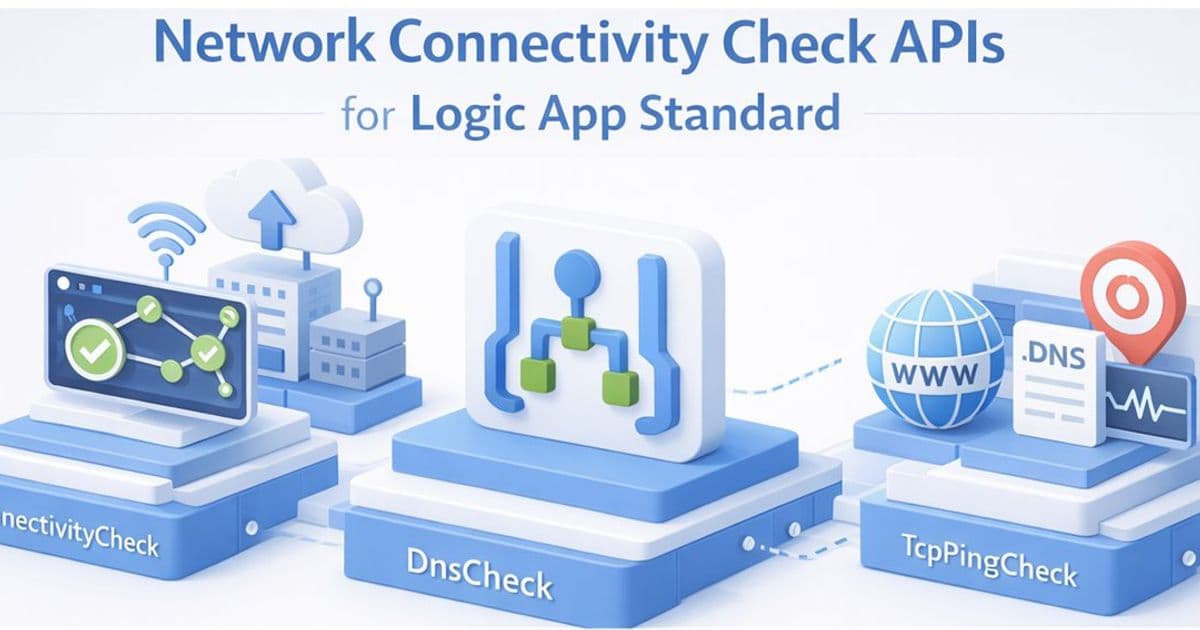
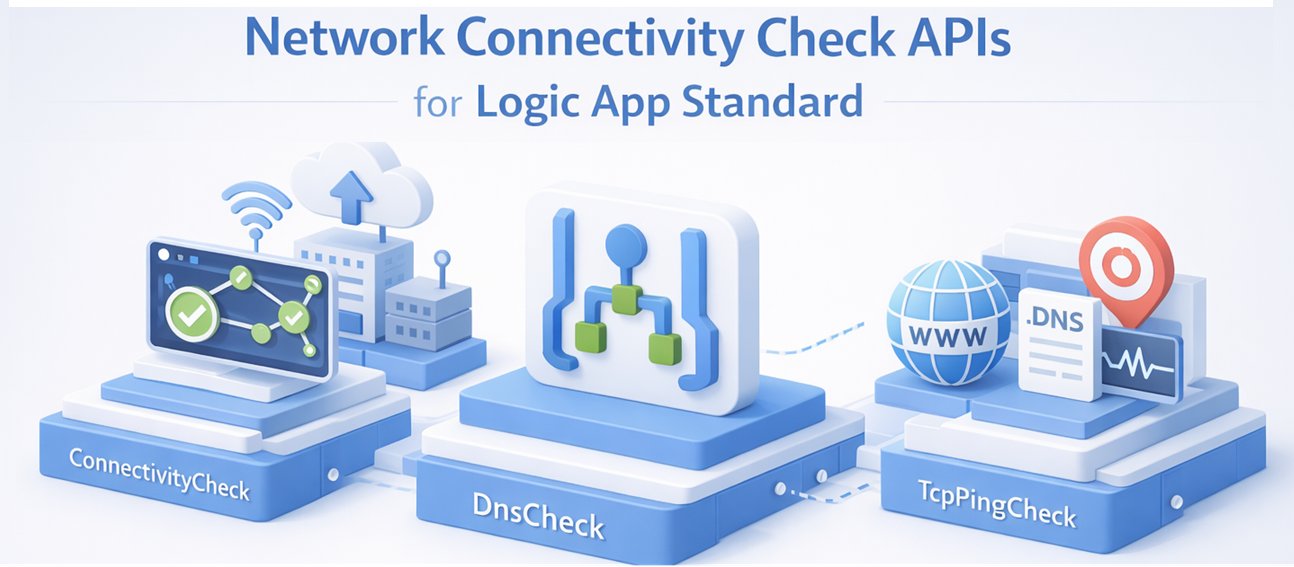
The new API endpoints offer three distinct diagnostic capabilities:
ConnectivityCheck: Validates end-to-end connectivity to Azure resources including SQL databases, Key Vault, Storage Accounts, Service Bus, Event Hubs, and more. This comprehensive test validates DNS, TCP, and authentication in a single call.
DnsCheck: Performs DNS resolution for a hostname from the Logic App's worker environment, which is particularly useful for verifying private DNS zones and private endpoints are configured correctly.
TcpPingCheck: Tests whether a TCP connection can be established to a specific host and port, helping verify if a port is open and reachable through the VNET configuration.
These APIs address a critical need in cloud integration scenarios where connectivity issues can be challenging to diagnose, especially when applications are deployed within virtual network configurations that restrict outbound access.
Provider Comparison: Azure's Position in Cloud Integration Diagnostics
In the cloud integration landscape, Azure's new APIs position the company competitively against other major cloud providers:
AWS: While AWS offers similar diagnostic capabilities through tools like VPC Reachability Analyzer and CloudWatch Network Insights, Azure's approach of embedding these directly within Logic Apps provides a more streamlined experience for integration-focused workflows.
Google Cloud: GCP offers network diagnostic tools like Network Connectivity Center, but typically requires separate configuration and monitoring. Azure's integration with Logic Apps provides a more cohesive experience for developers already working within the Azure ecosystem.
What distinguishes Azure's offering is the direct execution from the Logic App worker itself, ensuring that diagnostic results reflect the exact network path and permissions available to the running workflow. This eliminates the common issue of diagnostics showing connectivity while the actual application continues to fail due to subtle differences in execution context.
The APIs support multiple authentication methods including connection strings, username/password, app settings, and managed identities, providing flexibility across different security and compliance requirements.
Business Impact: Reducing Downtime and Improving Integration Reliability
For organizations implementing cloud-native architectures, these APIs offer several business advantages:
Reduced Mean Time to Resolution (MTTR)
Network connectivity issues in integration scenarios can be particularly challenging to diagnose due to the multiple layers involved: virtual networks, firewalls, private endpoints, and authentication mechanisms. The new APIs allow teams to pinpoint issues quickly, potentially reducing resolution time from hours to minutes.
Enhanced Self-Service Capabilities
Development teams can now perform initial diagnostics without requiring elevated permissions or direct access to network diagnostic tools, empowering them to resolve basic connectivity issues independently before escalating to network specialists.
Improved Migration and Onboarding Experiences
When moving applications to Azure or integrating with new Azure services, these APIs provide immediate feedback on connectivity requirements, helping teams identify and address potential issues before they impact production workloads.
Better Resource Planning
The detailed diagnostic information helps organizations understand their actual network usage patterns, informing decisions about firewall rules, private endpoints, and network security group configurations.
Implementation Considerations
While these APIs provide valuable diagnostic capabilities, organizations should be aware of several limitations:
Port 445 Restriction: Connections to port 445 (used for Azure File Share) cannot be reliably tested due to platform restrictions. This affects the FileShare provider type and any other services requiring this port.
Additional Restricted Ports: Ports 137, 138, and 139 are also restricted, regardless of the target address.
Authentication Requirements: Different provider types require specific credential configurations, which must be properly set up before using the APIs.
Strategic Recommendations
For organizations heavily invested in Azure integration workflows:
Implement Proactive Monitoring: Incorporate these APIs into your CI/CD pipeline to catch connectivity issues before deployment to production.
Create Diagnostic Runbooks: Develop standardized runbooks using these APIs for common troubleshooting scenarios, reducing dependency on tribal knowledge.
Document Common Patterns: Create internal documentation showing how to interpret API responses for different Azure service types, accelerating issue resolution.
Integration with Monitoring Systems: Consider integrating these API calls with your monitoring systems to establish baselines and detect deviations that might indicate emerging connectivity issues.
Microsoft's introduction of these network connectivity APIs demonstrates a strategic focus on improving the developer experience for integration scenarios within Azure. By providing direct, context-aware diagnostic capabilities, Azure is addressing a critical pain point in cloud-native development, helping organizations build more reliable integration solutions with reduced operational overhead.
For implementation details and the complete API specification, refer to the official documentation and the Azure API Playground for testing these capabilities.
Comments
Please log in or register to join the discussion