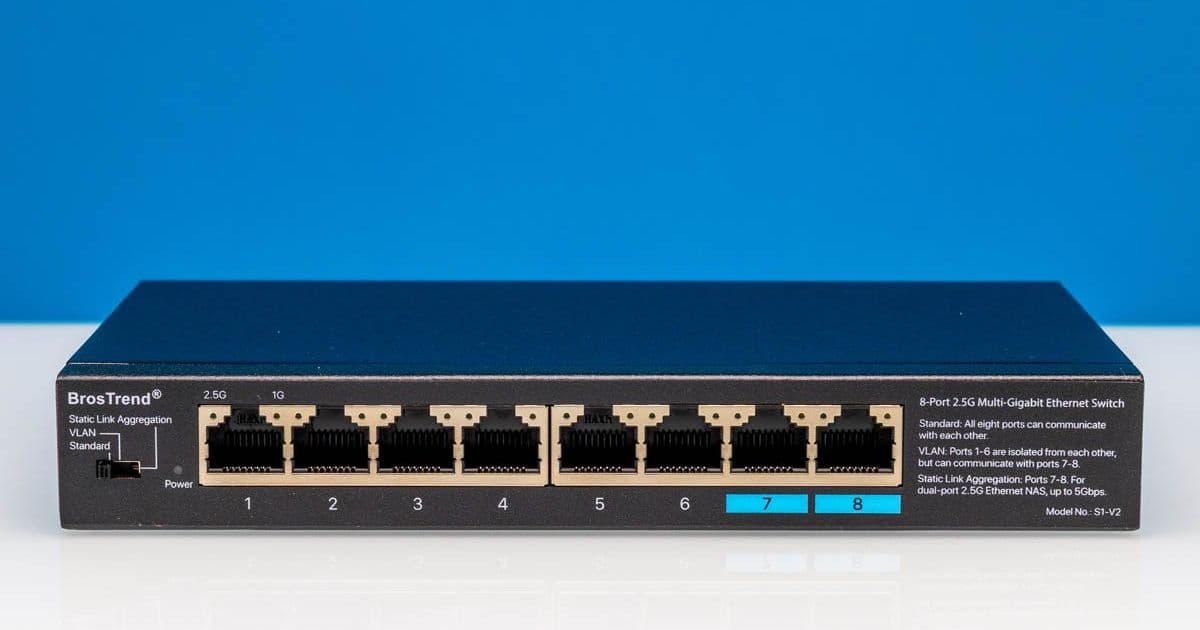
The BrosTrend S1-V2 offers 8-port 2.5GbE connectivity with thoughtful design touches and MaxLinear switching, but its $69 price tag puts it in a competitive market.
The BrosTrend S1-V2 is an 8-port 2.5GbE fanless switch that sits in an interesting position in the market. Priced around $69 with discounts (prices vary), it's more expensive than some competitors but offers several thoughtful design features that set it apart from basic metal cases with ports.
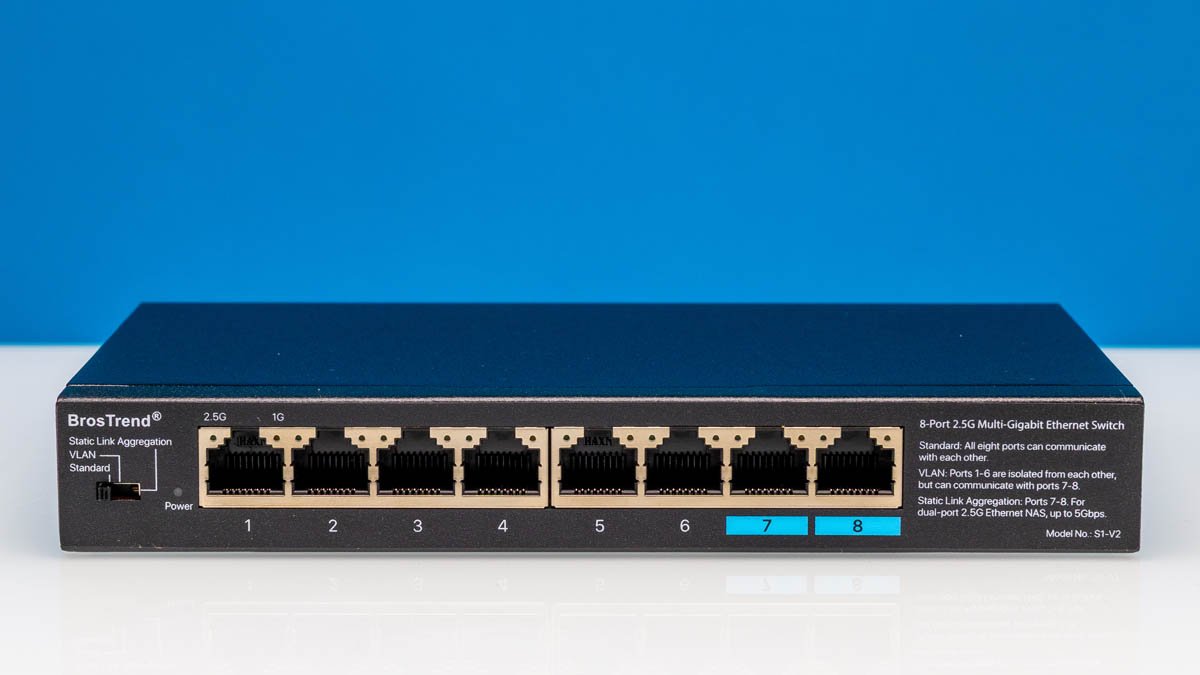
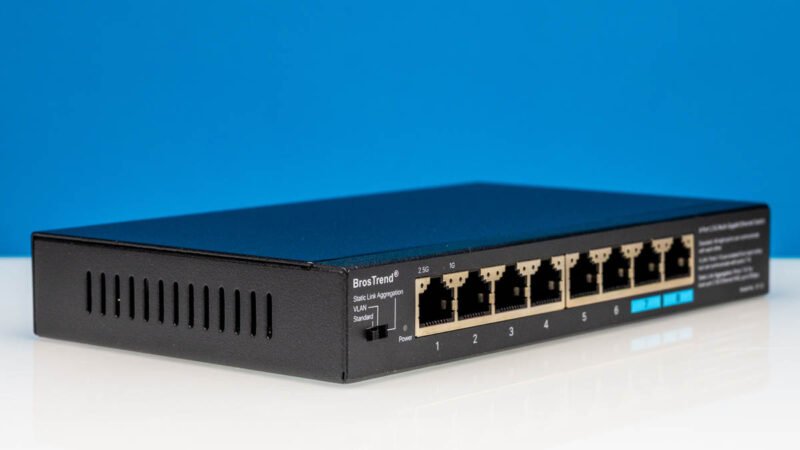
The S1-V2 is a small desktop unit designed for sitting on a desk or mounting on a wall (or perhaps under a desk). Unlike some switches that can be rack-mounted, this is purely a desktop/wall-mount solution. The form factor is compact and the build quality feels solid, with a metal case that provides good passive cooling.
Hardware Overview and Design Features
One of the standout features of the S1-V2 is the information printed directly on the faceplate. On the left-hand side, you'll find clearly labeled modes: Standard, VLAN (aka port isolation), and Static Link Aggregation. What's particularly useful is that BrosTrend also printed what each mode does on the right-hand side of the faceplate. This small detail is tremendously useful if you just want to know what the switch does without having to look something up online. It's a feature we don't see often enough in networking hardware.
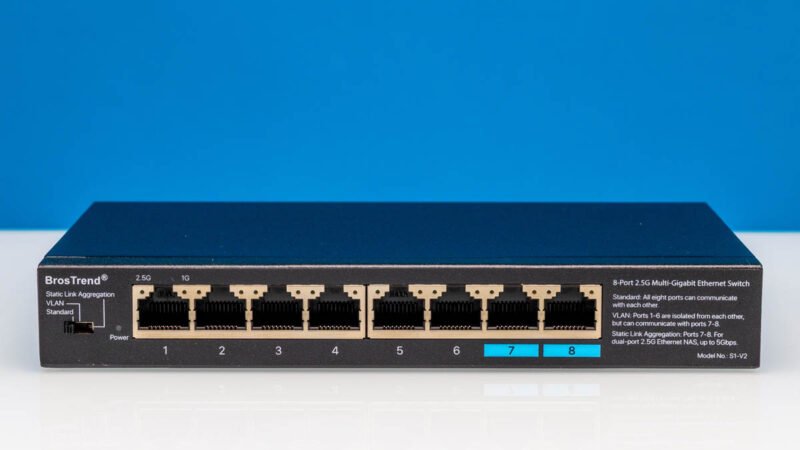
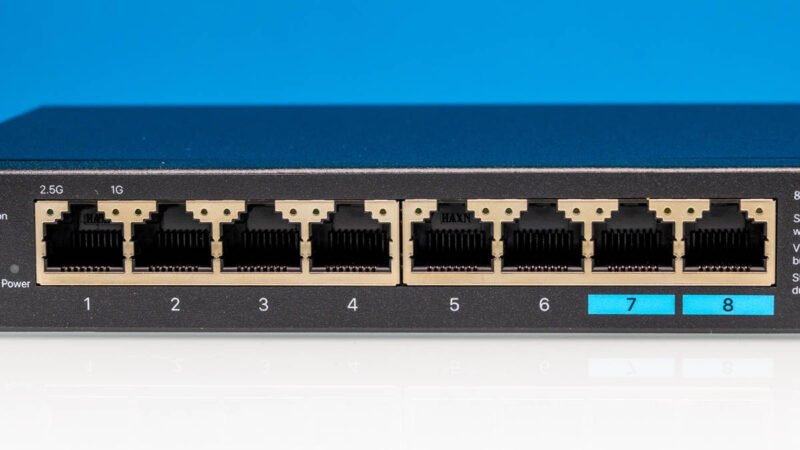
In the middle of the front panel are the eight 2.5GbE ports. Ports 7 and 8 are labeled differently because they can have a different personality when the switch is toggled to either VLAN or Link Aggregation modes. This dual-purpose design adds flexibility for different network configurations.
Internal Architecture
Getting inside the switch reveals a very simple layout. Between the ports and the switch chips, there are Apps AE-SE48001 transformers. These are dual-port 2.5GbE transformers, so there are four of them for eight ports total. This is a standard configuration for 2.5GbE switches.
The heatsink, unfortunately, was one that we could not remove without damaging the unit. However, the documentation indicates that this is a MaxLinear chip, not a Realtek chip. This is noteworthy because our testing shows that the performance and power consumption are similar to other MaxLinear designs. The ability to confirm the chip manufacturer through power and performance testing is valuable for understanding what you're actually getting.
Interestingly, the board has some extra bits that are not placed. On the right side of the photos, you can see two pads for the placement of SFP cages that are not populated on this PCB. This suggests the board could potentially support different configurations or future revisions.
Power and Mounting Options
At the rear, you'll find a DC power input and a grounding point. On the bottom, there's a label and some mounting points. Inside the box, BrosTrend includes four rubber feet and mounting hardware, giving users flexibility in how they deploy the switch.
Performance Considerations
The S1-V2's MaxLinear-based design delivers performance comparable to other switches in its class. The fanless design means completely silent operation, which is ideal for home offices, media centers, or any environment where noise is a concern. The metal case provides adequate passive cooling for sustained operation.
Market Position
When compared to the BrosTrend S3 (a current top pick in many 2.5GbE switch guides), the S1-V2 offers a few more features but at a premium price point. The question becomes whether the additional features and the thoughtful design touches justify the higher cost compared to more basic alternatives.
For users who value having clear labeling on their hardware, the ability to easily understand and configure VLAN and Link Aggregation modes, and a solid build quality, the S1-V2 represents a good option. However, for those who prioritize pure value or need rack-mount capabilities, other options in the market might be more appropriate.
The BrosTrend S1-V2 is more than just a metal case with ports. It's a thoughtfully designed 2.5GbE switch that balances features, performance, and usability. While it may not be the absolute cheapest option available, the attention to detail in its design and the transparency about its internal components make it a worthy consideration for anyone looking to upgrade their network with 2.5GbE connectivity.
Comments
Please log in or register to join the discussion