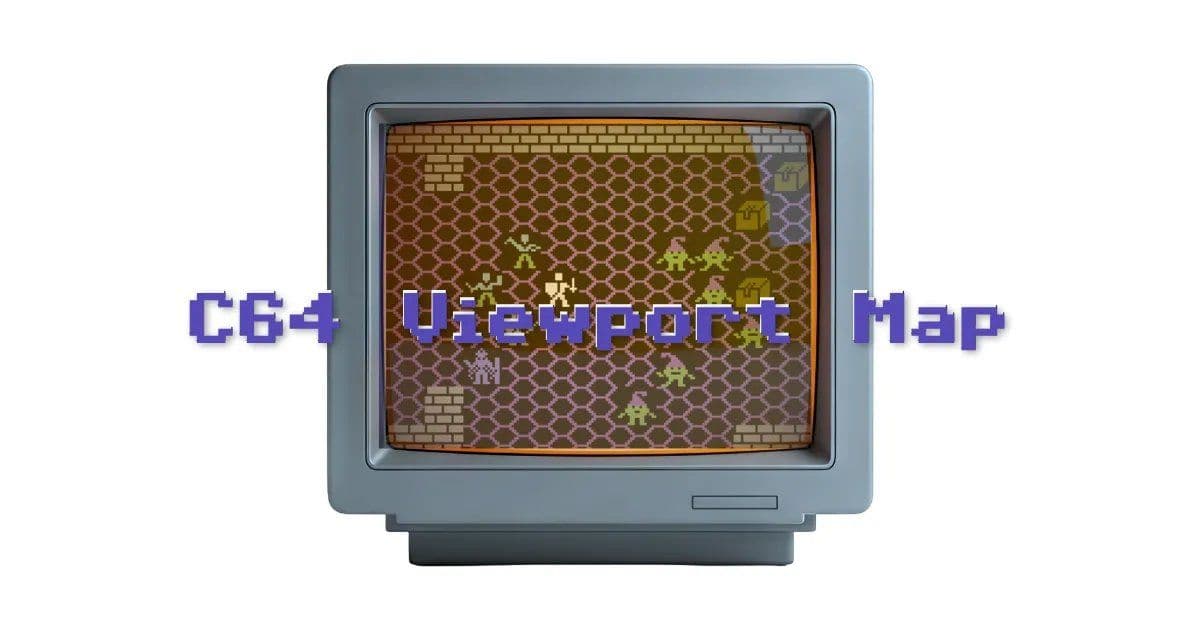
A deep dive into implementing an overhead camera view in C64 BASIC, exploring the trade-offs between readability and performance through multiple optimization phases.
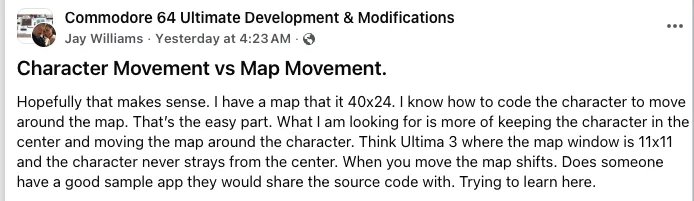
The challenge of creating an Ultima-style overhead camera view in C64 BASIC reveals fascinating insights into retro game development optimization. When Jay asked in the Commodore 64 Ultimate Development & Modifications Facebook group about keeping a player centered while moving the map around them, it sparked an exploration that demonstrates the delicate balance between code clarity and performance on constrained hardware.
The fundamental concept involves separating world coordinates from screen coordinates. As the developer explains, "The world map is the whole potential area living in memory, independent of who or what's on screen this second. The playable area on screen is just a fixed size camera view, it's a slice of the map starting at some (x, y) position within the whole."
The initial implementation, while conceptually straightforward, proved painfully slow. The approach involved:
- Defining a 2D map array sized to the full world dimensions
- Tracking player's world position separately from screen position
- Computing camera top-left coordinates based on player position
- Clamping the camera to prevent reading off map edges
- Copying map data to screen memory for each visible cell
This naive implementation worked as a proof of concept but performed like a slideshow rather than a responsive game. The performance瓶颈 (bottleneck) stemmed from several factors inherent to C64 BASIC:
Phase 1: Screen Lookup Table (LUT)
The first optimization targeted the expensive multiplication in screen memory addressing. By precomputing a lookup table for row positions (DIM R(24) and filling it with R(Y) = Y*40), the code eliminated 121 floating-point multiplications per frame, resulting in a 3-5× speed improvement. This demonstrates a fundamental optimization principle on retro systems: trade memory for CPU cycles.
Phase 2: Dual Lookup Tables
The next optimization addressed the hidden multiplication in 2D array access. By switching to a flat 1D array for the map (DIM M(MW*MH - 1)) and adding a map-row lookup table (DIM MR(MH-1)), the viewport loop was reduced to only additions—a operation that microprocessors handle much more efficiently.
Phase 3: Initialization Progress Indicator As optimizations increased startup time, adding progress indicators became necessary. Ironically, the PRINT statements used for this purpose further slowed initialization, highlighting how even seemingly minor operations have significant costs on retro hardware. This reveals an important pattern: optimization often involves making trade-offs between different performance aspects.
Phase 4: Unrolled Loop The final optimization targeted the "hot path"—the code executed most frequently. By unrolling one of the loops (replacing the outer FOR loop with 11 explicit lines), the code eliminated 10 NEXT operations per display frame, resulting in noticeably snappier response to player input.
The article explores several promising future optimization directions:
- Replacing POKE with PRINT: Since PRINT is faster than POKE in C64 BASIC, building the display as a string array could improve performance
- Assembly routines: Implementing display logic in assembly for memory copy operations
- Meta tiles: Using larger tiles (3×3 or 5×5) to compress map data and speed up initialization
- Color optimization: Parallel POKEs into color memory
- Partial redraw: Only updating newly revealed map areas during movement
- Hardware scrolling: Utilizing hardware features for smooth scrolling
- Custom character sets: Replacing default fonts with custom graphics

The broader lessons from this optimization journey transcend the specific C64 implementation:
- Decouple world coordinates from screen coordinates regardless of platform
- Lookup tables remain one of the most powerful optimization tools on retro systems
- Unroll loops and optimize hot paths, but only after identifying actual bottlenecks
- Performance optimizations often involve trade-offs between different resources (memory vs. CPU time, startup time vs. runtime performance)
The article demonstrates how a seemingly simple game mechanic reveals the deep complexity of working with constrained hardware. Each optimization phase represents not just technical improvements but a deeper understanding of how the C64 operates at the hardware level.
For developers interested in exploring this code further, the article provides links to editable copies of the implementation in an online retro IDE, allowing readers to experiment with the optimization techniques firsthand. This hands-on approach exemplifies the collaborative learning spirit of the retro game development community.
The journey from a sluggish proof-of-concept to a responsive implementation showcases how understanding hardware limitations and applying systematic optimization techniques can breathe life into code that initially seems hopelessly inadequate.
Comments
Please log in or register to join the discussion