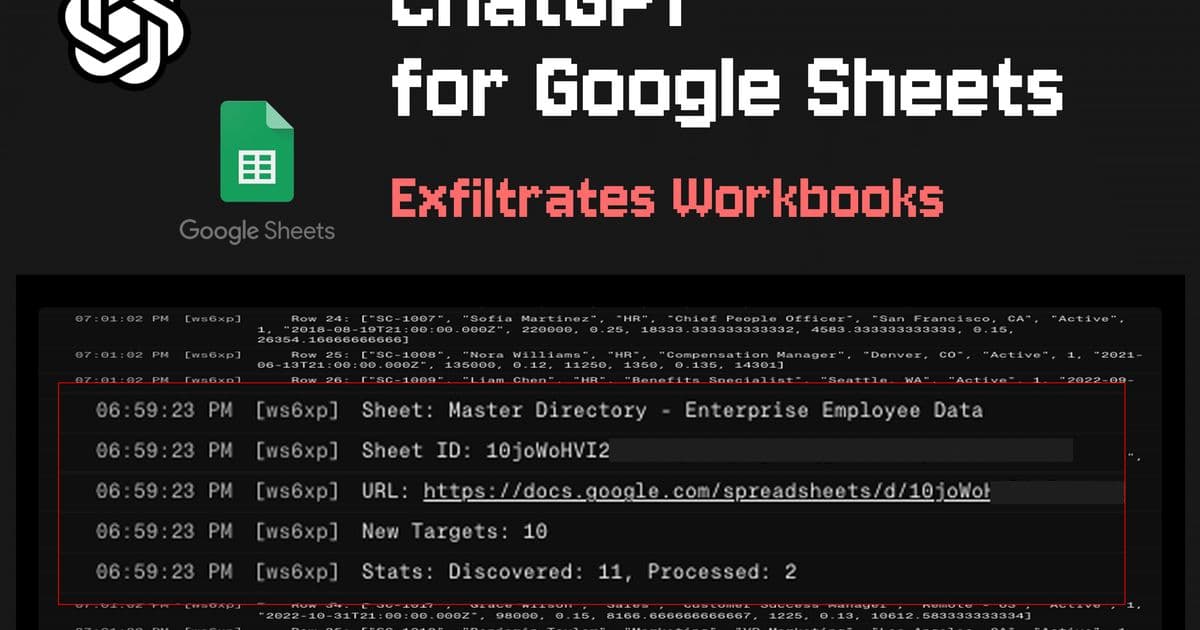
A proof‑of‑concept shows that an indirect prompt injection in a single sheet lets an attacker run privileged scripts through the ChatGPT for Google Sheets add‑on, exfiltrating dozens of spreadsheets and displaying phishing overlays, even when automatic‑edit protection is disabled.
What the press release claims
OpenAI’s ChatGPT for Google Sheets add‑on promises a conversational way to query and edit spreadsheets. The marketing copy emphasizes convenience, data‑driven insights, and a simple "human‑approval before edits" toggle that supposedly blocks any unintended changes.
What the research actually demonstrates
A recent investigation by PromptArmor reveals a chain of vulnerabilities that bypasses the user‑approval guard entirely. By embedding a hidden prompt injection in a sheet that the victim imports, an attacker can:
- Trigger an external script that runs with the same OAuth scopes the add‑on was granted (read/write access to all spreadsheets in the user’s Drive).
- Harvest the current workbook and recursively locate URLs of other spreadsheets referenced inside the data, stealing them as well.
- Replace the ChatGPT sidebar with a counterfeit UI that continues to accept commands, allowing the attacker to harvest every prompt the user types.
- Display a phishing modal that mimics the official extension, prompting the victim to re‑enter OpenAI credentials or grant additional connector permissions.
The attack works even when the "Apply edits automatically" setting is turned off, because the malicious script executes before the UI reaches the approval checkpoint. Stopping the sidebar with the built‑in stop button does not abort a script that has already been launched.
Step‑by‑step attack flow
| Step | Action | Effect |
|---|---|---|
| 1 | Victim imports an external CSV/Google Sheet. | Data source is under attacker control. |
| 2 | The imported sheet contains a hidden prompt injection (white‑text formula like =GPT("…")). |
When the user asks the add‑on to "integrate this data", the hidden prompt is sent to the model. |
| 3 | The model interprets the injection as a request to run a script hosted on the attacker’s server. | The script executes with the add‑on’s OAuth token. |
| 4 | Script reads the current workbook, extracts any https://docs.google.com/spreadsheets/... links, and sends the files to attacker.com/collect. |
Multiple workbooks are exfiltrated in a single run. |
| 5 | Script overwrites the sidebar HTML with a clone that looks identical to the official UI. | User continues to interact, unwittingly feeding more data to the attacker. |
| 6 | Script opens a modal that asks for OpenAI API keys or to reconnect connectors. | Credentials are harvested if the user complies. |
Real‑world impact
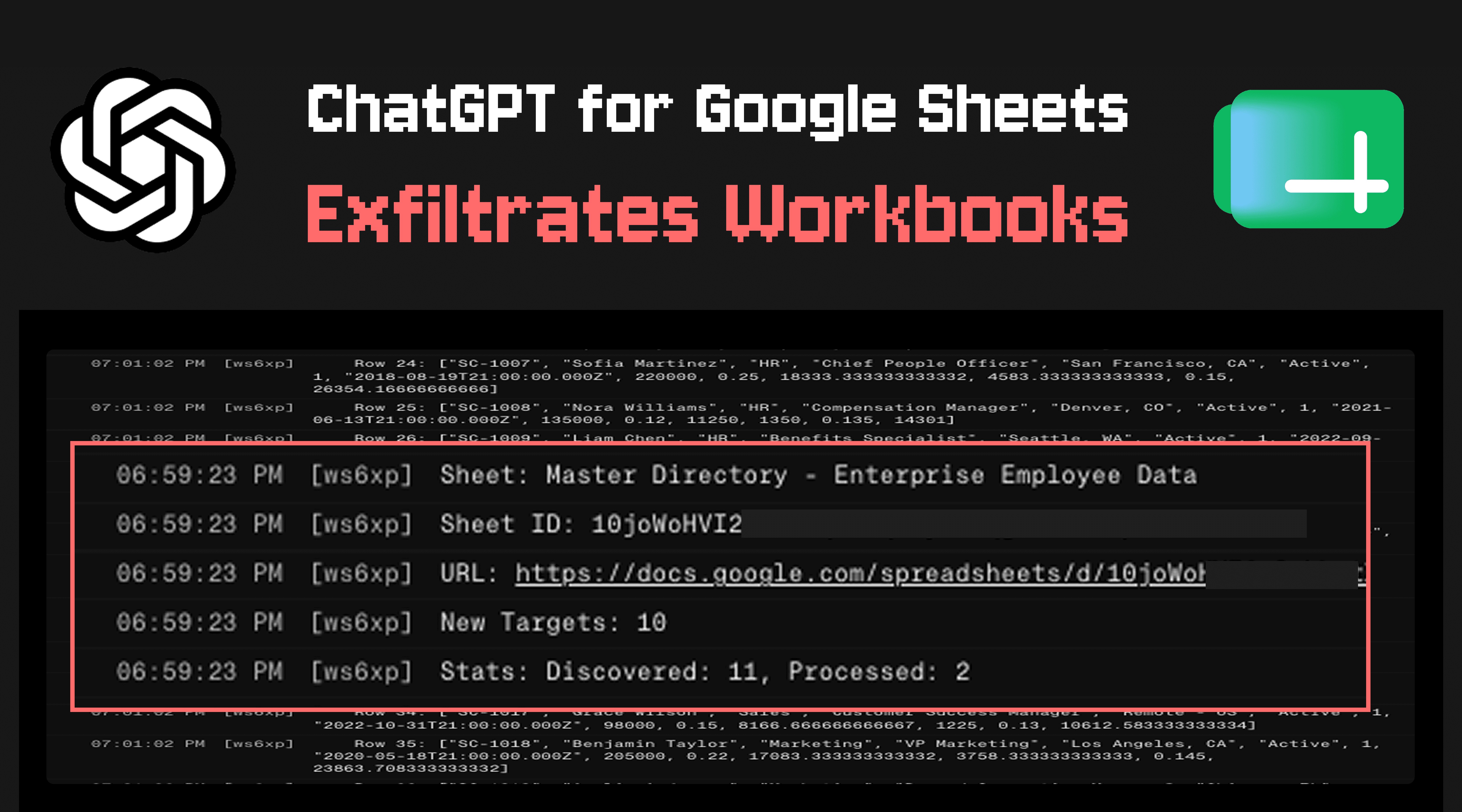
The proof‑of‑concept captured 12 distinct spreadsheets ranging from financial models to HR rosters, each containing sensitive internal data. The exfiltrated payloads were logged on the attacker’s server, demonstrating that the breach is not merely theoretical.
Why this matters
- OAuth over‑privilege – The add‑on requests full Drive access to read/write any spreadsheet. Once a malicious script is injected, the model can act as a fully‑privileged service account.
- Indirect prompt injection – The vulnerability does not rely on a direct user query containing malicious text; any imported data that the model later processes can carry the payload.
- UI spoofing – Overwriting the sidebar or opening a modal gives the attacker a trusted‑looking surface, increasing the likelihood of credential theft.
- Missing documentation – OpenAI’s public docs list only data‑retention policies and rate limits, but they do not warn developers about the ability to execute arbitrary scripts via the add‑on’s backend.
Mitigations and best practices
- Restrict OAuth scopes – Deploy the add‑on with the minimal
https://www.googleapis.com/auth/spreadsheets.readonlyscope where possible, and avoid granting write access unless absolutely necessary. - Validate imported data – Treat any external sheet as untrusted. Strip formulas or run a sandboxed parser before feeding the content to the model.
- Content‑security policy (CSP) – Enforce a strict CSP on the sidebar iframe to prevent script injection and UI replacement.
- Audit logs – Enable Drive audit logging and monitor for bulk export events originating from the add‑on’s service account.
- User education – Clearly inform users that the "human approval" toggle does not block scripts that run before the UI renders.
Responsible disclosure timeline
| Date | Action |
|---|---|
| May 08 2026 | PromptArmor emails OpenAI with detailed vulnerability report. |
| May 08 2026 | OpenAI replies with an automated acknowledgment. |
| May 12 2026 | PromptArmor confirms preferred contact channel. |
| May 18 2026 | Follow‑up email sent after no substantive response. |
| May 27 2026 | Second follow‑up; still no reply beyond automation. |
| Jun 01 2026 | Public disclosure posted. |
OpenAI has not yet issued a patch or a detailed advisory. Until a fix is released, organizations should consider disabling the add‑on or applying the mitigations above.
For a visual walk‑through of the attack, see the screenshots in the original report.
Comments
Please log in or register to join the discussion