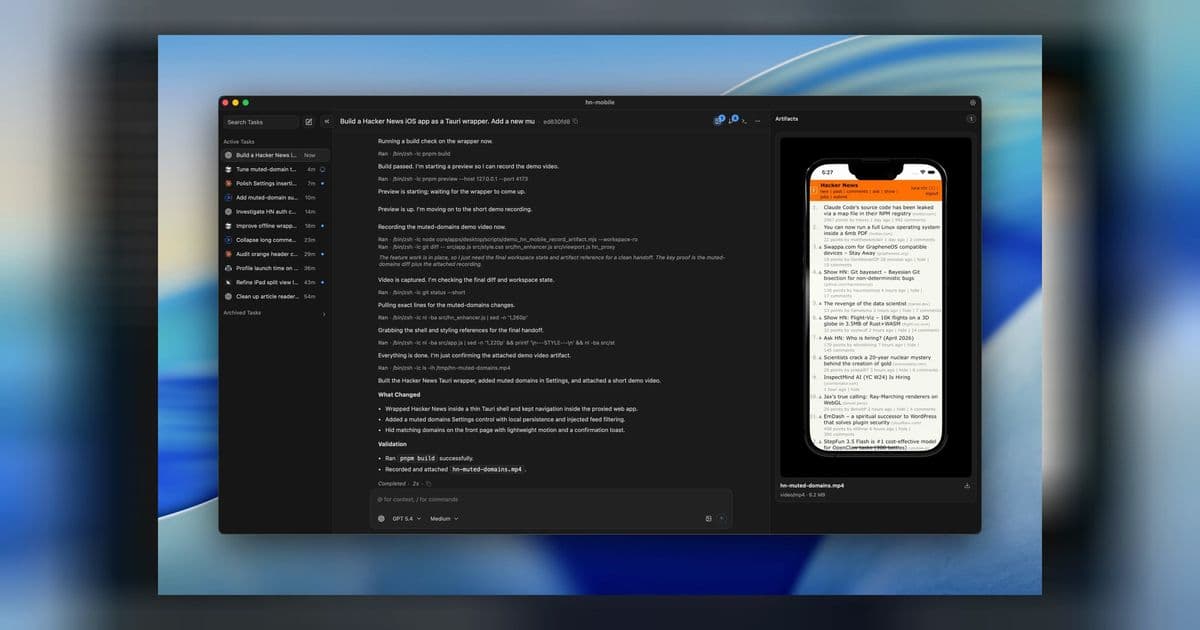
ctx is an Agentic Development Environment (ADE) that consolidates multiple coding agents into a single interface with containerized isolation, unified transcripts, and controlled runtime environments for both engineers and security teams.
[Featured image](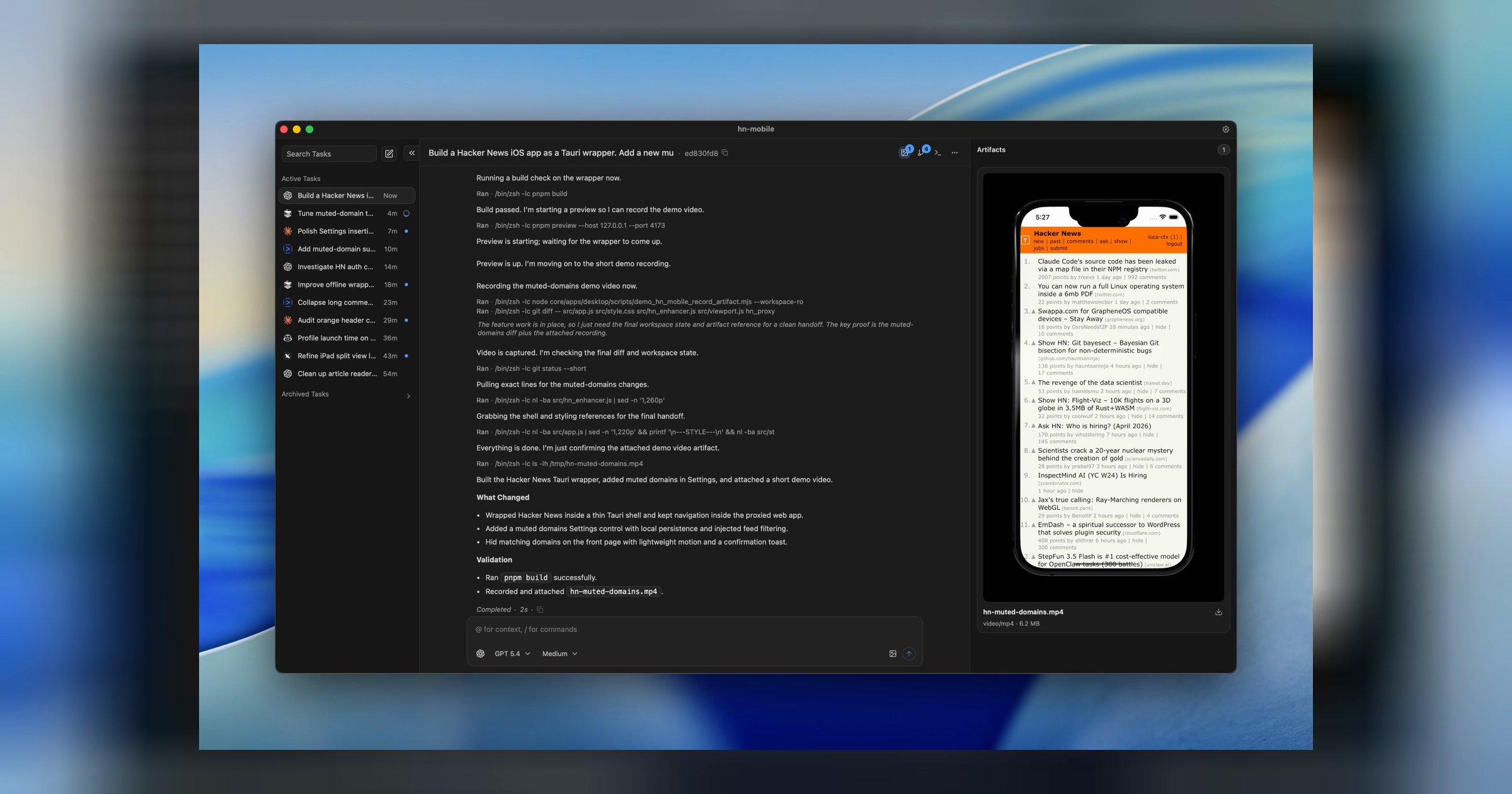 )
)
The Challenge of Multi-Agent Development Workflows
As AI coding agents like Claude Code, Codex, Cursor, and others become increasingly sophisticated, development teams face a new fragmentation problem. Engineers want to use the best tool for each task, but this creates scattered workflows, inconsistent security controls, and fragmented review processes. Each agent operates in its own silo, making it difficult to maintain oversight, ensure security compliance, and track the provenance of changes across a codebase.
What is ctx?
ctx is an Agentic Development Environment (ADE) that solves this fragmentation by providing a unified interface for multiple coding agents while maintaining security and control. It's designed for teams that want to leverage the strengths of different AI agents without the chaos of managing them separately.
The platform offers several key capabilities:
- Unified Interface: Access Claude Code, Codex, Cursor, and other agents through a single interface
- Containerized Isolation: Run agents in isolated containers with explicit disk and network controls
- Unified Review Surface: Keep tasks, sessions, diffs, transcripts, and artifacts in one place
- Flexible Deployment: Use locally or against remote devboxes/VPS you control
- Provider Agnostic: Bring your own providers, models, and credentials
How ctx Works
Containerized Workspaces
At the core of ctx is its containerized approach to agent execution. Each agent runs in an isolated container with explicit controls over disk and network access. This means you can grant bounded autonomy to agents without constant approval prompts, while maintaining security boundaries.
Unified Transcripts and Review
Instead of scattered conversations and changes across different tools, ctx maintains durable transcripts and a unified review surface. This includes:
- Task history and provenance tracking
- Session management across multiple agents
- Diff review and artifact management
- Clean landing of parallel tasks through the agent merge queue
Flexible Deployment Options
Teams can use ctx in multiple ways:
- Local Development: Run everything on your own machine without needing a ctx account
- Remote Development: Connect to devboxes or VPS instances you control
- Hybrid Workflows: Mix local and remote execution based on task requirements
Why Standardize on ctx?
For Engineering Teams
Engineers can use their preferred agents without fragmenting the workflow. Whether you prefer Claude Code for complex reasoning or Cursor for quick edits, everything happens in one place with consistent controls and review processes.
For Security and Platform Teams
Security teams get one runtime model and one set of safety controls to manage, rather than trying to secure multiple disparate tools. The containerized approach provides clear boundaries and audit trails.
For Review and Compliance
All changes, conversations, and decisions are tracked in one place, making it easier to understand the provenance of code changes and maintain compliance requirements.
Getting Started with ctx
The team recommends starting with a small, low-risk task to validate the entire workflow:
- Install and launch: Get ctx running and confirm the app is healthy
- Connect a provider: Add one harness or provider before real task work
- Add a workspace: Open a local repo or connect to a remote host
- Run your first task: Validate the full loop from prompt to finalization
Good first tasks include updating a label, fixing an obvious bug in a narrow area, or making a small UI, docs, or config change.
Key Features Deep Dive
The Agent Merge Queue
One of ctx's standout features is its agent merge queue, which helps manage parallel tasks and land them cleanly. This prevents conflicts and ensures that changes from multiple agents can be integrated smoothly.
Worktree Management
ctx uses worktrees to isolate parallel tasks, allowing teams to work on multiple features or fixes simultaneously without interference. This is particularly valuable for teams using multiple agents on different aspects of the same codebase.
Containerization Benefits
The containerized approach provides several advantages:
- Security: Clear boundaries between agent activities
- Resource Control: Explicit management of disk and network access
- Isolation: Prevent interference between parallel tasks
- Reproducibility: Consistent environments across different machines
The Future of Agentic Development
As AI agents become more capable and numerous, tools like ctx that provide unified interfaces and controlled environments will become increasingly important. The ability to leverage multiple specialized agents while maintaining security, consistency, and reviewability represents a significant step forward in how teams can effectively use AI in their development workflows.
For teams already using multiple AI coding agents or considering adopting them, ctx offers a compelling solution that addresses the fragmentation and security challenges while preserving the flexibility to use the best tool for each job.
Learn more about ctx or get started with their recommended validation workflow to see how it can streamline your multi-agent development process.
Comments
Please log in or register to join the discussion