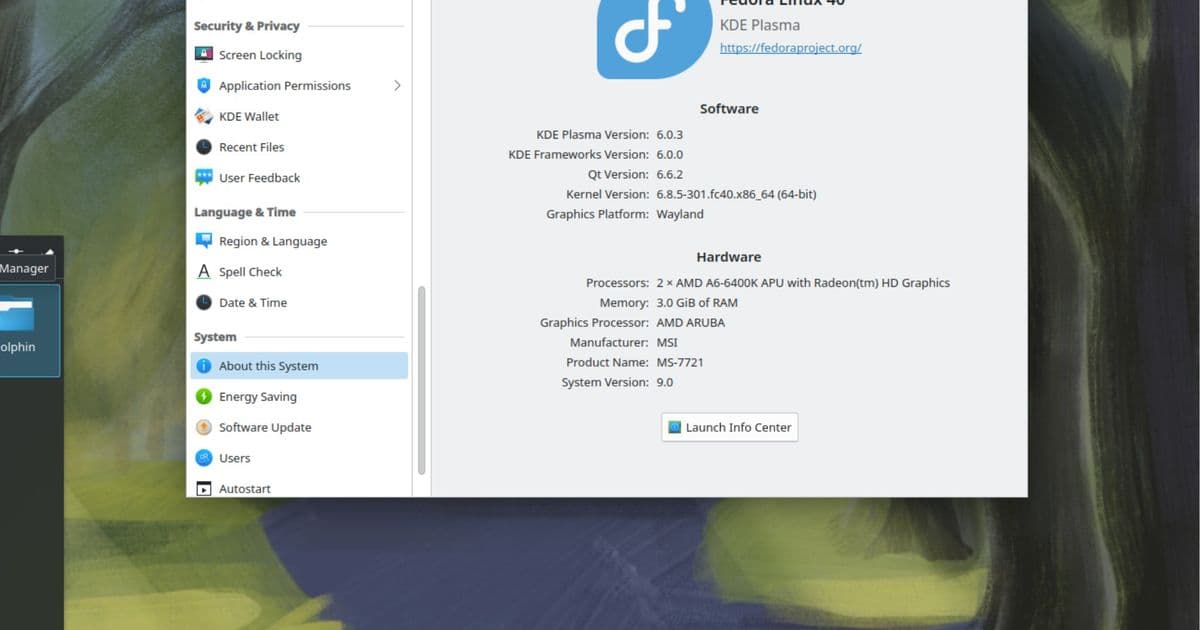
DistroSea offers a browser‑based sandbox for testing more than 50 Linux distributions, letting newcomers explore versions, adjust streaming quality, and decide on a install before committing.
DistroSea lets users run 50+ Linux distros without installing
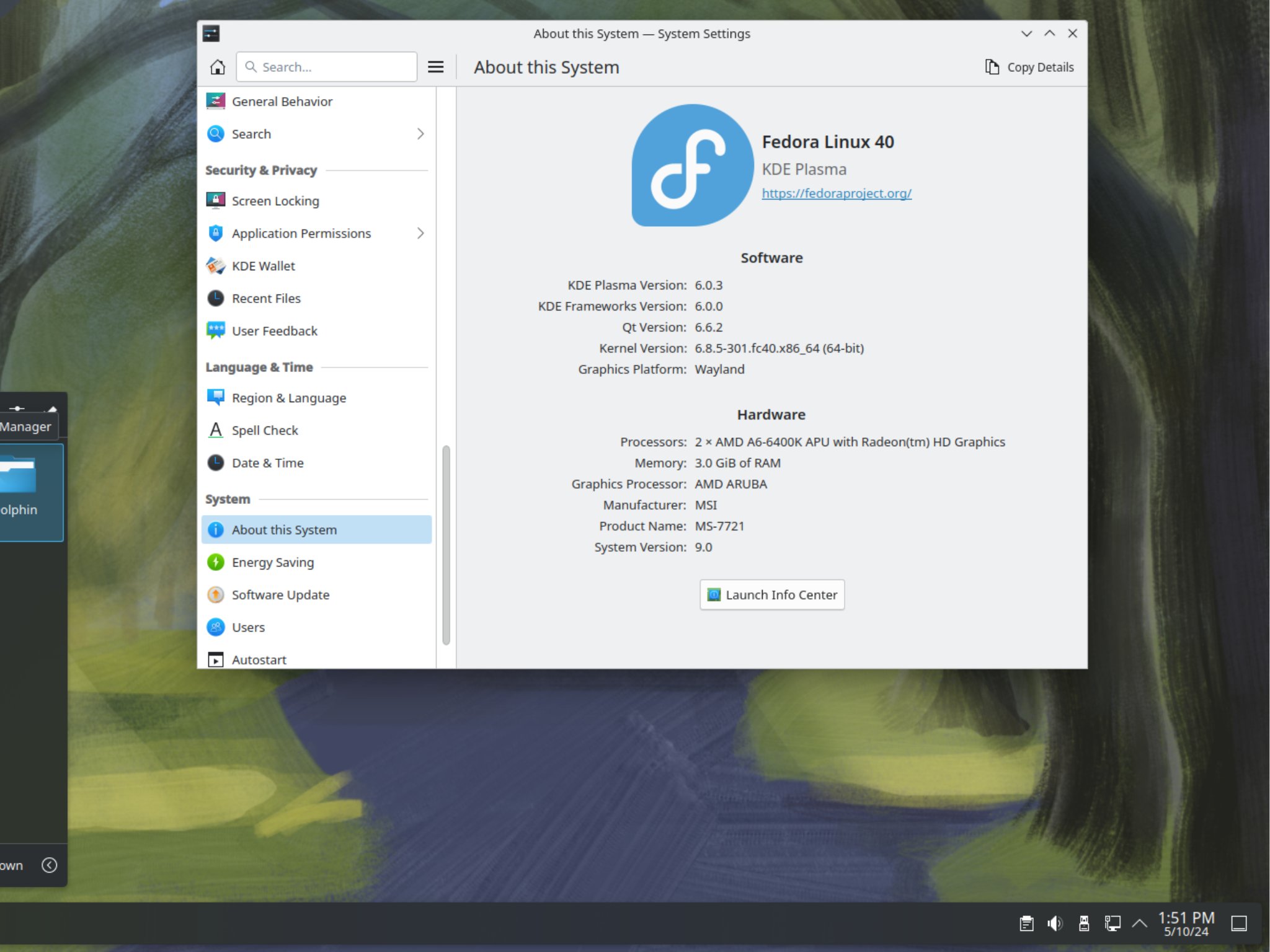
Microsoft’s recent decision to block many Windows 10 machines from upgrading to Windows 11 has left a sizable group of users searching for a new OS path. The free Extended Security Updates (ESU) for Windows 10 end on October 13 2026, and while the platform still works, the looming security deadline pushes some to consider Linux. For people who have never touched a distro, the sheer number of choices—Ubuntu, Fedora, Arch, openSUSE, and dozens of community spins—can be paralyzing.
What DistroSea does differently
DistroSea positions itself as a browser‑based trial lab. Instead of downloading ISO files, writing them to USB sticks, and rebooting to test each environment, users simply:
- Open the DistroSea website.
- Pick a distribution from a list of more than 50.
- Choose a specific release (e.g., Ubuntu 24.04 LTS, Fedora 40, Debian 12).
- Click Launch and watch the OS spin up inside a remote virtual machine streamed to the browser.
The service currently hosts over 500 distinct versions, ranging from mainstream releases to niche flavors such as PearOS NiceC0re, Alpine 3.20, and even legacy Ubuntu 16.04. The virtual machines run on DistroSea’s own cloud infrastructure, so the user’s local hardware does not need to meet any particular specifications.
How it measures up to traditional testing methods
| Feature | DistroSea | Traditional Live USB / VM |
|---|---|---|
| Setup time | Seconds (web launch) | 10‑30 min (download + write) |
| Hardware requirement | Any modern browser | Sufficient RAM/CPU for VM or USB boot |
| Internet dependency | Required for launch, optional for offline session | Optional after ISO download |
| Session persistence | Limited offline mode; full session with account | Full persistence if installed locally |
| Cost | Free tier, paid upgrades for more resources | Free (open source) but hardware cost applies |
The table shows that DistroSea excels in speed and accessibility, while traditional methods still win on offline independence and full hardware control.
User experience in the browser
During testing, the PearOS NiceC0re demo loaded in under ten seconds and responded to mouse clicks, window management, and terminal commands without noticeable lag on a 20 Mbps connection. The platform offers a stream quality slider that adjusts both resolution and compression. At the lowest setting, the UI remains usable on 5 Mbps links, while the highest setting delivers a crisp 1080p desktop on fiber connections.
Privacy‑focused users can run sessions without creating an account, meaning no personal data is stored on DistroSea’s servers. Unregistered sessions are ad‑supported, last up to 30 minutes, and lack internet connectivity inside the VM. Registering unlocks:
- Queue‑skip (immediate launch)
- Captcha‑free access
- Ad‑free streaming
- Higher CPU/RAM allocation (up to 4 vCPU, 8 GB RAM)
- Persistent internet inside the VM
- Extended session length (up to 2 hours)
Accessibility and language support
The interface is translated into six languages—English, Spanish, German, French, Italian, and Portuguese—making the trial experience approachable for a global audience. Keyboard shortcuts and screen‑reader hints are built into the UI, which helps users with limited mobility or visual impairments.
Who should consider DistroSea?
- Linux newcomers who want to gauge the look‑and‑feel of a distro before committing to a full install.
- IT support staff needing a quick sandbox to demonstrate a specific environment to a client.
- Educators who want a classroom‑wide, zero‑setup way to let students explore multiple Linux flavors.
- Hardware‑constrained users whose machines cannot comfortably run a local VM but have a stable internet connection.
Conversely, power users who require deep kernel tweaking, custom driver testing, or offline work will still need a native installation or a locally hosted virtual machine.
Pricing and future roadmap
The base service is free, with optional monthly subscriptions starting at $4.99 for the “Pro” tier (enhanced resources, longer sessions) and $9.99 for the “Enterprise” tier (priority support, API access for automated testing). DistroSea’s roadmap lists upcoming features such as multi‑monitor streaming, GPU‑pass‑through for AI workloads, and a community‑curated “favorite distro” list.
Bottom line
DistroSea removes the friction of downloading, flashing, and booting dozens of Linux ISOs. By delivering a responsive, configurable streaming desktop directly in the browser, it gives first‑time users a practical way to discover the distribution that fits their workflow. While it does not replace a full installation for production use, it is a solid stepping stone for anyone standing at the Windows‑to‑Linux crossroads.
For more details, visit the official DistroSea site.
Comments
Please log in or register to join the discussion