
A developer shares how Claude Opus 4.5 translated a Zellij configuration into a lean, muscle‑memory‑aligned Tmux setup. The story illustrates AI’s potential to automate tedious configuration tasks, freeing developers to focus on code rather than UI tweaks.

The Problem: A Multiplexer Overkill
For developers who have traded IDEs for a terminal‑centric workflow, a robust multiplexer is indispensable. Zellij, a modern Rust‑based alternative, offers a polished UI and a declarative KDL configuration. However, its default look—heavy borders, padded tabs, and an abundance of visual flourishes—clashed with the minimalism many terminal users crave.
"I abandoned IDEs for the terminal, so a solid multiplexer was essential." – Original author
The author’s frustration was not with functionality but with aesthetics. While Zellij’s team has built a feature‑rich product, the developer wanted the clean, almost bare‑bones feel of classic Tmux.
Enter Claude Opus 4.5
Instead of manually re‑engineering Zellij’s look, the developer turned to Claude Opus 4.5. By feeding the AI the existing Zellij configuration and explaining the desired keybinding scheme—
- Ctrl+P: Pane mode (split, navigate, close)
- Ctrl+T: Tab mode (new, rename, switch)
- Ctrl+Y: Resize mode
- Ctrl+M: Move mode
Claude produced a Tmux configuration that mirrored the modal workflow while preserving Tmux’s minimalist aesthetic.
The Resulting Tmux Configuration
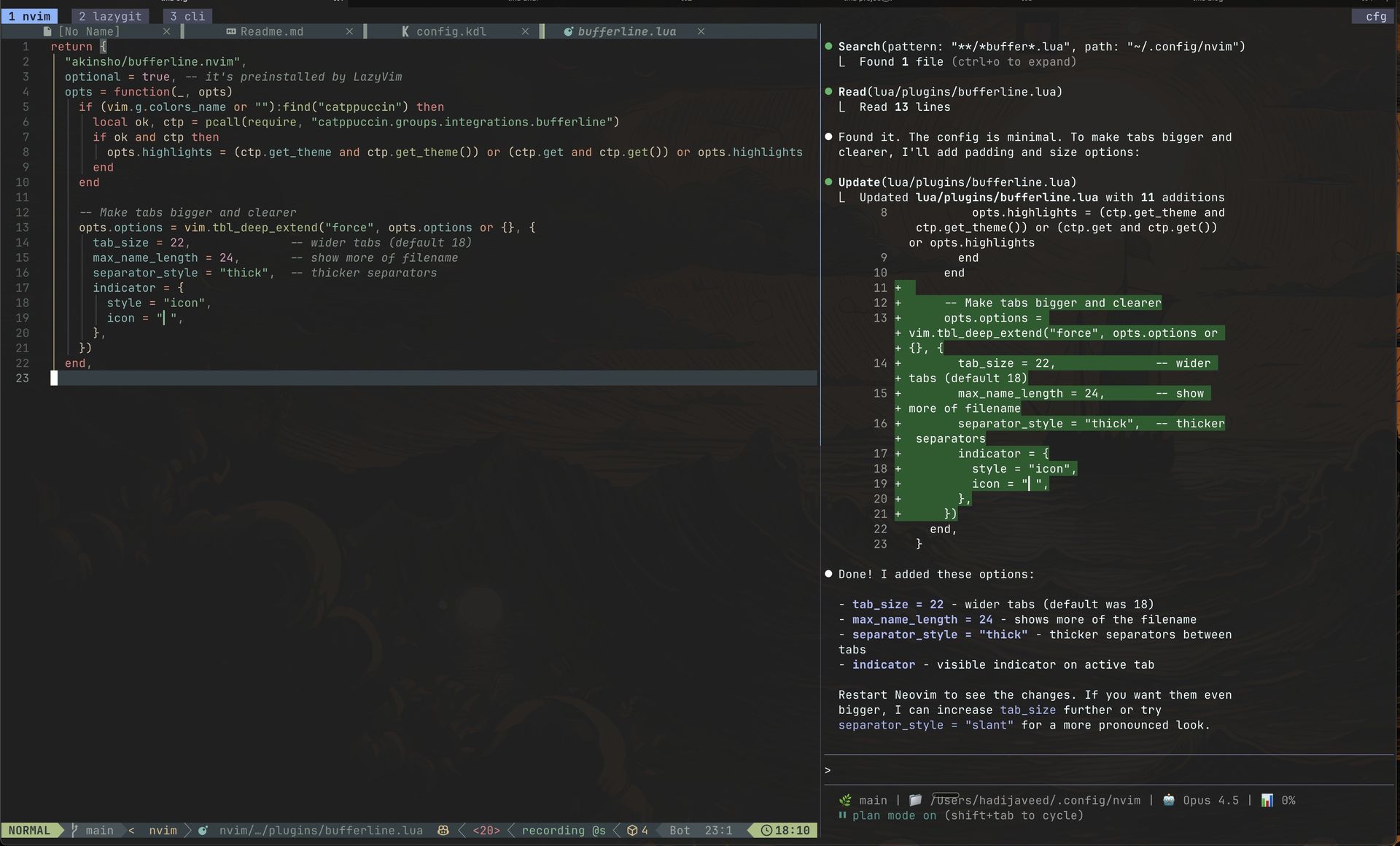
Below is the full config generated by Claude, including a Catppuccin Mocha theme, transparent status bar, and modal keybindings that match the developer’s muscle memory.
# Theme (Catppuccin Mocha, Transparent)
set -g status-bg default
set -g status-style "bg=default"
set -g status-left ""
set -g status-right "#[fg=#45475a,bg=default]#[fg=#cdd6f4,bg=#45475a]  #S #[fg=#45475a,bg=default]"

# Window styling
set -g window-status-format "#[fg=#45475a,bg=default]#[fg=#a6adc8,bg=#45475a] #I #W #[fg=#45475a,bg=default]"
set -g window-status-current-format "#[fg=#89b4fa,bg=default]#[fg=#1e1e2e,bg=#89b4fa,bold] #I #W #[fg=#89b4fa,bg=default]"

# Modal Keybindings
# Root triggers
bind -n C-p switch-client -T pane
bind -n C-t switch-client -T tab
bind -n C-y switch-client -T resize
bind -n C-m switch-client -T move

# Pane mode (Ctrl+P, then...)
bind -T pane h select-pane -L
bind -T pane j select-pane -D
bind -T pane k select-pane -U
bind -T pane l select-pane -R
bind -T pane n split-window -h
bind -T pane d split-window -v
bind -T pane x kill-pane
bind -T pane f resize-pane -Z

# Tab mode (Ctrl+T, then...)
bind -T tab h previous-window
bind -T tab l next-window
bind -T tab n new-window
bind -T tab x kill-window
bind -T tab r command-prompt -I "#W" "rename-window '%%'"

# Session Restore
set -g @plugin 'tmux-plugins/tmux-resurrect'
set -g @plugin 'tmux-plugins/tmux-continuum'
set -g @continuum-restore 'on'
set -g @resurrect-processes 'lazygit nvim "~claude" "~codex" cursor-agent'
Shell Aliases for Quick Session Management
The developer also added a handful of aliases to their .zshrc to streamline session handling:
alias tm='tmux'
alias tms='tmux new-session -s'
alias tma='tmux attach -t'
alias tmd='tmux kill-session -t'
# tm ls to list sessions
Why This Matters
The story demonstrates two key points:
- AI as a Configuration Translator – Claude Opus 4.5 bridged the gap between a user’s existing preference set and a different tool’s ecosystem, eliminating the need for manual porting.
- Productivity Gains – By automating the tedious aspects of configuration, developers can focus on coding rather than UI tweaking, a shift that aligns with the broader trend of tooling that understands developer intent.
The final setup is described as "clean," with keybindings that feel native and session persistence that never loses a workspace. It showcases how an AI can effectively act as a personal configuration engineer.
Source: https://www.hadijaveed.me/2025/12/05/how-claude-opus-gave-me-perfect-tmux-setup/
Comments
Please log in or register to join the discussion