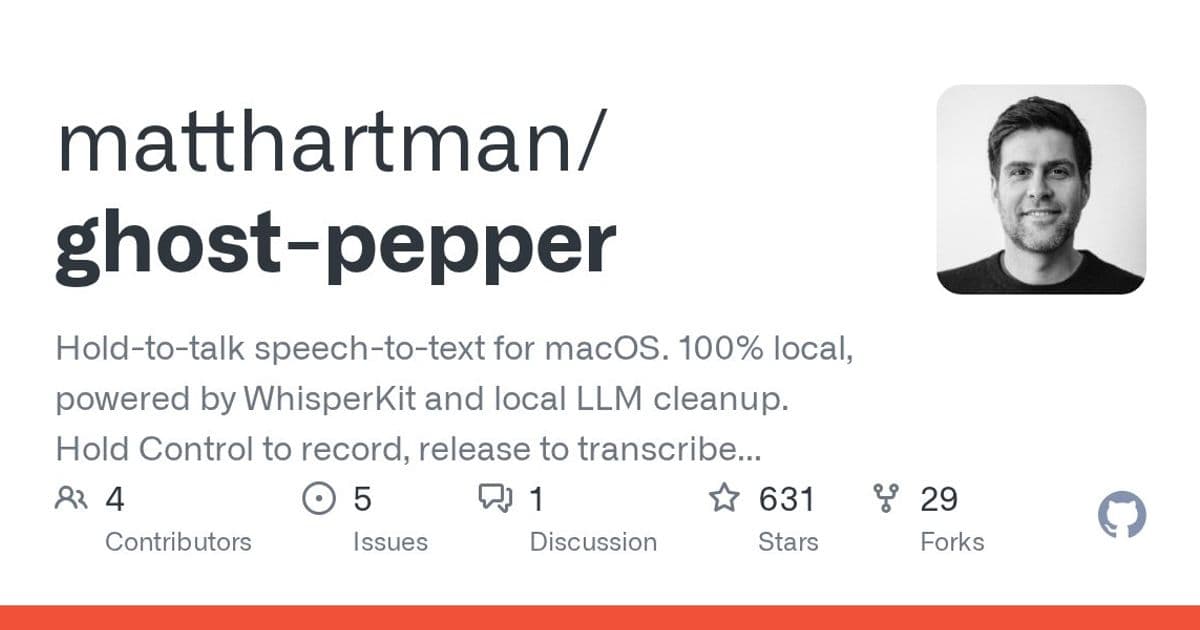
Ghost Pepper brings whisper-fast, privacy-first speech-to-text to macOS using local AI models, letting you transcribe with a simple Control key hold—no cloud, no data leaving your machine.
Ghost Pepper is a new macOS app that brings hold-to-talk speech-to-text functionality entirely to your local machine. Built by developer Matt Hartman, this open-source tool uses Apple Silicon's processing power to transcribe speech without sending any data to cloud services.
How It Works
The app lives in your menu bar and activates when you hold the Control key. Release the key, and your speech is transcribed and pasted directly into whatever text field you're using. The entire process runs locally on your Mac, with no network requests or data leaving your device.
Local AI Models
Ghost Pepper leverages several open-source models that download automatically and run entirely on your Mac:
Speech Recognition Models:
- Whisper tiny.en (~75 MB) - Fastest option, English only
- Whisper small.en (~466 MB) - Default, best accuracy for English
- Whisper small (multilingual) (~466 MB) - Multi-language support
- Parakeet v3 (~1.4 GB) - 25 languages via FluidAudio
Cleanup Models:
- Qwen 3.5 0.8B (535 MB) - Very fast (1-2s)
- Qwen 3.5 2B (1.3 GB) - Fast (4-5s)
- Qwen 3.5 4B (2.8 GB) - Full quality (5-7s)
Speech models are powered by WhisperKit, while cleanup models use LLM.swift. All models are served through Hugging Face.
Privacy-First Design
Ghost Pepper was built with privacy as a core principle. The app requires only two permissions:
- Microphone access for recording your voice
- Accessibility permissions for the global hotkey and simulated keystrokes
Notably, the app includes no logging to disk—transcriptions are never written to files, and debug logs exist only in memory until the app quits.
Getting Started
You can download the app as a DMG file, drag it to your Applications folder, and grant the necessary permissions. The app launches at login by default but can be disabled in settings.
For developers, the source code is available on GitHub and can be built directly in Xcode.
Enterprise Deployment
For managed devices, Ghost Pepper supports pre-approval of Accessibility permissions through MDM profiles using Privacy Preferences Policy Control (PPPC) payloads. This makes it suitable for enterprise environments where admin approval is typically required.
Why It Matters
Ghost Pepper demonstrates how powerful AI capabilities can run entirely on local hardware without compromising privacy. By using Apple Silicon's Neural Engine and offering multiple model sizes, the app balances speed and accuracy while keeping all processing on-device.
The project is MIT licensed and available on GitHub, making it accessible for both personal use and enterprise deployment.
Comments
Please log in or register to join the discussion