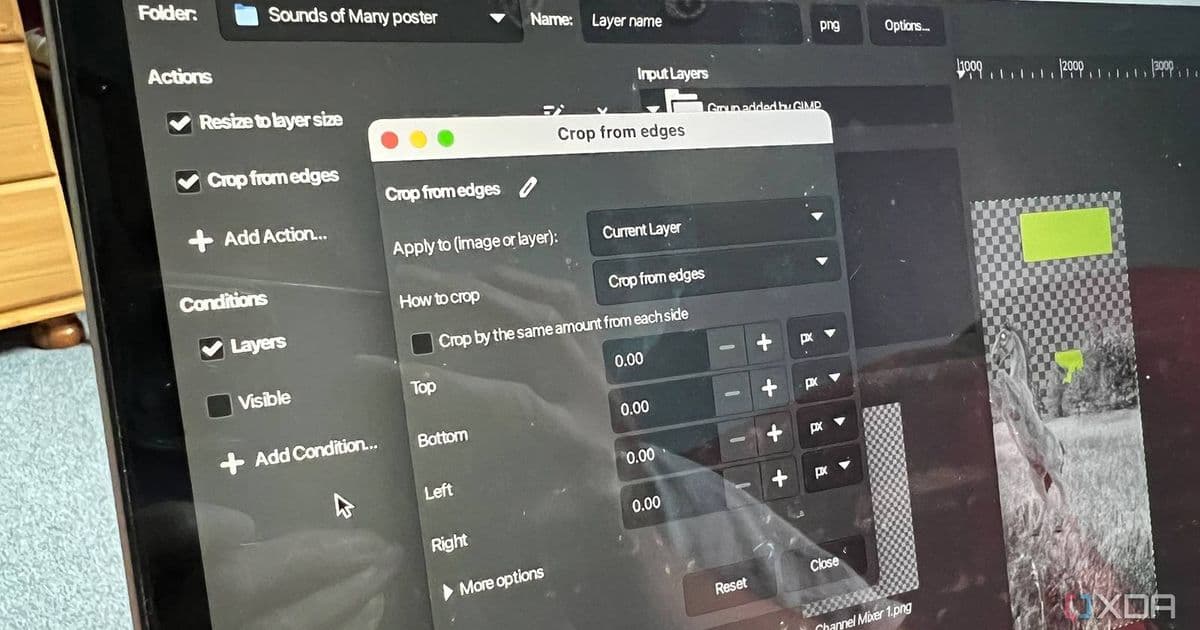
GIMP 3.2 introduces non-destructive Link Layers that let you import and transform images without quality loss, plus 20 new MyPaint brushes and improved text shortcuts.
GIMP 3.2 has arrived with a feature I've been waiting years to see: non-destructive Link Layers. This addition fundamentally changes how you work with imported images in compositions, finally solving the quality degradation problem that's plagued designers for decades.
The Problem Link Layers Solve
Anyone who's worked with image editing knows the frustration. You import a high-resolution photo into your project, scale it down to fit your composition, then later realize you need to enlarge it again. The result? Pixelation and quality loss that forces you to start over or compromise your design.
GIMP 3.2's Link Layers feature eliminates this entirely. When you import an image using this new system, you can scale, rotate, and transform it as much as you want without any quality degradation. The magic happens because the layer maintains a live connection to the source file.
How Link Layers Actually Work
The implementation is clever in its simplicity. When you create a Link Layer, GIMP doesn't embed the image data directly into your project file. Instead, it creates a reference to the original source file. This means:
- Transformations are applied mathematically rather than destructively
- The original image data remains untouched and available
- You can scale up or down infinitely without quality loss
- Changes to the source file automatically propagate to your composition
The last point is particularly powerful. If you update the source image—maybe you adjusted the colors in Photoshop or fixed a typo in a logo—your GIMP composition updates automatically. No more manually replacing linked assets or hunting down every instance of an image across multiple projects.
Vector Layers Join the Party
Alongside Link Layers, GIMP 3.2 introduces Vector Layers through the Path tool. This brings vector graphics capabilities that have been missing from GIMP for years. You can now:
- Draw shapes with precise control
- Adjust fill and stroke settings after creation
- Scale vector elements without quality loss
- Combine vector and raster workflows seamlessly
This addition makes GIMP much more competitive with Illustrator for basic vector work, though it's still not a full replacement for dedicated vector software.
The Little Things That Add Up
Beyond the headline features, GIMP 3.2 includes quality-of-life improvements that demonstrate thoughtful development:
20 New MyPaint Brushes: The brush engine gets a significant boost with 20 new brushes added to the MyPaint tool. These expand creative possibilities for digital painting and texture work, bringing GIMP's brush library closer to industry standards.
Improved Text Workflow: Text editing finally gets modern shortcuts that designers expect:
- Ctrl+B for bold text
- Ctrl+Shift+V for paste without formatting
- Better text selection and manipulation
These might seem minor, but they represent GIMP catching up to workflow standards that have been industry norms for years. The paste without formatting shortcut alone will save countless designers from manually removing unwanted styling.
Why This Matters for the GIMP Ecosystem
GIMP has always been the open-source alternative to Photoshop, but it's lagged in certain professional workflows. The non-destructive Link Layers feature closes a significant gap. Designers who previously had to choose between GIMP's philosophy and Photoshop's capabilities now have a compelling reason to stay in the open-source ecosystem.
The timing is also strategic. As Adobe moves toward subscription models and cloud-based workflows, GIMP's local, non-destructive approach becomes more attractive to professionals concerned about software lock-in and ongoing costs.
Performance and Compatibility Considerations
Link Layers do introduce some dependencies. Your GIMP project now references external files, which means:
- You need to maintain the file structure if moving projects between computers
- Broken links occur if source files are moved or deleted
- Projects may load slower if linked files are on network drives
However, these trade-offs are worth it for the flexibility gained. The team has implemented smart error handling that alerts you to broken links and provides options for relinking or embedding the content if needed.
Getting Started with GIMP 3.2
The update is available now through GIMP's standard channels. If you're upgrading from 3.0 or earlier:
- Back up your projects before updating
- Check compatibility with any third-party plugins you use
- Explore the new Link Layers feature with a test project
- Review the full patch notes for smaller improvements you might miss
The learning curve for Link Layers is minimal—if you know how to import images, you can use them. The real benefit comes from changing how you think about image composition, knowing you can always go back and adjust without penalty.
The Bigger Picture
GIMP 3.2 represents more than just new features; it's a statement about the maturity of open-source creative tools. For years, GIMP was seen as a hobbyist alternative, good enough for basic tasks but not professional work. Features like non-destructive Link Layers challenge that perception.
The addition of vector capabilities and modern text workflows further blurs the line between GIMP and commercial alternatives. While it may never match Photoshop feature-for-feature, GIMP 3.2 demonstrates that open-source tools can solve real professional problems in innovative ways.
For designers who've been waiting for GIMP to catch up to their workflow needs, 3.2 might be the version that finally makes the switch worthwhile. The non-destructive Link Layers alone solve a problem that's been frustrating creatives for decades, and that's worth celebrating regardless of which tools you prefer.
Comments
Please log in or register to join the discussion