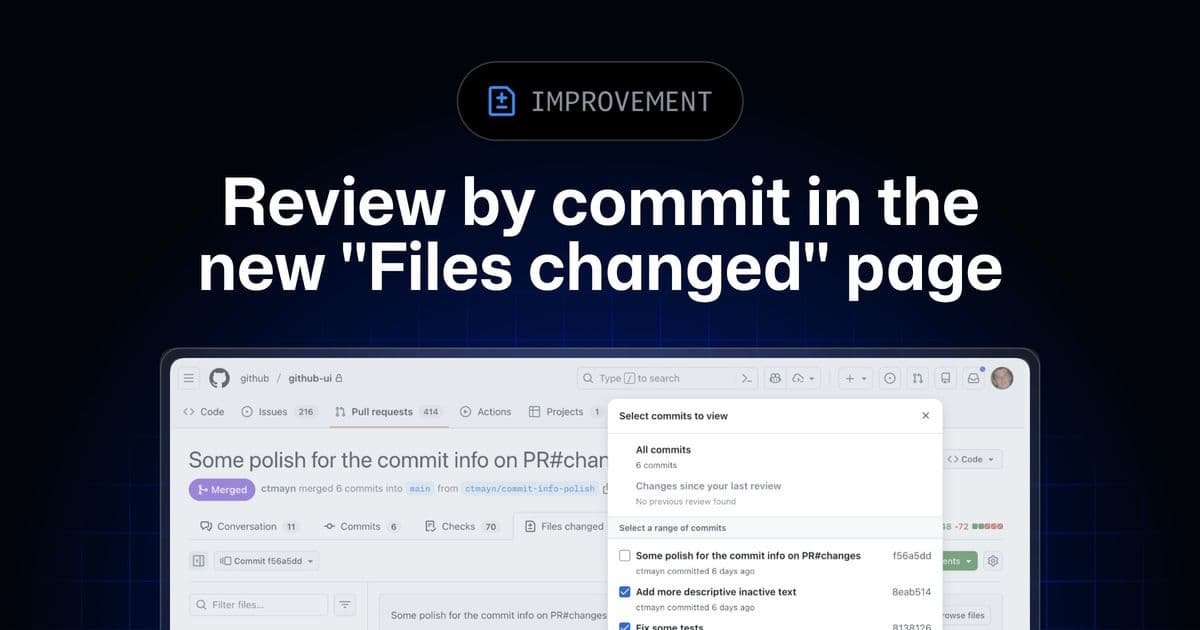
GitHub has significantly enhanced its pull request "Files changed" experience, enabling developers to review commits directly from a unified interface and streamlining the filtering process for more efficient code reviews.
GitHub has rolled out a major update to the pull request (PR) "Files changed" experience, addressing a long-standing feature gap and introducing a suite of improvements designed to streamline the code review process for developers. The update, now available in public preview, brings a more integrated and performant way to analyze code changes, moving away from the fragmented workflow of the past.
A Unified Review Workflow
Previously, a significant pain point in the GitHub review process was the disconnect between the "Files changed" page and the "Commits" tab. When a developer wanted to filter the PR to review a single, specific commit, GitHub would redirect them to the classic Commits tab, breaking the context of the file-by-file diff view. This context-switching was inefficient and disruptive.
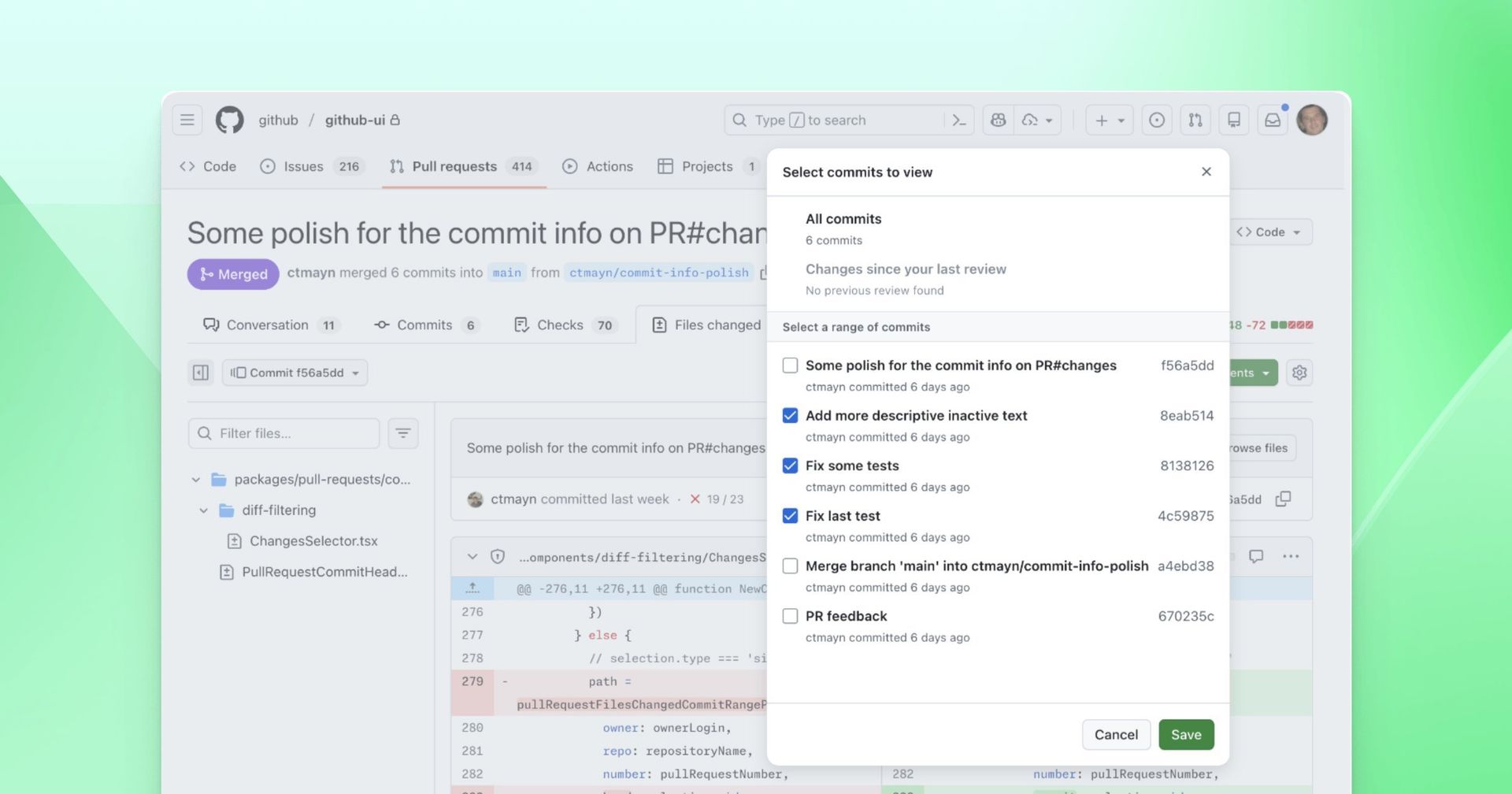
With this update, that gap is now closed. Developers can now review all commits in a PR, a specific subset, or a single commit, all while remaining on the same "Files changed" page. This creates a seamless workflow, allowing reviewers to focus on the code diffs without losing their place or context. As GitHub explains, "You can now review all commits, a subset of commits, or a single commit directly from the new 'Files changed' page."
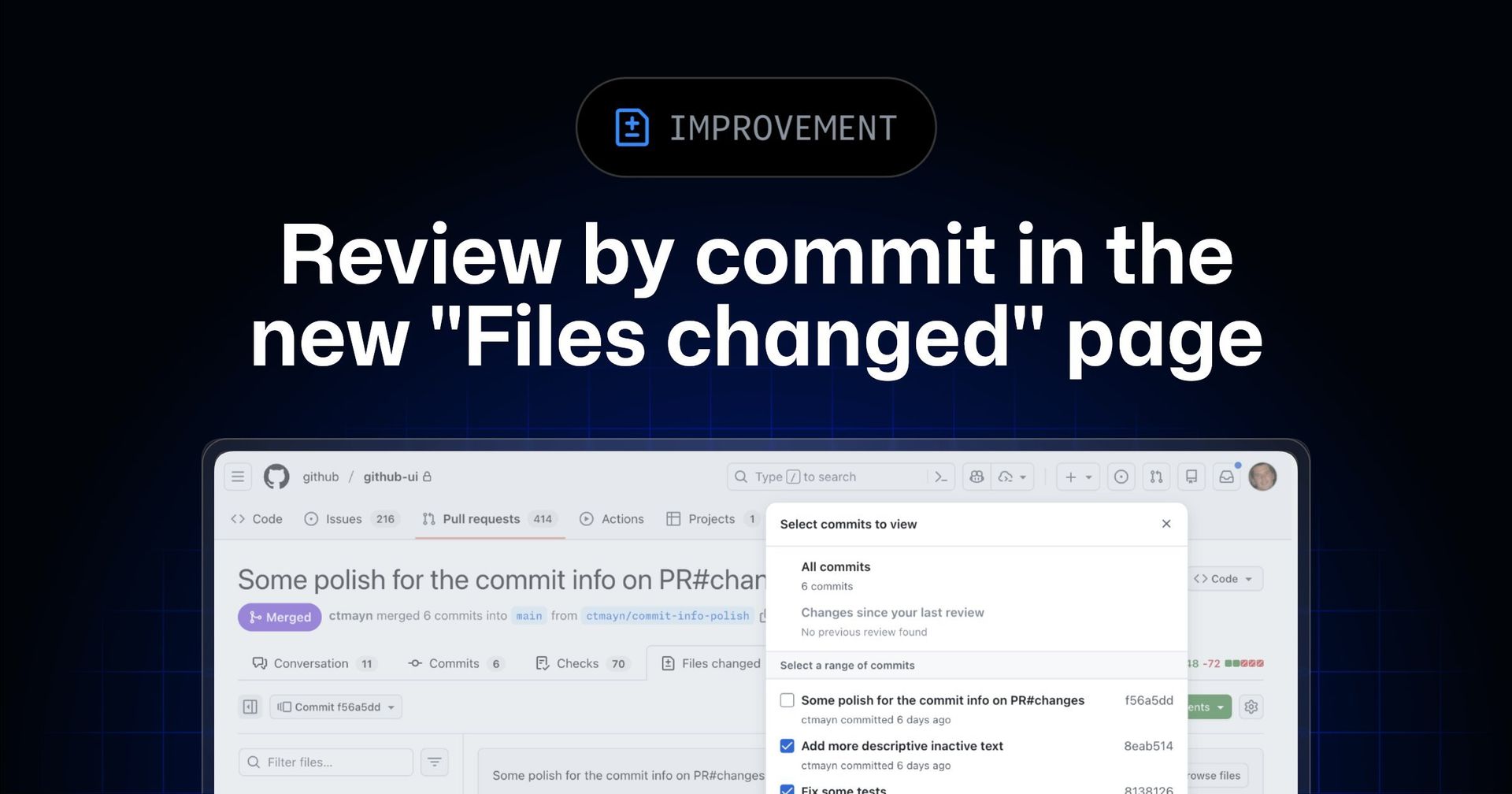
Alongside this, GitHub has simplified the URL structure for the new experience, consolidating all "Files changed" routes under a new /changes path. While existing URLs will continue to function, they will redirect to the new /changes route, ensuring a consistent and modern interface for all users who have the preview enabled.
Smarter Filtering and Enhanced Performance
The update also introduces tangible improvements to the filtering tools that are central to effective code reviews. The commit filter has been redesigned to require fewer clicks, allowing developers to quickly select a range of commits or a single one to focus on. This can be accessed from the toolbar or via the 'C' keyboard shortcut for power users.
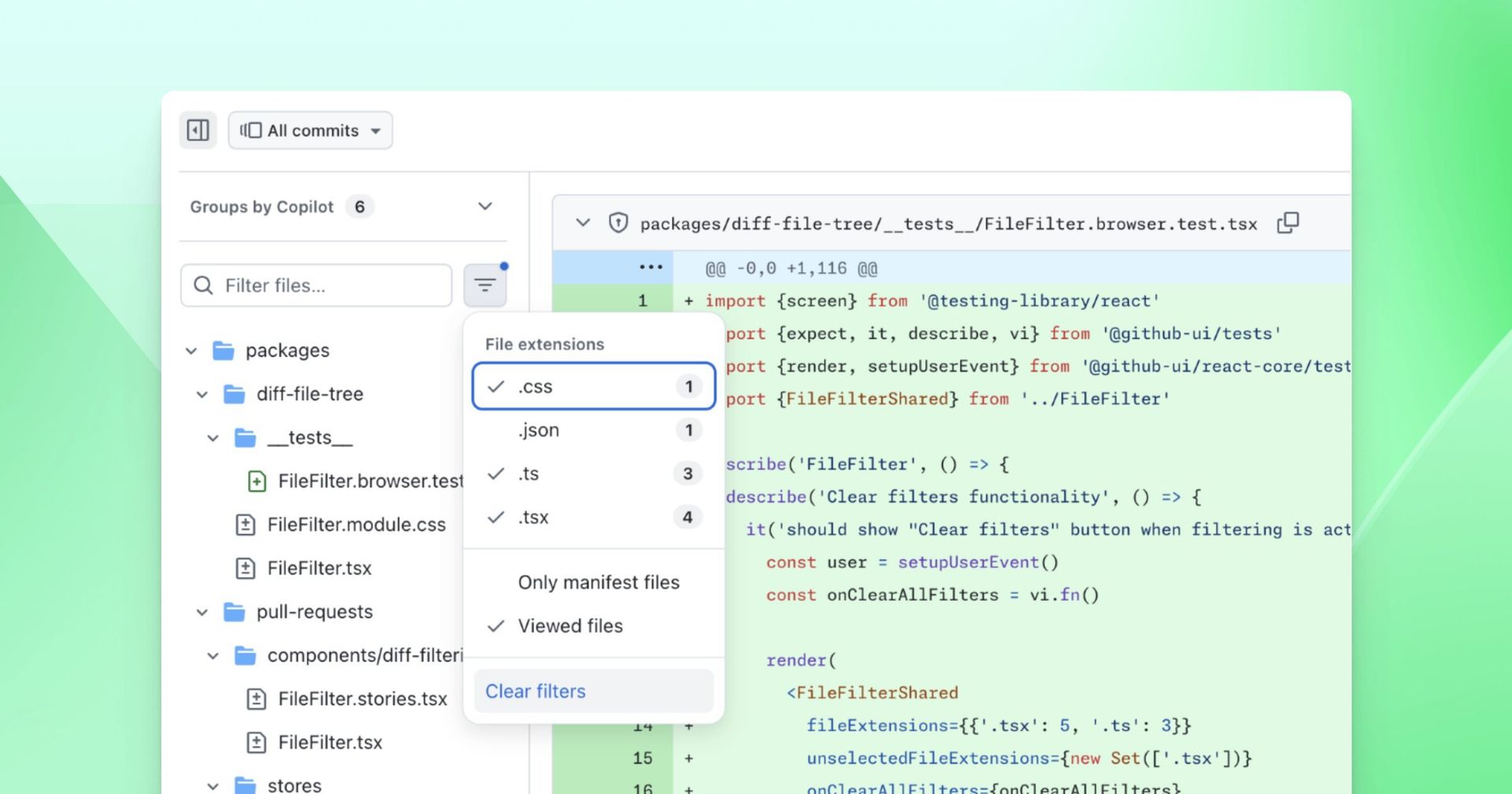
Similarly, the file filter has received a quality-of-life upgrade. It now features a blue dot indicator that clearly signals when any filters are active, preventing users from forgetting they have an applied filter. A new "Clear filters" option has also been added to the filter menu, providing a simple one-click way to reset all filters back to their default state.
Performance remains a key focus area for the platform. Recent improvements include better responsiveness when resizing the file tree and faster performance when toggling settings like "Minimize comments" or switching between split and unified views. GitHub has also fixed a long-standing issue where clicking the "Refresh" button would trigger a full, often slow, page reload whenever new changes were pushed to the PR.
A Polished Preview
Beyond the headline features, the update includes a number of targeted fixes. These include resolving errors in the comments side panel when resolving already-resolved comments, ensuring diffs load correctly even with nonstandard characters in file paths (like commas), and making the linguist-generated attribute in .gitattributes work as expected. Keyboard shortcuts have also been restored to their intended functionality, with 'T' refocusing on the file filter and 'C' once again opening the commit selector.
The new commit-by-commit review and enhanced filtering are now available within the new "Files changed" public preview. Developers still using the classic experience can opt in by clicking "Try the new experience" at the top of the classic page. As GitHub continues to refine this feature, it signals a clear commitment to building a more powerful and integrated development environment directly within the platform.
Source: GitHub Changelog
Comments
Please log in or register to join the discussion