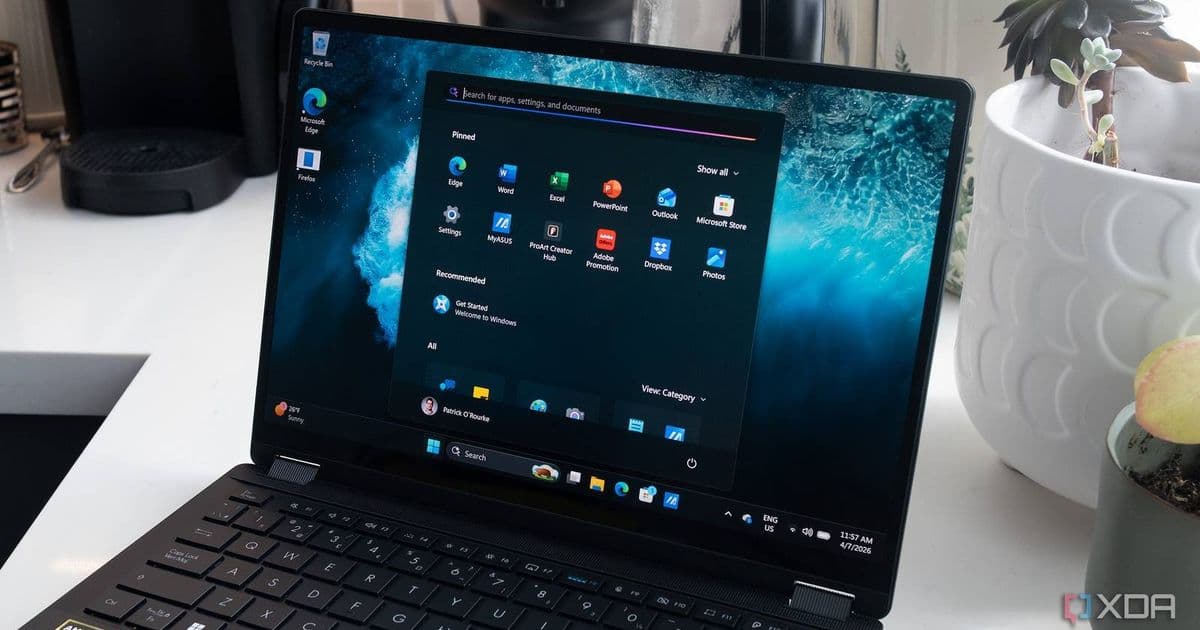
Google's AI-powered search app is now available worldwide in English, letting Windows users access AI mode and search their files, apps, and web without opening a browser.
Google has expanded its AI-powered search capabilities to Windows users worldwide, launching the Google app globally in English. The move brings Google's sophisticated AI search features, previously limited to US users, to a much broader audience without requiring a browser.
From Early Gaffes to AI Powerhouse
Google's journey with AI search has been transformative. What began with awkward AI Overviews that suggested adding glue to pizza has matured into a sophisticated system that's now central to the Google experience. The company has refined its approach, developing both AI Overviews that enhance traditional search results and a dedicated 'AI mode' that bypasses conventional search entirely to tap directly into Google's powerful large language models.
Beyond the Browser
The new Google app for Windows represents a significant shift in how users can access Google's AI capabilities. While Google Chrome already makes AI mode easily accessible, the standalone app offers several advantages:
- Keyboard-first access: Launch searches instantly with Alt+Space
- Cross-platform search: Find information across web, local files, installed applications, and Google Drive
- Browser independence: Access AI features without opening Chrome
This approach mirrors strategies from other tech giants. Apple's Spotlight search on macOS has long offered similar functionality, allowing users to search their entire system from a single interface. Google's Windows app appears to be borrowing this page from Apple's playbook, recognizing that users want unified search experiences that span both local and cloud-based content.
What the App Can Do
The Google app transforms Windows search into a more intelligent, context-aware experience:
Web Search: Access Google's AI mode directly, getting conversational responses powered by LLMs rather than traditional link-based results
Local File Search: Find documents, images, and other files stored on your computer with intelligent categorization
Application Search: Quickly locate and launch installed programs without navigating through the Start menu
Google Drive Integration: Search your cloud storage alongside local content, creating a unified search experience
Availability and Limitations
The app is now available worldwide, but with one significant constraint: it's currently only in English. This limitation may affect adoption in non-English speaking regions, though Google has indicated plans to expand language support in future updates.
Users can download the app directly from Google's official download page. The installation process is straightforward, and the Alt+Space keyboard shortcut provides immediate access to the search interface from anywhere in Windows.
The Broader Context
This launch comes amid increasing competition in the AI search space. Microsoft has integrated AI capabilities into Windows through Copilot, while various third-party applications offer AI-powered search experiences. Google's move to provide a standalone app demonstrates the company's commitment to maintaining its search dominance as AI transforms how people find information.
The timing is also notable given recent developments in Android Auto, where users can now access web browsers when parked. Google appears to be systematically expanding AI and search capabilities across its ecosystem, creating consistent experiences whether users are on desktop, mobile, or in their vehicles.
For Windows users who have been hesitant to adopt Chrome or prefer a more integrated search experience, the Google app offers a compelling alternative. By combining local search capabilities with Google's AI-powered web search and cloud integration, it creates a unified information discovery tool that works across multiple contexts.
As AI continues to reshape how we interact with technology, tools like Google's Windows app represent an important step toward more intuitive, intelligent search experiences that understand context and deliver relevant information regardless of where it's stored.
Comments
Please log in or register to join the discussion