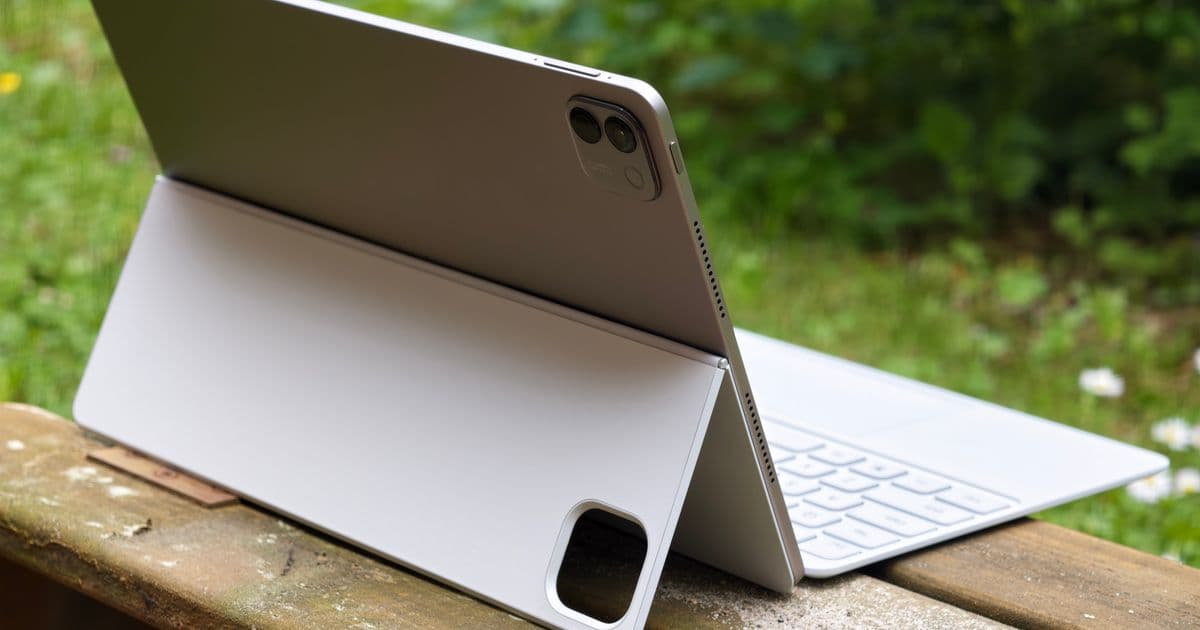
The Honor MagicPad 4 combines a 12.3‑inch 165 Hz OLED display, Snapdragon 8 Gen 5 SoC, and a well‑implemented PC mode to deliver a notebook‑class experience at a mid‑range price, challenging both the iPad Air 13 and many Windows‑based 2‑in‑1s.
Honor MagicPad 4 Proves an Android Tablet Can Replace a Laptop in 2026
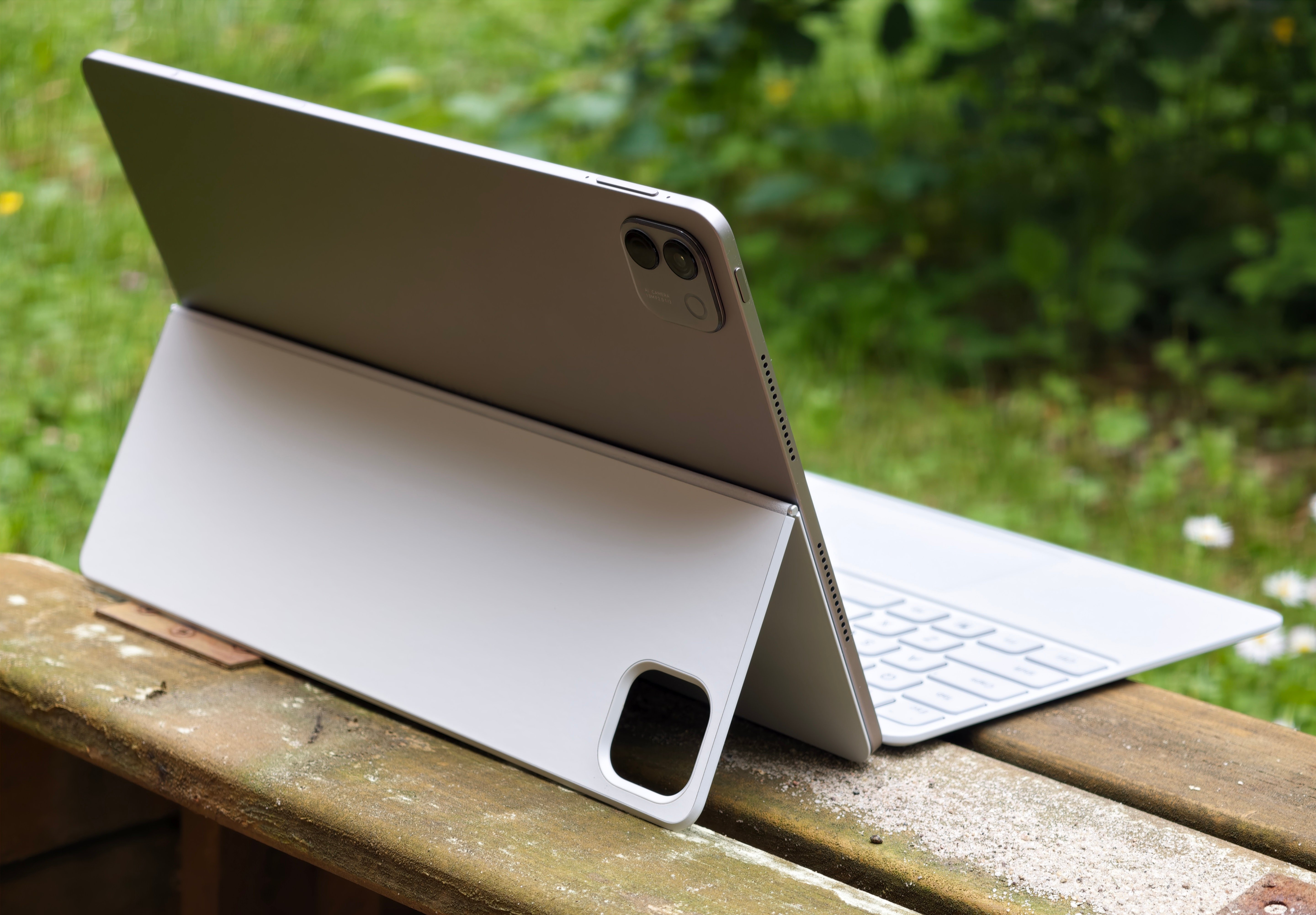
When we first laid hands on the Honor MagicPad 4, the headline was clear: a mid‑range Android tablet that could sit comfortably beside the iPad Air 13 as a genuine notebook replacement. After a week of daily‑use testing—keyboard, stylus, multitasking, and a few light content‑creation tasks—the claim holds up. Below we break down the hardware, the software experience, and the trade‑offs that decide whether this tablet belongs in your bag.
What’s new on the MagicPad 4?
| Specification | Honor MagicPad 4 | iPad Air 13 (2024) | Samsung Galaxy Tab S9+ |
|---|---|---|---|
| Display | 12.3‑inch 165 Hz OLED, 2400×1600, 500 nits, 100% DCI‑P3 | 13‑inch 60 Hz LCD, 2360×1640, 500 nits, P3 | 12.4‑inch 120 Hz AMOLED, 2800×1752, 600 nits, P3 |
| SoC | Snapdragon 8 Gen 5 (4 nm) | M2 (5 nm) | Snapdragon 8 Gen 2 |
| RAM / Storage | 12 GB LPDDR5 / 256 GB UFS 3.1 (expandable via NM) | 8 GB / 256 GB | 12 GB / 512 GB |
| Battery | 10 500 mAh, 45 W fast charge | 10 000 mAh, 20 W | 10 090 mAh, 45 W |
| Pen | Magic Pencil 3, 4096 levels, 0.5 mm tip | Apple Pencil 2, 4096 levels | S‑Pen, 4096 levels |
| Keyboard | Smart Touch Keyboard (plastic, 1.5 mm travel) | Magic Keyboard (aluminum) | Book Cover Keyboard (plastic) |
| Weight (tablet only) | 835 g | 1 020 g | 900 g |
| Price (incl. keyboard & stylus) | ≈ $750 (EU) | $799 (US) | $899 (US) |
The most striking upgrades are the OLED panel with a 165 Hz refresh rate and the Snapdragon 8 Gen 5. The display’s deep blacks and buttery‑smooth scrolling make UI animations feel alive, while the SoC delivers desktop‑class performance in a tablet form factor.
How the PC mode stacks up
Honor’s MagicOS 10 brings a PC‑mode that feels like a stripped‑down version of Windows 11’s multitasking. When you dock the Smart Touch Keyboard, the OS automatically switches to a desktop‑style layout:
- Multi‑Window – Up to four apps can be tiled side‑by‑side. The UI lets you snap windows to quarters, halves, or full‑screen with a single tap.
- Pre‑selection grid – A quick‑launch bar shows four favorite apps (Chrome, Files, Office, and a media player) that can be opened with one tap and automatically arranged.
- Keyboard shortcuts – Standard Windows‑style shortcuts (Ctrl + Tab, Alt + F4, etc.) work, and the on‑screen cursor behaves like a traditional pointer.
The experience is comparable to Samsung’s DeX but feels more integrated because the navigation bar disappears, giving you a true desktop feel. Latency is negligible; switching between four apps feels instant, and the Snapdragon 8 Gen 5 never stutters, even when Chrome has ten tabs open alongside a PDF and a video conference.
Keyboard and stylus – the real workhorse
The included Smart Touch Keyboard is a pragmatic design. Its plastic chassis keeps the overall weight down, and the 1.5 mm key travel is comfortable for long typing sessions. The biggest drawback is the trackpad, which lacks precision and has a shallow click. Users accustomed to Apple’s glass trackpad or Samsung’s magnetic one will notice the difference.
However, the Magic Pencil 3 more than compensates for the trackpad’s shortcomings. The stylus pairs instantly over Bluetooth, offers 4096 pressure levels, and supports tilt for shading—perfect for note‑taking or sketching on the OLED screen. At 17 g, it adds barely any heft, bringing the total tablet‑plus‑pen weight to 852 g.
Real‑world performance
During our week‑long test we ran the following workloads:
- Web browsing with 12 tabs – No frame drops, page loads under 2 s on 5 G.
- Microsoft Office (Word, Excel, PowerPoint) in PC mode – Editing large spreadsheets (15 k rows) stayed fluid.
- Light video editing in KineMaster – 1080p cuts rendered in under a minute; 4K export was slower but still usable.
- Gaming (Genshin Impact, Call of Duty Mobile) – 60 fps stable at medium settings, thanks to the 165 Hz panel.
We did not push the device with heavy 3D rendering or AI‑accelerated workloads, but the Snapdragon 8 Gen 5’s Adreno 820 GPU and integrated AI engine suggest it could handle those tasks better than most Android tablets.
Who should consider the MagicPad 4?
| Use case | Why the MagicPad 4 fits |
|---|---|
| Students – note‑taking, PDF reading, light coding | Lightweight, long battery, cheap keyboard, stylus for diagrams |
| Remote workers – email, document editing, video calls | PC mode replaces a laptop, OLED screen reduces eye strain, 45 W fast charge keeps you online |
| Creative hobbyists – sketching, photo editing | 165 Hz OLED, accurate stylus, decent color gamut |
| Power users – demanding multitasking, occasional gaming | Snapdragon 8 Gen 5 handles multiple apps, but lack of high‑end GPU means it won’t replace a dedicated gaming laptop |
If you are already in the Apple ecosystem, the iPad Air 13 still offers a more polished accessory suite and a longer software support window. However, for users who prefer Android, want a true OLED experience, and need a device that can double as a notebook without breaking the bank, the MagicPad 4 is a compelling choice.
The price gap and availability
Honor prices the tablet at ≈ $750 in Europe, which includes the Smart Touch Keyboard and Magic Pencil 3. The package undercuts the iPad Air 13’s $799 price point (which does not include the Magic Keyboard or Apple Pencil) and comes close to the $899 price of Samsung’s Galaxy Tab S9+ with its premium accessories.
The only major hurdle is U.S. availability—Honor does not ship the MagicPad 4 directly to the United States, so interested buyers must rely on importers or gray‑market sellers, which can add shipping fees and limit warranty coverage.
Bottom line
The Honor MagicPad 4 delivers a well‑rounded notebook experience in a tablet that feels premium thanks to its OLED panel and high‑refresh rate. Its PC mode is the most usable we’ve seen on Android, and the Snapdragon 8 Gen 5 ensures smooth multitasking. The keyboard’s plastic build and mediocre trackpad keep the price low, while the Magic Pencil 3 makes the device a solid creative tool.
Verdict: For students, remote workers, and Android enthusiasts who need a lightweight, capable device for everyday productivity, the MagicPad 4 is a top‑tier option that rivals the iPad Air 13 and outperforms most Windows‑based 2‑in‑1s at a lower price—provided you can live with the lack of official U.S. sales.
Sources: Official Honor product page, Snapdragon 8 Gen 5 specifications, our hands‑on testing notes.
Comments
Please log in or register to join the discussion