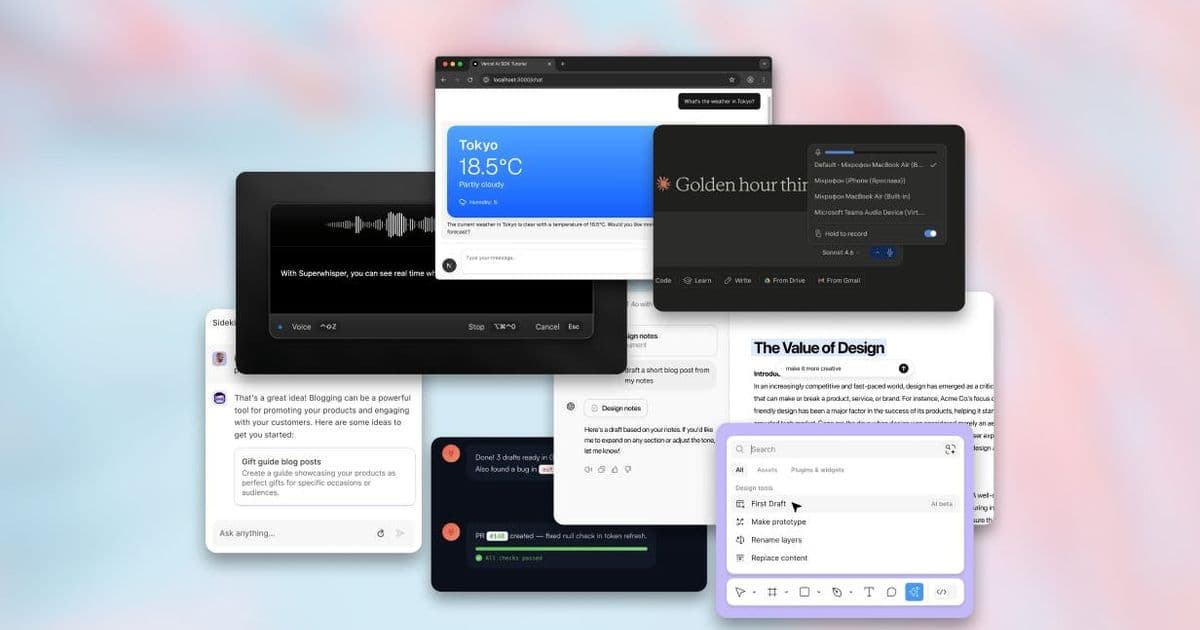
An examination of the subtle ways artificial intelligence has reshaped user experience design, from adaptive interfaces to predictive micro‑interactions, and what the shift means for product teams.
How AI Quietly Changed Modern UX Patterns
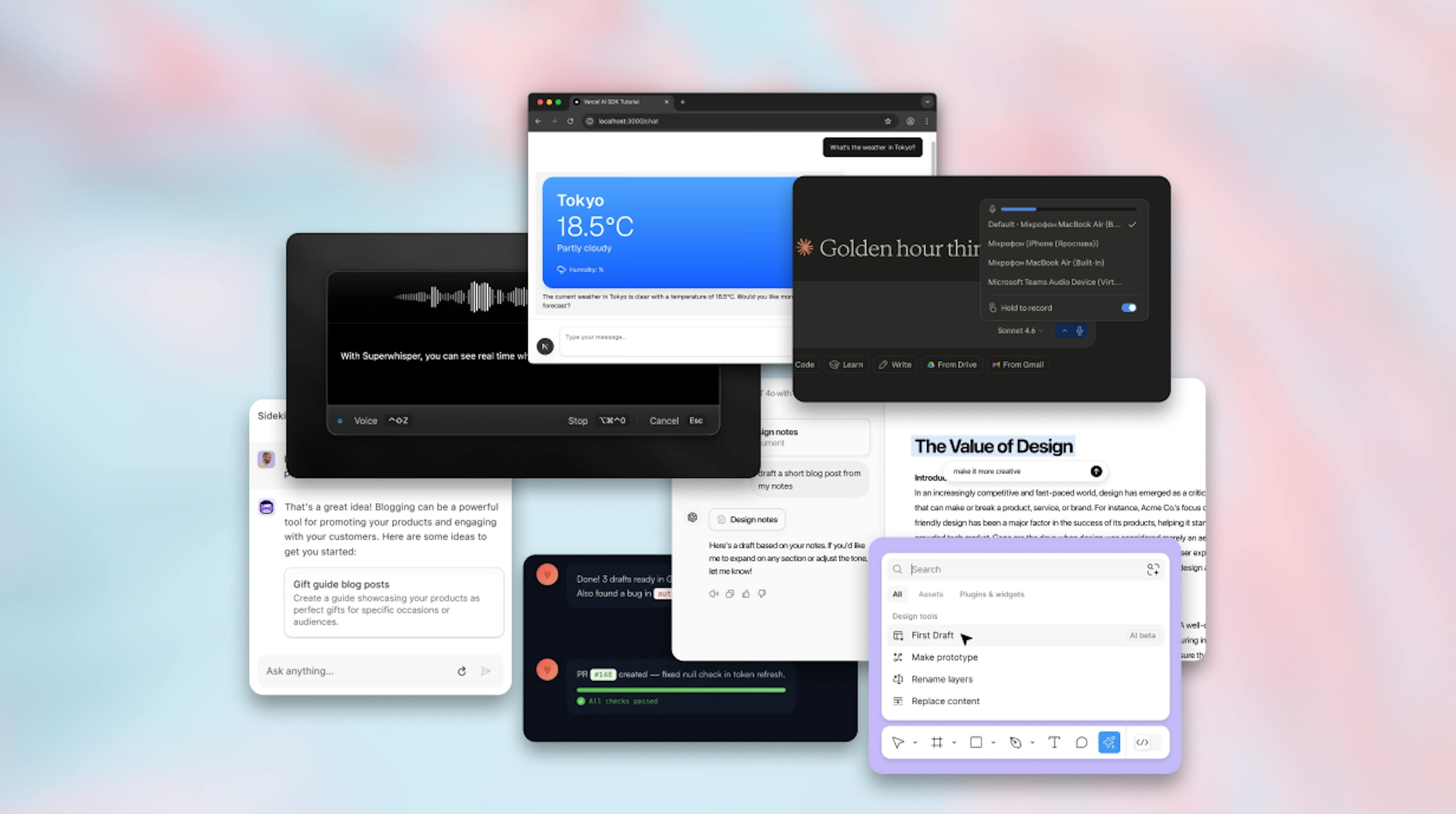
Artificial intelligence is no longer a headline feature that users see on a splash screen. Instead, it has become an invisible layer that adjusts how we interact with software every day. This article looks at the specific UX patterns that have emerged as AI moved from experimental labs into production pipelines, and why the change matters for designers, developers, and product leaders.
1. Adaptive Layouts that Learn From Real‑World Use
Traditional responsive design reacts only to screen size. Modern interfaces can now re‑arrange components based on how a user actually navigates a product. For example, a dashboard that notices a user frequently opens a particular chart will surface that chart higher on the page for that user, while pushing rarely used widgets into a secondary menu. Companies such as Uizard and Figma have integrated these adaptive behaviors into their design tools, allowing designers to preview AI‑driven layout suggestions directly in the editor.
Why it matters: The shift reduces the need for designers to anticipate every possible workflow. Instead, the product can evolve with the user, lowering friction and increasing perceived relevance.
2. Predictive Micro‑Interactions
Micro‑interactions—those tiny animations or haptic feedback moments—used to be static, scripted sequences. AI now powers predictive variations. A login form might pre‑fill the next field based on typing speed, or a button could change its hover animation to match the user's confidence level, inferred from cursor jitter. The open‑source library microAI (see its GitHub repo) provides a lightweight SDK for adding such context‑aware cues.
Trade‑offs: Adding predictive logic increases client‑side processing and can raise privacy concerns. Teams need clear data‑handling policies and fallback states for users who disable telemetry.
3. Conversational UI as a Navigation Backbone
Voice assistants and chatbots have moved beyond answering FAQs. Modern products embed conversational agents that guide users through complex tasks, effectively acting as a second navigation layer. ChatGPT‑UX, an open‑source plugin for React, demonstrates how a conversational overlay can suggest next steps, surface hidden settings, or even generate UI snippets on demand.
Example: A project‑management tool lets a user type "Show me tasks due this week" and the AI not only filters the list but also rearranges the view to highlight overdue items, all without a page reload.
4. Data‑Driven Design Tokens
Design systems traditionally rely on manually curated tokens for colors, spacing, and typography. AI can now generate token sets that adapt to brand guidelines and user accessibility preferences. The service PaletteAI analyzes a brand’s visual assets and produces a full token library, complete with dark‑mode variants that meet WCAG AA standards. Integration with tools like Storybook means developers can pull the latest token set via a simple API call.
Considerations: Automated token generation can produce palettes that look technically correct but feel off‑brand. Human review remains essential before deployment.
5. Real‑Time Performance Optimization
AI models embedded in the front end can predict which resources a user will need next and pre‑fetch them. This pattern, sometimes called anticipatory loading, reduces perceived latency. Netflix’s UI, for instance, pre‑loads thumbnails for titles that the recommendation engine predicts the user will scroll to next. Open‑source projects such as PredictiveCache (see the documentation) let developers add similar logic to any web app.
Impact: Users experience smoother transitions, especially on low‑bandwidth connections, but the approach consumes extra bandwidth up front. Monitoring tools must track the cost‑benefit ratio.
6. Ethical Guardrails Built Into the UX
As AI makes more decisions, designers are forced to surface explanations and control points. The emerging pattern of explainable UI adds small info icons next to AI‑generated suggestions, opening a tooltip that describes the data source and confidence level. The Explainable UI Kit provides ready‑made components for this purpose, encouraging transparency without clutter.
Why it matters: Transparency builds trust, and regulatory frameworks in the EU and US are beginning to require it for high‑impact AI decisions.
7. Cross‑Device Continuity Powered by AI
Users now expect a seamless hand‑off between phone, tablet, and desktop. AI models track session context and predict the next device a user will switch to, pre‑loading the appropriate view state. ContinuityAI, a service from Otherland Studio, offers an SDK that syncs UI state across devices using edge‑computed inference, reducing the time a user spends waiting for the app to catch up.
Result: A designer can focus on a single flow, knowing the platform will handle device‑specific adjustments.
What This Means for Product Teams
- Design process – Teams should allocate time for AI‑assisted prototyping and validation. Tools that surface layout suggestions or token palettes can accelerate iteration, but they also require a new review step.
- Engineering – Adding inference engines to the front end introduces new performance considerations. Profiling tools like Web Vitals and Lighthouse become even more critical.
- Data policy – Predictive features rely on user interaction data. Clear consent flows and opt‑out mechanisms are no longer optional.
- Skill set – UX designers are increasingly expected to understand model behavior, bias mitigation, and basic data pipelines.
Looking Ahead
The next wave will likely involve generative design, where AI drafts entire screens based on high‑level briefs. Early experiments from Google’s Material AI hint at a future where a product manager can type "Create a checkout flow for a subscription service" and receive a fully interactive prototype within minutes. Until that point, the patterns described above already demonstrate how AI is reshaping the everyday experience of software.
For anyone building modern products, the message is clear: AI is no longer a gimmick to showcase; it is a utility that, when applied thoughtfully, can make interfaces feel more personal, faster, and more trustworthy.
Artem Ivanov is the founder of Otherland Studio, a consultancy that helps companies turn AI‑enhanced ideas into market‑ready products.
Comments
Please log in or register to join the discussion