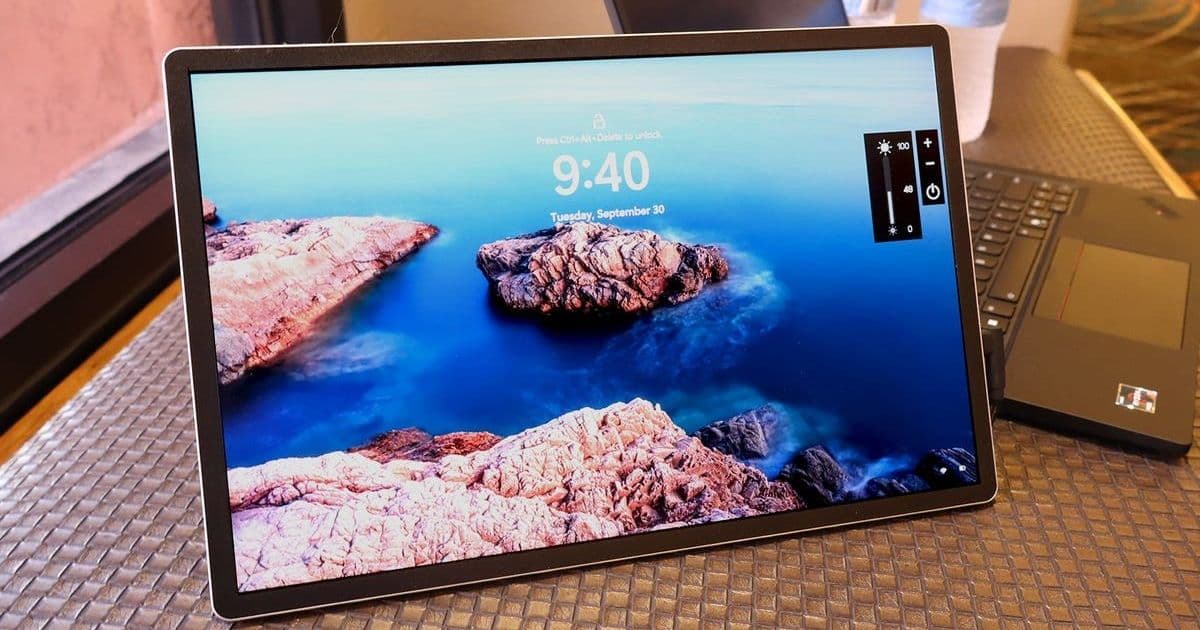
HP's latest portable monitor brings desktop-level productivity to the road with its stunning 14-inch WQXGA display, versatile connectivity options, and thoughtful design features that make it an essential tool for remote workers and digital nomads.
HP's Series 5 Pro Portable Monitor: A Dual-Screen Solution for the Modern Traveling Professional
In the era of remote work and digital nomadism, maintaining productivity while traveling has become a critical challenge for professionals across industries. HP's Series 5 Pro 14-inch WQXGA Portable Monitor emerges as a compelling solution, offering desktop-level dual-monitor capabilities in a remarkably compact and lightweight package. This review delves into the technical specifications, real-world performance, and practical implications of this portable display for developers, engineers, and other tech professionals who require flexible workspace solutions.
Visual Excellence in a Compact Form
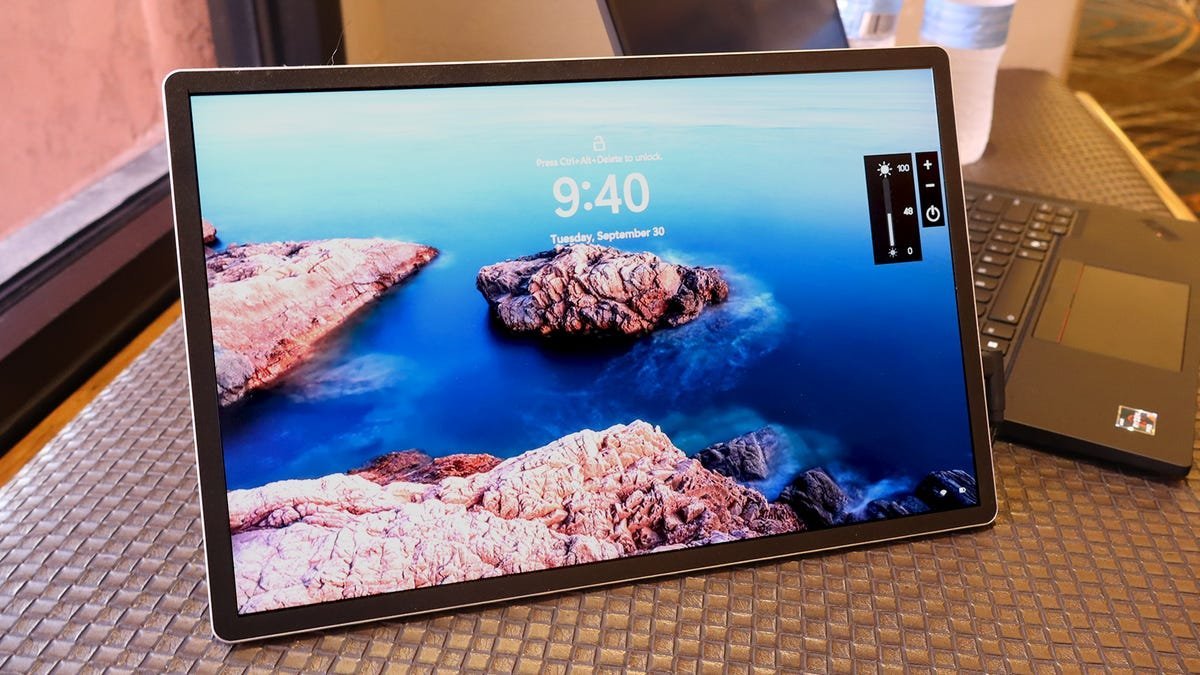
The centerpiece of the HP Series 5 Pro is its 14-inch WQXGA (2,560 x 1,600 pixels) panel with a 16:10 aspect ratio—a configuration that immediately stands out in a market dominated by 16:9 displays. This wider vertical workspace is particularly advantageous for developers working with code editors, designers reviewing mockups side-by-side, or financial analysts monitoring multiple data streams.
The pixel density of 216 PPI ensures exceptional clarity, with individual pixels becoming indistinguishable at normal viewing distances. This high pixel density contributes to the monitor's ability to render sharp text and detailed graphics, reducing eye strain during extended work sessions—a crucial consideration for professionals spending hours in front of screens.
HP has implemented IPS Black with NEO: LED technology, which enhances contrast ratios and color vibrancy compared to standard IPS panels. The monitor covers the entire Adobe RGB and Display P3 color gamuts, making it suitable for creative professionals who require color-accurate displays. This specification is particularly noteworthy, as many portable monitors in this price segment compromise on color accuracy.
With a maximum brightness of 400 nits and a 2,000:1 contrast ratio, the Series 5 Pro performs admirably in various lighting conditions. The anti-glare coating further enhances visibility in bright environments, as noted during testing under Arizona's intense sunlight—a significant advantage for professionals working in coffee shops or co-working spaces with variable lighting.
However, the 75Hz refresh rate represents a compromise. While sufficient for productivity tasks and light gaming, it may disappoint users accustomed to higher refresh rates for video editing or competitive gaming. This limitation should be considered when evaluating the monitor for intensive visual workloads.
Engineering and Design Considerations
At just 0.34 inches thick and weighing 1.5 pounds, the HP Series 5 Pro achieves an impressive balance between portability and functionality. Its minimalist design philosophy eliminates unnecessary bulk while maintaining essential features. The slim profile allows it to fit seamlessly into most laptop bags, making it an unobtrusive addition to any mobile workstation.
The physical controls are thoughtfully placed, with side buttons enabling quick adjustments to brightness and switching between display modes. HP includes three distinct modes:
- Night mode: Applies an orange filter to reduce blue light emission during low-light work sessions
- Native mode: Delivers standard color saturation for general use
- HP Enhance+: Applies image processing to enhance sharpness and clarity
These presets demonstrate an understanding of diverse professional needs, from late-night coding sessions to detailed design work.
Connectivity is handled through strategically placed DisplayPort inputs on either side of the monitor, both supporting video transmission via USB-C. The included cable features a 90-degree connector on one end, a practical design choice that reduces strain on the port and creates a cleaner setup. This attention to detail reflects HP's understanding of real-world usage scenarios.
The monitor's power delivery capability of up to 65W represents a significant convenience feature. While not sufficient for rapid charging of modern laptops, it can power smartphones, tablets, or other peripherals, eliminating the need for additional chargers in many travel scenarios. However, as noted in the review, the 65W output results in slower charging times—approximately 4% for a 30-minute charge of a OnePlus Nord N20. This trade-off between charging speed and portability is an important consideration for potential buyers.
An interesting technical nuance is the relationship between port placement and screen orientation. The USB-C port on the same side as the physical buttons enables application windows to transfer from the laptop to the right side of the portable monitor, while the opposite port forces transfers to the left side. This seemingly minor detail has significant implications for workflow efficiency, as it determines the natural direction of window movement when extending the display.
Practical Implications for Tech Professionals
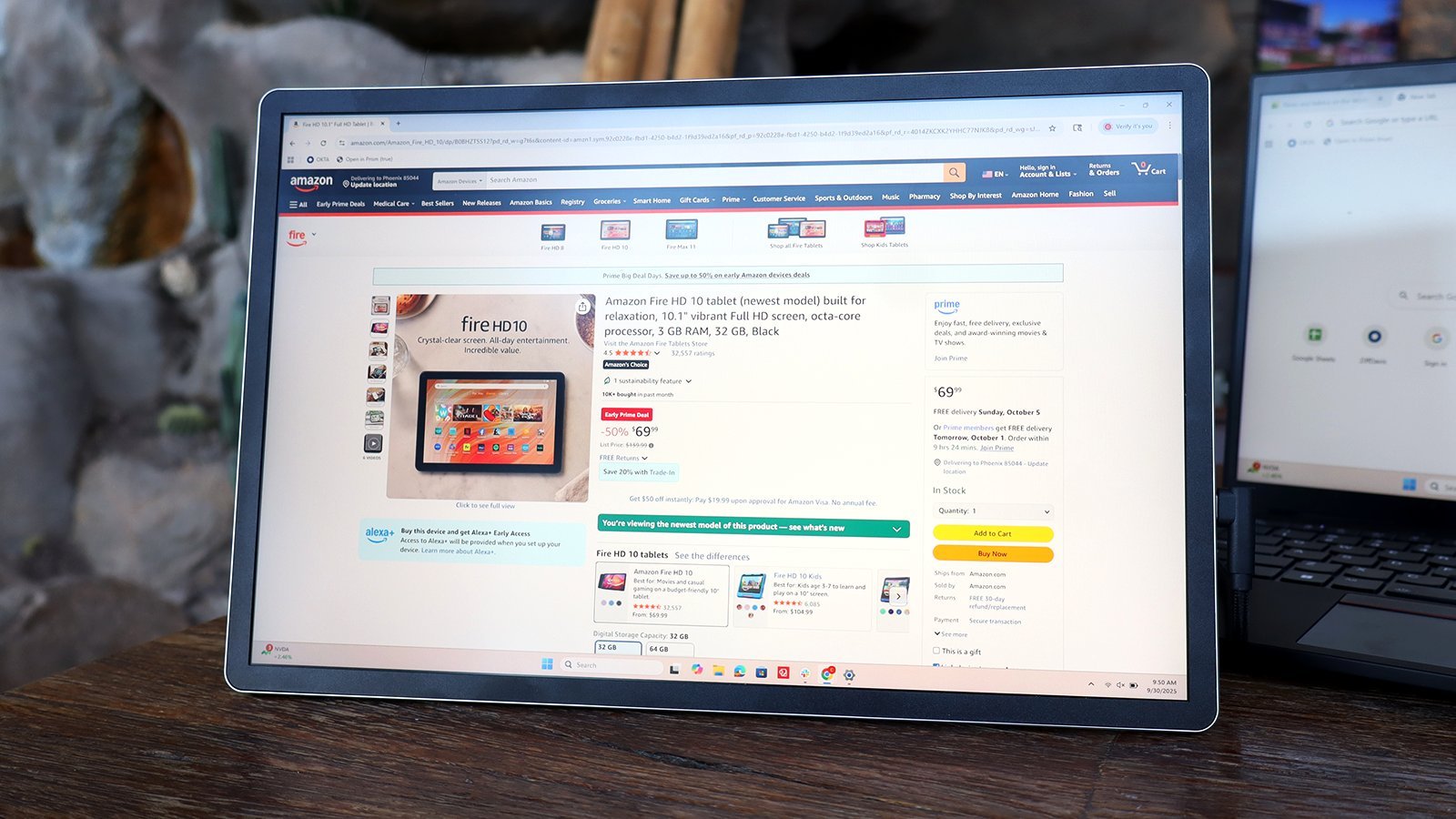
For developers and engineers, the HP Series 5 Pro offers tangible benefits that extend beyond simple screen real estate. The 16:10 aspect ratio provides approximately 11% more vertical space than traditional 16:9 displays, allowing for taller code windows or additional terminal instances without compromising horizontal workspace. This extra verticality is particularly valuable when working with long documents, spreadsheets, or design mockups.
The color accuracy and high resolution make this monitor suitable for light design work, prototyping, or reviewing visual assets while traveling. While it may not replace a professional-grade studio display, its gamut coverage ensures that colors appear consistent with other calibrated displays, reducing the risk of unexpected variations in final output.
For remote teams collaborating across time zones, the portability of this monitor enables professionals to maintain consistent dual-monitor setups regardless of location. This consistency can reduce cognitive load associated with adapting to different display configurations, potentially improving productivity and reducing errors in time-sensitive projects.
The power delivery feature, while modest, offers peace of mind for professionals who frequently find themselves in situations where access to power outlets is limited. The ability to keep a smartphone charged while working can prevent missed communications or navigation issues, particularly important for those traveling to unfamiliar locations.
Market Position and Competitive Landscape
At $339, the HP Series 5 Pro occupies an interesting position in the portable monitor market. While more affordable options are available from brands like ASUS and AOC, HP's offering distinguishes itself through a combination of premium display quality, thoughtful design features, and robust build quality.
The inclusion of IPS Black technology and full Adobe RGB/Display P3 coverage places this monitor in a higher tier than many competitors that utilize standard TN or IPS panels with limited color gamut. This focus on visual quality suggests HP is targeting professionals for whom display performance is a critical factor, rather than merely offering additional screen real estate.
The 65W power delivery is another differentiator, as many portable monitors in this price range either lack power delivery entirely or offer lower wattage outputs. This feature adds practical value that extends beyond the monitor's primary function as a display.
However, the 75Hz refresh rate and modest brightness of 400 nits represent areas where HP has made compromises to achieve the target price point. These limitations should be weighed against the specific needs of potential buyers—those primarily engaged in productivity tasks will find these specifications adequate, while users focused on multimedia or gaming may want to consider alternatives.
The Future of Portable Workstations
The HP Series 5 Pro Portable Monitor exemplifies the ongoing convergence of traditionally stationary computing components with mobile-first design philosophies. As remote work continues to normalize and professionals increasingly adopt hybrid work models, devices like this will play an increasingly important role in maintaining productivity across diverse environments.
Looking ahead, we can expect several evolutionary trends in portable displays:
- Higher refresh rates becoming standard in productivity-focused models
- Increased power delivery capabilities to support more powerful mobile devices
- Integration with cloud-based workflows to reduce dependency on local hardware
- Enhanced connectivity options, including wireless display standards
For tech professionals evaluating this or similar products, the decision ultimately comes down to balancing specific workflow needs with portability requirements. The HP Series 5 Pro excels as a productivity enhancer for travelers who prioritize display quality and convenience over cutting-edge performance specifications.
In conclusion, HP's Series 5 Pro Portable Monitor represents a well-executed solution for a growing segment of the workforce. By combining a high-quality display with thoughtful design features and practical connectivity options, HP has created a product that addresses real-world challenges faced by remote professionals. While not without compromises, its strengths make it a compelling option for anyone seeking to extend their workspace beyond the confines of a traditional office.
Comments
Please log in or register to join the discussion