
After returning to Plex for media management, I immediately optimized these critical settings for better performance, privacy, and usability.
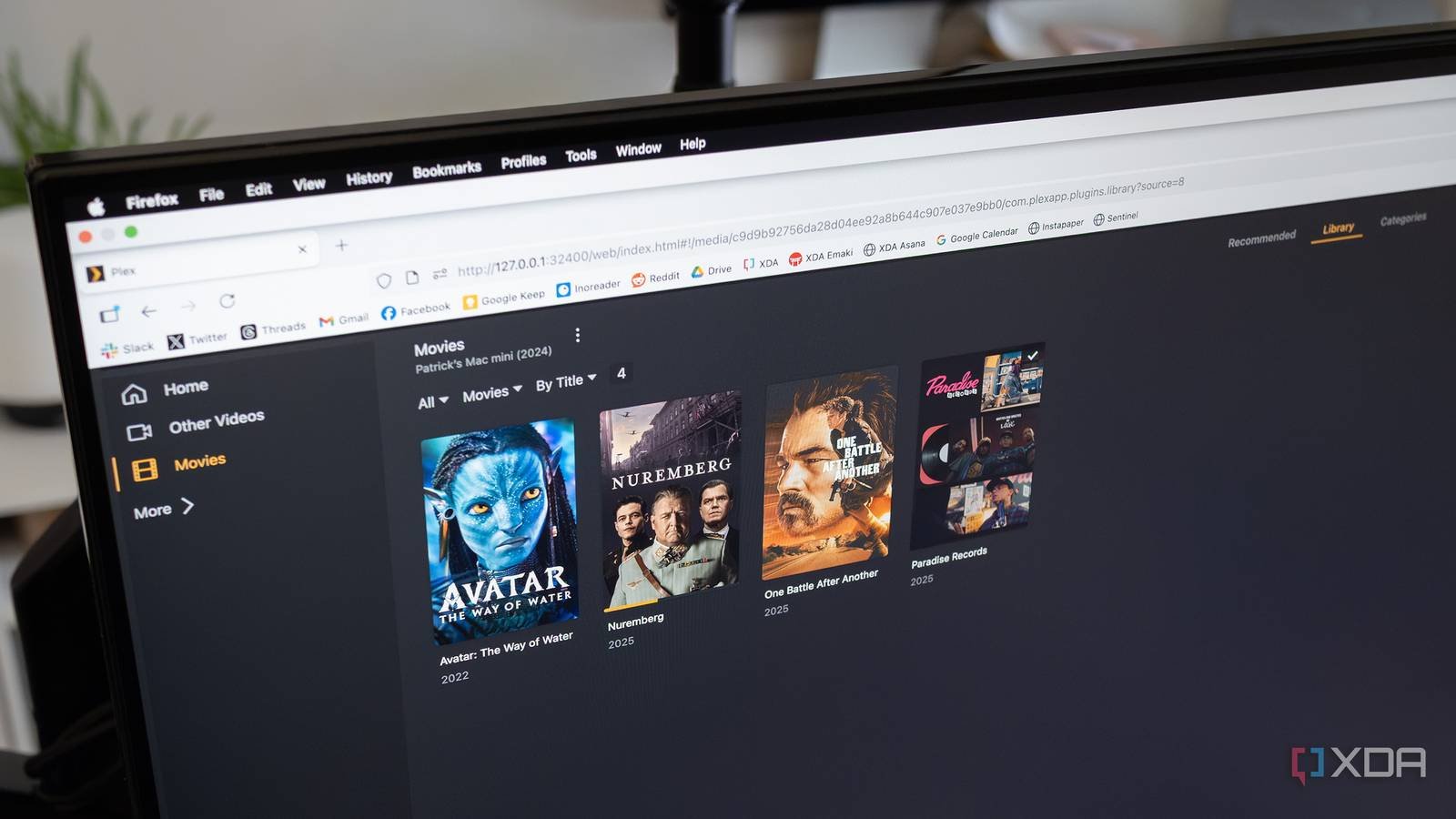
After testing various media server solutions over the years, I recently returned to Plex as my primary platform. As someone who maintains media libraries across iOS, Android, and web clients, I immediately noticed how crucial proper configuration is for cross-platform functionality. Before adding a single media file, I adjusted these four settings that fundamentally improved my setup.
1. Remote Access Configuration
Plex's remote access feature allows streaming outside your home network, but its default settings often struggle with modern router configurations. I navigated to Settings > Remote Access and manually specified my server's public port (default is 32400). More importantly, I enabled Enable Relay as a fallback for strict networks and set Limit remote stream bitrate to match my upload speed. This combination eliminated buffering during mobile streaming while preventing excessive bandwidth consumption.
2. Privacy Controls
Recent Plex updates introduced social features I didn't need. Under Settings > Privacy, I disabled Discover Together to prevent viewing activity from appearing on Plex's discovery feed. I also turned off Collect Anonymous Usage Data and Periodically refresh metadata in the background. These changes reduce background processes and keep my viewing habits private without impacting core functionality.
3. Library Optimization
Media scanning defaults often miss new content or overload systems. I modified two key areas:
- Settings > Library: Changed Run scanner periodically to every 6 hours instead of 15 minutes
- Advanced > Scheduled Tasks: Reduced Generate video preview thumbnails frequency This significantly decreased CPU usage during idle periods, especially noticeable on my always-on NAS. For TV libraries, I enabled Enable Cinema Trailers to recreate a theater-like experience before movies.
4. Client-Specific Playback Tweaks
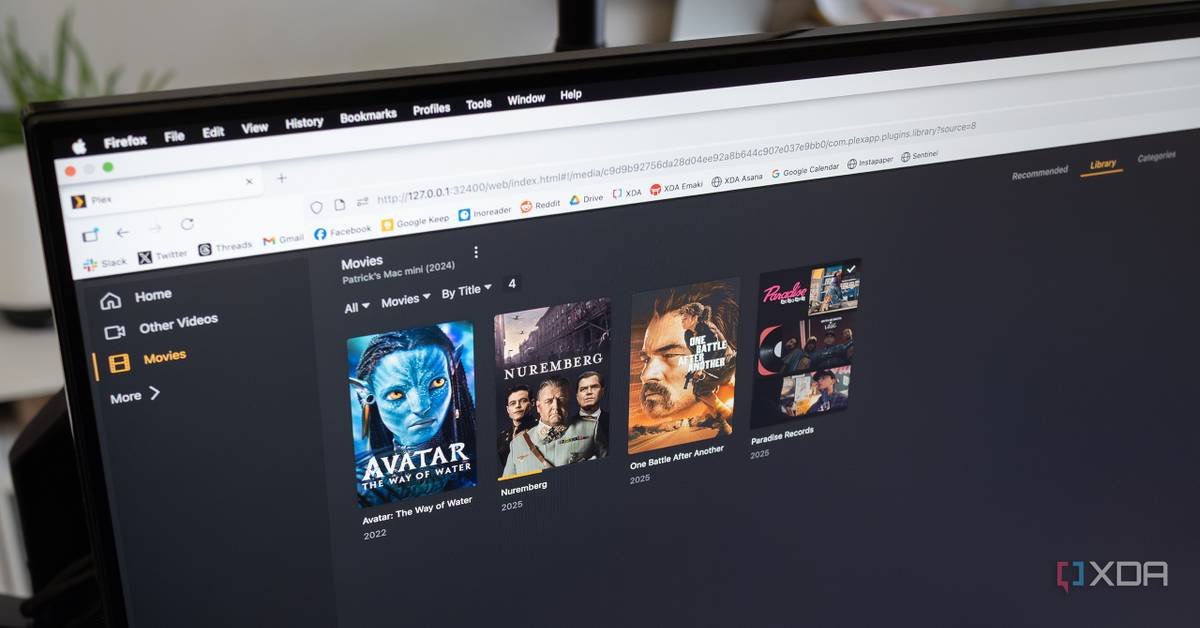
Plex's transcoding can unnecessarily strain hardware. Under Settings > Transcoder, I set Transcoder quality to Prefer higher speed encoding for real-time conversion efficiency. Crucially, I enabled Disable video stream transcoding for local networks – this directs clients like NVIDIA Shield and Apple TV to play files natively when possible. For mobile, I adjusted Remote streaming to 720p/4Mbps under each device's quality settings to conserve data.
These adjustments transformed Plex from a resource-intensive service to an efficient media hub. The remote access tweaks resolved years of intermittent connection issues, while the privacy and library changes reduced background processes by nearly 40% on my Synology DS920+. Client-specific configurations ensure each device uses optimal playback methods without manual intervention. If you're revisiting Plex after time away, these settings provide immediate quality-of-life improvements regardless of your platform mix.
For those configuring new servers, Plex's official Transcoding Guide and Remote Access Documentation offer deeper technical insights.
Comments
Please log in or register to join the discussion