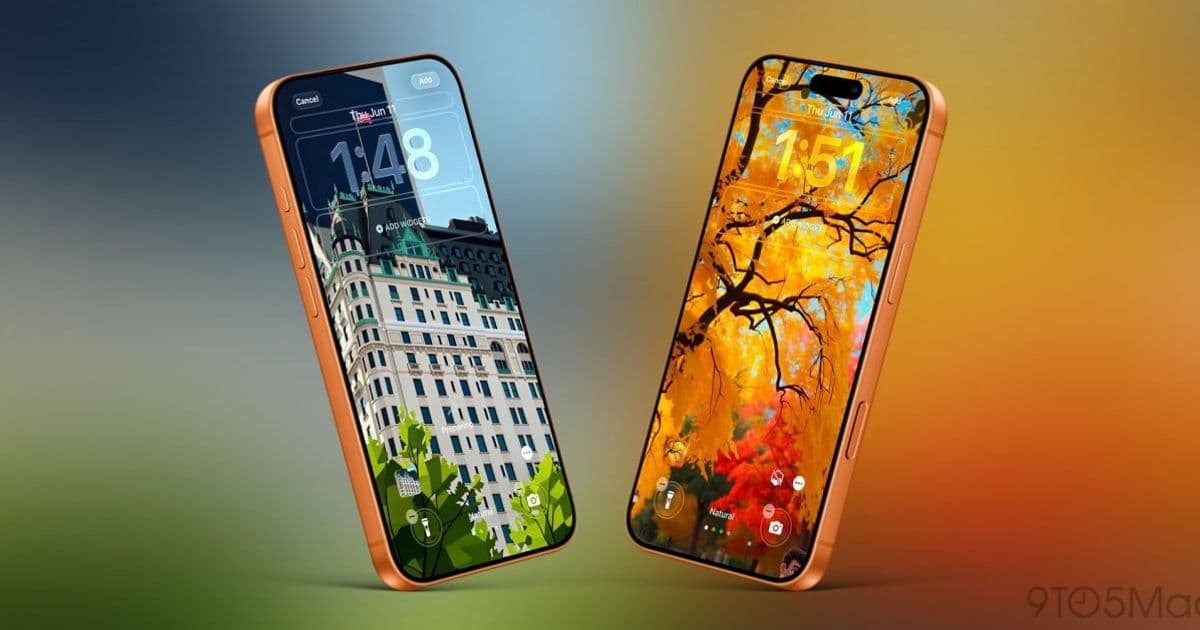
Apple wired its overhauled Image Playground directly into the iOS 27 wallpaper gallery, letting users generate custom Lock Screen art without leaving Settings. For developers, it signals where Apple's on-device image generation stack is heading and what the loosened content restrictions mean for apps that touch the same APIs.
Apple ships new stock wallpapers with every iOS release, but iOS 27 does something more interesting: it lets people generate their own directly from the wallpaper picker. The feature rides on a reworked Image Playground app, and the way Apple integrated it tells you a fair amount about how the company wants on-device generative imaging to work across the platform.
What actually changed
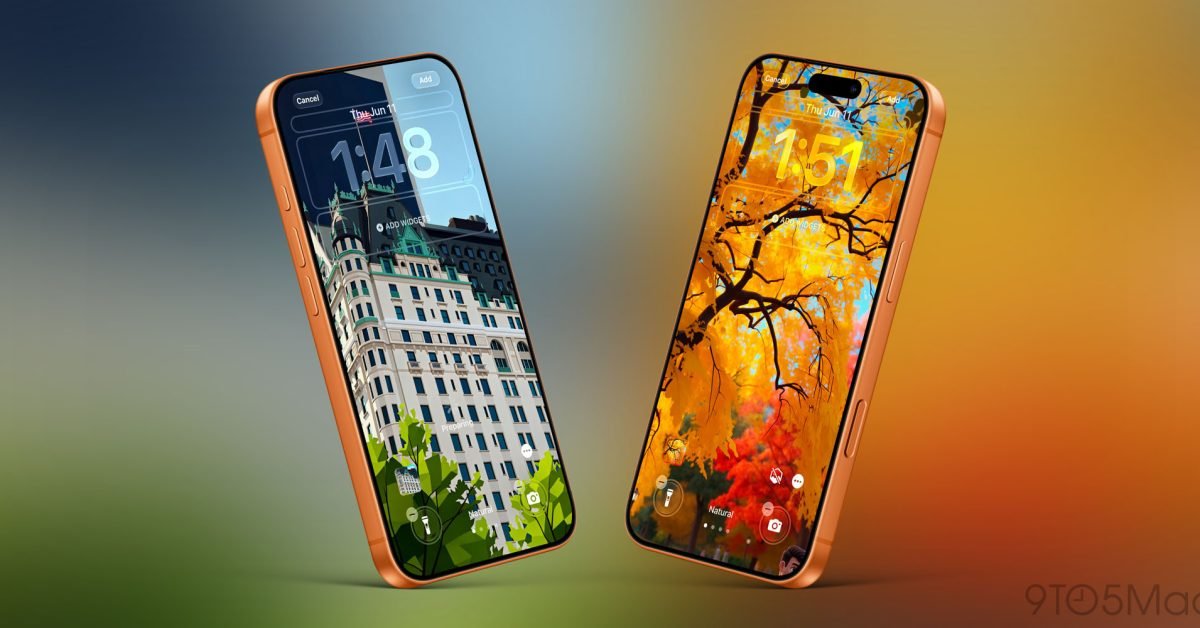
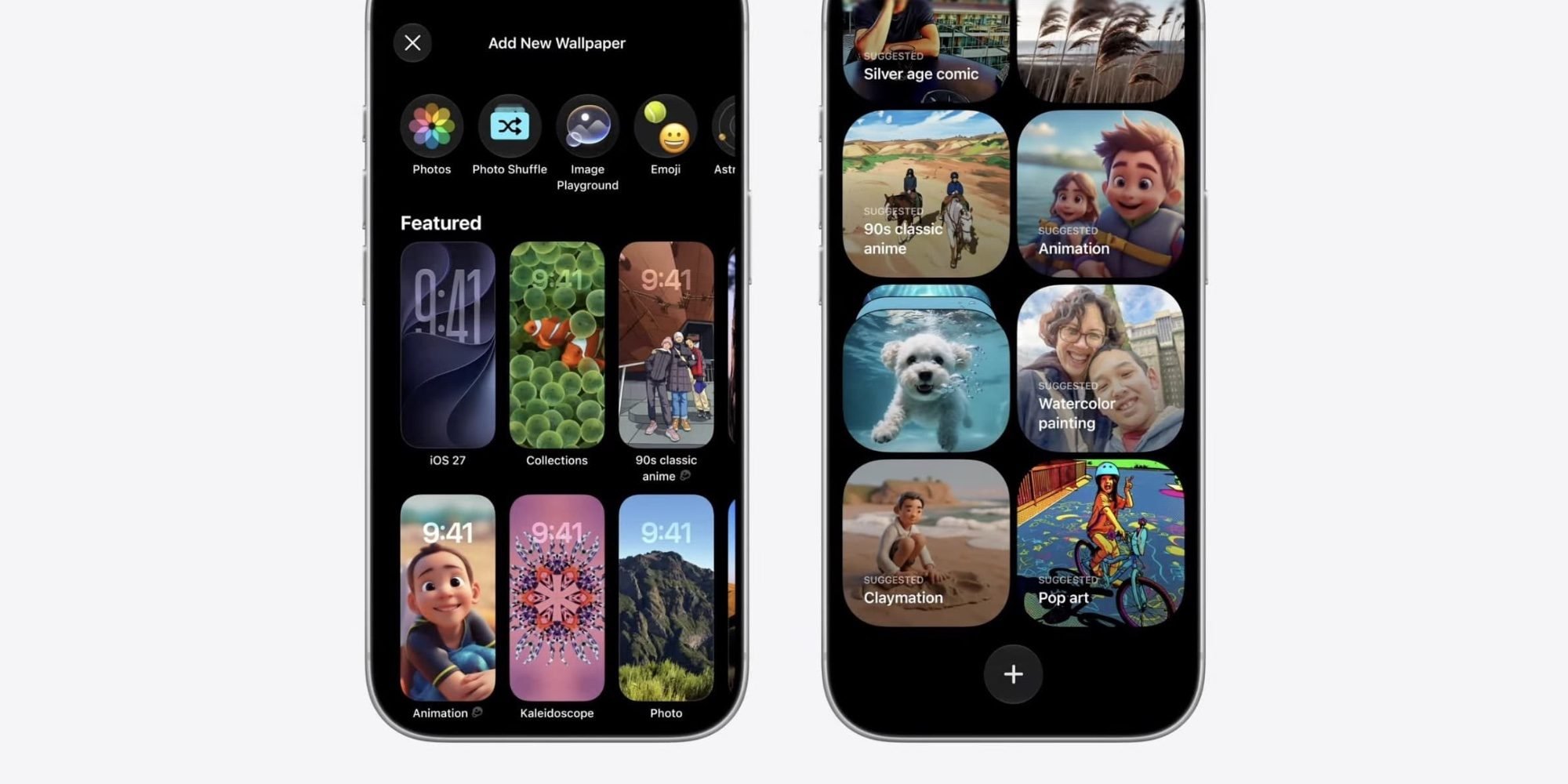
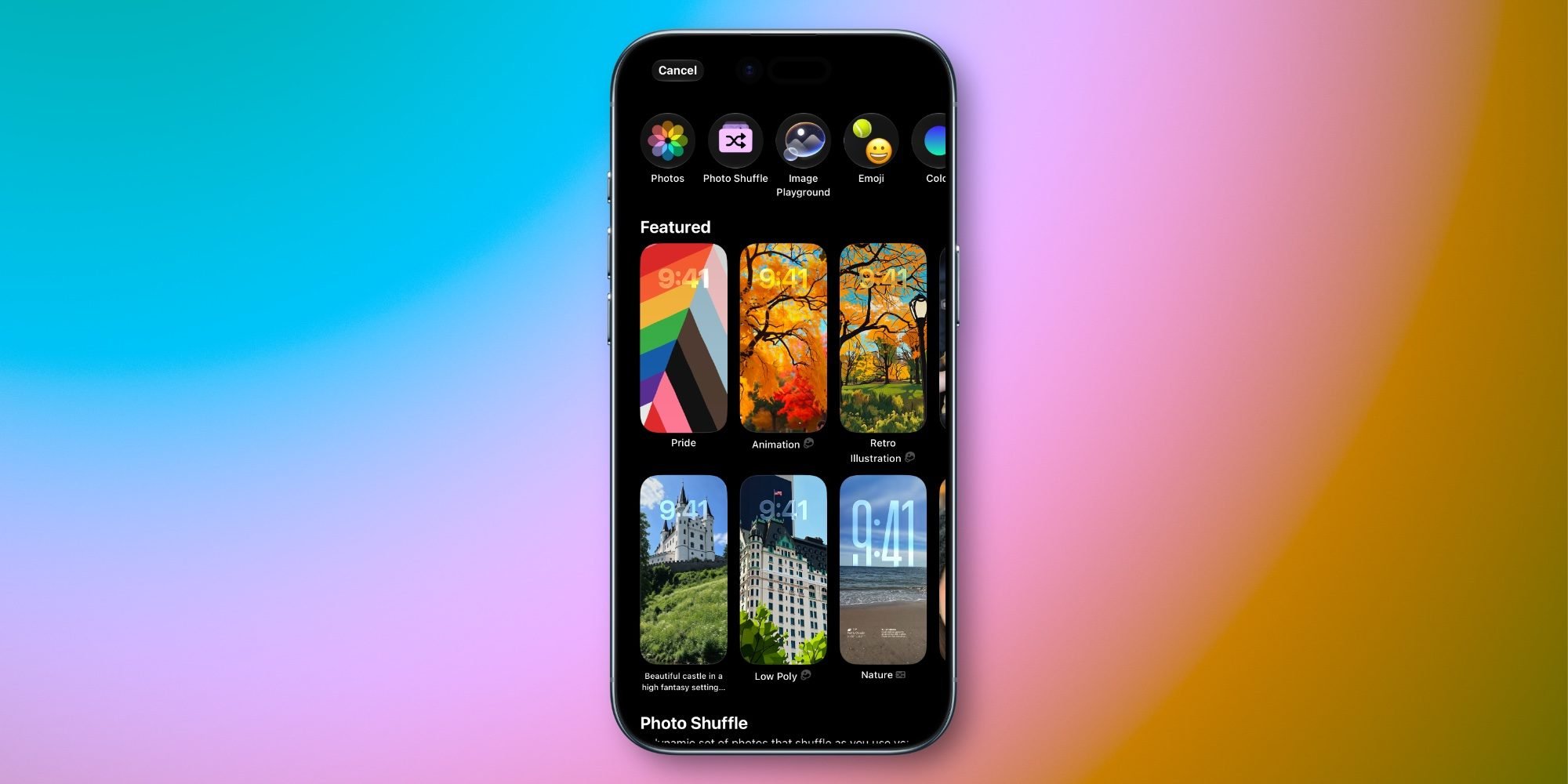
In iOS 27, you reach the new flow two ways. Either go to Settings → Wallpaper → Add New Wallpaper, or long-press the Lock Screen and tap the '+' button. Both open the wallpaper gallery, and this year the top row includes Image Playground as a first-class entry alongside the usual photo and color options.
There are two distinct behaviors worth separating. First, iOS 27 proactively seeds the Featured section with AI-generated suggestions derived from your own photo library, restyled rather than reproduced. Apple is running these generations in the background with no prompt from the user. Second, tapping the Image Playground button starts a fully manual flow: describe the image, optionally pick a style, or anchor the result to an existing photo or a specific person. Whatever comes out is sized correctly for an iPhone wallpaper, which removes the cropping friction that has historically made custom wallpapers annoying.
Apple also added a provenance marker. Anywhere a generated image appears in the gallery, the Image Playground icon sits next to it, so it stays clear which images are synthetic. That is a small UI decision with real downstream implications for how Apple expects generated content to be labeled system-wide.
Why this matters beyond wallpapers
The headline is wallpapers, but the substance is the Image Playground overhaul itself. Apple describes iOS 27 as a release built around major AI improvements, and Image Playground is the visible edge of that. The app now offers stronger generation quality and, notably, far fewer content restrictions than the original version that shipped with iOS 18. The first-generation Image Playground was conservative to the point of frustration, refusing a wide range of benign prompts and locking users into a cartoonish house style. Loosening those guardrails is the kind of change that ripples into every app built on the same framework.
For developers, the relevant surface is the Image Playground API Apple introduced via the ImagePlaygroundConcept and the SwiftUI imagePlaygroundSheet modifier. If Apple has expanded what the underlying model will produce and improved output fidelity, apps that adopted the sheet get those improvements without code changes, but they also inherit whatever new behaviors and styles the system now supports. Anyone who shipped UI assuming the old restriction set should retest, because prompts that previously failed may now succeed, and the available style enumerations may have grown.
The cross-platform angle
This is where it gets pragmatic for anyone maintaining apps on both iOS and Android. There is no equivalent system-level generative wallpaper pipeline that ships uniformly across Android, although Google has pushed AI wallpaper generation through Pixel-specific features and the broader Gemini integration on newer Pixel devices. The fragmentation point is familiar: Apple ships one model, on one stack, available the moment a device updates to iOS 27 on supported hardware, while the Android side depends on OEM, device tier, and which generative backend is present.
If you are building a creative or personalization app and you want feature parity, you cannot assume a single abstraction. On iOS you can lean on the system Image Playground sheet and get free model updates plus the provenance labeling for free. On Android you are choosing between ML Kit, an on-device model you bundle yourself, or a server-side generation service, and you own the content-policy and labeling decisions that Apple now handles at the OS layer.
Platform requirements and migration notes
Image Playground requires Apple Intelligence, which means an iPhone 15 Pro or later on the iOS side, plus the regional and language availability constraints Apple Intelligence still carries. Older supported devices that get iOS 27 but lack the silicon for Apple Intelligence will see the standard wallpaper gallery without the Image Playground row, so any app or support documentation referencing the feature needs a capability check rather than a version check. Gate on Apple Intelligence availability through the appropriate framework check, not on if #available(iOS 27), because the OS version alone does not guarantee the model is present.
For teams that already integrated the iOS 18 Image Playground sheet, migration is light but not zero. Audit your prompt-handling and error states, since the relaxed restrictions change which requests get rejected. Verify your UI still reads correctly if Apple has added new styles to the picker. And if your app generates images that users might save or share, consider mirroring Apple's provenance labeling pattern, because system-level expectations around marking synthetic content are clearly tightening and app reviewers tend to follow where the platform leads.
The wallpaper feature is the consumer story, and it is a genuinely useful one. The developer story is that Apple has quietly upgraded a framework many apps depend on, expanded what it can do, and normalized synthetic-content labeling in the process. Those are the parts worth testing against before iOS 27 reaches general release.
Comments
Please log in or register to join the discussion