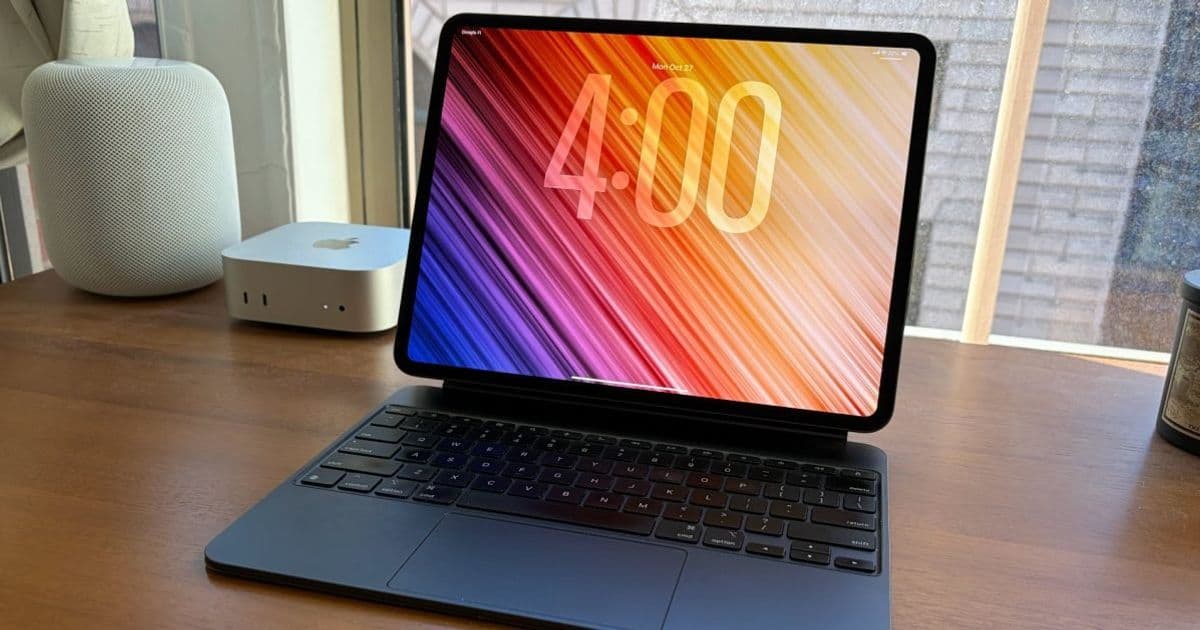
A comprehensive look at iPadOS 26 one year after its release, examining how Apple's tablet OS has evolved to better serve productivity needs while still facing limitations for power users.
One year after its unveiling, iPadOS 26 represents a significant milestone in Apple's tablet journey. As someone who has embraced the iPad Pro as their primary computing device, I've had the unique opportunity to live with this update through its beta phase and full release. This reflection examines both the triumphs and frustrations of iPadOS 26, offering insights into where Apple's tablet software succeeds and where it still falls short for power users.
The Productivity Revolution: What's Working Well in iPadOS 26
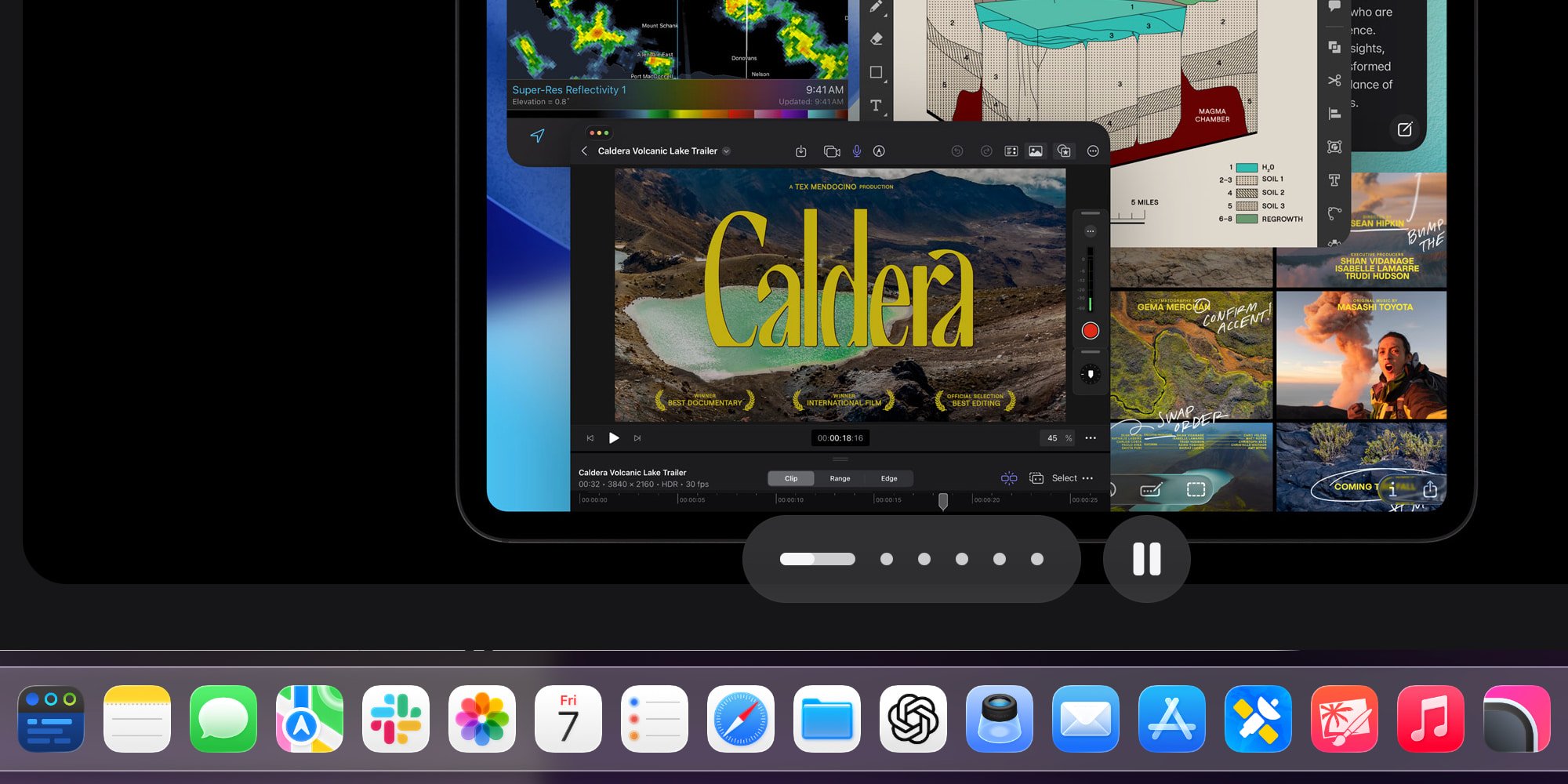
Perhaps the most significant improvement in iPadOS 26 is the introduction of proper app windowing. After 15 years of iPad development, Apple finally implemented a flexible windowing system that allows users to freely resize applications to fit their specific workflow needs. This represents a fundamental shift from the previous app-centric approach to a more desktop-like experience.
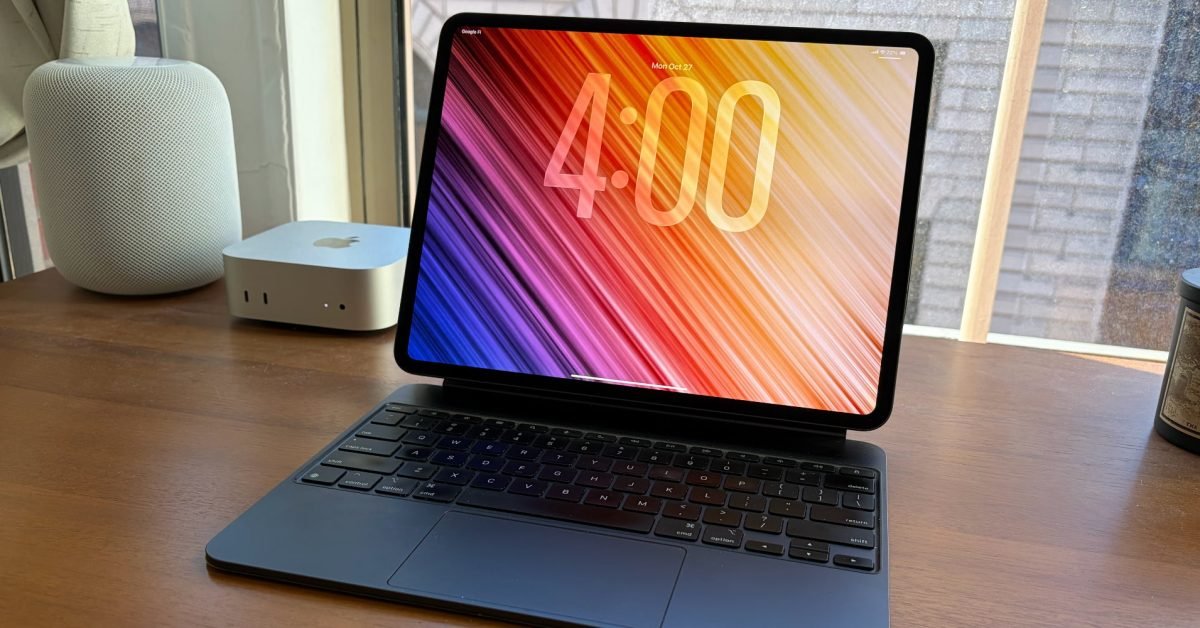
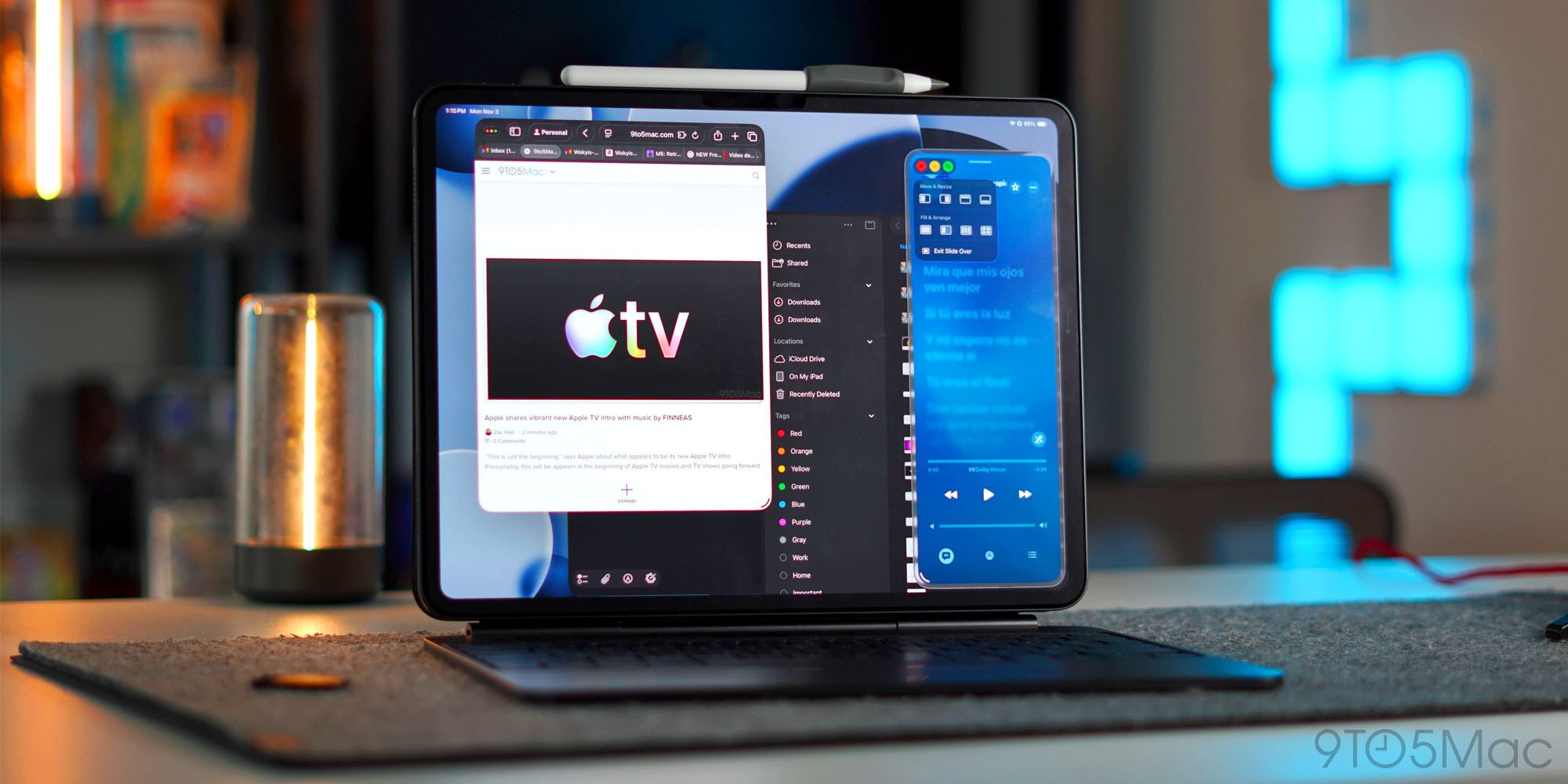
In my daily use, I've developed a consistent workflow where certain applications remain in fullscreen view for focused work, while others live as compact popovers on either side of the screen. This flexibility has transformed how I interact with my iPad, making it feel more like a traditional computer while maintaining the touch-first interface that defines the platform.
The persistent dock feature has become another favorite addition. By enabling a setting that keeps the dock visible at all times (as long as app windows don't occupy the bottom portion of the screen), iPadOS now mirrors macOS functionality. This is particularly valuable given that iPadOS 26 allows users to add more apps to the dock than ever before, including file folders. The ability to quickly access frequently used applications without constantly invoking the dock has significantly improved my workflow efficiency.
File management has seen substantial improvements with iPadOS 26. The combination of the enhanced Files app and the new Preview app has brought iPad file handling largely in line with Mac capabilities. Being able to preview files directly without opening them in their respective applications, manage file permissions more granularly, and utilize better organizational tools has made the iPad a more viable primary computing device for content creators and knowledge workers.
The menu bar, while not as fully implemented as on macOS, has proven to be a welcome addition. It serves as a centralized hub for accessing application features and controls, reducing the need to dig through settings or contextual menus. While I hope Apple continues to expand menu bar functionality in future updates, its current implementation already provides tangible benefits for productivity-focused users.
Beyond productivity features, I've personally enjoyed having Apple Journal available on my iPad. The app's thoughtful design and focus on digital wellbeing align well with the iPad's strengths as a creative and mindfulness device.
Lingering Limitations: Where iPadOS 26 Still Falls Short
Despite these significant improvements, my experience as a full-time iPad Pro user has revealed several areas where iPadOS 26 still feels like a work in progress. Apple markets the windowing system's 'persistent size and placement' as a key feature, promising that windows will remain in their exact position and size when reopened. While this often works as advertised, I experience app crashes that reset windows to fullscreen view at least every other day. This forces me to manually resize and reposition applications, disrupting my workflow.
What makes this particularly frustrating is that I'm using an M5 iPad Pro with 16GB of RAM and a 10-core CPU—the most powerful hardware Apple offers for tablets. This level of instability simply wouldn't be acceptable on a Mac, suggesting that iPadOS still has optimization challenges to address. The fact that such high-end hardware doesn't provide the expected level of software stability is concerning for users considering the iPad as their primary device.
The Slide Over feature presents another significant regression. While Apple reintroduced Slide Over in iPadOS 26.1 after its absence in the initial release, the current implementation only allows one app in Slide Over at a time. This is a step backward from iPadOS 18, which supported multiple Slide Over apps. For an update that otherwise pushes the iPad forward, this limitation is particularly disappointing for multitaskers who rely on having multiple reference apps available simultaneously.
Several usability issues persist in iPadOS 26 that affect the overall user experience:
- Right-clicking often exhibits noticeable lag compared to the instantaneous response on Mac
- When using a trackpad and cursor, app windows frequently move unintentionally during resizing attempts
- Safari contains keyboard bugs where characters typed in the address bar sometimes get erased by auto-suggestions
- Certain websites remain incompatible with Safari on iPad, necessitating occasional Mac usage for specific tasks
These issues might seem minor individually, but collectively they create a less-than-ideal experience for users who rely on their iPad for serious work. The inconsistency between iPad and Mac experiences becomes particularly apparent when considering Apple's ecosystem integration. While the iPad benefits from continuity features like Handoff and Universal Clipboard, the software experience still doesn't match the refinement of macOS in many areas.
Ecosystem Considerations and the Future of iPadOS
iPadOS 26 represents Apple's most significant investment in tablet software to date, but it also raises questions about the platform's direction in an evolving tech landscape. With foldable smartphones emerging and touchscreen Macs becoming more prevalent, the iPad's unique position in Apple's ecosystem requires careful consideration.
The update demonstrates Apple's commitment to making the iPad a more capable productivity device, but the lingering issues suggest that the company is still balancing tablet-specific functionality with traditional desktop paradigms. This tension between form factors and use cases will likely shape iPadOS development for years to come.
From an ecosystem perspective, iPadOS 26 highlights both the strengths and limitations of Apple's walled garden approach. The tight integration between hardware and software delivers impressive optimization, but the occasional bugs and inconsistencies remind us that iPadOS is still playing catch-up to macOS in certain areas. For users deeply invested in the Apple ecosystem, these trade-offs may be acceptable, but they could present barriers to adoption for those coming from more open platforms.
Looking ahead to iPadOS 27, several areas clearly need attention. Improving window persistence, restoring multi-app Slide Over functionality, and addressing the performance inconsistencies would make the iPad an even more compelling primary device. Additionally, expanding the menu bar capabilities and improving web compatibility would further bridge the gap between tablet and desktop experiences.
Conclusion: A Strong Foundation with Room to Grow
After a year with iPadOS 26, it's clear that Apple has delivered the most significant software update in iPad's history. The improvements to windowing, file management, and system functionality have made the iPad Pro a substantially more capable device for productivity-focused users. The ability to resize windows freely, maintain a persistent dock, and utilize enhanced file management has transformed my workflow in meaningful ways.
However, the persistent issues with app stability, multitasking limitations, and occasional performance hiccups remind us that iPadOS still has room to mature. The fact that these problems occur on Apple's most powerful hardware suggests that software optimization remains a work in progress.
Despite these limitations, iPadOS 26 represents a strong foundation for future development. Apple has demonstrated a clear commitment to evolving the iPad beyond its media consumption origins into a legitimate productivity platform. As we look toward iPadOS 27 and beyond, there's reason for optimism that Apple will continue to address these shortcomings while building on the solid groundwork established in this major update.
For potential iPad Pro users considering the device as their primary computer, iPadOS 26 presents a compelling case but with important caveats. The productivity improvements are substantial, but the occasional frustrations mean the iPad still requires some compromise compared to a traditional laptop or desktop experience. As with any technology purchase, prospective users should carefully consider whether the iPad's strengths align with their specific needs and workflow preferences.
Comments
Please log in or register to join the discussion