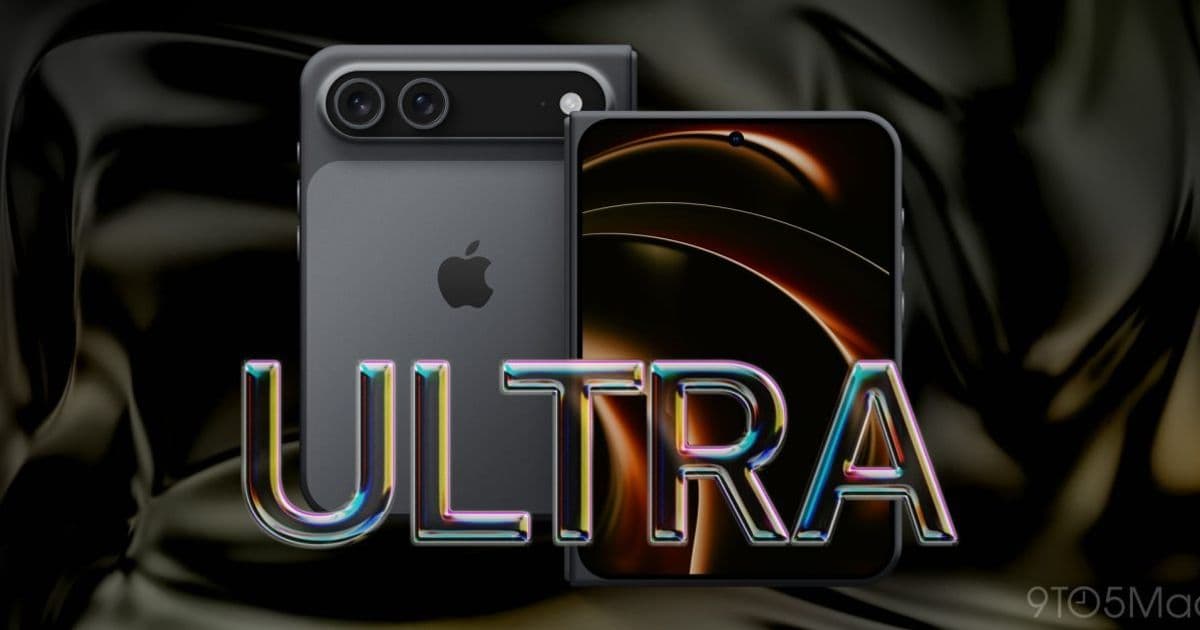
Apple's first foldable iPhone, the iPhone Ultra, ships this fall with a crease-free book-style fold, dual displays, and iOS 27 multitasking features that finally bring iPad-style layouts to the iPhone. For developers, it introduces a genuinely new size class to plan for, alongside the loss of Face ID in favor of button-integrated Touch ID.
Apple is about to hand iOS developers something they have never had to support before: an iPhone that unfolds into something close to an iPad mini. The device, widely expected to be called iPhone Ultra, arrives this fall as Apple's first foldable, and the engineering details that have leaked carry real consequences for anyone maintaining an app across the iOS and Android ecosystems.
If you have spent the last few years adapting layouts for Android foldables like the Galaxy Z Fold, much of the conceptual work will feel familiar. But the specifics of how Apple is handling continuity, authentication, and multitasking diverge enough from Samsung's approach that you cannot simply port your assumptions over.
The hardware: a new size class, not just a bigger screen
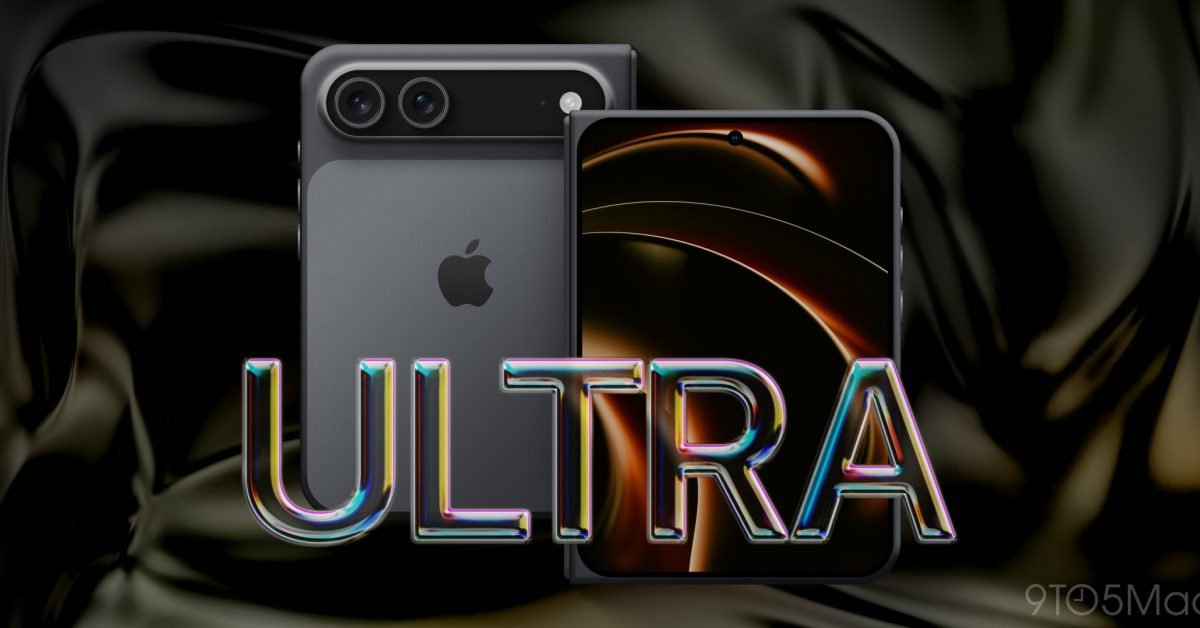
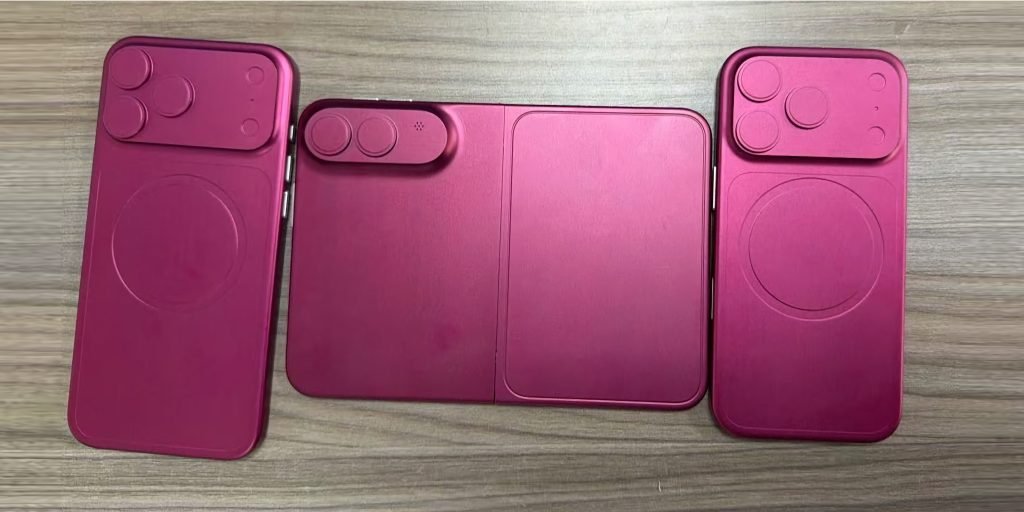
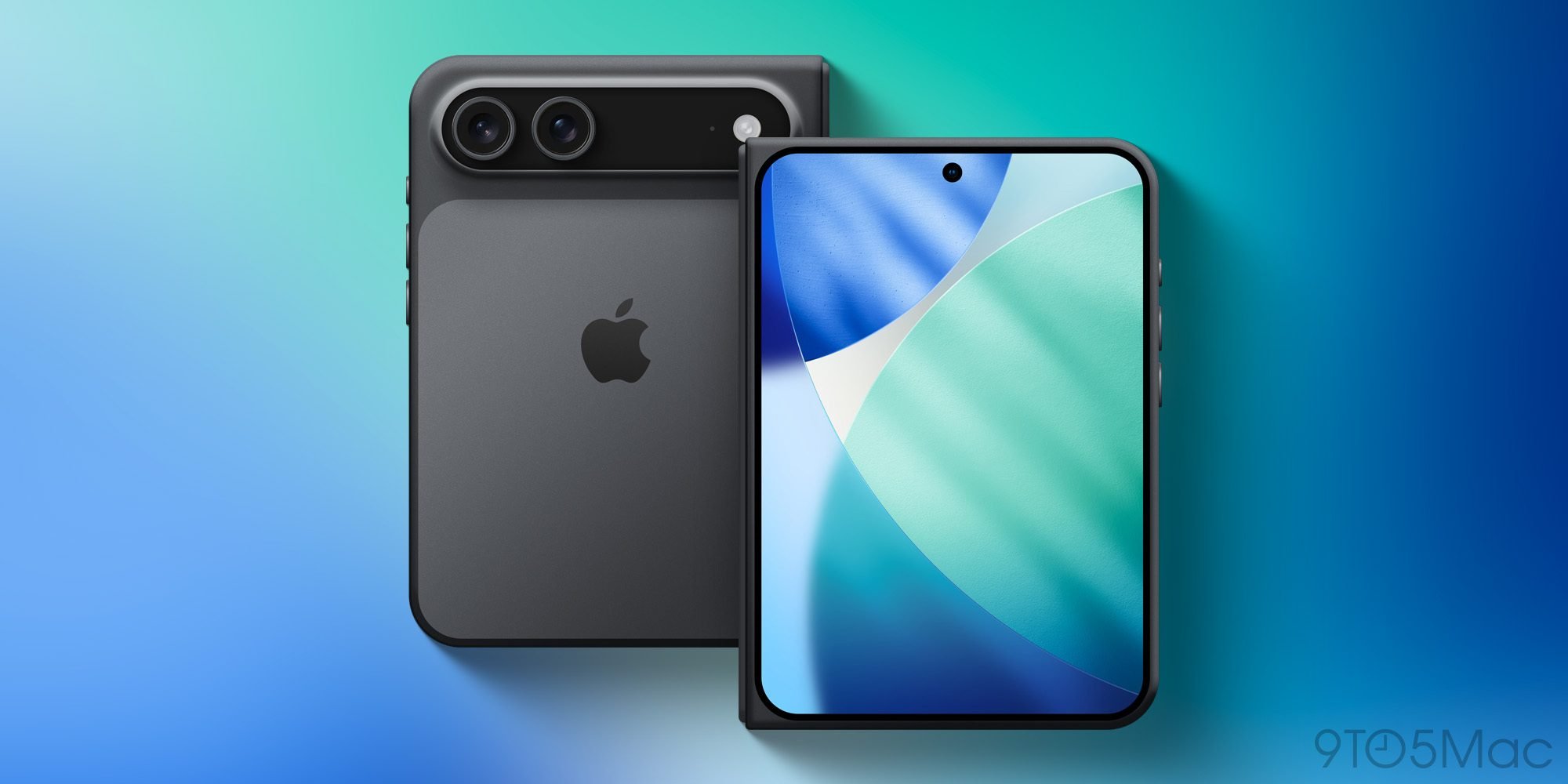
The iPhone Ultra uses a book-style fold, and unlike most foldables it is wider than it is tall when unfolded. The outer display measures roughly 5.3 to 5.5 inches with a wider-than-usual aspect ratio, while the inner display lands between 7.6 and 7.8 inches, close to an iPad mini in the hand. The inner panel is reportedly crease-free, which matters less for code and more for the kinds of full-bleed content your app can present without an awkward seam down the middle.
For developers, the headline is that you now have a device that switches between two very different display geometries during a single session. The outer screen behaves like a compact iPhone. Unfold it, and your app is suddenly running on something with iPad-like proportions. This is the same continuity problem Android developers have wrestled with since the first Fold, and Apple's frameworks already have the tools to handle it if you have been using them correctly.
The practical guidance is the same advice Apple has been giving for years, now with teeth: build adaptive layouts. Auto Layout with size classes, or SwiftUI's adaptive containers, should already respond to the transition. If your app hardcodes pixel dimensions or assumes a fixed aspect ratio, the fold transition is where that technical debt becomes visible. Test the unfold and fold gestures as state changes, because your app will receive trait collection updates mid-session and needs to preserve scroll position, text entry, and navigation state across them.
iOS 27 brings iPad multitasking to the phone
iOS 27 was unveiled this week, but the iPhone Ultra-specific software features are expected to stay under wraps until the device ships. According to Bloomberg's Mark Gurman, the two main additions are side-by-side apps for multitasking and iPad-like app layouts on the unfolded display.
Notably, Gurman reports the device will not run iPadOS when unfolded, nor will it support the full windowing system introduced in iPadOS 26. Instead, iOS 27 borrows selected concepts from the iPad without becoming the iPad. That distinction is important for planning. You are not targeting a new operating system, you are targeting new multitasking modes within iOS. Side-by-side apps mean your app may run at half-width on the large display, so the same multitasking readiness checklist that applies to iPad split view becomes relevant on a phone for the first time.

If your app already supports iPad multitasking and dynamic window sizing, you are in good shape. If it has been iPhone-only and ships with assumptions about owning the full screen, this is the moment to revisit those. Apps that lock orientation or assume a single foreground context will feel broken on the unfolded display.
Authentication changes: Touch ID returns
Here is the detail that will surprise people. Despite the Ultra branding, the foldable will not offer Face ID. Apple reportedly could not shrink the Face ID components enough to fit two modules, one per screen, into a device this thin. The solution is Touch ID integrated into the power button, implemented much like the iPad Air and iPad mini.
For most developers this is transparent, because the Local Authentication framework abstracts the biometric type. If you call into LAContext and let the system decide, your existing code keeps working. The trap is any app that displays Face ID-specific copy or iconography, or that branches logic on biometryType and assumes the answer is always .faceID on a modern flagship. Check those code paths now. Strings like "Use Face ID to unlock" need to become dynamic based on the reported biometry type, and the value .touchID is going to appear on a brand-new device rather than only on older hardware.
Silicon and connectivity
The iPhone Ultra ships with the new A20 Pro chip and Apple's second-generation in-house C2 cellular modem, both also expected in the iPhone 18 Pro. The A20 Pro is built on a 2-nanometer process and uses Wafer-level Multi-Chip Module packaging for better efficiency. It keeps 12GB of RAM, matching the A19 Pro, but moves to faster LPDDR5 memory.
The C2 modem replaces Qualcomm's 5G silicon with Apple's own design. The cameras include two 48MP rear lenses, Main and Ultra Wide, dropping the Telephoto found on Pro models, plus a front-facing camera for each display. Developers using AVFoundation should account for the absence of a dedicated telephoto on this device when enumerating capture devices, since assuming a fixed lens lineup across the premium tier no longer holds.
Cross-platform considerations
Teams shipping on both iOS and Android now face foldables on both sides of the fence, which is actually good news for shared design systems. The responsive breakpoints and continuity handling you built for the Galaxy Z Fold transfer conceptually to the iPhone Ultra. React Native, Flutter, and other cross-platform stacks will need updated layout logic, and you should expect a wave of plugin and SDK updates to surface the new size class and fold-state events once the hardware ships.
The migration path is incremental rather than disruptive. Adopt adaptive layouts, verify multitasking readiness, make biometric strings dynamic, and stop assuming a fixed camera or screen configuration. None of these are new best practices. The iPhone Ultra simply makes ignoring them expensive.
Pricing is rumored to start around $1,999 for a 256GB model, which would make it the most expensive iPhone ever. That price point means early adopters will skew toward power users, exactly the audience most likely to notice whether your app handles the fold gracefully. Getting the layout and authentication details right before the fall launch is the difference between a polished first impression and a one-star review on day one.
Comments
Please log in or register to join the discussion