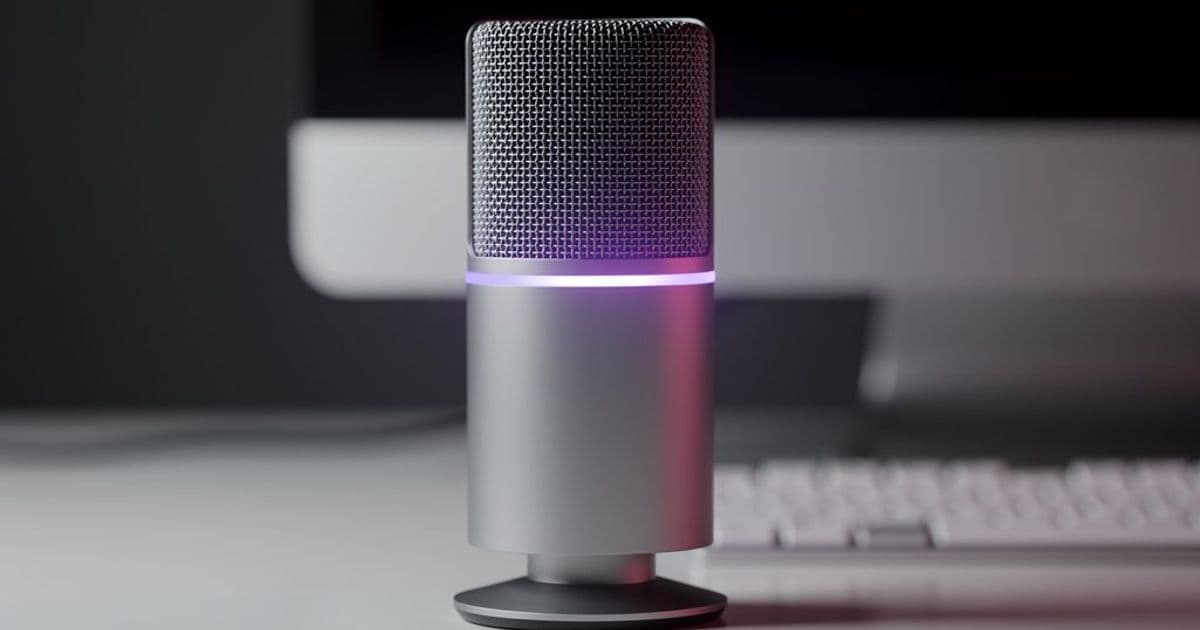
KDE Plasma 6.7.0 will introduce a system-wide push-to-talk toggle that lets users hold a key to unmute their microphone across all applications, addressing a privacy concern that Windows and macOS still lack. The update also brings a new UI process-priority manager in 6.6.0 and a light/dark mode toggle for the Brightness & Color widget.
KDE Plasma is addressing a long-standing privacy gap in desktop audio management with a new system-wide push-to-talk feature coming in version 6.7.0. Unlike Windows and macOS, which require users to manually mute their microphone system-wide or rely on application-specific controls, KDE's implementation will let users hold a dedicated key to temporarily unmute their microphone across all running applications.
The feature, detailed in KDE's "This week in Plasma" blog post, represents a significant quality-of-life improvement for users who frequently switch between muted and unmuted states during video calls, voice chats, or screen recordings. While applications like Discord and Zoom offer their own push-to-talk functionality, KDE's system-wide approach ensures consistent behavior regardless of which application is currently active.
How KDE's push-to-talk works
The new feature will integrate directly into KDE's existing audio controls, likely appearing as a toggle in the system tray or a keyboard shortcut that can be configured in the system settings. When activated, the microphone will remain muted by default across all applications, and users can hold a designated key (such as a function key or custom shortcut) to temporarily unmute it.
This approach solves several practical problems:
- Consistency: Users won't need to remember which applications have their own push-to-talk settings
- Privacy: The system-wide mute provides a visual and functional guarantee that the microphone is off when not in use
- Workflow efficiency: No more fumbling through multiple application settings during calls
The feature is scheduled for inclusion in Plasma 6.7.0, which is currently in development. KDE hasn't announced the exact release date, but based on their typical release cycle, it should arrive in the coming months.
Process priority management gets a UI boost
While push-to-talk is the headline feature, Plasma 6.6.0 will introduce another practical improvement: a graphical interface for managing process priorities. Currently, Linux users can adjust process priorities using command-line tools like renice, but this requires terminal knowledge and isn't accessible to most users.
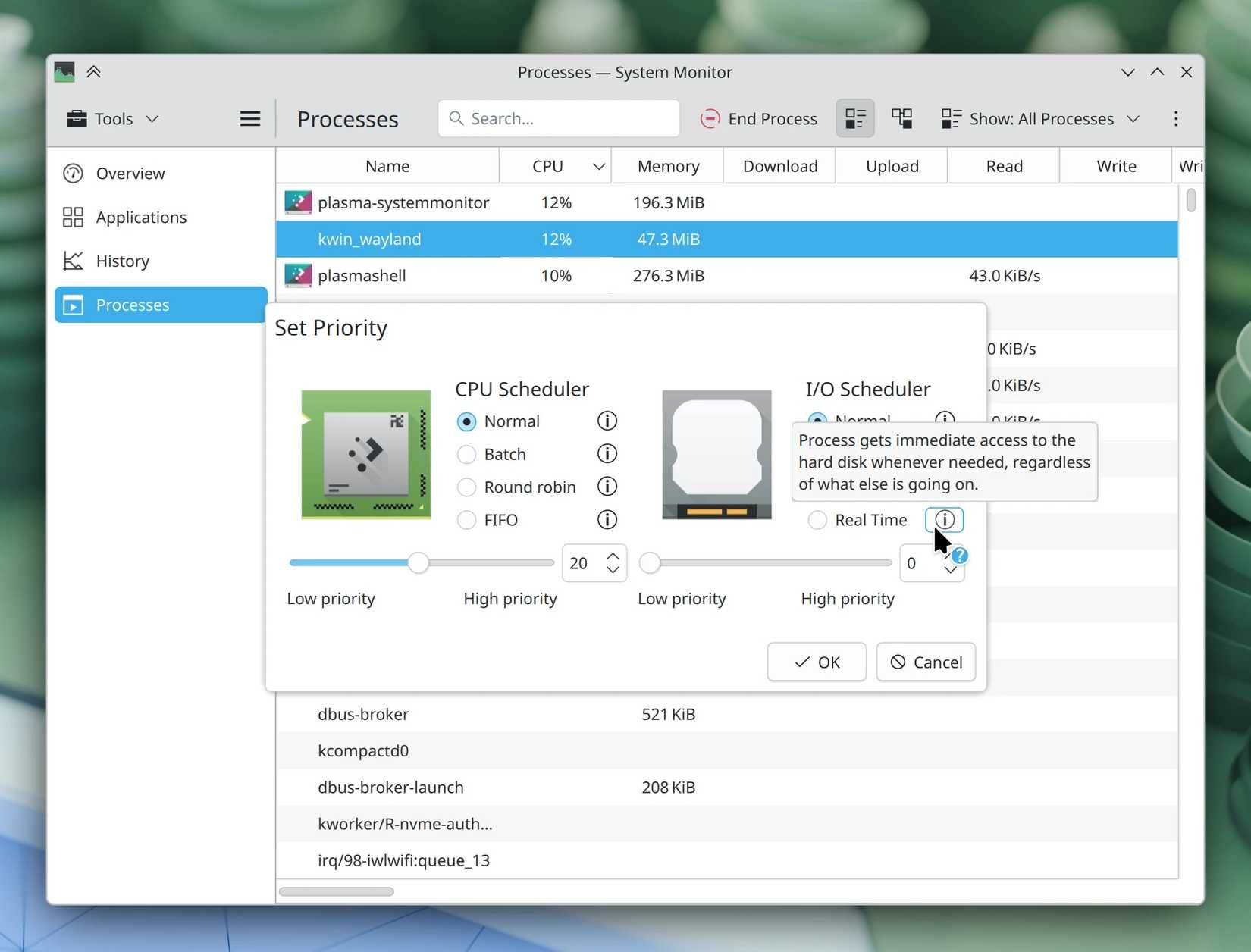
The new UI process manager will provide a visual way to:
- See which applications are consuming the most CPU resources
- Adjust priority levels with simple sliders or dropdown menus
- Set CPU affinity (which cores an application can use)
- Monitor real-time performance impact
This is particularly valuable for users running resource-intensive applications like video editors, virtual machines, or games alongside background tasks. Instead of guessing which processes to prioritize, users can make informed decisions based on actual usage data.
Light/dark mode transitions get smoother
KDE is also refining its light/dark mode switching in the Brightness & Color widget. Currently, switching between themes is instantaneous and can be jarring, especially when moving between different applications or workspaces.
The planned "nice cross-fade transition" will create a smooth visual shift between themes, similar to what users experience on mobile devices. This might seem like a minor cosmetic change, but it contributes to the overall polish and professional feel of the desktop environment.
Why this matters for Linux desktop adoption
These updates highlight KDE's focus on practical, user-centric improvements rather than flashy new features. The push-to-talk system, in particular, addresses a real privacy concern that affects both casual users and professionals:
- Remote workers can ensure their microphone is always muted when not speaking
- Content creators can control when their voice is captured during screen recordings
- Privacy-conscious users get a clear visual indicator of microphone status
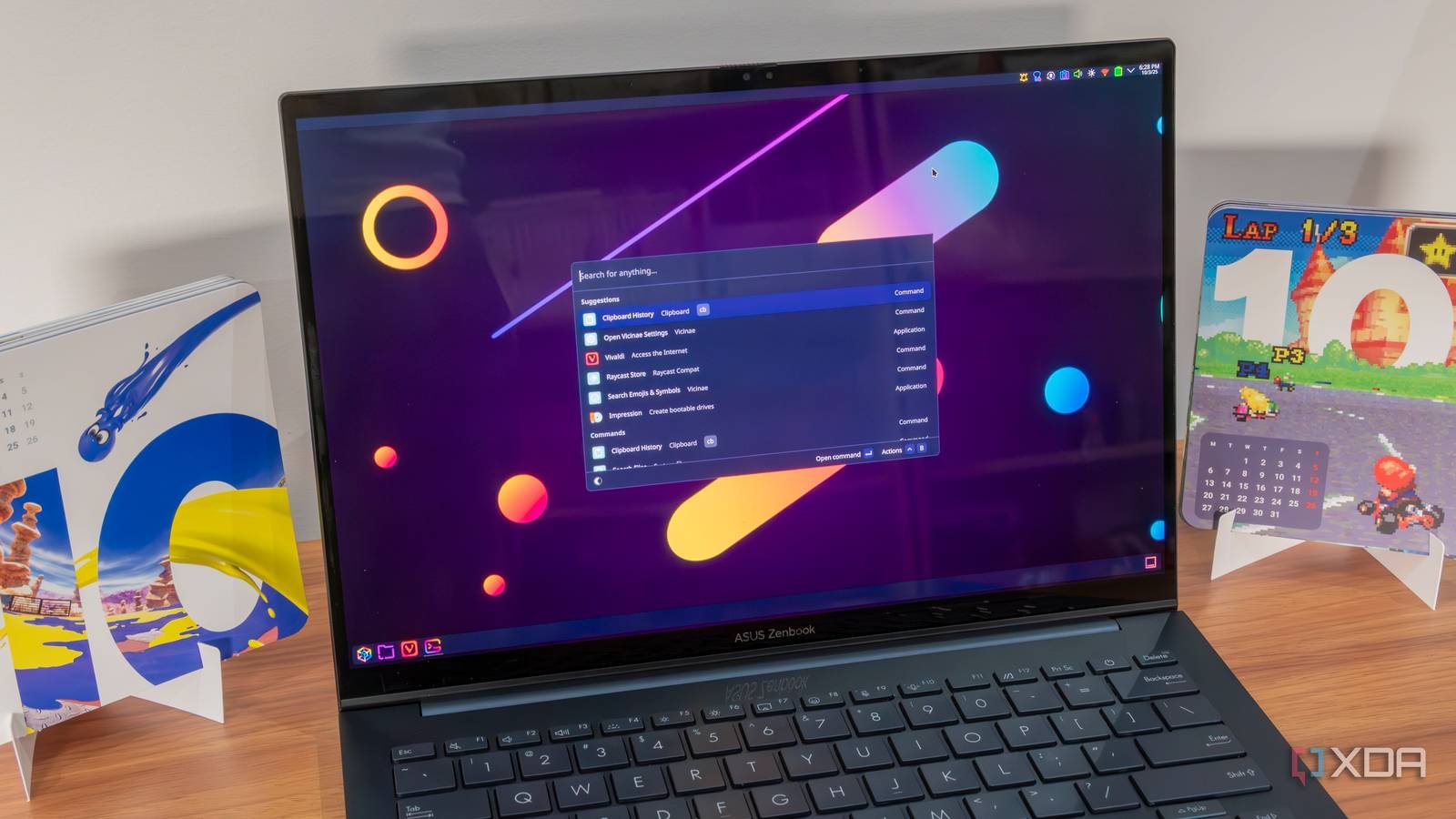
This approach contrasts with Windows, where microphone management is fragmented across different applications and system settings. While Windows 11 has improved its privacy controls, it still lacks a unified push-to-talk system that works across all applications.
The broader context of KDE's development
These features are part of KDE's ongoing effort to make Linux desktops more competitive with commercial operating systems. The "This week in Plasma" series demonstrates KDE's transparent development process, where users can follow progress and even contribute feedback.
For users considering the switch from Windows or macOS, these quality-of-life features make KDE Plasma increasingly attractive. The environment offers:
- Deep customization without requiring third-party tools
- Strong privacy controls that are built-in rather than bolted on
- Active development with regular feature updates
- Open-source transparency that allows users to verify security claims
Getting started with KDE Plasma
Users interested in trying these features can install KDE Plasma through their Linux distribution's package manager. Popular options include:
- Kubuntu: Ubuntu's official KDE flavor
- Fedora KDE Spin: Fedora's KDE edition
- openSUSE Leap/KDE: openSUSE's KDE offering
- Arch Linux: For users who prefer a rolling-release model
The push-to-talk feature will require Plasma 6.7.0, which isn't yet available in stable releases. Users can test upcoming features by installing development versions or using distributions that offer beta packages.
Looking ahead
KDE's development pace shows no signs of slowing down. The team continues to prioritize features that solve real user problems rather than chasing trends. This practical focus, combined with the environment's extensive customization options, explains why many Linux users find KDE difficult to leave once they've experienced it.
The push-to-talk feature alone might seem like a small addition, but it represents KDE's commitment to addressing overlooked pain points in desktop computing. While Windows and macOS focus on AI integration and cloud services, KDE is perfecting the fundamentals of desktop interaction.
For users who value privacy, control, and practical functionality over marketing buzzwords, KDE Plasma's upcoming features offer compelling reasons to make the switch or stay with Linux.
Related links:
Comments
Please log in or register to join the discussion