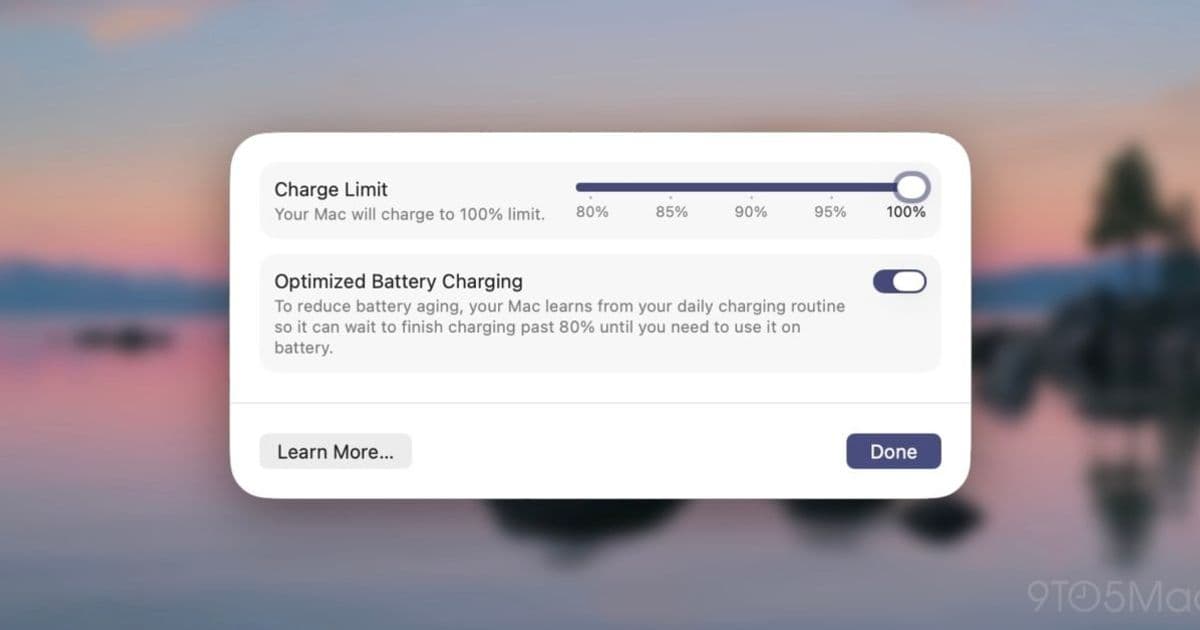
Apple's macOS 26.4 beta introduces Charge Limit to MacBooks, letting users cap battery charging between 80-100% to extend battery lifespan, plus new Shortcuts automation support.
Apple has expanded its battery health preservation feature to MacBooks with the first beta of macOS 26.4, bringing the Charge Limit functionality that was previously exclusive to iPhone and iPad. This addition gives MacBook users greater control over their battery's long-term health by allowing them to set a maximum charge threshold.
What is Charge Limit and How It Works
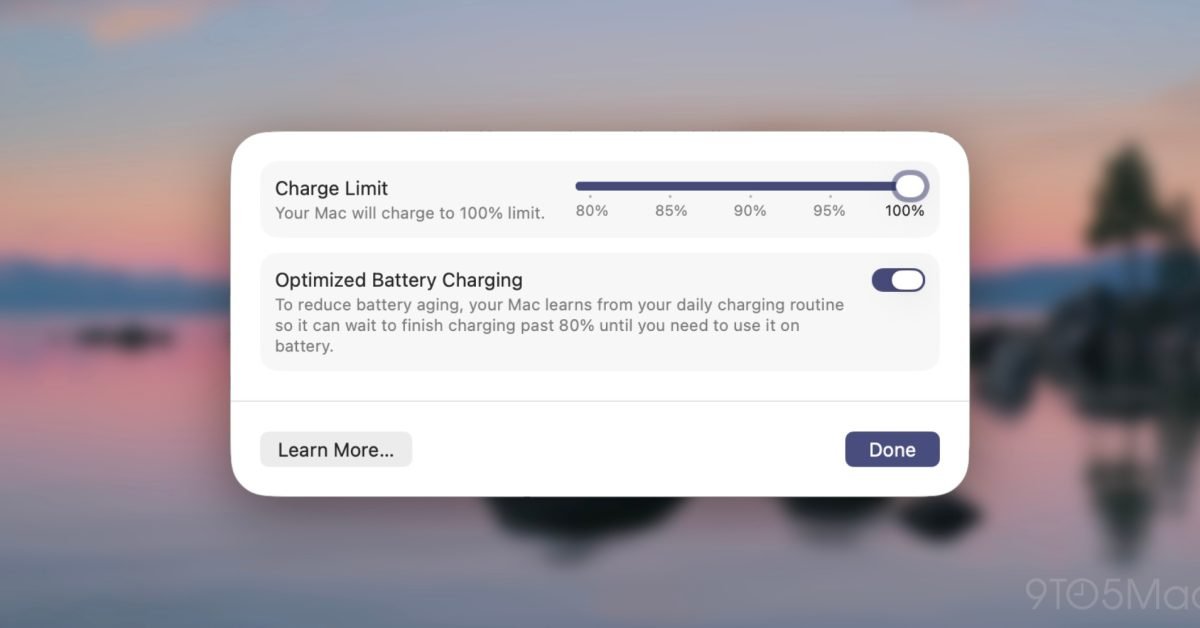
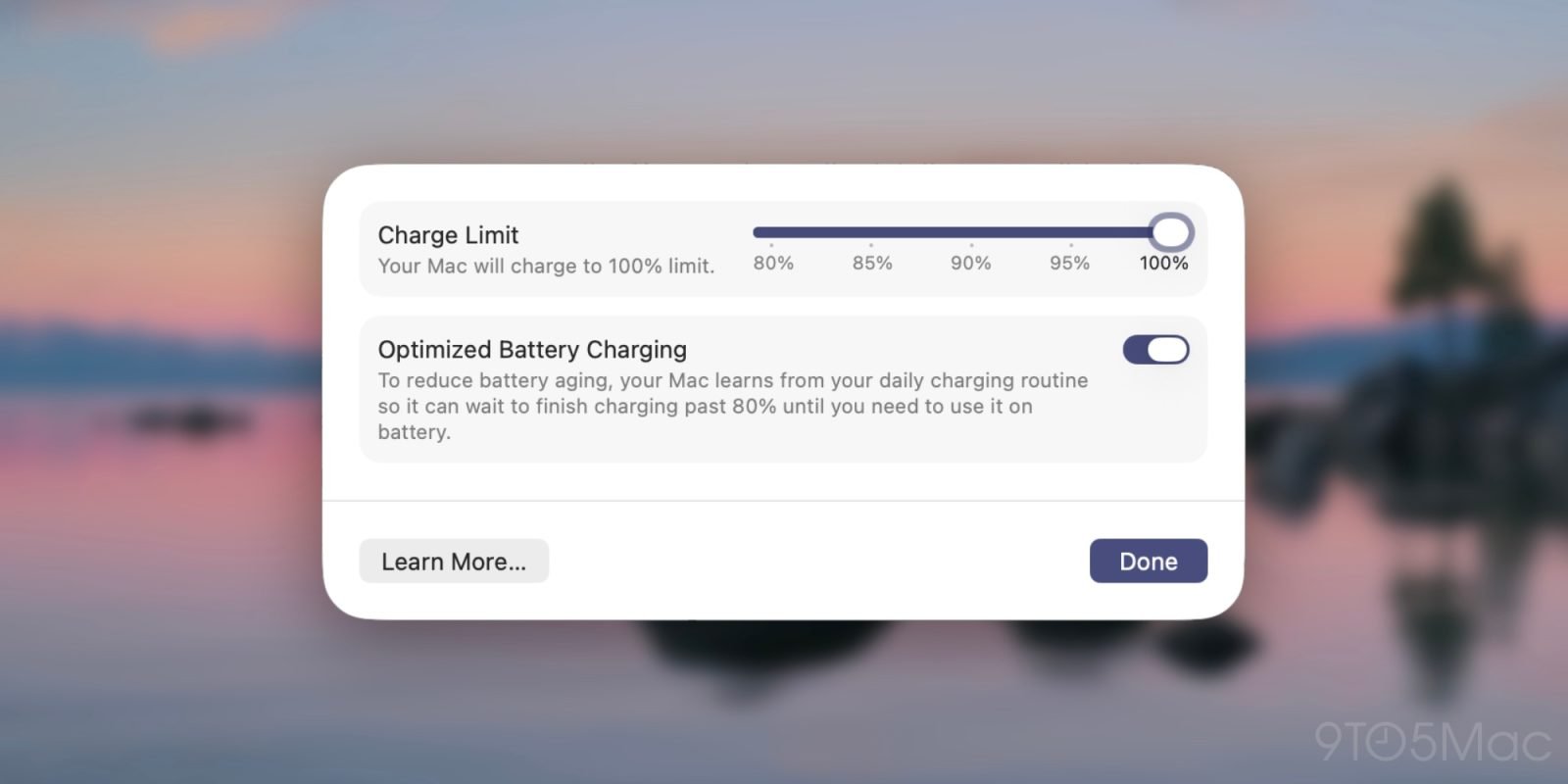
Charge Limit is a feature that lets you specify a maximum charge level for your device, preventing it from constantly charging to 100%. Initially limited to an 80% cap when first introduced, Apple expanded the range with iOS 18 to include options between 80% and 100%. Now MacBook users can access the same flexibility.
When enabled, your MacBook will stop charging within a few percentage points of your set limit. This approach helps improve battery lifespan by reducing the strain caused by maintaining a full 100% charge for extended periods. Lithium-ion batteries degrade faster when consistently kept at maximum charge, so limiting the charge level can significantly extend the overall battery health and lifespan.
However, Apple notes that your device will occasionally still charge to the full 100% in order to "maintain accurate battery state-of-charge estimates." This periodic full charge ensures the battery calibration remains accurate, preventing the battery percentage indicator from becoming unreliable over time.
Setting Up Charge Limit on Your Mac
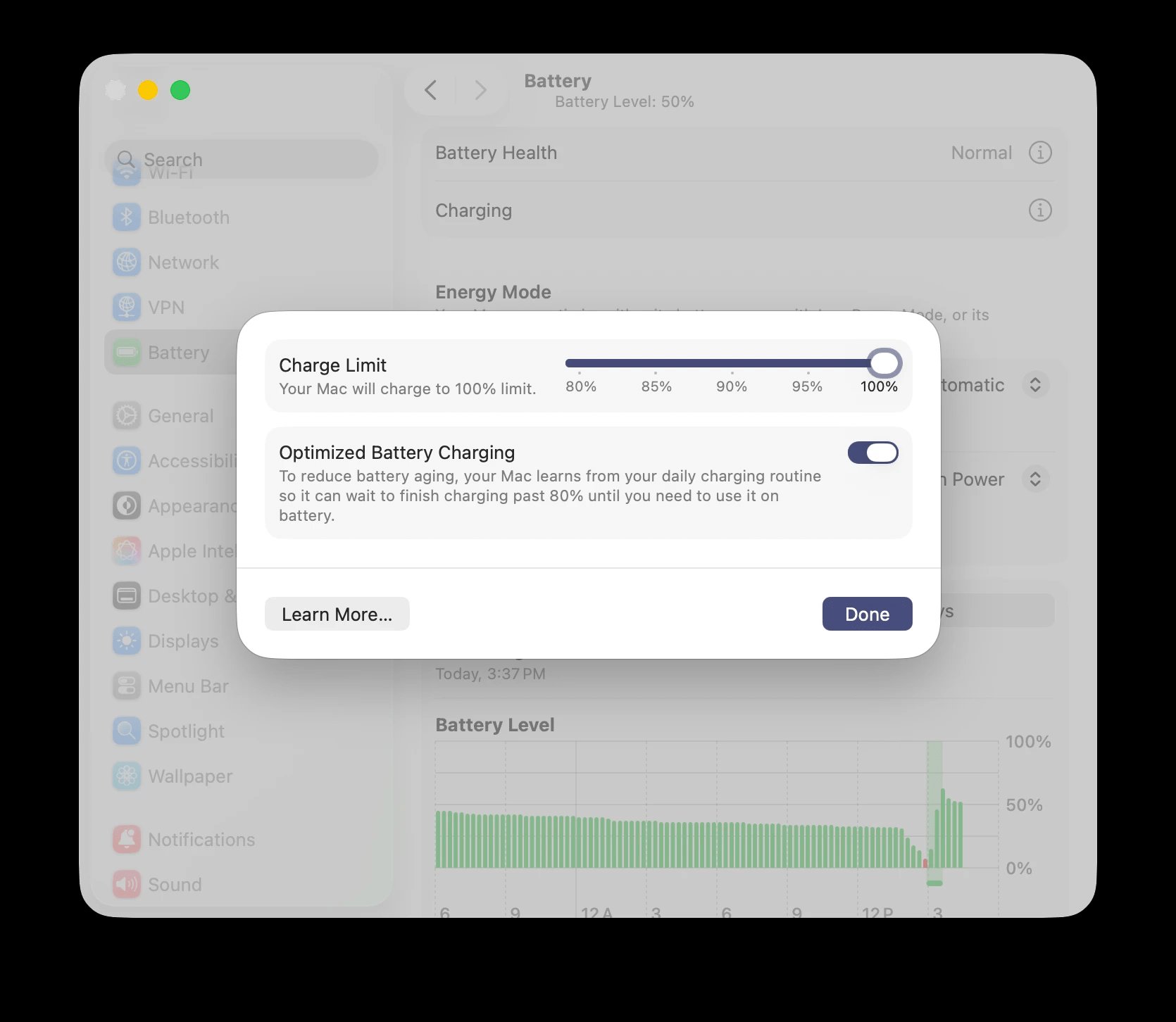
Enabling Charge Limit on your MacBook is straightforward:
- Open System Settings
- Navigate to the Battery section
- Click the "info" symbol (ⓘ) next to "Charging"
- Toggle on Charge Limit and select your desired maximum percentage
This placement makes sense, as battery charging behavior falls naturally under battery settings rather than being buried in a separate menu.
Automation with Shortcuts
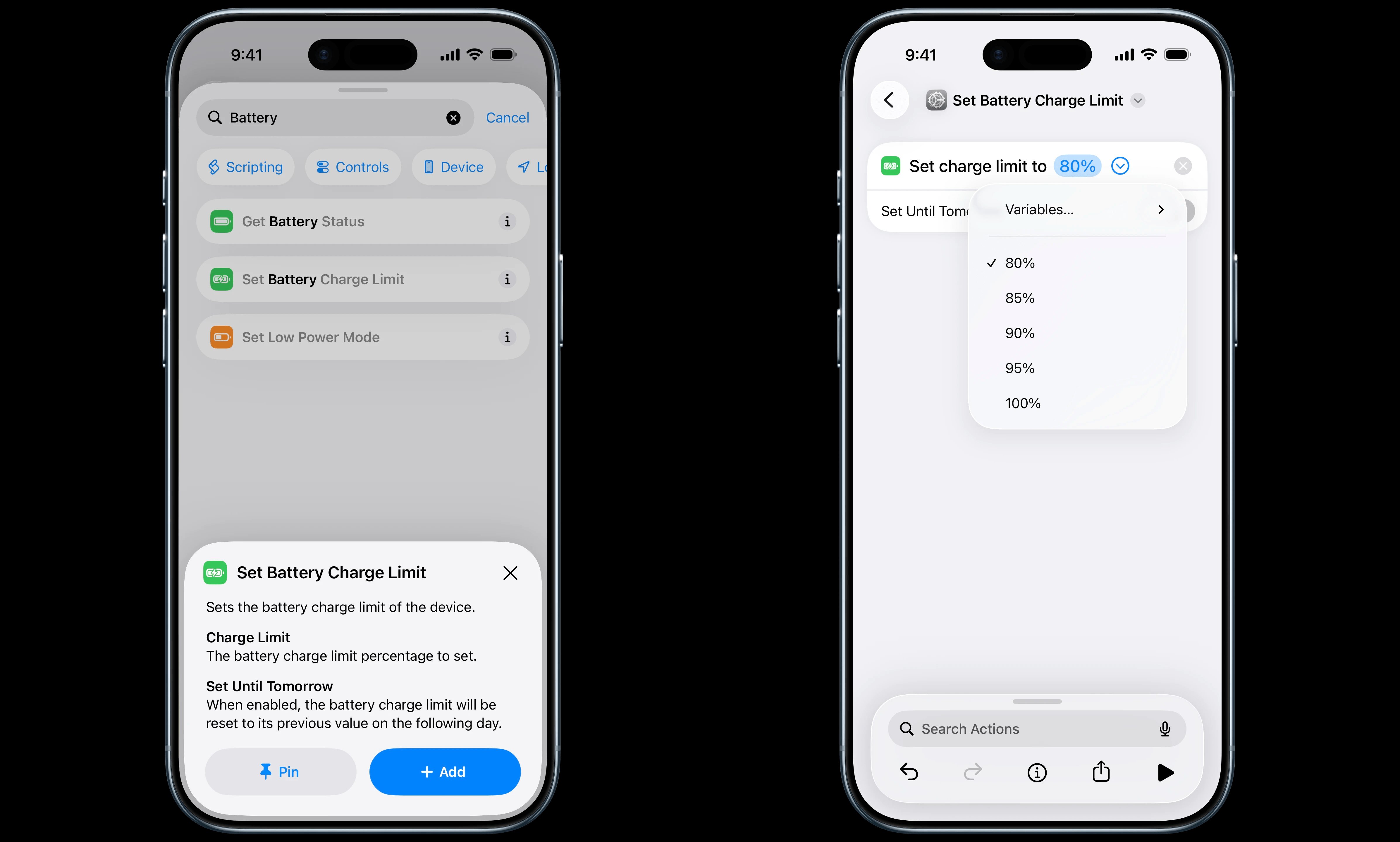
The macOS 26.4 and iOS 26.4 betas also introduce Charge Limit support in the Shortcuts app, opening up new automation possibilities. Users can now create shortcuts that automatically adjust the charge limit based on various triggers or schedules.
For example, you could create a shortcut that:
- Sets a lower charge limit (like 80%) when you're working at your desk with easy access to power
- Increases the limit to 100% when you're traveling or expect to be away from a charger
- Automatically adjusts based on your calendar events or location
- Creates different charging profiles for workdays versus weekends
The integration with Shortcuts makes Charge Limit much more practical for users who want the battery health benefits but occasionally need the full charge capacity.
Why This Matters for MacBook Users
This feature is particularly valuable for MacBook users because these devices are often used in stationary setups where they're frequently plugged in. Many people leave their MacBooks connected to power for extended periods while working at desks, which can accelerate battery degradation over time.
By setting a charge limit of 80% or 85%, users can significantly reduce the stress on their battery while still having enough capacity for mobile use when needed. The ability to temporarily increase the limit using Shortcuts provides flexibility without sacrificing long-term battery health.
For users who don't heavily rely on their MacBook's battery throughout the day or who are frequently near a charger, Charge Limit offers an easy way to extend the useful life of their device. Given that battery replacement can be expensive and inconvenient, especially for newer MacBooks with soldered batteries, preventive measures like this can save both money and hassle in the long run.
Looking Ahead
The expansion of Charge Limit to MacBooks represents Apple's continued focus on battery health and device longevity. As devices become more expensive and users hold onto them longer, features that help maintain performance over time become increasingly important.
The Shortcuts integration also suggests Apple sees this as more than just a set-and-forget feature—it's part of a broader ecosystem of battery management tools that users can customize to their specific needs and usage patterns.
What charge limit do you use on your devices? Let us know in the comments!
Comments
Please log in or register to join the discussion