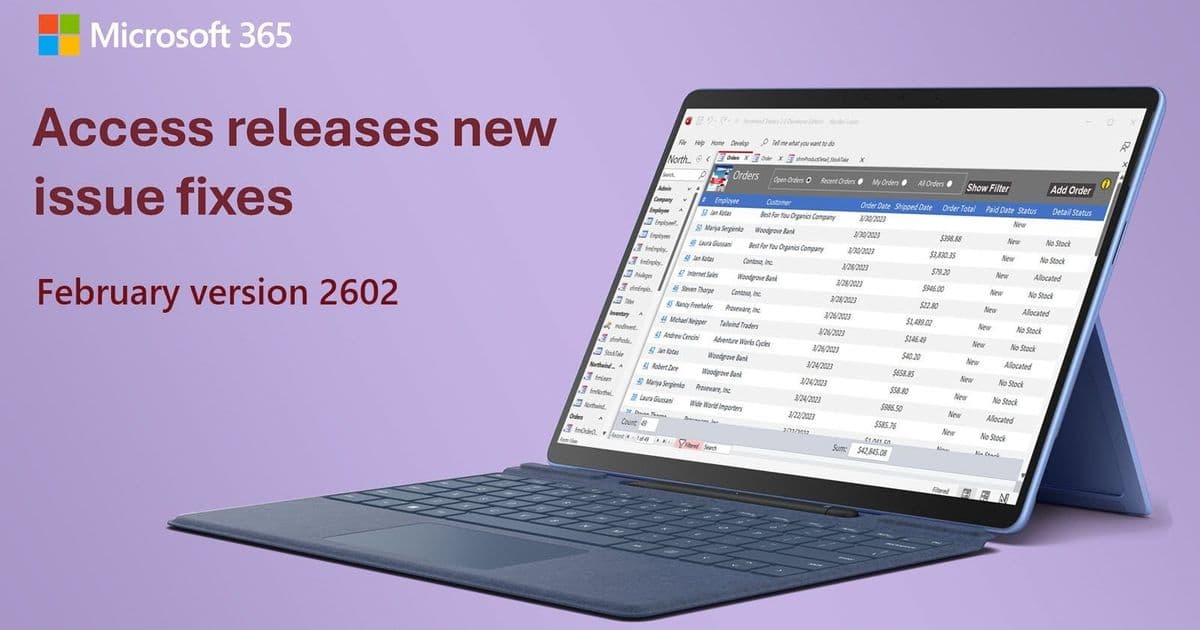
Microsoft Access 2602 (Build 19725.20126) addresses critical Monaco editor issues and datasheet selection problems, improving SQL passthrough query handling and visual consistency.
Microsoft has released Access version 2602 (Build 19725.20126), delivering targeted fixes to the Monaco SQL editor and datasheet functionality that enhance the development experience for Access users working with complex queries and data manipulation.
Monaco Editor Improvements
The update addresses two significant issues with the Monaco query editor that affected SQL passthrough queries and visual consistency.
Passthrough Query Autoformatting Fix
A critical bug in the Monaco SQL editor was automatically applying unwanted formatting to passthrough queries. Since passthrough queries are sent directly to the server's SQL engine without Access interpreting them, any autoformatting could alter the SQL in ways that break server-specific syntax. The fix disables autoformatting for passthrough queries, preserving the exact SQL as written by developers.
This change is particularly important for developers working with database-specific SQL dialects, stored procedures, or complex queries that rely on precise formatting. The preservation of original SQL syntax ensures compatibility with various database servers and prevents runtime errors caused by unintended formatting changes.
Font Size Consistency
Another issue addressed in this release involved font size discrepancies between the Monaco editor and Access's client settings. An incorrect unit conversion resulted in text appearing slightly larger than expected in the query editor. The conversion has been corrected so the editor font size now matches the configured setting, providing a consistent visual experience across the Access interface.
Datasheet Selection Enhancement
The update also resolves a user interface issue in datasheet view. Previously, when selecting cells by clicking and dragging, users could extend the selection rectangle past the rightmost column into an empty area. This created a visual artifact where the selection highlight would remain drawn in the empty space even after releasing the mouse and clicking elsewhere.
The fix properly limits the selection to the actual columns of the datasheet, eliminating the visual inconsistency and improving the overall user experience when working with tabular data.
Impact on Access Development
These fixes demonstrate Microsoft's continued investment in improving the Access development environment, particularly for users who rely on the Monaco editor for SQL development. The changes address both functional issues that could break queries and visual inconsistencies that affect user experience.
For Access developers working with passthrough queries, the autoformatting fix provides greater confidence that their SQL will execute exactly as written on the server. The font size correction ensures a more professional and consistent appearance across the development environment.
Availability
The fixes are available in Access version 2602 (Build 19725.20126), released on March 2, 2026. Users can verify their current version by checking the About Microsoft Access dialog or through the Office account settings.
Microsoft encourages users to provide feedback on these improvements through the Microsoft Community Hub, where the development team actively monitors user responses and suggestions for future enhancements.
Comments
Please log in or register to join the discussion