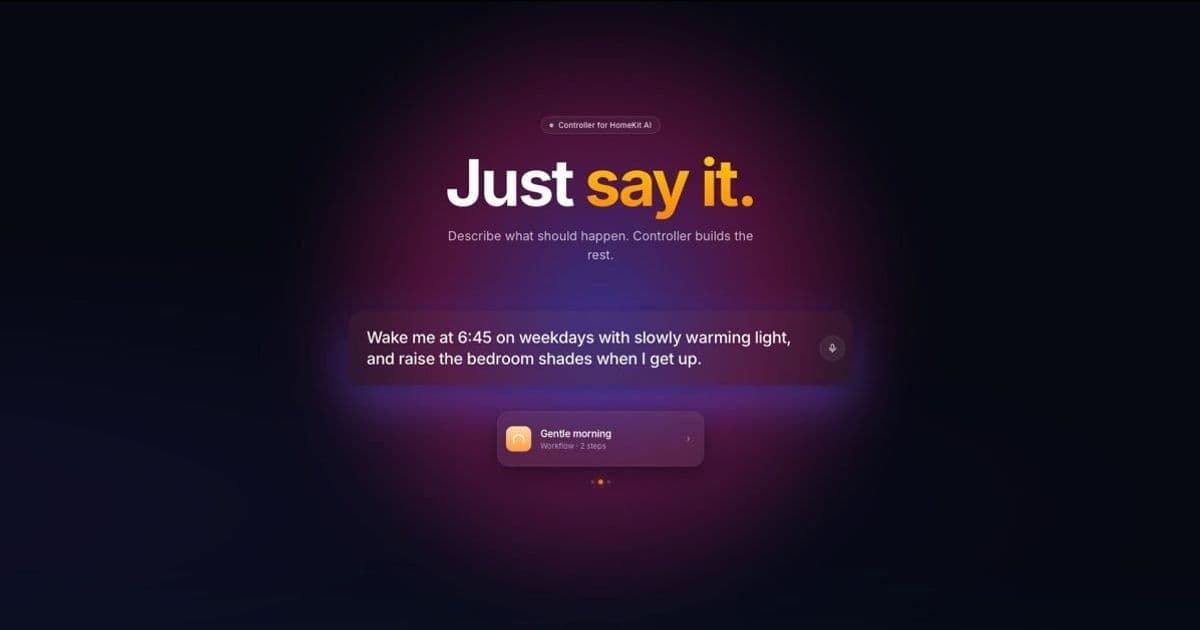
The Controller for HomeKit app now lets users create scenes, automations and workflows using plain‑language prompts, thanks to an on‑device AI that translates natural‑language commands into HomeKit actions.
Controller for HomeKit app adds AI feature: ‘Just say it’
Apple’s HomeKit ecosystem has gotten a usability boost from a third‑party app that now understands everyday language. The latest update to Controller for HomeKit introduces an AI‑driven “Just say it” feature that turns a simple sentence into a fully‑formed HomeKit scene, automation, or workflow. No more hunting through the Home app’s menus or writing complex shortcuts – you just describe what you want, and the app does the heavy lifting.
How the feature works
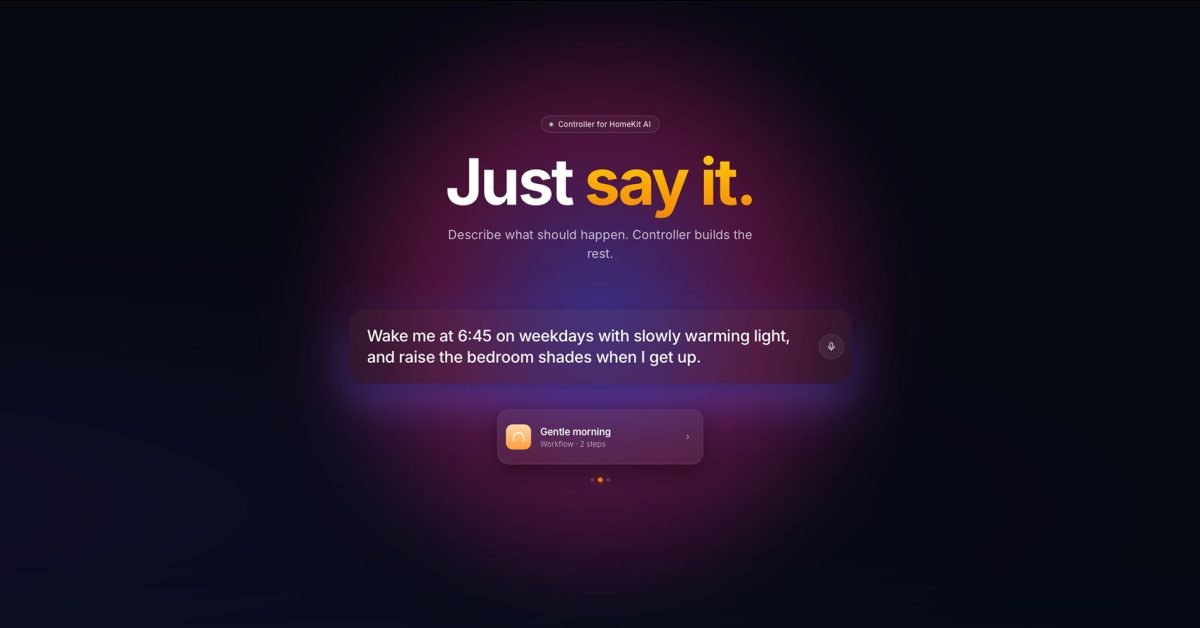
- Natural‑language input – Users type or speak a prompt such as “Wake me at 6:45 on weekdays with slowly warming light, and raise the bedroom shades when I get up.”
- On‑device inference – The app runs a lightweight language model locally (so no cloud privacy concerns) that parses the intent, extracts entities (time, devices, actions) and maps them to HomeKit characteristics.
- Scene/automation generation – Based on the parsed data, Controller automatically creates the appropriate HomeKit objects:
- A scene for the lighting level and color temperature.
- An automation that triggers the shades when the bedroom motion sensor reports occupancy.
- User confirmation – The generated objects are presented for a quick review. A single tap confirms and the new automation is live.
The process is essentially the same as building a shortcut manually, but the AI eliminates the need to know the exact HomeKit service names or the correct JSON payload format.
Real‑world examples
- Morning routine – “Wake me at 6:45 on weekdays with slowly warming light, and raise the bedroom shades when I get up.” → Creates a time‑based automation that sets the bedroom lights to a 2700 K warm tone, then adds a motion‑triggered automation to open the shades.
- Movie night – “Dim the living room lights to 20% and close the curtains.” → Generates a scene that sets the living‑room bulbs to 20 % brightness and sends a close command to any HomeKit‑compatible curtain controller.
- Late‑night arrival – “If someone comes home after midnight, turn only the hallway light to 15%.” → Builds a presence‑based automation that checks the HomeKit “Person” characteristic and adjusts the hallway lamp accordingly.
In a quick test, the author asked the app to “switch on the bedroom fan when I switch off the living room lights.” The AI produced an automation that monitors the living‑room light’s On characteristic and toggles the fan’s On characteristic, working flawlessly.
Ecosystem implications
Lock‑in considerations
HomeKit’s tight integration with iOS gives Apple a strong foothold in the smart‑home market, but the platform’s strict accessory certification can limit device choice. Controller for HomeKit sidesteps this by acting as a middle layer: it speaks HomeKit’s native APIs, so any accessory that is HomeKit‑compatible—whether it’s a Philips Hue bulb, Eve motion sensor, or a HomePod‑based fan controller—can be orchestrated with the AI.
Subscription model
The app remains a subscription service: $40 / year for the Essentials tier (basic scene/automation generation) and $80 / year for Plus (adds batch processing, multi‑prompt chaining, and priority AI model updates). A seven‑day free trial lets users evaluate the feature before committing.
Privacy and performance
Because the language model runs locally on the device, no voice or text data leaves the iPhone or iPad. This aligns with Apple’s privacy stance and avoids the latency that cloud‑only solutions can introduce. The trade‑off is that the model is smaller than the large‑scale LLMs you see in consumer assistants, so it may occasionally misinterpret ambiguous phrasing. The app’s UI includes a “refine” button that lets users edit the parsed intent before finalizing.
What this means for smart‑home users
- Lower barrier to entry – New homeowners with only a handful of devices can start building useful automations without learning HomeKit’s JSON schema or the Shortcuts app.
- Faster prototyping – Power users can draft complex multi‑device routines in seconds, then fine‑tune the details manually if needed.
- Potential for broader AI integration – If Apple expands its on‑device language capabilities, we could see similar natural‑language controls baked directly into the Home app, reducing reliance on third‑party tools.
Looking ahead
The author plans to revisit the feature once a full smart‑home setup is in place, testing edge cases like multi‑room audio routing and conditional automations that involve geofencing. Early impressions suggest that the “Just say it” AI is a solid step toward making HomeKit feel less like a developer platform and more like a conversational assistant for everyday living.
For a deeper dive into HomeKit development, see Apple’s HomeKit documentation. The source code for Controller’s AI parsing layer is open‑source on GitHub: controller-homekit-ai.
Comments
Please log in or register to join the discussion