Microsoft has released a comprehensive diagnostic tool to validate Teams Premium license assignment and tenant configuration, addressing critical configuration challenges for organizations implementing multi-cloud strategies.
As organizations increasingly adopt multi-cloud strategies, ensuring proper configuration of cloud services becomes paramount for operational efficiency. Microsoft has responded to this need by introducing the Teams Premium License & Configuration Diagnostic, a comprehensive tool designed to validate license readiness, feature enablement, and tenant policy settings specifically for Teams Premium.
What Changed: New Diagnostic Capabilities
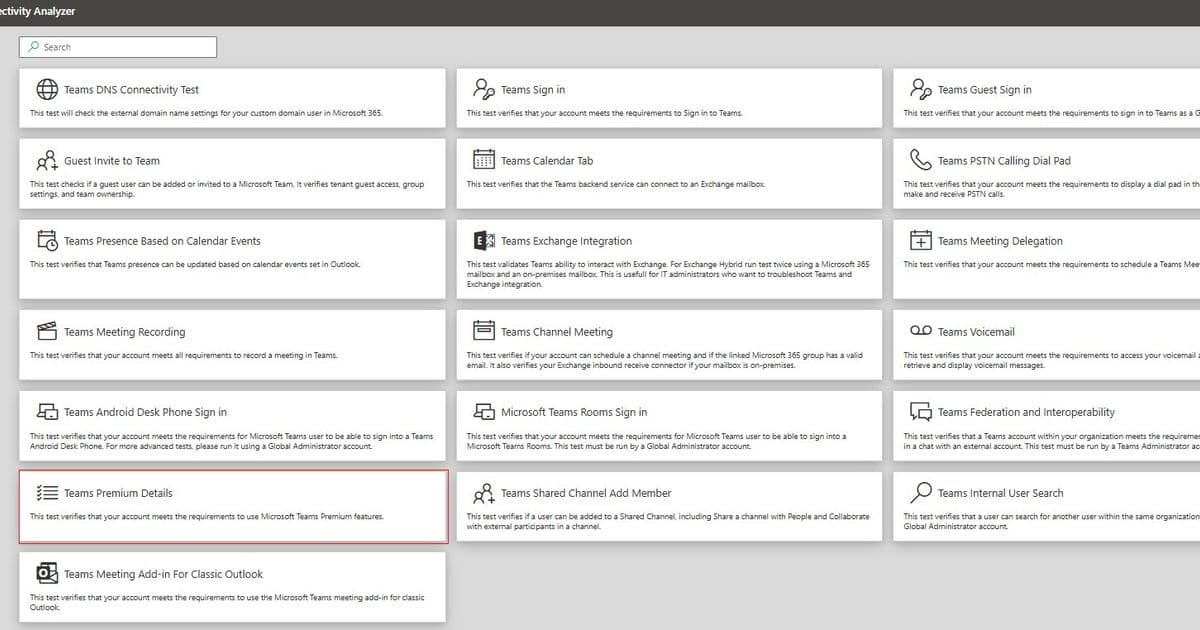
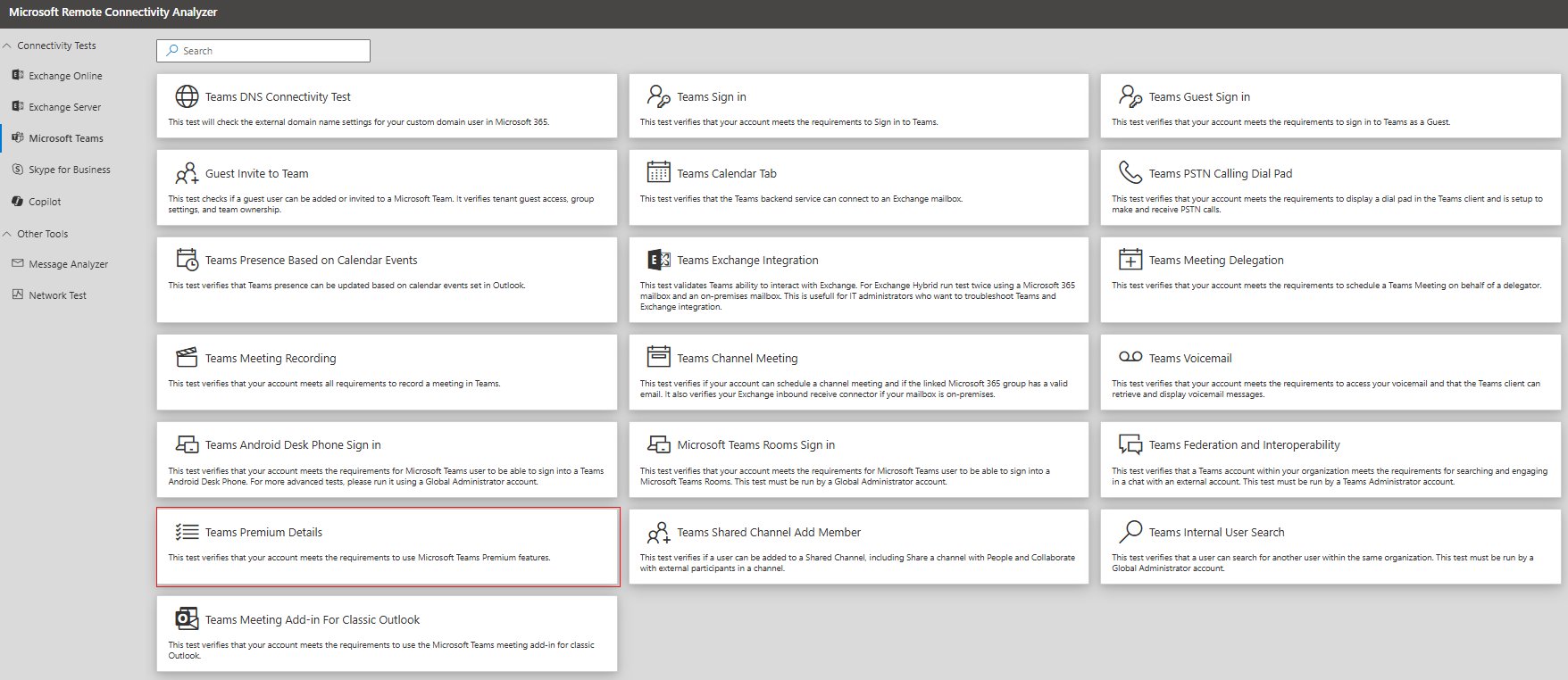
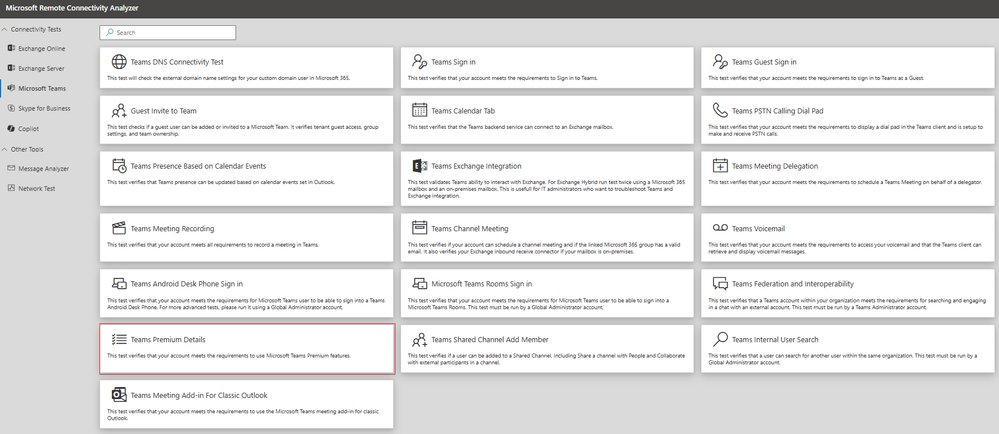
The new diagnostic tool, accessible through the Microsoft Remote Connectivity Analyzer, allows administrators to validate their Teams Premium implementation with a single assessment. To access the diagnostic, users navigate to Microsoft Remote Connectivity Analyzer, select Microsoft Teams, and click on "Teams Premium Details". This streamlined approach eliminates the need for manual verification across multiple configuration points.
The diagnostic performs several critical validation checks:
- License assignment and validity - Confirms that valid Teams Premium licenses are properly assigned to users
- Self-service purchase policy - Warns administrators if self-service purchase is enabled, allowing users to acquire Teams Premium without admin approval
- Microsoft Entra ID attributes - Verifies user identity attributes are correctly configured
- Feature-level enablement - Individually checks each Teams Premium feature, including core capabilities, Mesh, eCDN, and Virtual Appointments
Provider Comparison: Microsoft's Approach to Configuration Management
Microsoft's diagnostic tool represents a significant advancement in configuration management compared to other cloud providers. While AWS and Google Cloud offer various configuration assessment tools, Microsoft's solution provides a unified, purpose-built diagnostic specifically for Teams Premium. This targeted approach allows for more granular validation of collaboration services, which is particularly valuable given Teams' central role in modern workplace communication.
The tool's integration with the Remote Connectivity Analyzer also provides a familiar interface for many IT administrators, reducing the learning curve and accelerating adoption. This contrasts with some competitor solutions that require separate tools or complex integrations for similar validation capabilities.
Business Impact: Optimizing Multi-Cloud Collaboration
Proper configuration of Teams Premium directly impacts an organization's ability to leverage advanced collaboration features. Without the right setup, users commonly encounter issues such as:
- Premium features not appearing despite having a license
- Users activating self-service trials without admin approval
- Feature-specific capabilities (Mesh, eCDN, Virtual Appointments) not functioning as expected
The diagnostic tool addresses these challenges by identifying configuration gaps before they impact users. This proactive approach helps organizations maximize their investment in Teams Premium and ensures a seamless user experience.
For organizations implementing multi-cloud strategies, the tool provides particular value by:
- Reducing configuration complexity - Validates settings across multiple Microsoft services in a single assessment
- Enhancing governance - The new self-service purchase validation helps prevent unauthorized license acquisition
- Accelerating troubleshooting - Provides specific guidance on resolving configuration issues
- Supporting adoption initiatives - Enables change management teams to validate tenant readiness before rollouts
Self-Service Purchase Validation: A Critical Governance Enhancement
The latest update to the diagnostic includes a critical governance check for self-service purchase policies. When enabled, self-service purchase allows users to acquire Teams Premium licenses without administrator approval, potentially creating unexpected licensing costs and configuration inconsistencies.
The diagnostic tool now specifically warns administrators if self-service purchase is enabled, helping identify this potential governance gap without requiring a support ticket to Microsoft. For organizations implementing strict cost controls and centralized IT management, this feature provides an essential safeguard against unmanaged license proliferation.
To disable self-service purchases, Global Administrators can follow the guidance in Microsoft's documentation on managing self-service purchases and trials.
Who Should Use the Diagnostic
The Teams Premium diagnostic serves multiple roles within an organization:
- IT Administrators - Validating that users have the correct Teams Premium licenses and features enabled
- Support Engineers - Troubleshooting Teams Premium feature availability issues
- Adoption & Change Management Leads - Confirming tenant readiness ahead of Teams Premium rollouts
Notably, the diagnostic can be run with either a Global Admin or standard user account, making it accessible to a broader range of team members without requiring elevated permissions for routine checks.
Implementation Considerations for Multi-Cloud Environments
For organizations operating across multiple cloud platforms, the Teams Premium diagnostic should be integrated into a broader configuration management strategy. Consider these implementation approaches:
- Regular validation schedule - Implement periodic diagnostic runs as part of standard operational procedures
- Integration with monitoring tools - Use diagnostic results to inform broader cloud service monitoring
- Documentation of baselines - Establish configuration baselines for comparison during future assessments
- Cross-team coordination - Ensure alignment between IT, security, and business teams on configuration standards
The release of this diagnostic tool reflects Microsoft's commitment to providing comprehensive management capabilities for its collaboration services. As organizations continue to navigate complex multi-cloud environments, such purpose-built configuration validation tools become essential components of effective cloud governance strategies.
Comments
Please log in or register to join the discussion