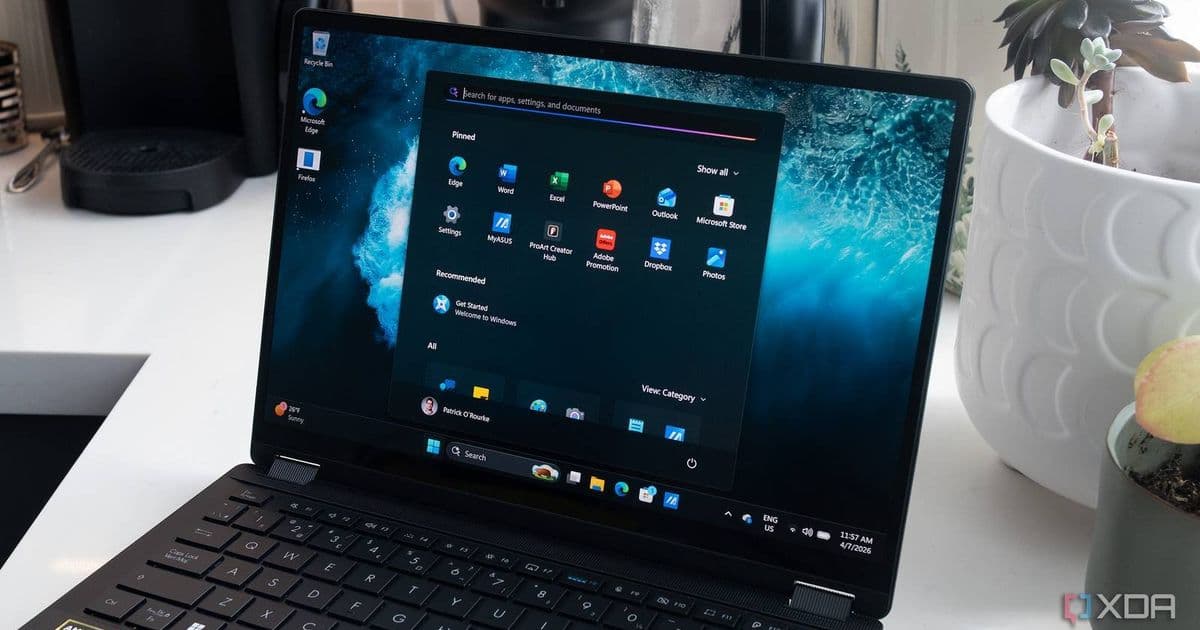
Microsoft is making significant changes to Copilot integration in Windows 11, removing it from system context menus while preparing to add it directly to the taskbar. Developers maintaining cross-platform applications need to understand these changes and prepare their applications accordingly.
Microsoft has announced significant changes to how Copilot will be integrated in Windows 11, with the company removing the AI assistant from certain system-level interfaces while simultaneously preparing to add it directly to the taskbar in a future update. This restructuring has important implications for developers who build applications for Windows, particularly those who maintain cross-platform codebases or integrate with system-level features.
Platform Changes: Copilot's Evolving Role in Windows 11
According to recent announcements from Microsoft, the company is consolidating Copilot's presence in Windows 11 by removing it from system context menus and other interfaces while preparing to make it more accessible through the taskbar. This represents a strategic shift in how Microsoft positions its AI assistant within the Windows ecosystem.
The context menu integration, which allowed users to quickly access Copilot for various tasks, is being removed in the latest Windows 11 builds. This change affects how users and applications can interact with the AI assistant directly from system-level menus.
At the same time, Microsoft is working on a more prominent taskbar integration that will make Copilot more discoverable and accessible to users. This new integration will likely include a dedicated Copilot button or area in the taskbar, providing users with quicker access to the AI assistant without needing to go through system settings or menus.
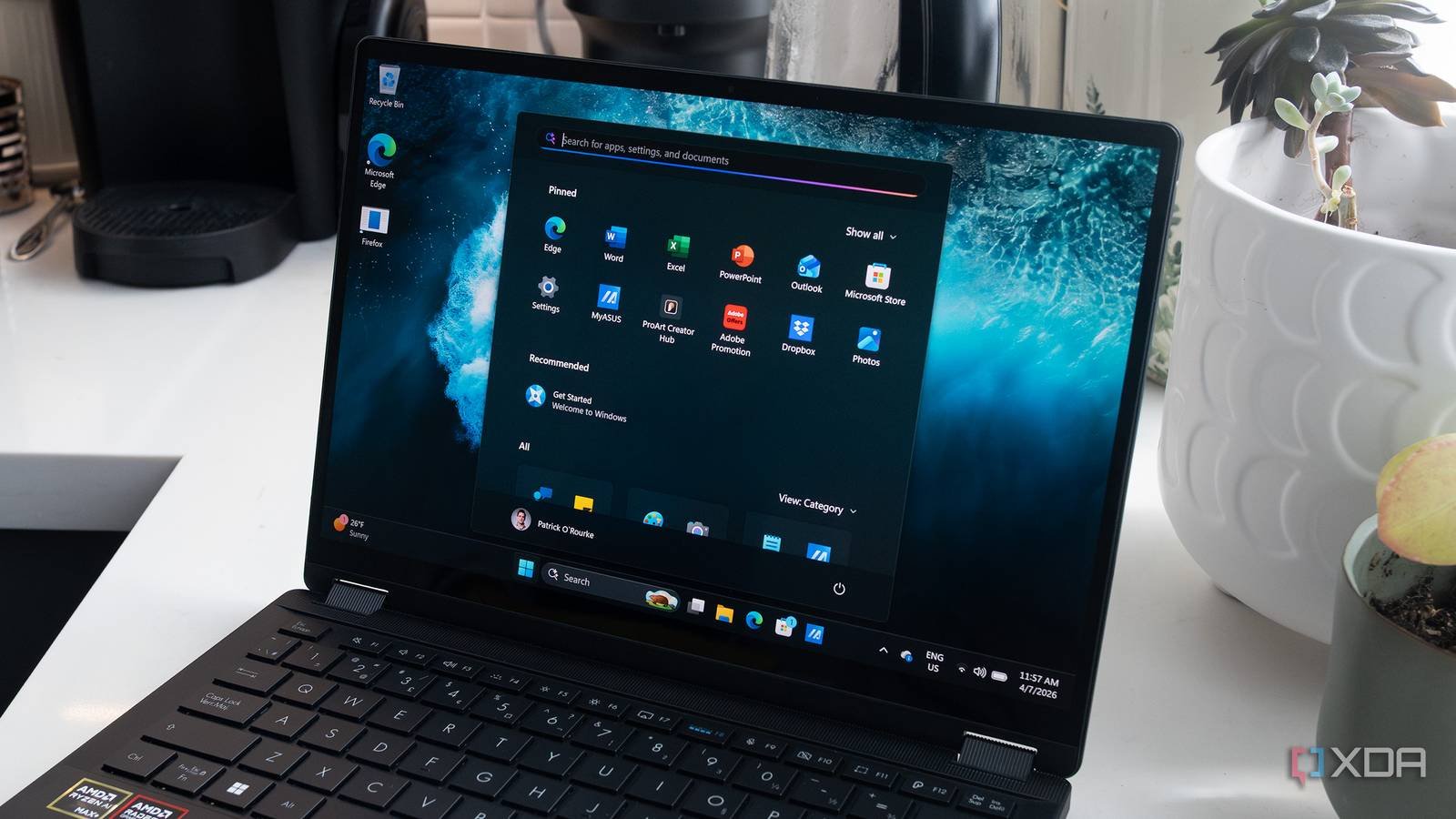
For developers, these changes mean that any application code that relied on the previous context menu integration will need to be updated. Microsoft has indicated that they will provide migration paths and updated APIs for developers who have built applications that interact with Copilot through these system interfaces.
Developer Impact: How These Changes Affect Your Applications
The restructuring of Copilot in Windows 11 has several direct impacts on developers:
Context Menu Integration: Applications that added Copilot options to the context menu will need to be updated. Microsoft is providing new APIs to integrate with the Copilot functionality, though the exact implementation details are still being finalized.
Taskbar Integration: The upcoming taskbar integration presents new opportunities for developers. Applications that can complement or extend Copilot's functionality may benefit from being positioned alongside this new integration point.
Cross-Platform Considerations: For developers maintaining applications across multiple platforms, these changes highlight the importance of abstracting platform-specific integrations. Code that directly interfaces with Windows-specific features like Copilot will need careful handling to maintain compatibility across platforms.
User Experience Consistency: Applications that previously used Copilot through the context menu will need to provide alternative access points, ensuring a consistent user experience as Microsoft transitions to the new model.
Microsoft has stated that they will provide documentation and migration guidelines for developers. The company is expected to release updated SDKs that include new APIs for interacting with Copilot in the context of the new taskbar integration.
Migration: Preparing Your Applications for the New Copilot Integration
Developers should take several steps to prepare for these changes:
Audit Current Copilot Integration: Review your application code to identify any direct dependencies on the context menu integration or other system-level Copilot interfaces.
Update to Latest SDKs: Ensure you're using the latest Windows SDK, which will include updated APIs for Copilot integration. Microsoft has indicated that these SDKs will be available with the upcoming Windows 11 updates.
Implement New Integration Points: Begin implementing support for the new taskbar-based Copilot integration. This may involve adding new UI elements or functionality that complements the enhanced Copilot experience.
Maintain Cross-Platform Compatibility: If you're building cross-platform applications, consider abstracting the Copilot integration behind a platform-agnostic interface. This will make it easier to maintain compatibility as Microsoft continues to evolve Copilot's integration with Windows.
Test with Preview Builds: Microsoft has released preview builds of Windows 11 with the new Copilot integration. Developers should test their applications with these builds to identify and address any compatibility issues early.
For more information about the upcoming changes to Copilot in Windows 11, developers can refer to Microsoft's official documentation on the Windows Developer Portal. The company has also indicated that they will be hosting sessions at upcoming developer conferences to discuss these changes in more detail.
The restructuring of Copilot in Windows 11 represents Microsoft's continued investment in AI integration within its operating system. While these changes may require some effort from developers, they also present opportunities to create more seamless experiences that leverage the power of AI alongside traditional application functionality.
As Microsoft continues to refine its AI strategy, developers should stay informed about these changes and plan accordingly. The company has indicated that they will provide regular updates on the evolution of Copilot's integration with Windows 11, and developers who stay ahead of these changes will be better positioned to deliver innovative experiences to their users.
Comments
Please log in or register to join the discussion