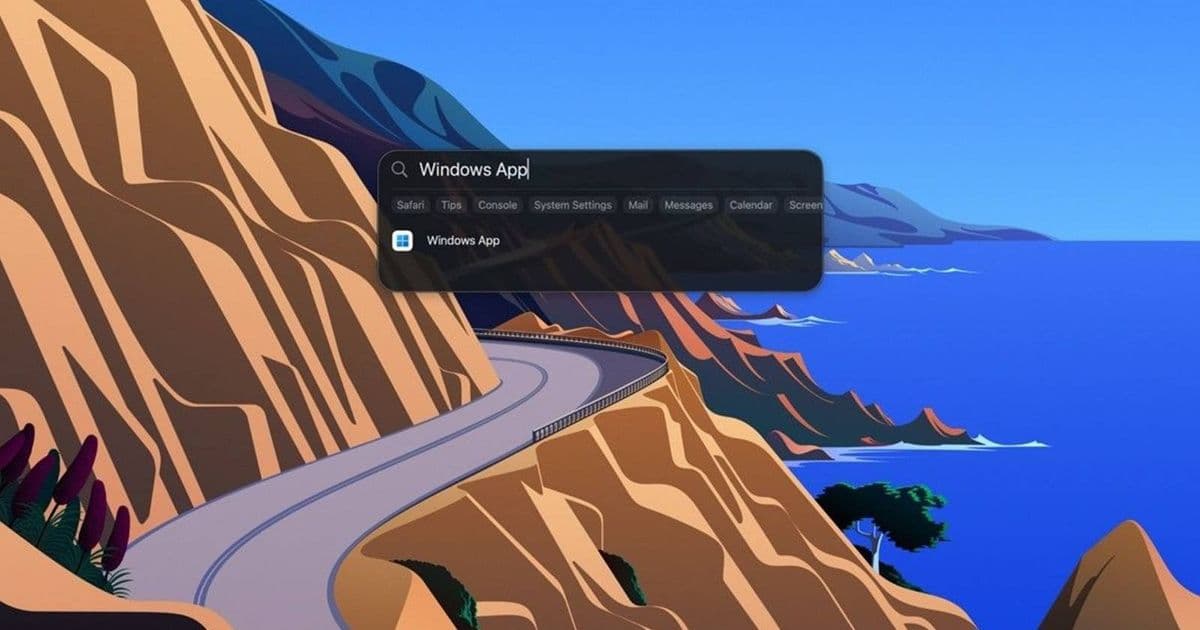
Microsoft has officially replaced the Remote Desktop app with Windows App, a cross-platform solution that works on macOS, iOS, Android, and browsers. While the name is generic and potentially confusing, the new app brings improved features including split-screen virtual monitors and better macOS integration.
Microsoft has officially killed off its Remote Desktop app, replacing it with a new cross-platform solution called Windows App. The name choice has raised eyebrows across the tech community, as it's generic enough to cause confusion when searching for support or troubleshooting issues.
The Name That Google Hates
The new application, which Microsoft announced would replace the Remote Desktop client, goes by the remarkably generic name "Windows App." This naming decision seems particularly puzzling given that the app works across multiple operating systems including macOS, iOS, Android, and even directly in web browsers.
As Simon Batt points out in his analysis, the name likely stems from Microsoft's desire to convey an "open this app to access Windows" message. However, this approach creates immediate practical problems - imagine trying to search for specific error codes or troubleshooting steps when your search query is just "Windows App." The ambiguity could frustrate both individual users and enterprise IT departments alike.
What Windows App Actually Does
Despite the confusing name, Windows App brings several notable improvements to the remote desktop experience:
- Cross-platform compatibility: Works seamlessly on macOS, iOS, Android, and web browsers
- Split-screen virtual monitors: Browser users can now view multiple virtual monitors simultaneously
- macOS integration: The app now follows Apple's navigation patterns, including a cleaned-up Option+Tab switcher
- Enterprise-ready: Designed to replace the Remote Desktop client for Windows environments
The Timeline and Migration
Microsoft set March 27th, 2026 as the cutoff date for Remote Desktop client support. However, users aren't completely left in the lurch - the Remote Desktop Connection tool remains built into Windows, so you don't necessarily need to download Windows App immediately.
This phased approach gives organizations time to plan their migration strategy. The built-in Remote Desktop Connection tool provides a safety net while IT departments evaluate Windows App's features and compatibility with their existing infrastructure.
Enterprise Considerations
The generic naming could pose particular challenges for enterprise environments where precise technical support is crucial. When an entire organization needs to troubleshoot connectivity issues or configure security settings, having a search-friendly, specific product name becomes significantly more important.
Microsoft's decision to keep the Remote Desktop Connection tool built into Windows suggests awareness of potential adoption friction. This built-in tool serves as a bridge for users who may be hesitant to adopt the new Windows App immediately.
Looking Forward
While the name may be unfortunate, the underlying technology appears to represent a genuine improvement in cross-platform remote desktop capabilities. The browser-based functionality and improved macOS integration suggest Microsoft is taking a more platform-agnostic approach to remote access.
For users and IT professionals, the key takeaway is that while the name might cause some initial confusion, the functionality improvements are real. The challenge will be adapting to the new naming convention and developing clear internal documentation to avoid the inevitable "which Windows App are we talking about?" conversations.
As organizations begin their migration from the deprecated Remote Desktop client, clear communication about the new tool's capabilities and naming will be essential to ensure smooth adoption across diverse user bases.
Comments
Please log in or register to join the discussion