Microsoft is consolidating Excel's AI capabilities by integrating App Skills' editing features into Copilot Chat and Agent Mode, creating a unified experience that eliminates fragmented entry points while maintaining conversational assistance.
Microsoft is executing a strategic consolidation of Excel's AI capabilities, phasing out the App Skills feature in favor of a more unified Copilot experience. The company announced that App Skills' editing capabilities will be integrated into Copilot Chat and Agent Mode, which became generally available earlier this year. This move addresses user feedback about the fragmented nature of working across multiple Copilot entry points in Excel.
The Evolution Toward Unified AI Assistance
The transition represents Microsoft's broader effort to simplify how users interact with Copilot in Excel. Rather than maintaining separate experiences that can feel disjointed, the company is bringing everything together to provide clearer pathways for different types of assistance. When users need Copilot to make direct changes to their workbook, Agent Mode is now designed to handle core editing tasks such as creating or updating tables, applying formatting, or generating charts and PivotTables.
Copilot Chat remains available for tasks that don't require modifying content, such as interpreting data or exploring workbooks using agents like Analyst. This clear delineation helps users understand exactly where to go depending on their needs—direct editing happens with Agent Mode, while quick answers and simple actions work best in Copilot Chat.
Enhanced Capabilities Through Agent Mode
The enhanced editing experience introduced with Agent Mode was specifically built to address user requests for more capable assistance when working inside spreadsheets. It's designed to handle complex, multi-step reasoning tasks that go beyond what App Skills could accomplish. Users now have greater control over how Copilot edits their workbooks, with the ability to manage more sophisticated requests across multiple steps.
This consolidation allows Microsoft to focus on improvements toward a unified experience, enabling faster delivery of new capabilities. The company plans to better integrate Agent Mode's editing capabilities into the Copilot Chat experience in the coming months, further streamlining the user experience.
What's Changing for Users
App Skills entry points in Excel are being removed. Users will no longer find an App Skills button in the ribbon or be able to access it from the context menu. Existing skills are consolidating into the two main Copilot experiences: Chat for conversational assistance and Agent Mode for direct editing capabilities.
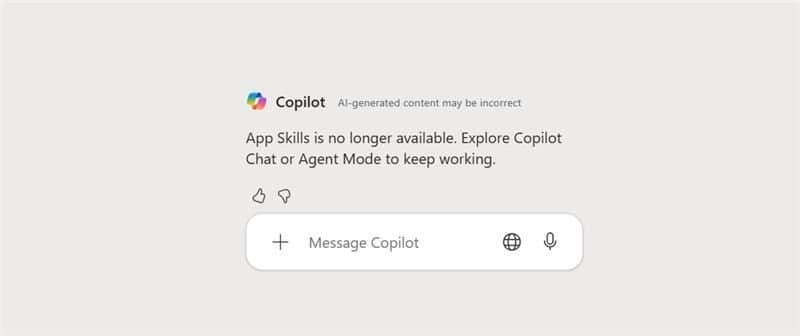
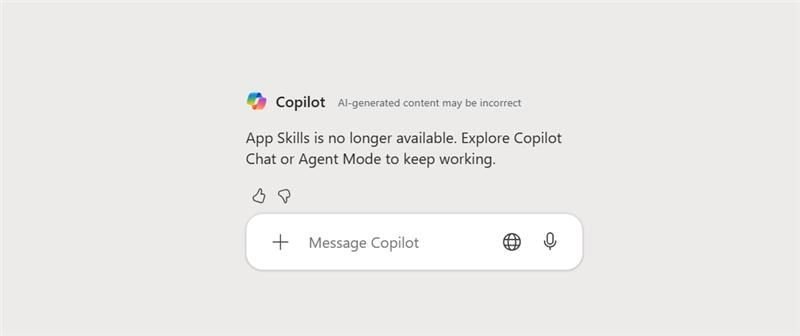
During the transition period, some users may still see App Skills entry points for a short time. In certain cases, opening the App Skills pane may result in an error message indicating that the feature is no longer available. When this occurs, users can continue their workflow using Agent Mode or Copilot Chat based on the type of assistance they need.
Timeline and Availability
The update is rolling out now, with the App Skills entry point expected to be completely removed by the end of February, depending on the user's Excel version. This phased approach allows organizations time to adapt to the new workflow while ensuring a smooth transition for all users.
Limitations During Transition
Certain scenarios that previously used App Skills—specifically the Advanced Analysis mode that utilized Python in Excel and advanced text analysis capabilities—are not yet available within Copilot Chat or Agent Mode. Microsoft acknowledges this gap and is continuing to expand support for these capabilities in the unified Copilot experiences. Users should watch for updates as these features become available over time.
This consolidation reflects Microsoft's commitment to creating a more intuitive and powerful AI-assisted experience in Excel, reducing complexity while enhancing capabilities for users who rely on these tools for data analysis and spreadsheet management.
Comments
Please log in or register to join the discussion