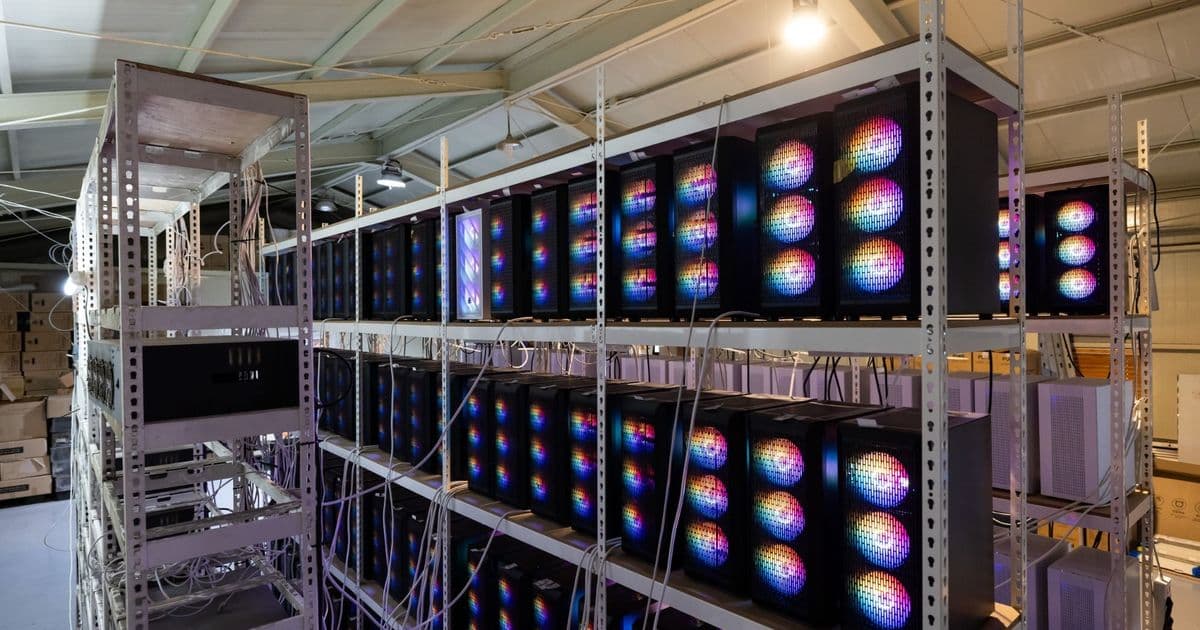
Microsoft Defender researchers report a cryptojacking operation that uses search‑engine poisoning and AI‑chatbot recommendations to deliver GPU‑mining malware disguised as popular PC utilities. The malware sideloads malicious DLLs, abuses legitimate remote‑management tools, and dynamically deploys miners only on systems with powerful discrete GPUs, while evading detection through anti‑analysis checks and smart mining throttling.
Microsoft flags AI‑enabled cryptojacking campaign targeting gamers and workstation owners
Microsoft Defender Experts and the Microsoft Defender Security Research Team released a detailed threat report on Tuesday, describing a multi‑stage cryptojacking operation that blends classic SEO poisoning with newer AI‑chatbot manipulation. The attackers focus on users who own high‑performance graphics cards—gamers, overclockers, AI developers, and content creators—by offering downloads that appear to be well‑known utilities such as CrystalDiskInfo, HWMonitor, Display Driver Uninstaller (DDU), FurMark, K‑Lite Codec Pack, and PDFgear.
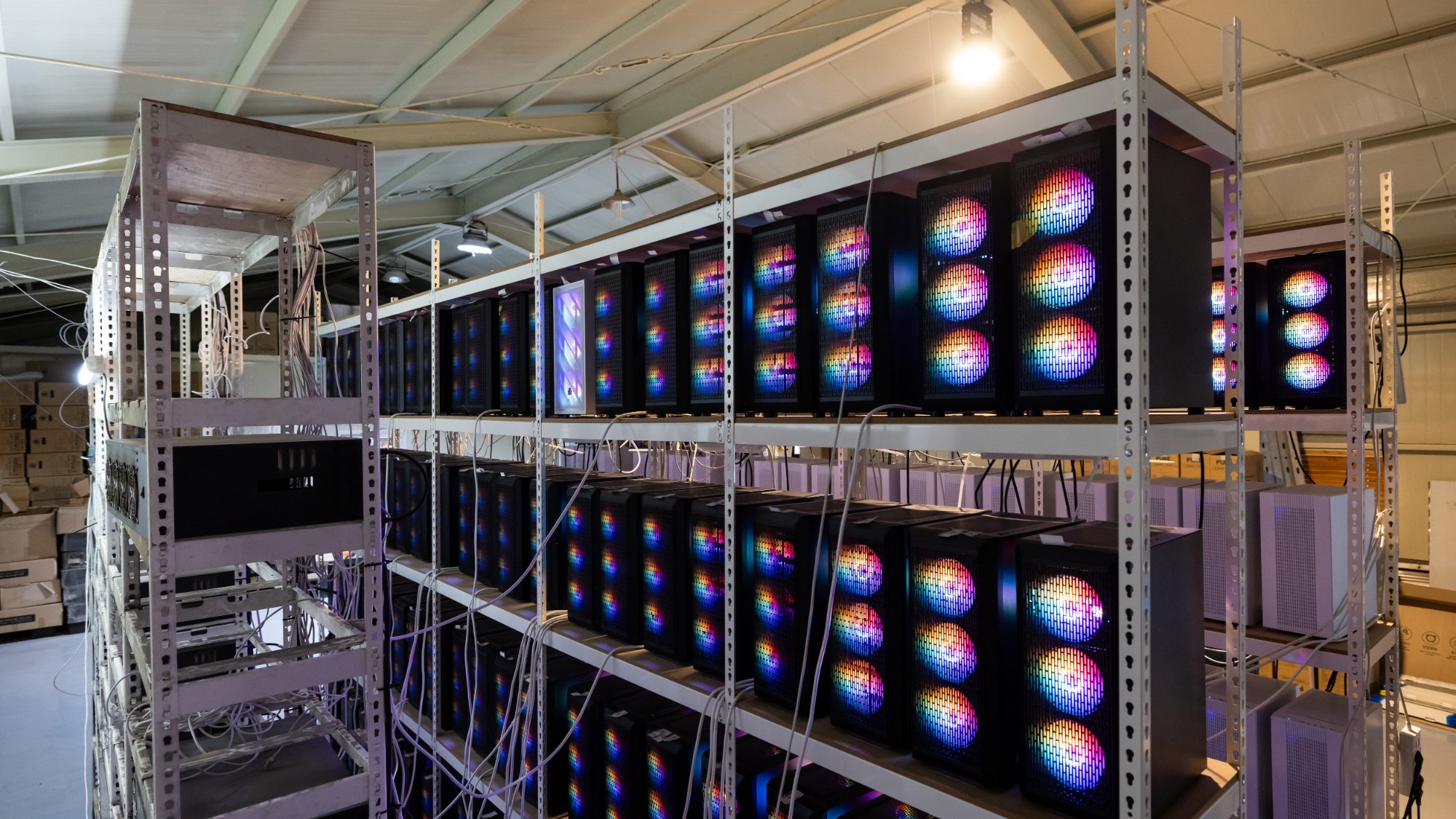 Image credit: Getty / Bloomberg
How the infection chain works
- Search‑engine or chatbot bait – Victims type a utility name into Google, Bing, or an LLM‑based assistant. In some cases the chatbot inserts a link to a malicious domain directly in its response. The domains (over 150 identified) are hosted on sub‑domains of
gleeze.comand use Dynu dynamic DNS, a service previously abused in phishing campaigns. - Malicious ZIP delivery – The attacker‑controlled page serves a ZIP archive that contains the legitimate installer plus a malicious
autorun.dll. When the user runs the utility, Windows loads the DLL from the same folder via DLL sideloading, a technique that requires no exploit and leaves little forensic trace. - Abuse of legitimate RMM software – The payload silently installs ScreenConnect (ConnectWise Control), a widely used remote‑management platform. Microsoft stresses that the tool itself is clean; it is simply leveraged to create a persistent foothold.
- Process hollowing and persistence – A custom binary called
SimpleRunPE.exe—derived from a public GitHub proof‑of‑concept—hollows trusted Microsoft‑signed binaries such asMSBuild.exe,InstallUtil.exe, andRegAsm.exe. Six persistence mechanisms are installed, including scheduled tasks, hidden startup entries, and Defender exclusion rules that are re‑added if removed. - Dynamic miner deployment – After establishing a remote session, the attackers run a reconnaissance script that gathers GPU model, CPU count, memory size, installed AV, and current workload. Based on this data the malware downloads the most profitable miner (lolMiner, gminer, or SRBMiner‑MULTI) from a remote server and launches it only when GPU utilization is low enough to avoid user‑visible performance drops.
- Anti‑analysis safeguards – Before any mining begins, the code scans for virtual‑machine markers, debugging tools (Wireshark, ProcMon, x64dbg, dnSpy, IDA, Ghidra) and terminates if any are present. This reduces the chance of sandbox detection.
Technical depth: why the attack is hard to spot
- DLL sideloading exploits the Windows loader’s search order. Because the malicious DLL shares the same name as a legitimate dependency, the operating system loads it without raising an alert. No code signing bypass is required.
- Process hollowing injects malicious code into a trusted, signed process, allowing the miner to run under the same security context as a legitimate Microsoft utility. This defeats many heuristic‑based detections that rely on executable reputation.
- Smart mining throttling monitors GPU load, frame‑rate, and active gaming sessions. When a game or rendering workload spikes, the miner backs off, preventing the typical symptoms of cryptojacking such as sudden fan noise or temperature spikes.
- Persistent Defender exclusions are re‑created on each reboot, meaning that even security‑aware users who manually add the miner to an exclusion list will see the rule re‑appear.
Market implications for high‑end PC owners
- Increased cost of ownership – A compromised GPU can lose up to 15 % of its useful life due to sustained high‑temperature cycles, translating into earlier hardware replacement for enthusiasts.
- Supply‑chain pressure – With GPU demand already strained by AI workloads, cryptojacking that silently degrades hardware performance could exacerbate shortages, as users replace throttled cards more frequently.
- Shift in attacker economics – By targeting only systems with discrete GPUs, the campaign maximizes per‑host revenue. Assuming an average hash‑rate of 70 MH/s for a RTX 4090 and a current Ethereum‑compatible miner reward of $0.03 per MH, each infected machine could generate roughly $2.10 per day, or $630 per year—significant enough to justify the low‑volume, high‑value approach.
- AI‑assisted search poisoning – The report marks one of the first documented cases where LLM‑driven assistants unintentionally amplify malicious URLs. While Microsoft cautions this is not a systemic flaw in any specific chatbot, the incident highlights a new attack surface that security vendors will need to monitor as AI assistants become primary search tools.
Recommendations for users and enterprises
- Download only from official vendor sites – Verify the URL and use HTTPS‑only links from the software publisher’s homepage. Avoid third‑party mirrors, especially those surfaced via AI chat responses.
- Enable strict DLL loading policies – Windows 11’s “DLL Safe Search Mode” and Microsoft’s AppLocker rules can block unsigned DLLs from loading alongside trusted executables.
- Monitor GPU utilization – Tools such as MSI Afterburner or HWInfo can alert you to sustained high‑hash rates when no mining software is installed.
- Audit RMM installations – Regularly review the list of remote‑management agents on workstations. Unrecognized instances of ScreenConnect should be investigated immediately.
- Educate AI‑assistant users – When a chatbot suggests a download link, cross‑check the domain against the official site before clicking.
The Microsoft findings underscore a convergence of old‑school SEO poisoning and emerging AI‑driven discovery methods. As high‑end GPUs become ever more valuable for both legitimate AI workloads and illicit mining, the incentive to weaponize search and chat interfaces will only grow. Staying vigilant—by verifying sources, hardening DLL loading, and monitoring hardware performance—remains the most effective defense against this evolving cryptojacking threat.
For the full Microsoft Defender report, see the official blog post.
Comments
Please log in or register to join the discussion