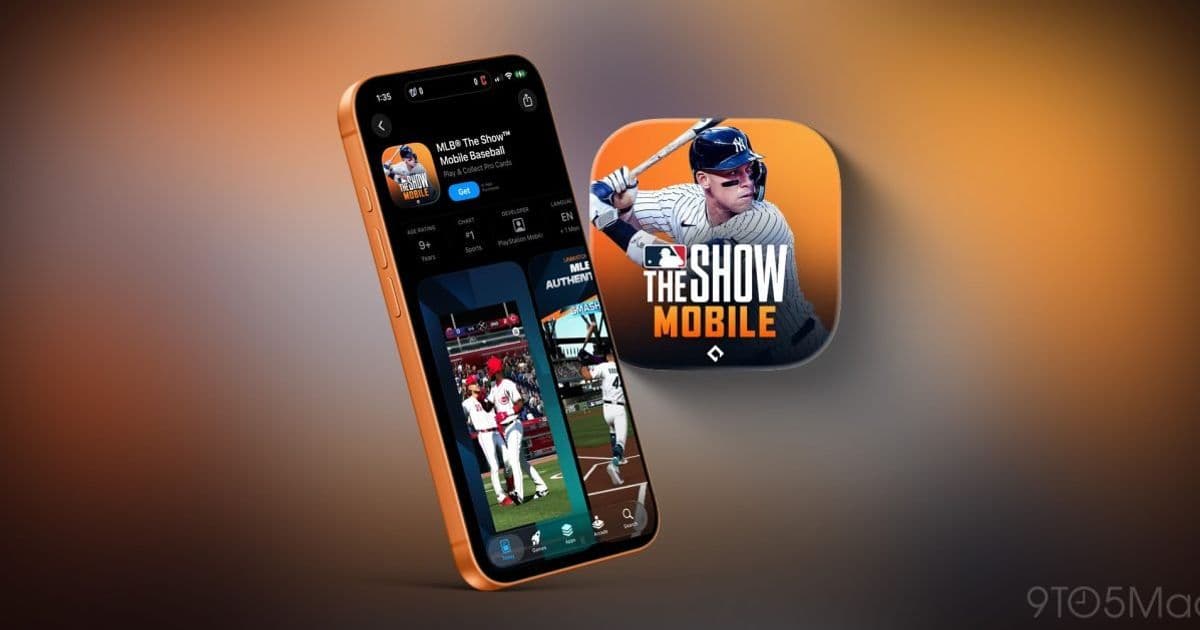
Saber Interactive’s MLB: The Show arrives on iPhone and Android as a native mobile build. The article breaks down the required iOS 26 SDK, hardware targets, and the implications for cross‑platform game development.
MLB: The Show launches on iPhone – what mobile developers need to know
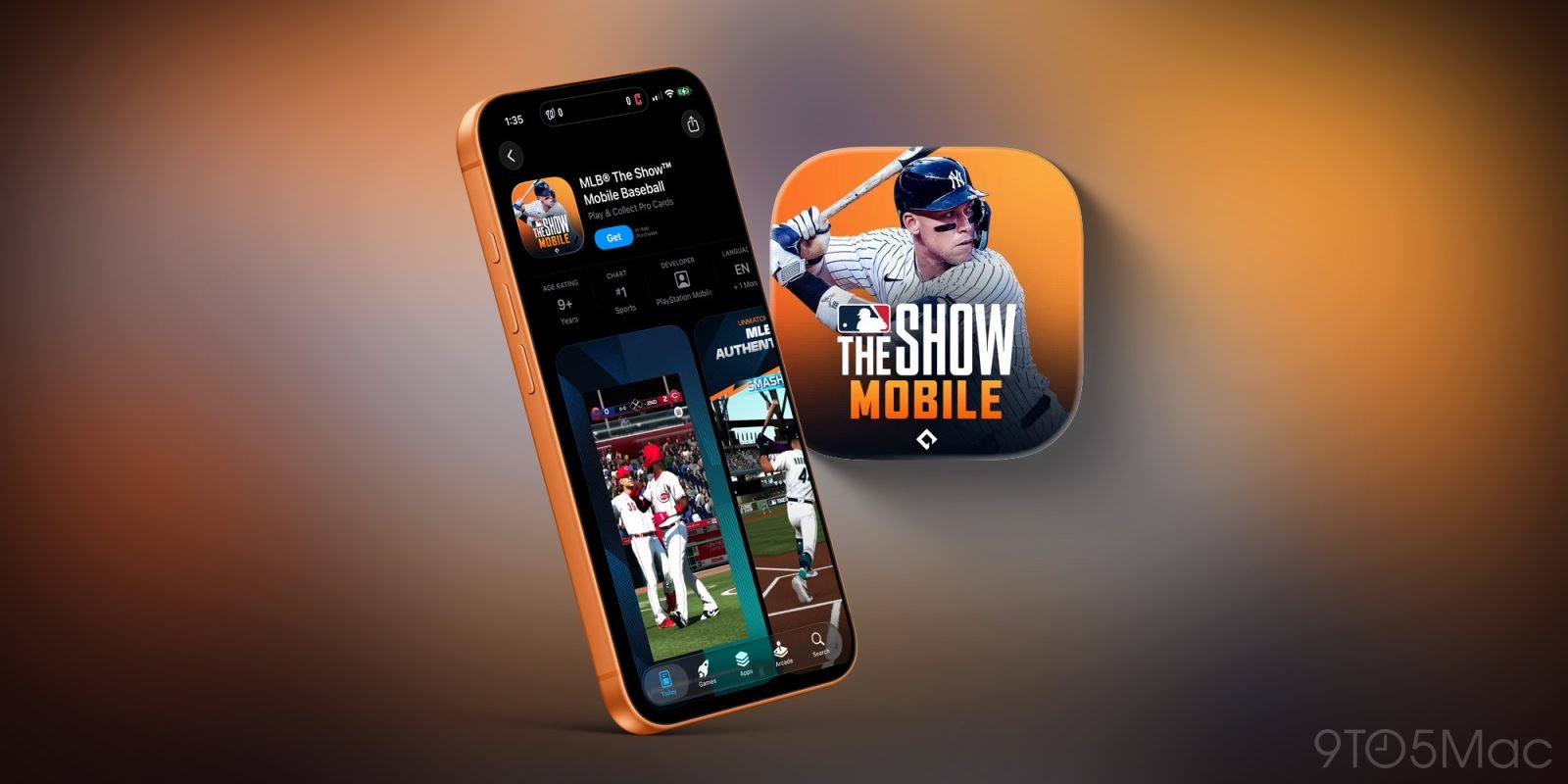
The 20th‑anniversary edition of MLB: The Show is now available on iPhone and Android. While the headline is about baseball fans finally getting a console‑grade experience on their phones, the launch also reveals a lot about how big‑budget titles are being adapted for mobile hardware.
Platform update
- iOS requirement: iOS 26 (the SDK that ships with Xcode 16). The game lists iPhone 16 and newer as the "enhanced graphics" tier, but it will run on any device that can install iOS 26.
- Android requirement: Android 14 with a minimum of 6 GB RAM. The Play Store page lists the Snapdragon 8 Gen 3 as the reference chipset.
- No iPad build: The developers have chosen a phone‑first UI, so the app is not optimized for larger screens.
- No cross‑play: At launch there is no shared save or multiplayer bridge between the mobile and console versions.
Developer impact
SDK and tooling
The iOS build targets the iOS 26 SDK and uses Metal 3 for rendering. This means developers must be comfortable with the latest Metal shading language features, such as mesh shaders and variable‑rate shading, to match the visual fidelity advertised by the publisher.
On Android, the game relies on Vulkan 1.3 and the NDK r27 toolchain. The use of Vulkan indicates a desire to keep the rendering pipeline as close as possible to the console version, which also runs on Vulkan via the PlayStation's custom driver.
Asset pipelines
Both platforms receive separate texture sets. iPhone 16‑class devices get 4K‑resolution textures with a 60 fps target, while older iPhones fall back to 1080p assets at 30 fps. Android devices follow a similar tiered approach based on GPU class.
For studios, this means maintaining multiple texture atlases and runtime quality switches. Tools like Unity's Addressables or Unreal's Pak files can automate the selection, but the extra asset variants increase build size and QA workload.
Performance considerations
- CPU: The game offloads physics to a custom SIMD‑optimized library that takes advantage of the A18 Bionic's new matrix cores. Android builds use the same library compiled for ARMv9.
- Memory: Minimum RAM is 4 GB on iOS, 6 GB on Android. Developers need to watch for memory spikes during stadium crowd simulations; the game caps particle counts based on device tier.
- Battery: Both builds enable a dynamic frame‑rate limiter that drops from 60 fps to 30 fps when the battery falls below 20 %.
Migration path for existing mobile studios
- Upgrade toolchains – Move to Xcode 16 and Android Studio 2024.2 to get the latest SDKs.
- Adopt Metal 3 / Vulkan 1.3 – If your current pipeline uses OpenGL ES, plan a migration. Both Apple and Google provide migration guides:
- Implement tiered assets – Use a content‑delivery network (CDN) to serve high‑resolution bundles only to capable devices. Unity's Asset Bundle Variants or Unreal's Pak Chunking are good starting points.
- Test on real hardware – Emulators cannot accurately reproduce the thermal throttling that affects long‑duration gameplay. Allocate time for testing on iPhone 14, iPhone 16, and a range of Android flagship devices.
- Plan for future cross‑play – Although MLB: The Show Mobile currently lacks shared saves, the underlying networking stack is built on PlayFab. Studios that already use PlayFab can reuse authentication and leaderboard services to add cross‑platform features later.
What this means for the broader mobile market
The release shows that major publishers are willing to invest in native, high‑performance mobile ports rather than relying on streaming solutions. For developers, the key takeaways are:
- Keep your rendering pipeline up‑to‑date with Metal 3/Vulkan 1.3.
- Design asset pipelines that can scale across device tiers.
- Expect higher RAM and storage demands for premium titles.
If your app or game targets both iOS and Android, the MLB: The Show launch provides a concrete example of how to balance platform‑specific optimizations with a shared codebase. By aligning your toolchain with the latest SDKs and planning for tiered assets early, you can avoid the last‑minute scramble that often accompanies high‑profile releases.
For the full App Store listing, see the MLB: The Show Mobile page. The Android version is listed on the Google Play Store.
Comments
Please log in or register to join the discussion