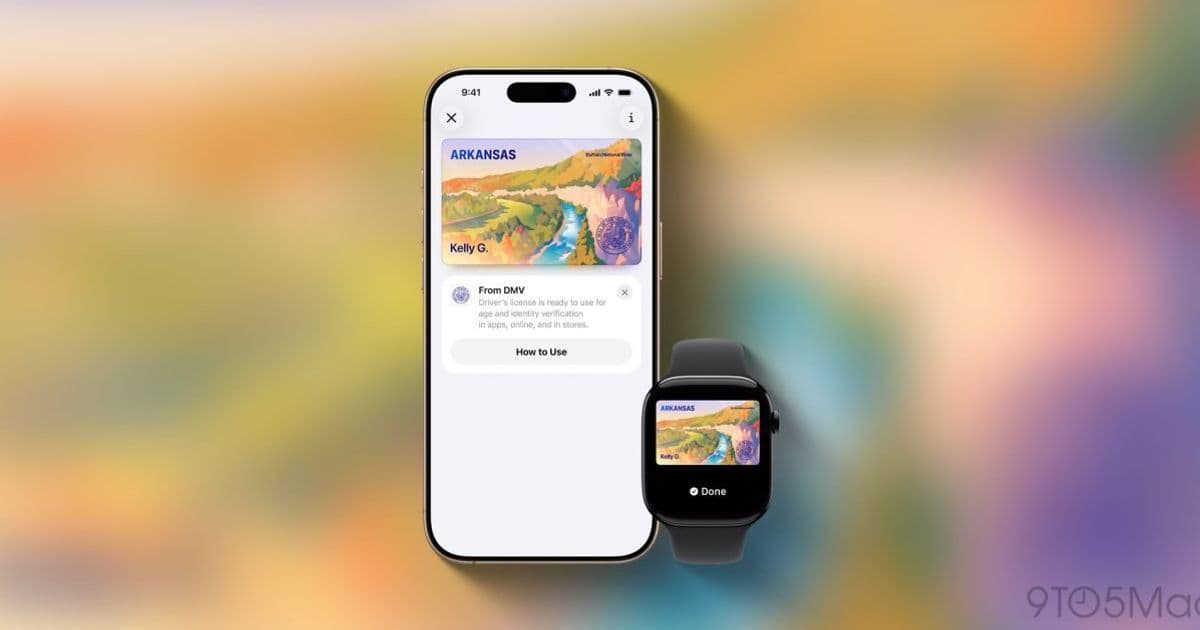
Apple Wallet now lets Arkansas residents add driver’s licenses and state IDs, joining a growing list of U.S. jurisdictions. The rollout introduces new APIs in iOS 18 and watchOS 11, requires updated entitlement handling, and prompts developers to test cross‑platform interactions with Android and Samsung Wallets.
Apple Wallet adds Arkansas to the Digital ID roster
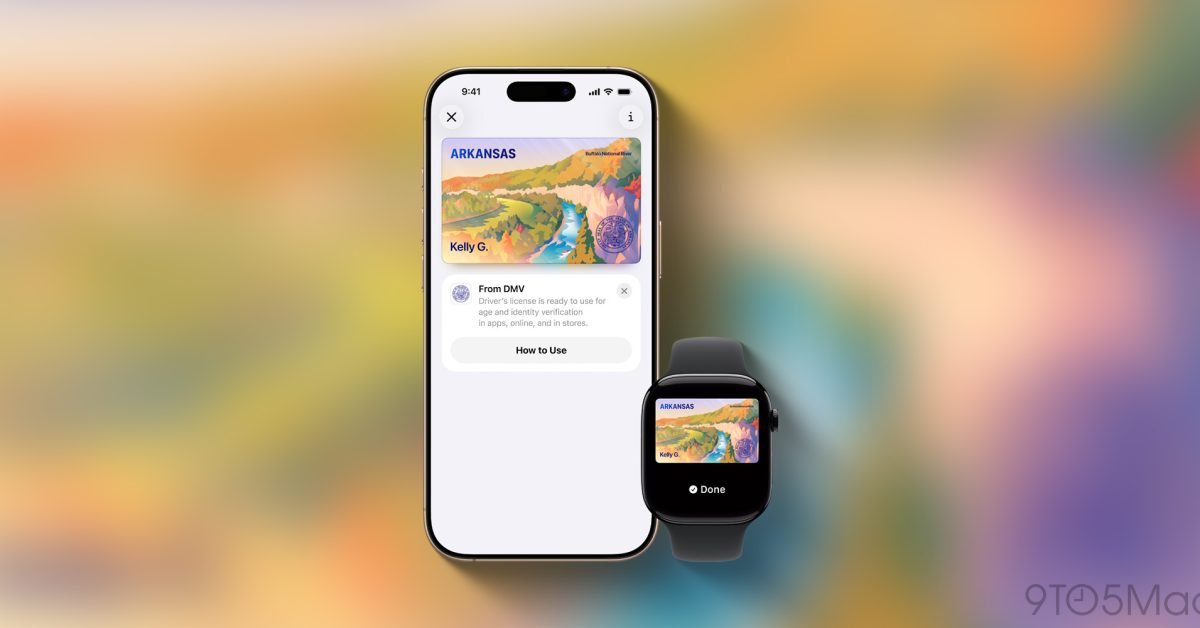
Starting today, residents of Arkansas can store a driver’s license or state ID in the Apple Wallet app on iPhone and Apple Watch. The state announced the rollout on its Department of Finance and Administration website, and Apple’s servers are beginning to push the new capability to compatible devices.
The move brings Arkansas into a list that already includes Arizona, California, Colorado, Georgia, Hawaii, Illinois, Iowa, Maryland, Montana, New Mexico, North Dakota, Ohio, Puerto Rico and West Virginia. For developers, the addition is more than a headline – it signals the latest iteration of Apple’s Digital ID framework and the need to update code, provisioning profiles, and testing pipelines.
SDK and platform requirements
- iOS 18 / iPadOS 18 – The Digital ID APIs were introduced in iOS 17, but iOS 18 adds a few refinements that are required for the Arkansas rollout, such as the
PKDigitalIDVerificationContextimprovements for on‑device face verification. - watchOS 11 – Apple Watch can now present a stored ID at TSA checkpoints, so the watchOS SDK includes the same
PKDigitalIDclasses. - Xcode 16 – To compile against the latest headers and to generate the new entitlements, developers must use Xcode 16 or later.
- Entitlements – The
com.apple.developer.digital-identitlement must be added to the app’s*.entitlementsfile. Apple now requires adigital-id-supportvalue oftruefor any app that wishes to read or write ID data. - Privacy strings – Update
NSFaceIDUsageDescriptionand addNSDigitalIDUsageDescriptionto explain why the app accesses the ID data.
Tip: The new
PKDigitalIDVerificationContextlets you request a verification flow that runs entirely on‑device, preserving user privacy while satisfying state‑level compliance.
Impact on existing Wallet integrations
Many apps already use Apple Wallet for passes, tickets, and loyalty cards. Adding Digital ID support does not interfere with those use cases, but there are a few considerations:
- Pass type identifier collisions – If your app defines a custom pass type identifier that overlaps with a state‑issued ID, the system may prioritize the ID. Review your identifier namespace to avoid conflicts.
- UI flow changes – The “+” button now opens a unified add‑item sheet that can create a pass or a Digital ID. Adjust your onboarding screens to guide users toward the correct flow.
- Cross‑platform parity – Arkansas launched Google Wallet and Samsung Wallet support last year. If your app also supports those platforms, you’ll need to implement the corresponding Android 13
DigitalIdentityAPI and Samsung’sWalletSDK. Keeping feature parity helps avoid a fragmented user experience.
Migration checklist for iOS developers
| Step | Action | Resources |
|---|---|---|
| 1 | Update Xcode to version 16 and set the Base SDK to iOS 18. | Xcode 16 release notes |
| 2 | Add com.apple.developer.digital-id entitlement and set digital-id-support to true. |
Apple Wallet Entitlements Guide |
| 3 | Insert NSDigitalIDUsageDescription in Info.plist. |
Info.plist privacy keys |
| 4 | Replace any legacy PKPassLibrary‑only calls with the new PKDigitalID APIs where appropriate. |
PKDigitalID class reference |
| 5 | Test on a device running iOS 18 or later; the simulator does not yet support Digital ID rendering. | Testing Digital ID on device |
| 6 | Verify that the app gracefully handles the case where the user’s state does not support Digital ID (e.g., fallback to physical pass). | — |
| 7 | If you ship a watchOS companion, enable the same entitlements and run the watchOS 11 test suite. | watchOS 11 documentation |
Cross‑platform considerations
Arkansas’ decision to support all three major mobile wallets creates a natural test case for developers maintaining a single codebase with Flutter, React Native, or Kotlin Multiplatform. Here are a few practical pointers:
- Flutter – Use the
wallet_kitplugin for iOS and thegoogle_walletplugin for Android. Both expose aaddDigitalIdmethod that maps to the native SDKs. - React Native – The
react-native-apple-walletmodule now includes arequestDigitalIdbridge. Pair it withreact-native-google-walletfor Android parity. - Kotlin Multiplatform – Implement the Digital ID flow in the
iosMainsource set using the Apple SDK, and inandroidMainusing the AndroidDigitalIdentityManagerclass.
Keeping the UI consistent across platforms while respecting each OS’s privacy model is the biggest challenge. For example, Android requires an explicit user consent dialog before accessing the Digital ID, whereas iOS can rely on Face ID verification without an additional prompt if the entitlement is present.
What this means for users and businesses
- TSA checkpoints – Arkansas travelers can now scan their iPhone or Apple Watch at security lanes that have upgraded to the NFC reader firmware supporting Apple Wallet IDs.
- Retail and hospitality – Businesses that have integrated Apple Wallet QR‑code verification can start accepting the Digital ID as a proof‑of‑age token, provided they have updated their backend to recognize the new
digitalIDpayload. - Privacy – Apple emphasizes that the Digital ID is a “companion” to the physical card. The data never leaves the device unless the user explicitly shares it, and all transmissions are encrypted with TLS 1.3.
Looking ahead
Apple’s rollout schedule suggests that more states will join the list before the end of 2026. Developers should monitor the Apple Wallet developer portal for announcements about new jurisdiction support and any changes to the API surface.
Staying current with the iOS 18 SDK, updating entitlements, and testing on real hardware will ensure a smooth experience for Arkansas users and keep your app ready for the next state that adds Digital ID support.
For further reading:
- Apple’s official Digital ID Overview
- Arkansas Department of Finance and Administration announcement: digital‑id‑arkansas.gov
- Comparison of Android 13 Digital Identity APIs: Android Developers Blog
Comments
Please log in or register to join the discussion