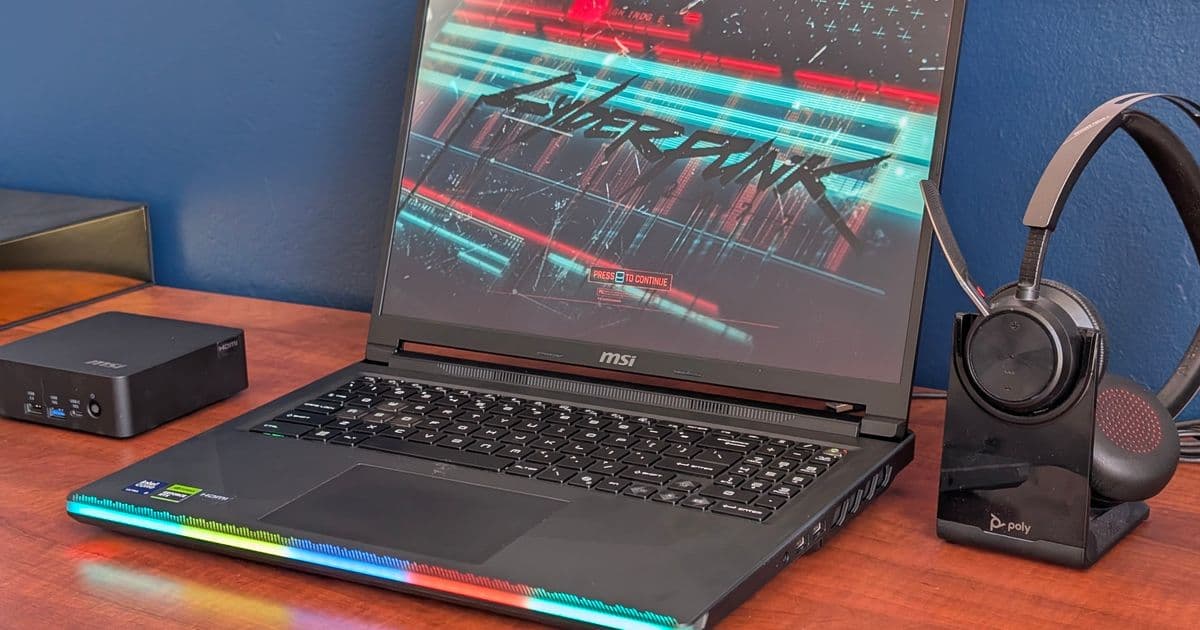
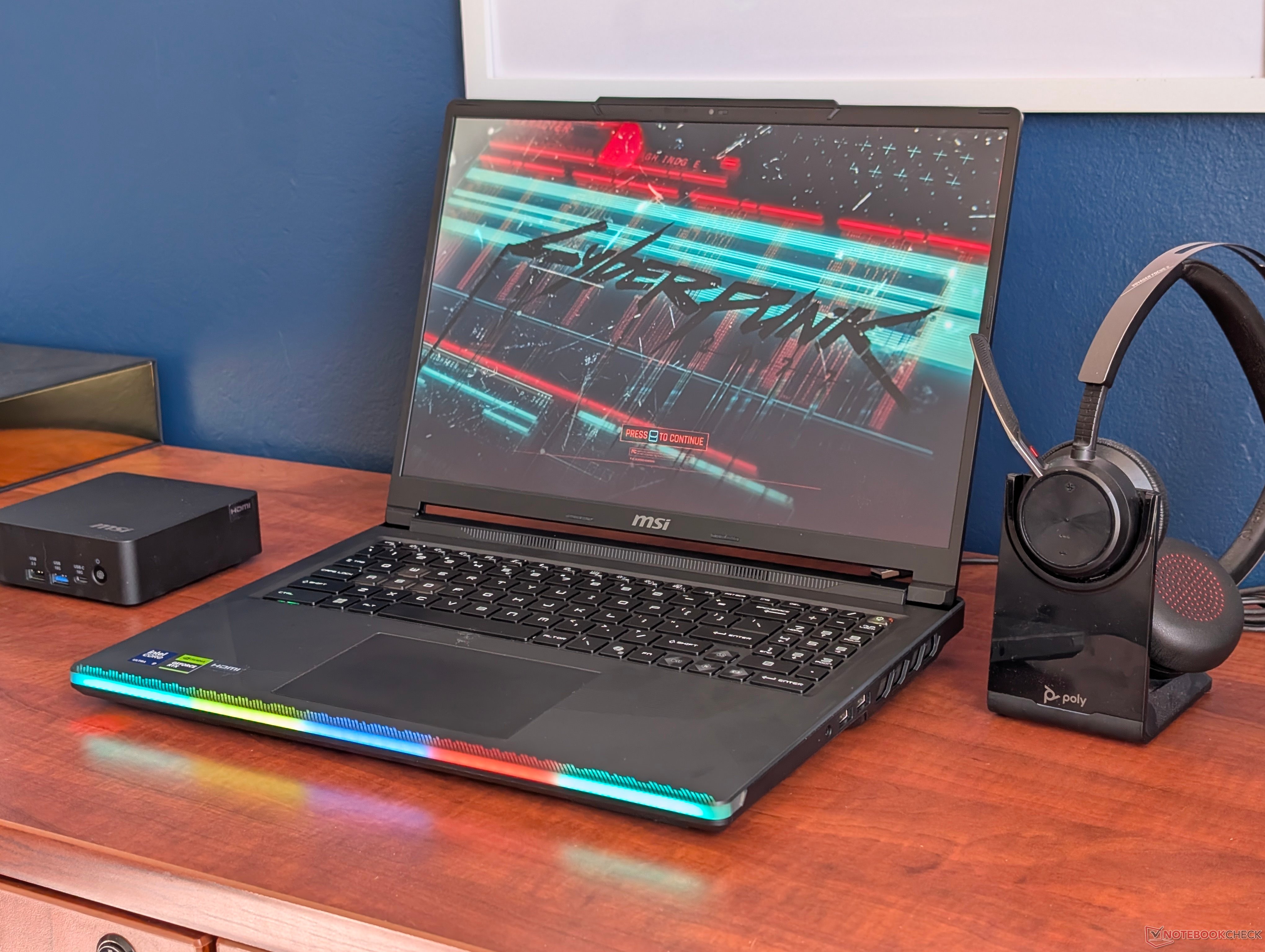
MSI added another power profile to the Raider 16 Max HX that pushes GPU power from 147 W to 169 W, but the company hid it so well that most gamers will never know it exists.
MSI keeps adding layers to its power profile system, and the latest one on the Raider 16 Max HX is the kind of feature that helps your hardware while actively working against your ability to find it. The new mode is called Apex, and it lifts the GPU total graphics power ceiling from 147 W to 169 W. That is a 22 W bump, roughly 15 percent more power feeding the GPU, and it translates to measurable gains in synthetic benchmarks and real games. The catch is that MSI tucked it inside an existing menu as a small toggle that is easy to scroll past.
What's new
Every MSI laptop ships with MSI Center, the company's catch-all utility for monitoring temperatures, switching between discrete and integrated graphics, pushing driver updates, and selecting power profiles. The power profile section is the part that matters most for performance, because MSI stacks its own modes on top of the standard Windows Power Saver, Balanced, and Performance options. Until now, the MSI-specific ladder ran Eco Silent, Balanced, Extreme Performance, and Cooler Boost.
Apex is the new top rung, and it sits nested inside the Extreme Performance option rather than standing on its own. You can find the Raider 16 Max HX and its MSI Center software on MSI's official product page, though the software experience is where things get muddy.
{{IMAGE:2}}
The design problem is straightforward. Apex is not presented as a clear step above Extreme Performance. It hides as a secondary control within a mode that already sounds like the maximum setting. Anyone who is not deep in the MSI ecosystem would reasonably assume Extreme Performance is the ceiling, because the name says exactly that. The toggle that unlocks the extra 22 W is small enough that you can use this laptop for months without realizing there is more performance sitting one click away.
MSI does throw up a warning when you enable it. A popup tells you to expect higher temperatures and louder fan noise, which is honest, but it only appears after you have already located the button you were not told to look for.
{{IMAGE:3}}
How it compares
The numbers explain why this is worth digging for. In 3DMark Time Spy, Extreme Performance posts a Physics Score of 16,870, a Graphics Score of 23,905, and a Combined Score of 22,497 at an average GPU draw of 147 W. Flip to Apex and the Graphics Score climbs to 25,594, about 7 percent higher, while the Combined Score rises to 23,771, around 6 percent better. The Physics Score barely moves to 16,938, which makes sense since the extra power is going to the GPU rather than the CPU. Average TGP rises to 169 W, the full 22 W increase doing its work.
| MSI Power Profile | Physics Score | Graphics Score | Combined Score | Average TGP (W) |
|---|---|---|---|---|
| Extreme Performance | 16,870 | 23,905 | 22,497 | 147 |
| Apex | 16,938 | 25,594 (+7%) | 23,771 (+6%) | 169 |
A 6 to 7 percent graphics uplift is not dramatic on paper, but it is free performance you already paid for. The Raider 16 Max HX costs north of $3,000, and leaving 15 percent of the GPU's power budget on the table because of a hidden toggle is a poor return on that spend. For a flagship machine, every watt of headroom is part of what justifies the price.
{{IMAGE:4}}
The trade-off shows up in sustained gaming rather than a quick benchmark run. Running Cyberpunk 2077 on Extreme Performance keeps core temperatures and power consumption in check. Switch the same scene to Apex and both climb noticeably, with warmer cores and higher wattage feeding the GPU. The fans spin up to match. This is the expected behavior when you raise a power ceiling, and it is the reason MSI gates the mode behind a warning rather than enabling it by default.
{{IMAGE:5}}
Who it's for
If you own a Raider 16 Max HX and you game with headphones or do not mind a louder machine, turn Apex on and leave it on. The extra graphics performance is real, the thermal increase is manageable on a chassis built for this class of hardware, and there is no reason to run the GPU below its capability while playing. For quieter work or when you care about acoustics and battery, Extreme Performance or one of the lower profiles remains the better pick.
The broader issue is discoverability. MSI built a feature that genuinely improves the product, then made it so hard to find that most buyers will never benefit from it. A profile this consequential belongs as its own clearly labeled tier, not as a buried sub-toggle inside another mode. Until MSI rethinks how MSI Center surfaces these options, the practical advice is to go hunting in the settings menu, because the company will not point you there. Full performance breakdowns and additional measurements are available in Notebookcheck's Raider 16 Max HX review.
Comments
Please log in or register to join the discussion