
A certificate expiring on July 13, 2026 pushes Office apps on macOS, iPad, and iPhone into a view and print only mode. Office 2021 and Microsoft 365 users recover with an update, but Office 2019 on Apple hardware has no fix.
Microsoft has set a hard date for an Office licensing change that hits Apple platforms specifically. Starting July 13, 2026, the certificate that authorizes Office apps on macOS, iPadOS, and iOS expires, and any Office installation that hasn't been refreshed slips into what Microsoft calls "reduced functionality mode." In that state, Word, Excel, PowerPoint, Outlook, and OneNote can still open and print existing documents, but editing, saving, and creating new files all stop working.
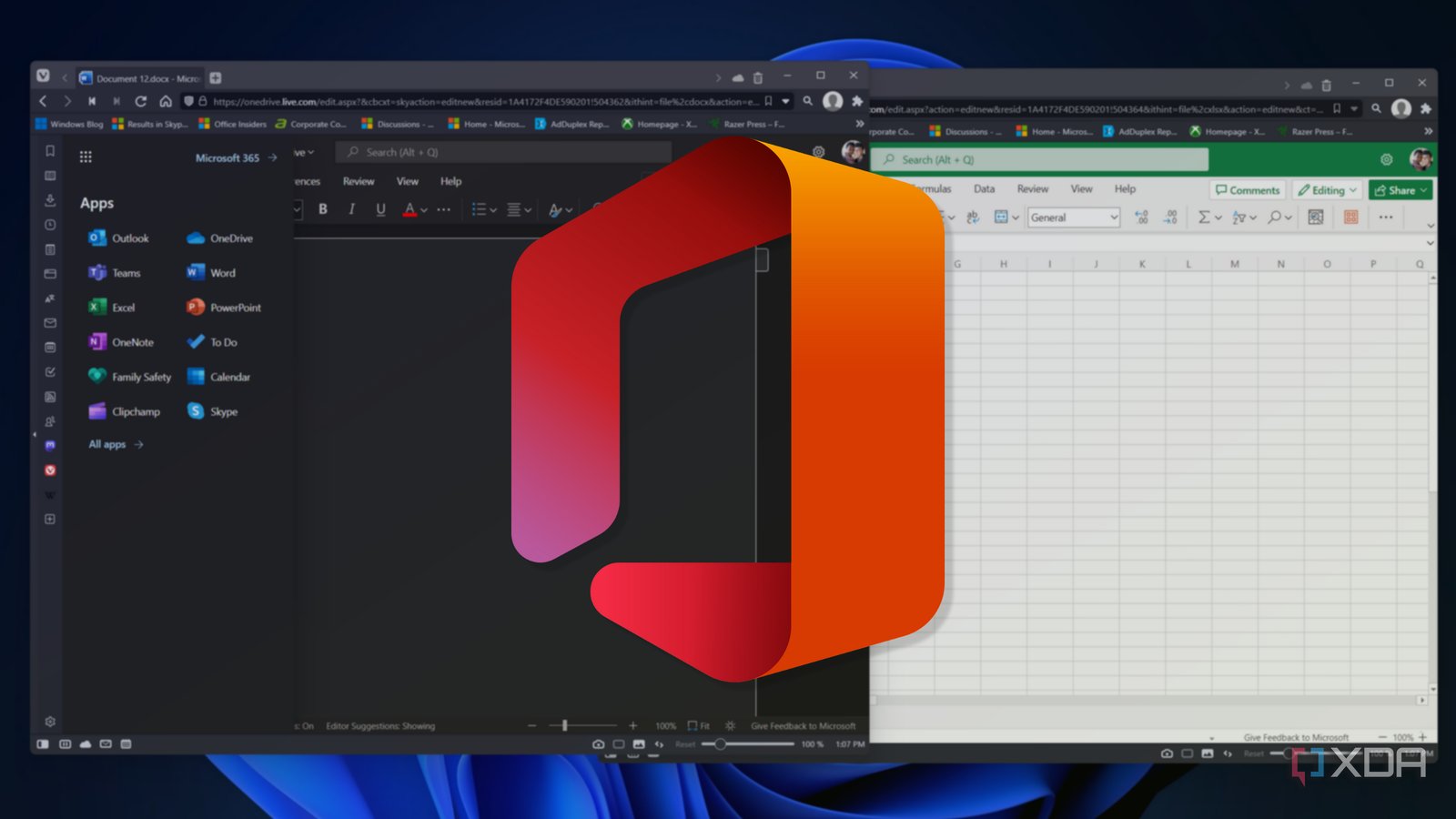
The split between who recovers and who doesn't comes down to which version you run. If you're on Office 2021 or Microsoft 365, the path back is straightforward: update the operating system on the device, then update the Office apps themselves. That refresh reissues a valid license and editing returns. If you're on Office 2019, there is no equivalent recovery. The apps drop to view and print only on Apple hardware and stay there.
Why this only touches Apple devices
Microsoft frames this as a consequence of dropping support for older operating systems and devices. The certificate handling Office uses to validate licensing on Apple platforms reaches its expiry, and unlike a routine subscription check, an expired signing certificate isn't something the app can quietly renew on a perpetual-license product that's no longer serviced.
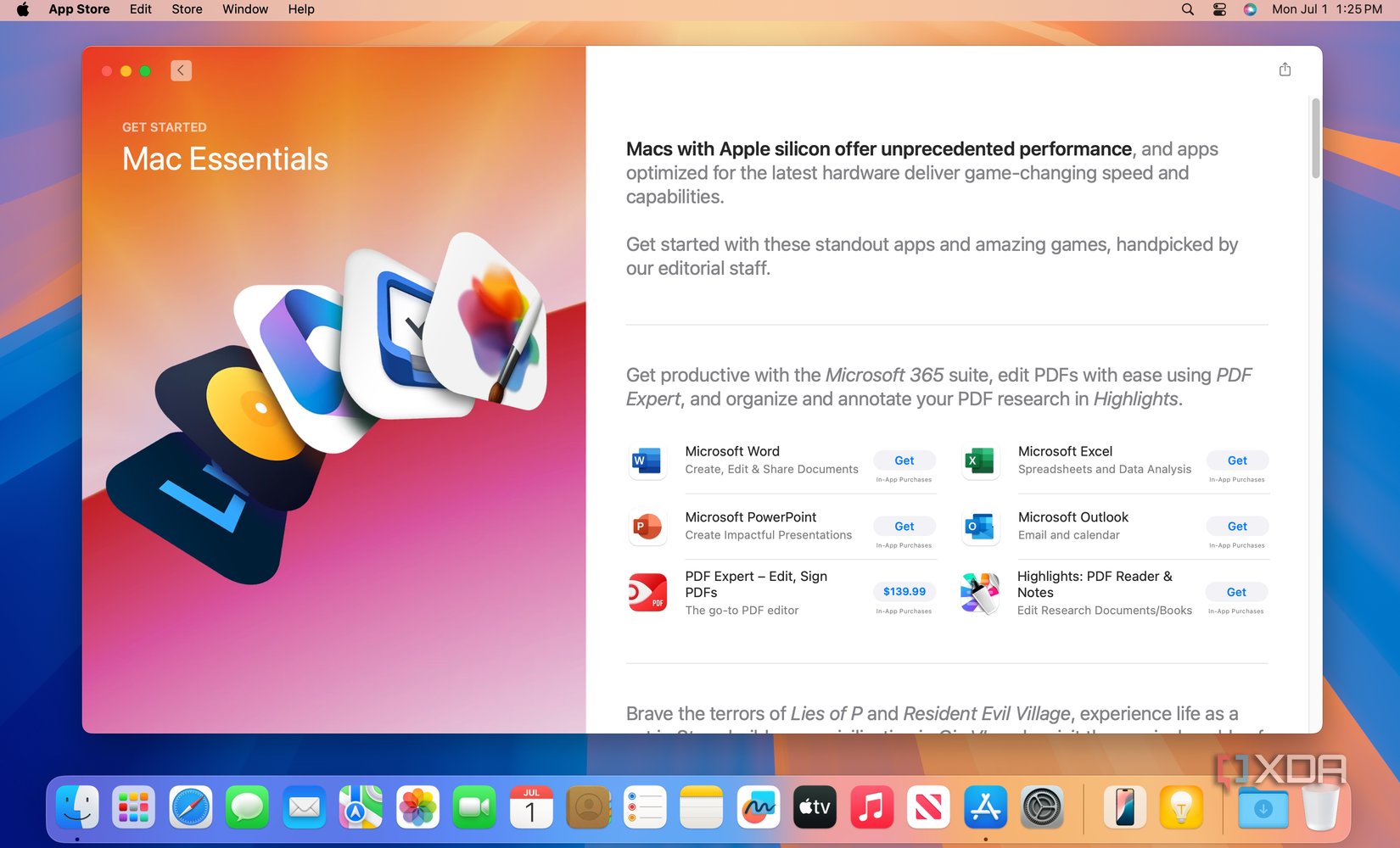
The restriction is scoped tightly to Apple's ecosystem. Microsoft is explicit that macOS, iPad, and iPhone installations are all affected, while Office 2019 running outside Apple's platforms, on Windows in particular, keeps working normally. That asymmetry matters for anyone maintaining the same productivity stack across devices. The exact same Office 2019 license behaves differently depending on whether the document gets opened on a MacBook or a Windows laptop after July 13.
What this means if you maintain across both platforms
For people running mixed fleets, the practical impact lands on the Apple side of the house. A document workflow that assumes a user can edit a spreadsheet on an iPad and then continue on a Mac breaks if either device is still on Office 2019. The files themselves aren't locked or corrupted. They open and print fine, so the data remains accessible. What disappears is the ability to change anything from those apps.
Office 2019 is a perpetual-license product that was always going to age out of full support eventually, and its mainstream lifecycle has been winding down for a while. This certificate expiry effectively accelerates the end of its useful life on Apple devices, turning a still functional editor into a read-only viewer overnight. Microsoft's mainstream and extended support timelines for Office 2019 were already pointing toward retirement, so this isn't a surprise so much as a firm cutoff.

Migration options before July 13
The cleanest path, if you're staying with Microsoft's tools, is moving off Office 2019 entirely. Microsoft 365 and Office 2021 both survive the transition with an update, so upgrading any Apple device still on 2019 ahead of the deadline avoids the reduced functionality state. Update the OS first, then update Office, in that order, since the license reissue depends on the newer support baseline.
If upgrading isn't appealing, the alternative is leaving Microsoft's editor on Apple hardware. The web version of Office runs in a browser and sidesteps the local certificate issue entirely, which makes Office on the web a reasonable bridge for occasional edits. There are also full third-party suites worth evaluating. LibreOffice offers a free desktop suite with broad format compatibility on macOS, and Apple's own Pages, Numbers, and Keynote handle most everyday documents and can import and export Office formats.
Whichever route you take, the deadline is the part to plan around. Devices that hit July 13 without action don't lose data, but they do lose the ability to edit it from the installed apps, and for Office 2019 specifically, that change is permanent on Apple platforms. Microsoft's support documentation is the place to confirm the exact behavior for your version and to walk through the update steps for the products that can still be saved.
The broader lesson for anyone managing software across iOS, macOS, and Windows is that perpetual licenses age differently per platform. A purchase that feels permanent can still depend on a signing certificate with its own expiry, and when that certificate is tied to a version Microsoft has stopped servicing, the only fix is moving forward to something that's still supported.
Comments
Please log in or register to join the discussion