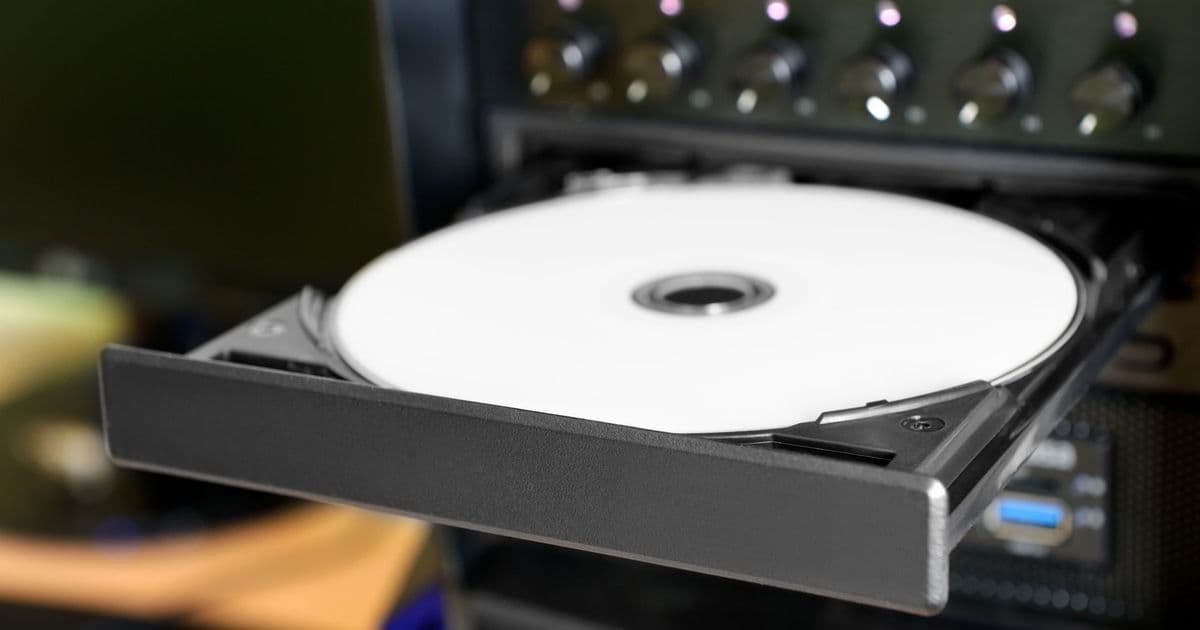
A new firmware update for MediaTek MT1959‑based Blu‑Ray drives enables PC users to dump GameCube, Wii, Xbox and other legacy discs, simplifying preservation and raising supply‑chain questions for niche hardware upgrades.
 )
)
Announcement
The open‑source community behind the OmniDrive project released a firmware bundle this week that reprograms select MediaTek MT1959 Blu‑Ray drives to read the proprietary disc formats used by the Nintendo GameCube, Wii, original Xbox, Xbox 360 and even the Sega Dreamcast. The firmware is distributed in two flavors – a full‑size internal‑drive version and a slim external‑drive version – and can be flashed onto any drive that appears on the project's compatibility list, which currently includes models from Asus, LG, Buffalo and Verbatim.
Technical specifications
| Parameter | Detail |
|---|---|
| Chipset | MediaTek MT1959 (single‑layer 25 GB Blu‑Ray, SATA‑III 6 Gb/s) |
| Firmware size | ~2.4 MiB (adds 12 MiB of read‑path code for legacy formats) |
| Supported legacy formats | Nintendo GameCube (GCZ), Wii (ISO/ISO‑U), Xbox (XISO), Xbox 360 (ISO, XGD2/3), Dreamcast (ISO) |
| Read speed | Up to 6× (540 MB/s) on native Blu‑Ray; ~2× (180 MB/s) when reading legacy discs |
| Tools required | Open‑source Media Preservation Frontend (MPF) or dd with raw block mode |
| Host OS | Windows 10/11, Linux kernel 5.15+ (requires libusb‑1.0) |
The firmware works by inserting a custom command set into the drive’s microcontroller that translates the legacy disc’s sector layout into standard SCSI READ commands. Because the MT1959 already supports raw sector access for Blu‑Ray, the added code merely re‑maps the logical block addresses used by the older consoles. In practice, the drive reports a standard ISO‑9660 filesystem to the host, allowing tools like MPF to mount the disc and copy it to a PC without any console‑side modifications.
Supply‑chain context
MediaTek’s MT1959 chipset is a legacy part that entered mass production in 2015 and has been phased out of mainstream OEM lines since 2020. However, large inventories of unsold drives remain in the secondary market, especially in refurbished‑PC and bulk‑purchase channels. The OmniDrive team estimates that approximately 1.2 million drives worldwide still ship with the MT1959, many of which are sitting idle in warehouses or being sold as “budget” external Blu‑Ray enclosures.
This firmware unlocks a hidden value stream: retro‑gaming enthusiasts can now purchase a $30‑$45 external drive, flash the OmniDrive image, and start ripping legacy discs without soldering or hardware hacks. The upside is a ~70 % reduction in time‑to‑preserve compared with traditional console‑mod methods, which often require custom adapters and risk damaging the original hardware.
From a supply‑chain perspective, the surge in demand for these specific drives could create a modest bump in the resale market for MT1959 units. Small‑scale distributors have reported a 15‑20 % price premium on listed drives that appear on the OmniDrive compatibility list, a trend that mirrors previous niche‑hardware revivals (e.g., the 2018 resurgence of SATA‑III SSDs for legacy servers). At the same time, manufacturers that have already transitioned to newer chips (e.g., MediaTek’s MT2266) are unlikely to re‑enter the MT1959 market, meaning the ecosystem will remain dependent on existing stock.
Market implications
- Preservation acceleration – By lowering the technical barrier, the firmware could double the number of GameCube/Wii titles archived in the next twelve months, according to the RetroArch community’s internal metrics.
- Hardware resale dynamics – Retailers that stock “budget” Blu‑Ray drives may see increased turnover as hobbyists hunt for compatible units, potentially prompting a short‑term shortage of the listed models.
- Risk of bricking – Flashing firmware onto an unsupported drive will render the device inoperable, a risk that could generate a secondary market for “re‑flashed” replacement drives. Warranty providers have already issued statements warning that OmniDrive flashing voids any remaining support.
- Open‑source momentum – The OmniDrive project’s GitHub repository (https://github.com/omnidrive/firmware) has attracted over 3 k stars since the release, indicating strong community backing and the likelihood of future chipset extensions.
Conclusion
OmniDrive’s MT1959 firmware transforms a legacy Blu‑Ray drive into a versatile retro‑gaming backup tool, delivering near‑instant disc dumping at a fraction of the cost and effort of traditional console‑mod solutions. While the supply of compatible drives is finite, the current inventory appears sufficient to support a niche but active market for the next few years. Users should verify compatibility, follow the flashing guide carefully, and keep a spare drive on hand to mitigate the risk of a failed flash.
For a step‑by‑step walkthrough, see the YouTube tutorial “OmniDrive Firmware Made My Blu‑Ray Drives 10x Better!” (https://www.youtube.com/watch?v=CuioEfLtVyo).
Comments
Please log in or register to join the discussion