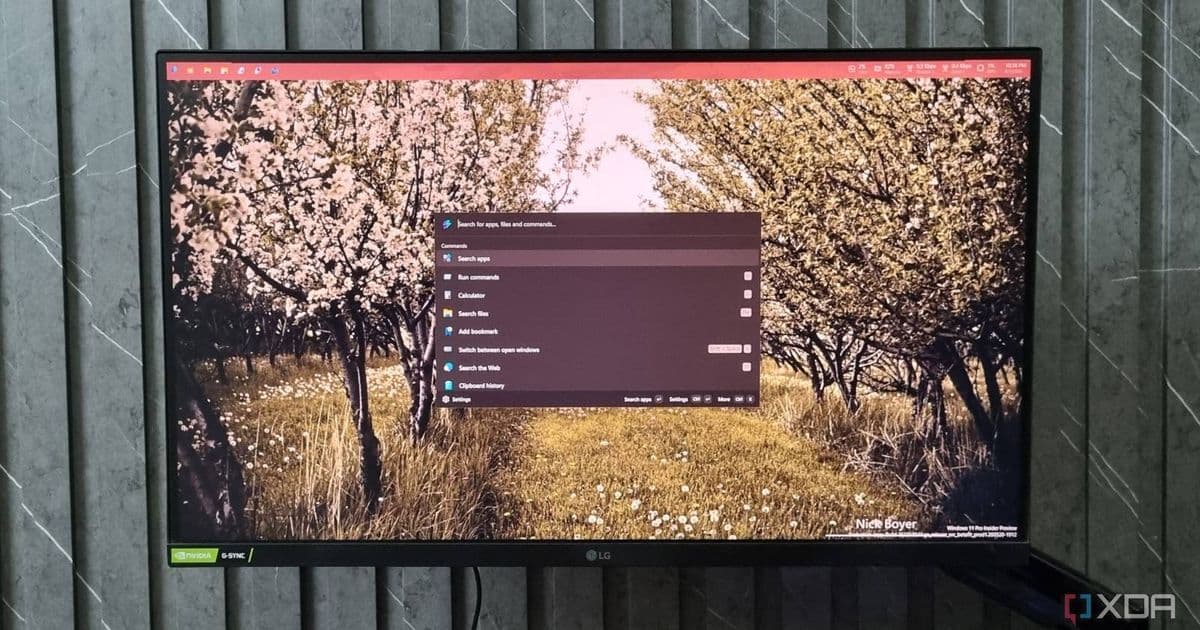
Microsoft's PowerToys 0.100.0 puts an app-store-style Extension Gallery inside the Command Palette, so you can browse, install, update, and remove extensions without leaving the launcher. Shortcut Guide now reads the active window, and ZoomIt picks up webcam support for demos.
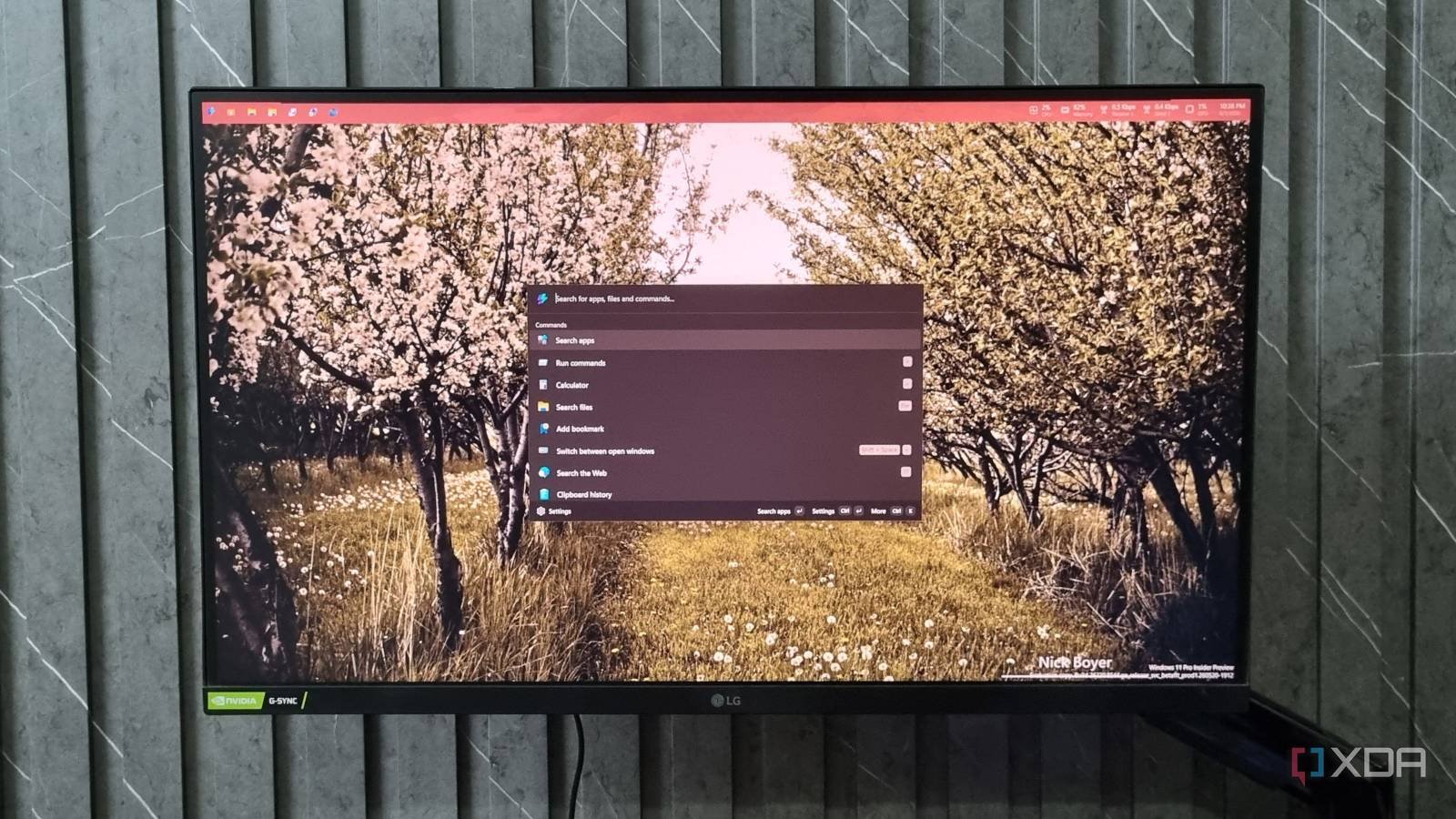
Installing extensions for the PowerToys Command Palette used to mean leaving the tool, hunting down a package, and trusting that whatever you sideloaded would register correctly. With PowerToys 0.100.0, now live on the project's GitHub, Microsoft has folded that whole process into a single in-app surface. The new Extension Gallery turns the Command Palette into something closer to a managed store, and it changes the day-to-day calculus for anyone who relies on the launcher.
What actually shipped
The headline addition is the Extension Gallery, reachable directly from Command Palette Settings. In Microsoft's own words, it lets you "browse, discover, install, update, and remove extensions without leaving Command Palette." That last clause is the part that matters. Previously, discovery and lifecycle management were scattered across GitHub pages and manual installs. Now the browse-install-update-remove loop happens in one place, with versioning handled for you.
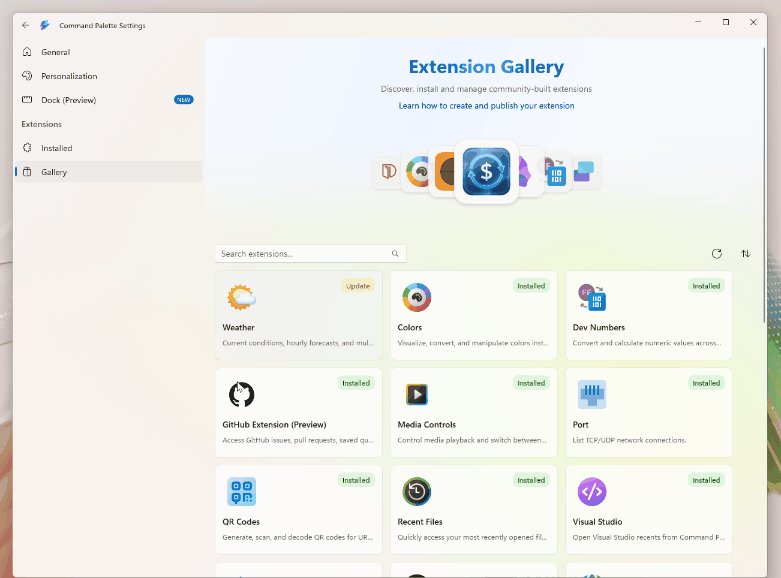
Functionally, this mirrors how extension marketplaces work in editors like VS Code: a searchable catalog, per-item install buttons, and an update path that flags when something you already have has a newer build available. For a utility that lives or dies on how fast you can reach a command, cutting the friction on adding new commands is a meaningful quality-of-life shift rather than a cosmetic one.
The rest of the 0.100 changes
The release is not a single-feature drop. Shortcut Guide, the overlay that surfaces Windows key combinations, now detects the active window and shows shortcuts relevant to that specific app in a side pane. Instead of a generic list of system shortcuts, you get context tied to whatever you happen to be using, which is the kind of small targeting change that makes a reference tool worth keeping open.
ZoomIt, the screen zoom and annotation utility that has become a staple for anyone recording walkthroughs, gains webcam feed support. You can pull a camera image into your demo, which is aimed squarely at people producing instructional videos and live presentations where a presenter cam adds clarity. It is a niche feature with an outsized payoff for the tutorial and training crowd.

Why this matters for the way people use PowerToys
PowerToys has grown from a loose bag of power-user utilities into something with real extensibility, and the Command Palette is the connective tissue. An extension model only pays off if the cost of adopting extensions is low. By giving the Palette a proper gallery, Microsoft is signaling that it wants the extension ecosystem to be a first-class part of the experience rather than an advanced trick reserved for users comfortable with manual package handling.
There is a broader pattern here worth recognizing. Tools that start as monolithic utility bundles tend to move toward plugin architectures once their user base outgrows the built-in feature set. The same arc shows up across editors, terminals, and browsers. PowerToys reaching the point where it ships a managed gallery means the Command Palette is being treated as a platform, not just a feature.
How to get it
The update is available now through the usual channels: the GitHub releases page, the Microsoft Store, and winget for anyone who prefers the command line. If you already run PowerToys, the in-app updater will pull 0.100.0 down, and once you are on it the Extension Gallery sits under Command Palette Settings. Worth opening the gallery on first launch to see what is already cataloged, since the value of the feature scales directly with how many extensions are listed there.
For anyone who has been putting off customizing the Command Palette because the setup felt fiddly, this is the release that removes the excuse. The gallery does not add new capabilities to the Palette itself so much as it makes every existing capability easier to find and keep current, and that compounding convenience is the real story in 0.100.
Comments
Please log in or register to join the discussion