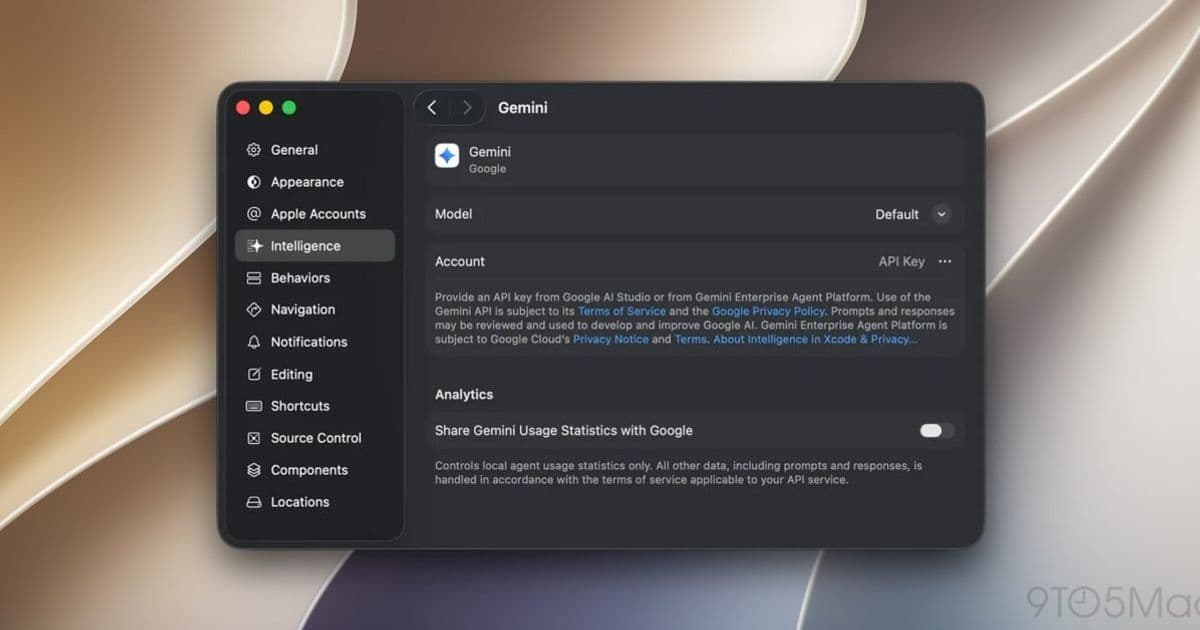
Apple now ships built-in Google Gemini alongside Claude Code and OpenAI Codex in Xcode 27, giving iOS and macOS developers a third first-party agent option configured straight from the Intelligence settings panel.
Apple has added native Google Gemini support to Xcode 27, rounding out a built-in agent roster that already included Anthropic's Claude Code and OpenAI's Codex. For developers maintaining iOS and macOS apps, this means a third agentic option you can wire up directly from Xcode's Intelligence settings panel, no external tooling or browser tab required.
What actually changed
The agentic coding story in Xcode didn't start here. Apple introduced agent support in Xcode 26.3 earlier this year, letting you plug Codex or Claude Agent into the IDE to handle everything from boilerplate generation to project-wide refactors driven by your existing file structure and documentation. That release also shipped an "Add an Agent..." path for third-party agents and exposed Xcode to external agents over MCP, the Model Context Protocol.
Apple kept building on that foundation. Xcode 26.5 added message queueing in the coding assistant and gave agents the ability to ask clarifying questions before acting, which cut down on the wrong-direction work that happens when an agent guesses at ambiguous intent.
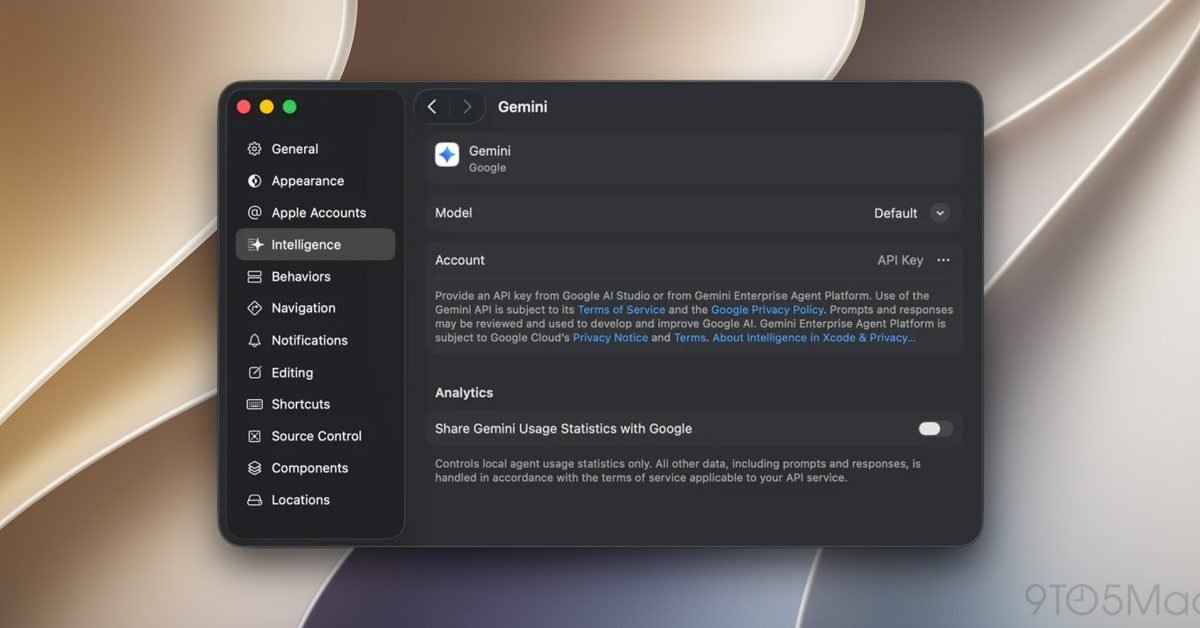
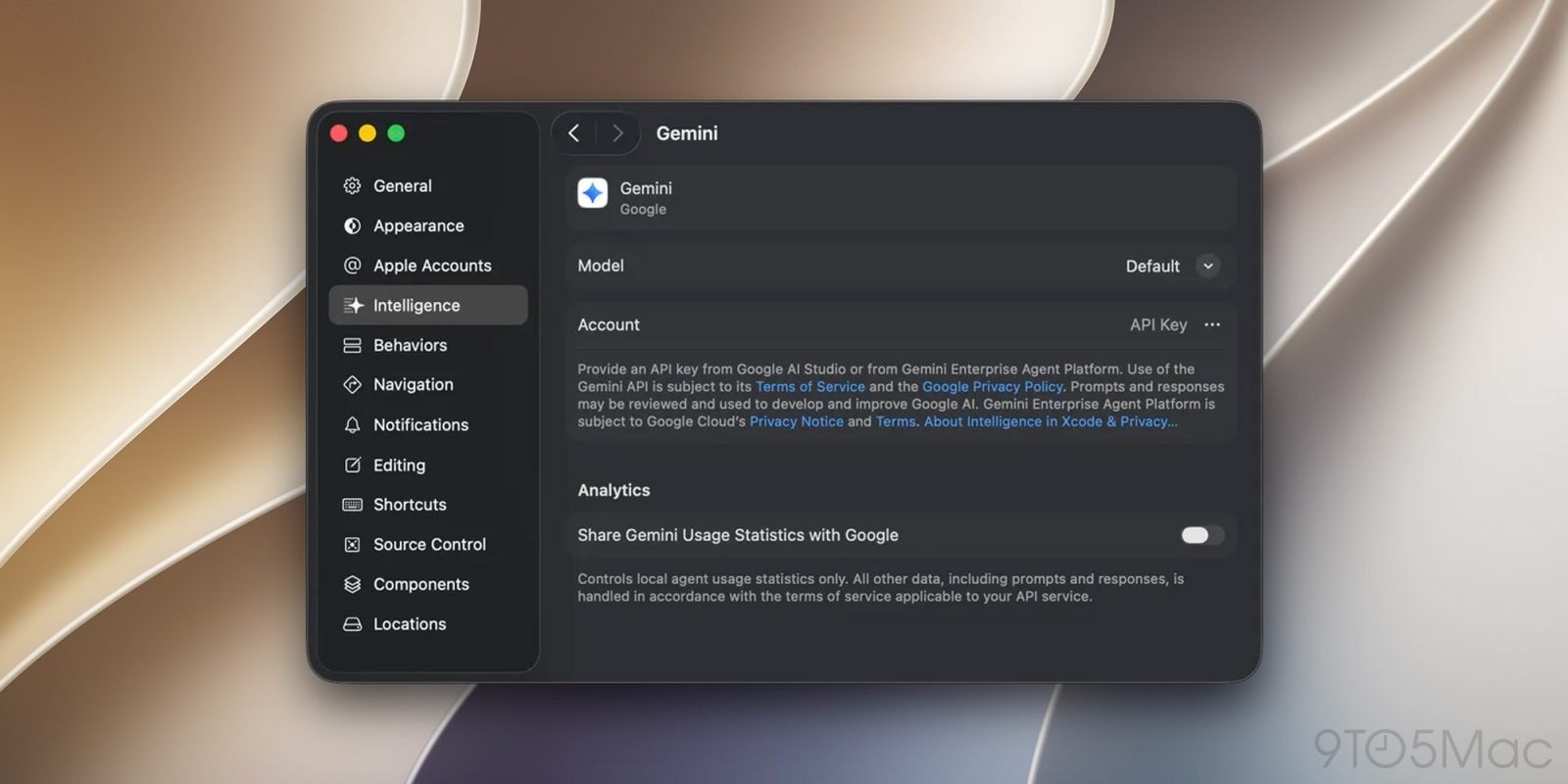
Xcode 27 takes the next step by making Gemini a first-class citizen. In Google's own words, the integration lets you "perform complex, multi-step tasks during development without switching tools or windows." You onboard through the Intelligence settings panel, and once it's configured, Gemini works as an in-IDE agent for code review, bug fixing, and feature work.
Why a third agent matters
If you ship on both iOS and Android, you already know the value of not being locked to a single vendor's tooling. Having Gemini, Claude, and Codex all selectable from the same settings panel means you can match the model to the task instead of restructuring your workflow around whatever one assistant happens to be good at. Gemini's strengths in large-context reasoning are a different shape than Claude's, and being able to switch without leaving the editor is a practical win for anyone who context-switches between platforms all day.
The MCP support from the 26.x line still carries forward, so the native integrations aren't the only route. If your team runs a custom agent or an internal tooling layer, the protocol path remains open. The native options just lower the setup cost for the common cases.
Broader workflow updates in 27
Gemini isn't the only thing new here. Xcode 27 also reworks parts of the agentic development experience itself, with new interfaces, dedicated agent workspaces, interactive planning, and multiturn question-and-answer flows. The planning and multiturn pieces are the more meaningful ones in daily use. Interactive planning lets you see and adjust an agent's intended steps before it touches your code, and multiturn Q&A means the back-and-forth refinement that used to require restarting a prompt now happens in a continuous session.
Getting set up
Migration is light. There's no project format change tied to the Gemini integration. You open the Intelligence settings panel in Xcode 27, authenticate against the provider you want, and select it as your active agent. Existing Claude or Codex configurations from earlier Xcode versions carry over, so adding Gemini is additive rather than a replacement.
For teams standardizing on a single agent across a codebase, it's worth agreeing on which model handles which workflows before rolling it out broadly, since review output and refactor behavior differ enough between the three that inconsistent usage can produce inconsistent diffs. Apple's Xcode documentation covers the agent configuration details, and Google's Gemini developer resources document the model side of the integration.
The direction here is clear. Apple is treating the IDE as a host for whichever agent you prefer rather than betting on one, and that neutrality is good news for cross-platform developers who'd rather not pick sides.
Comments
Please log in or register to join the discussion