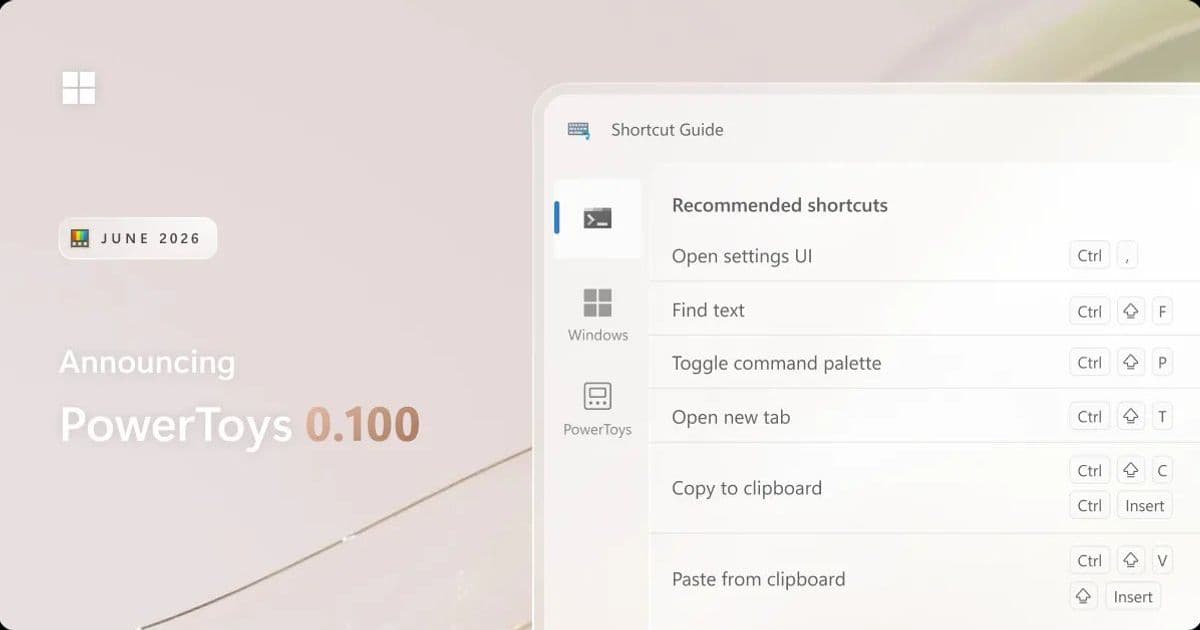
Microsoft's open-source power-user toolkit hits its 0.100 milestone with a ground-up Shortcut Guide, a Command Palette Extension Gallery, multi-monitor Dock support, and a platform jump to .NET 10 that trims the installer by 15 percent.
Microsoft has shipped PowerToys 0.100, and this release is less about a single headline feature than about a broad maturation of the suite. The team rebuilt the Shortcut Guide from scratch, gave Command Palette a discovery layer with the new Extension Gallery, expanded multi-monitor support in the Dock, and moved the entire project onto .NET 10. For anyone who manages Windows fleets or standardizes developer tooling, the combination of a smaller installer, more reliable auto-updates, and configuration backups is the part worth paying attention to.
What changed
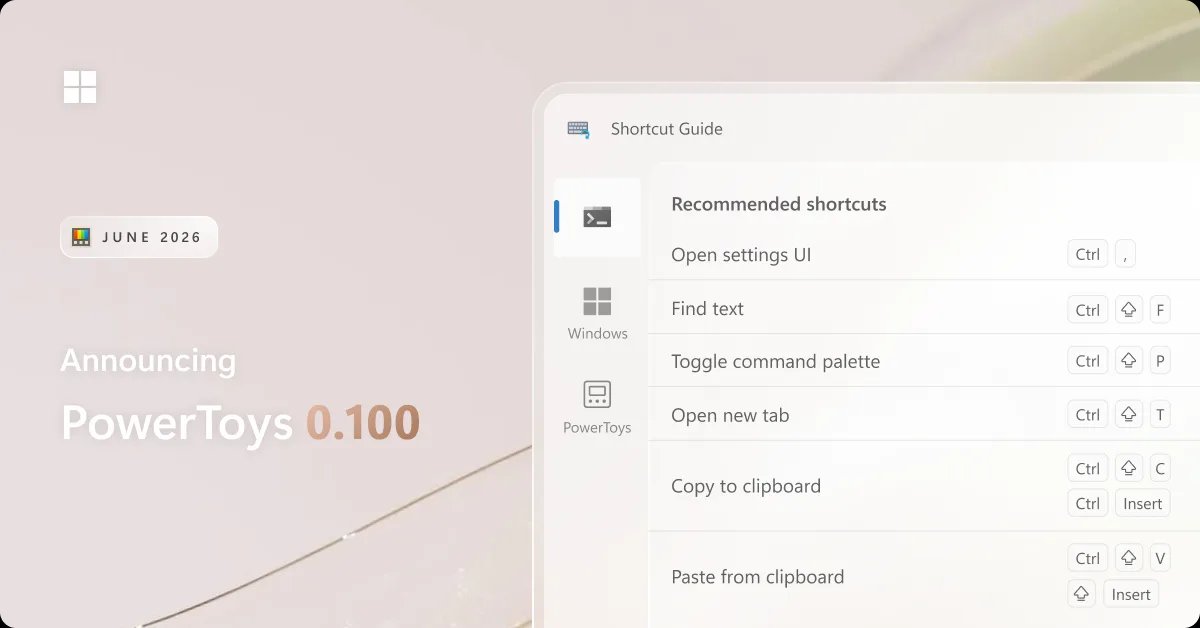
The most visible addition is the new Shortcut Guide. Rather than the old full-screen overlay, the rebuilt version appears as a side pane and detects the active application when invoked, surfacing shortcuts relevant to whatever you happen to be doing. It pulls from three sources at once: app-specific shortcuts, native Windows shortcuts, and shortcuts exposed by any enabled PowerToys utilities. App coverage is community-driven, so the supported list grows through pull requests and issues that link to an app's shortcut documentation.
Command Palette, the keyboard-first launcher that has become the centerpiece of recent PowerToys releases, gets two substantial upgrades. The first is the Extension Gallery, accessible directly from Command Palette Settings. Developers have been able to build and distribute extensions through the Microsoft Store or WinGet for a while, but discovery was the weak link. The Gallery now lets users browse, install, update, and remove extensions without leaving the app, which closes the loop on what was already an extensible platform.
The second Command Palette change is multi-monitor Dock support. Each display can now carry its own independent Dock configuration, and the Pin to Dock flow lets you choose exactly where a command lands. The Performance Monitor extension also picks up a Battery widget covering charge level, charging status, and estimated time remaining, plus the ability to pin individual metrics like CPU, memory, GPU, network, and battery straight to the Dock.
The rest of the release is spread across the suite. Power Display focused on reliability and monitor detection, with faster startup, more consistent identification across reboots, and a new Max Compatibility Mode for monitors that don't properly advertise DDC capabilities. ZoomIt added a webcam overlay during recording and the ability to append multiple clips with transitions, useful for anyone producing demos or tutorials. Keyboard Manager now defaults to its WinUI 3 editor, Mouse Without Borders gained a Refresh Connections action, and Quick Accent added Greek Polytonic characters.
How the pieces compare
It helps to think of PowerToys less as one app and more as a portfolio of utilities that each compete with standalone tools. Shortcut Guide overlaps with cheat-sheet apps and the muscle memory people build manually. Command Palette competes directly with launchers like the long-discontinued Wox, the commercial Raycast on macOS, and PowerToys Run itself, which still ships in the same suite. The Extension Gallery is the strategic move here: an open extension model distributed through the Store and WinGet gives Command Palette a path that mirrors how Raycast built its ecosystem, but anchored to Microsoft's existing package infrastructure rather than a proprietary store.
The platform work is the quieter but more consequential decision. Moving to .NET 10 keeps the project on a supported runtime with current tooling, and it paid off in a 15 percent smaller installer footprint. Auto-update reliability improved in ways that matter at scale: PowerToys now relaunches cleanly after updating, gives clearer success notifications, and backs up configuration files before each update so settings can be restored if corruption is detected. Quick Accent and Workspaces both dropped custom WPF theming libraries in favor of native Fluent-inspired styling, with Workspaces getting a fuller UX refresh.
Business impact
For individual users the calculus is simple: the update is free, it ships through the existing check-for-updates flow, and the new Shortcut Guide alone justifies installing it. For teams the interesting changes are operational. A 15 percent smaller installer and more reliable silent updates reduce the friction of pushing PowerToys across managed devices, and configuration backups lower the support cost when an update goes sideways. The Extension Gallery introduces a governance question worth thinking through early, since extensions installed from the Store or WinGet are third-party code running in a power-user context. Organizations that lock down WinGet sources or Store access will want to decide how that interacts with the Gallery before rolling it out broadly.
The broader pattern is Microsoft continuing to treat PowerToys as the testing ground for productivity features it may eventually fold into Windows proper, much as FancyZones and PowerRename foreshadowed native behavior. Command Palette's extension model is the clearest signal of that ambition. You can grab the release by checking for updates inside PowerToys or from the release page, and the PowerToys repository remains the place to file bugs, request features, or contribute shortcut definitions for apps that aren't yet covered.
Comments
Please log in or register to join the discussion