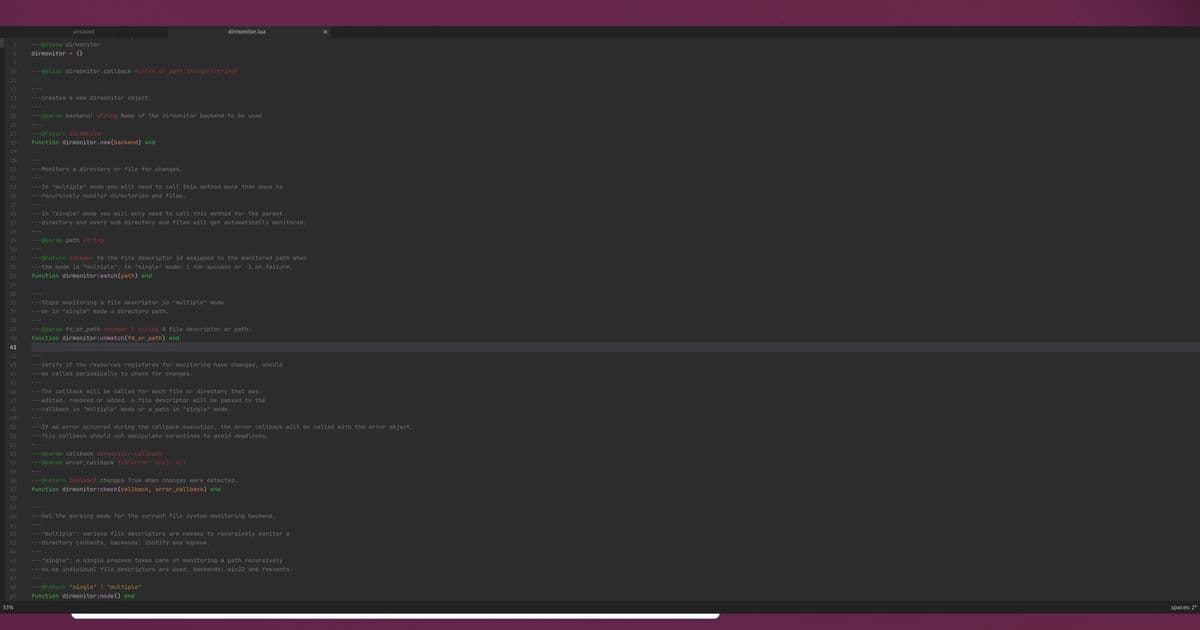
Pragtical, the Lua-scriptable fork of Lite XL, just shipped a modular rendering stack with an optional SDL-based GPU backend. The editor still claims roughly 50MB of RAM and a 10MB install footprint, so the interesting question is what GPU rendering buys you when CPU rendering already ran this lean.
Pragtical sits in a category I pay close attention to when I'm provisioning thin clients and headless-adjacent boxes around the homelab: editors that do real work without eating a gigabyte of RAM before you open a file. The project bills itself as a full-featured, MIT-licensed code editor that runs in about 50MB of memory and installs in roughly 10MB of disk. Version 3.12, released on 9 June 2026, is the one that finally pulls the rendering pipeline apart into modules and bolts on an SDL-based GPU backend.
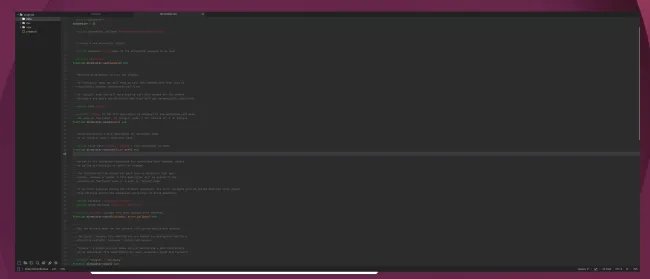
What actually shipped
Pragtical is a fork in the Lite XL lineage, the same family of editors that descend from rxi's original lite. That heritage matters because the whole point of these editors is a tiny C core with a Lua layer on top for everything else. The 3.12 release does two structural things worth understanding. First, it splits the renderer into a modular stack so the drawing layer is no longer hard-wired to a single path. Second, on top of that modular stack it adds a new SDL GPU backend that targets a GPU-native rendering environment instead of pushing every glyph and rectangle through the CPU.
The GPU backend is opt-in for 3.12. That is the correct call for a first release of something this foundational, and it tells you the maintainers expect rough edges across the driver and platform matrix. SDL handles the abstraction, which is why this lands as a cross-platform GPU path rather than a Windows-only or a single-API solution. SDL's GPU API sits over Vulkan, Direct3D 12, and Metal depending on the host, so one backend covers Linux, Windows, and macOS without the project maintaining three separate accelerated renderers.
The other change with security implications: project modules are now gated behind trust prompts. Pragtical, like Lite XL, loads per-project Lua configuration, and executing arbitrary Lua from a repository you just cloned is exactly the kind of thing that bites people. Putting that behind an explicit trust prompt is a sensible hardening step and mirrors what VS Code did with workspace trust.
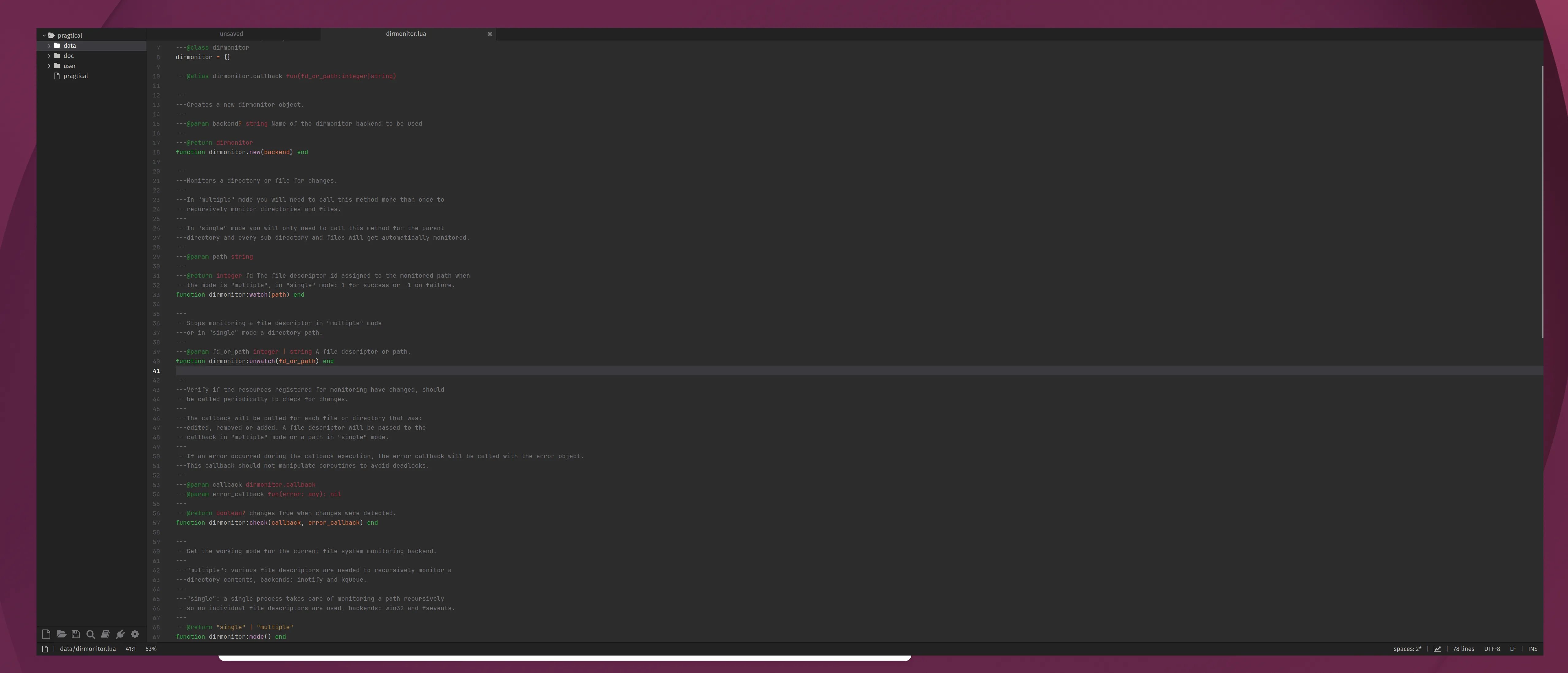
Why a GPU backend on a lean editor
The instinct of anyone who watches resource numbers is to ask whether GPU rendering breaks the lightweight promise. CPU-based text rendering in these editors is already fast for small files, so the win is not raw throughput on a 200-line config. The win shows up in the cases CPU rendering handles poorly: high-DPI displays where you are pushing four times the pixels, high-refresh panels where the editor wants to redraw at 120Hz or 144Hz, large files with heavy syntax highlighting, and smooth scrolling where the compositor and the editor have to agree on frame timing.
On a CPU renderer, scrolling a long file means the CPU recomputes and rasterizes the visible region every frame. Move that to the GPU and the rasterization work, the blending, and the final composite happen on hardware built for exactly that, freeing the CPU and, on a laptop or a low-power homelab node, often lowering total package power because the GPU does the pixel work more efficiently per watt than spinning up CPU cores.
The tradeoff is the part I will be measuring. A GPU backend means a live graphics context, driver memory, and command buffers that a pure software renderer never allocates. On an integrated GPU sharing system RAM, that resident footprint can erase part of the 50MB advantage. The honest comparison is not "GPU is faster" but a small table of what each path costs:
| Scenario | CPU backend | SDL GPU backend |
|---|---|---|
| Idle RAM footprint | Lowest, no graphics context | Higher, driver + context resident |
| 4K / high-DPI scrolling | CPU-bound, can drop frames | Offloaded, smoother |
| High-refresh redraw | Limited by core count | Hardware-paced |
| Headless / no GPU | Works | Falls back or unavailable |
| Power on idle | Near zero | Slightly higher baseline |
Those are the axes that decide whether you flip the switch, not a single benchmark number. I have not run these on 3.12 yet, and anyone quoting exact figures before testing on their own hardware is guessing.
Build recommendations
If you run Pragtical on a headless box, over SSH with X forwarding, or inside a container without GPU passthrough, leave the CPU backend on. The opt-in default already does this for you, and there is no benefit to a GPU path when there is no usable GPU. This covers most of my server-side editing, where I am in and out of config files and the software renderer is the leaner, more predictable choice.
If you run it as a daily desktop editor on a high-DPI or high-refresh panel, this is the release to test the GPU backend on. Intel and AMD integrated graphics on Linux go through Vulkan via SDL here, and both have mature Mesa drivers, so the integrated-GPU case is the easy win. Watch resident memory with something like ps or your editor's own stats and compare scroll smoothness on your largest real file, not a synthetic one.
For minimal SBC-class nodes, a Raspberry Pi or similar, the answer depends entirely on whether the GPU driver stack is solid for your board. A flaky Vulkan or GL driver will make the GPU path worse than software rendering, and on those machines the CPU backend is the conservative default I would stick with.
The broader pattern here is editors converging on GPU rendering as table stakes, the same direction Zed took from the start and the direction Neovim's GUI frontends have pushed. Pragtical doing it while holding a 10MB install and an MIT license keeps it interesting for anyone who wants accelerated rendering without dragging in an Electron runtime. Full release notes and downloads are on pragtical.dev, and the source lives on the project's GitHub organization.
Comments
Please log in or register to join the discussion