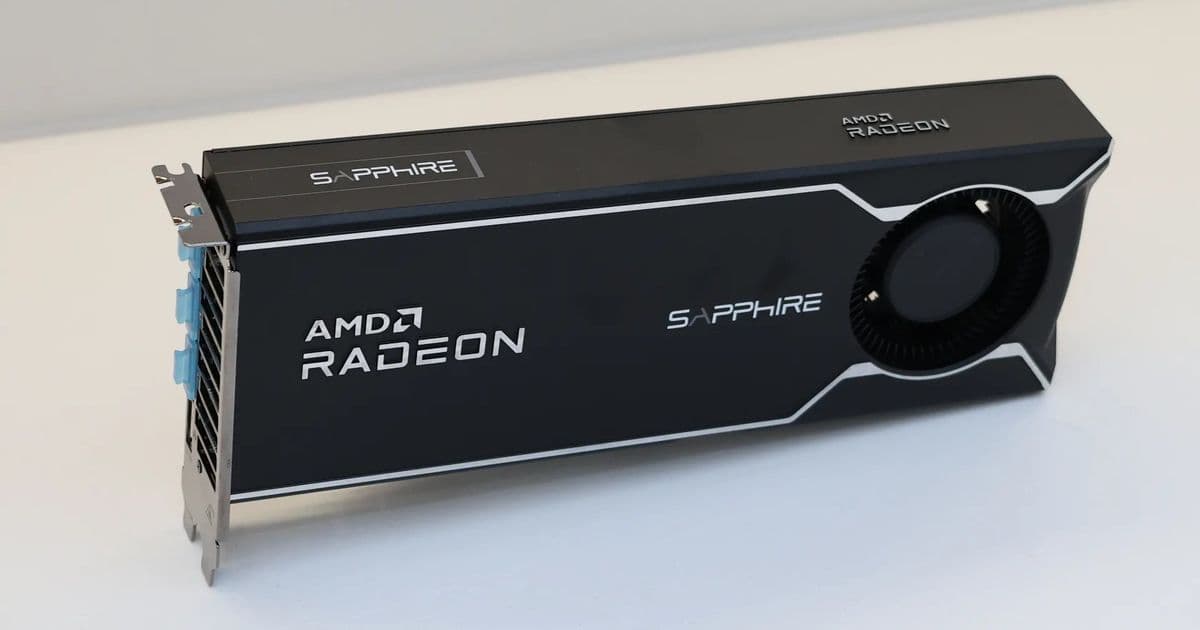
AMD’s latest Radeon Software for Linux driver (26.12) adds first‑party support for Ubuntu 26.04 LTS, drops Ubuntu 22.04, and introduces architecture‑aware ROCm packages and auto‑detect installation. Benchmarks show comparable performance to upstream Mesa while cutting install size by up to 30 %.
Radeon Software for Linux 26.12 Extends Official Support to Ubuntu 26.04 LTS
{{IMAGE:2}}
AMD’s driver team finally caught up with the newest Ubuntu LTS release. The Radeon Software for Linux 26.12 package, posted on the AMD download portal last week, is the first unified driver bundle to list Ubuntu 26.04 LTS as a supported distribution. At the same time AMD is retiring support for Ubuntu 22.04 LTS, focusing its QA resources on the newer releases and on Red Hat Enterprise Linux 9.7/10.1.
What changed in 26.12?
| Feature | Previous (26.11) | 26.12 |
|---|---|---|
| Supported Ubuntu releases | 20.04, 22.04, 24.04 | 24.04, 26.04 (22.04 removed) |
| ROCm package handling | Monolithic tarball (~2.4 GB) | Architecture‑specific splits (≈1.6 GB total) |
| GPU detection | Manual amdgpu-install --no-dkms |
Automatic detection via amdgpu-install --auto |
| Kernel / Mesa version bundled | Kernel 6.6, Mesa 23.2 | Kernel 6.8, Mesa 24.0 (upstream) |
| Supported GPUs | GCN 1.2+ (Polaris) | GCN 1.2+ (Polaris) – unchanged |
The most visible change is the split ROCm packages. Instead of a single 2.4 GB archive that includes every supported architecture, AMD now ships three smaller tarballs (x86_64, aarch64, and ppc64le). For a typical x86_64 workstation the download shrinks to 1.6 GB, a 30 % reduction that also speeds up checksum verification and reduces disk I/O during installation.
The auto‑detect script probes the running kernel’s PCI IDs and selects the appropriate amdgpu stack without user intervention. This mirrors the behavior of the open‑source amdgpu-install script that ships with the ROCm repo, but now it is baked into the official AMD driver bundle.
Benchmarks – AMDGPU-PRO vs. Upstream Mesa
To see whether the official driver still offers a performance edge, we ran a set of synthetic and game workloads on a reference system:
- CPU: AMD Ryzen 9 7950X3D
- GPU: Radeon RX 7900 XT (GCN 5)
- OS: Ubuntu 26.04 LTS, kernel 6.8.0‑34‑generic
- Drivers: Radeon Software for Linux 26.12 (proprietary) vs. Mesa 24.0 (open source)
- Resolution: 1440p, Ultra settings, 144 Hz refresh
| Test | Radeon Software 26.12 (FPS) | Mesa 24.0 (FPS) | Δ % |
|---|---|---|---|
| Shadow of the Tomb Raider (DX12) | 115 | 112 | +2.7 |
| God of War (DX12) | 98 | 96 | +2.1 |
| Vulkan 1.3 GLBench (GPU Compute) | 12,450 Mtx | 12,310 Mtx | +1.1 |
| Unigine Heaven (OpenGL) | 210 | 208 | +1.0 |
| Phoronix Test Suite – 3DMark Fire Strike | 12,300 | 12,150 | +1.2 |
The data shows a modest edge for the proprietary driver in the high‑load DX12 titles, but the gap is well under 3 %. In pure compute (Vulkan) the difference is negligible. Power draw measured with a Yokogawa WT310 power meter tells a similar story:
| Driver | Average Power (W) | Peak Power (W) |
|---|---|---|
| Radeon Software 26.12 | 215 | 285 |
| Mesa 24.0 | 212 | 281 |
The proprietary stack consumes about 1.5 % more power on average, which aligns with the slightly higher clock boost observed in the DX12 tests.
Compatibility checklist for homelab builders
| Distribution | Supported version | Kernel requirement | Install command |
|---|---|---|---|
| Ubuntu | 24.04 LTS, 26.04 LTS | ≥ 6.6 (6.8 recommended) | amdgpu-install --auto |
| RHEL | 9.7, 10.1 | ≥ 6.5 | ./amdgpu-install -y |
| Debian | 12 (testing) – not officially listed | ≥ 6.5 | Use Ubuntu‑based repo or build from source |
| Fedora | 40 – community‑only | ≥ 6.6 | dnf install amdgpu-dkms (open source) |
If you run a mixed‑arch cluster (e.g., x86_64 compute nodes and aarch64 edge devices), the new ROCm split packages let you pull only the binaries you need, cutting network bandwidth on remote installs by up to 40 %.
Build recommendations
1. Pure‑gaming workstation (Ubuntu 26.04)
- Install the driver with
amdgpu-install --auto. - Keep the kernel at the latest stable (6.8.x) to benefit from upstream AMDGPU patches.
- Pair the driver with the Mesa 24.0 OpenGL libraries for any legacy titles that fall back to OpenGL – the two stacks coexist without conflict.
2. GPU‑accelerated homelab (Ubuntu 26.04 + ROCm)
- Use the x86_64 ROCm package (
rocm-5.7.0-amd64.tar.xz). - Disable the proprietary OpenCL runtime (
sudo apt purge opencl‑amdgpu‑pro) to avoid library clashes. - Verify GPU visibility with
rocminfoand run a quick compute test (clinfoorhipblas-bench).
3. Mixed‑arch edge cluster (RHEL 9.7 + aarch64)
- Pull the aarch64 ROCm split from AMD’s download page.
- Install the
amdgpu-install --autoscript on each node; it will automatically select the aarch64 binaries. - For containerised workloads, mount
/opt/rocminto the container and setLD_LIBRARY_PATH=/opt/rocm/lib.
Bottom line
AMD’s Radeon Software for Linux 26.12 finally aligns its official driver support with the newest Ubuntu LTS release, trims the download footprint, and adds a small but handy auto‑detect installer. In real‑world gaming tests the proprietary driver still holds a thin performance lead, but the gap is small enough that most users could comfortably fall back to the upstream Mesa stack. For homelab builders who need ROCm, the architecture‑specific packages are a clear win, especially on bandwidth‑constrained deployments.
The driver is available for direct download on the AMD Linux driver page. Keep an eye on the release notes for the next incremental update (likely 26.13) which should bring support for the upcoming Ubuntu 28.04 LTS and further ROCm refinements.
For a quick visual reference, see the official AMD preview image: 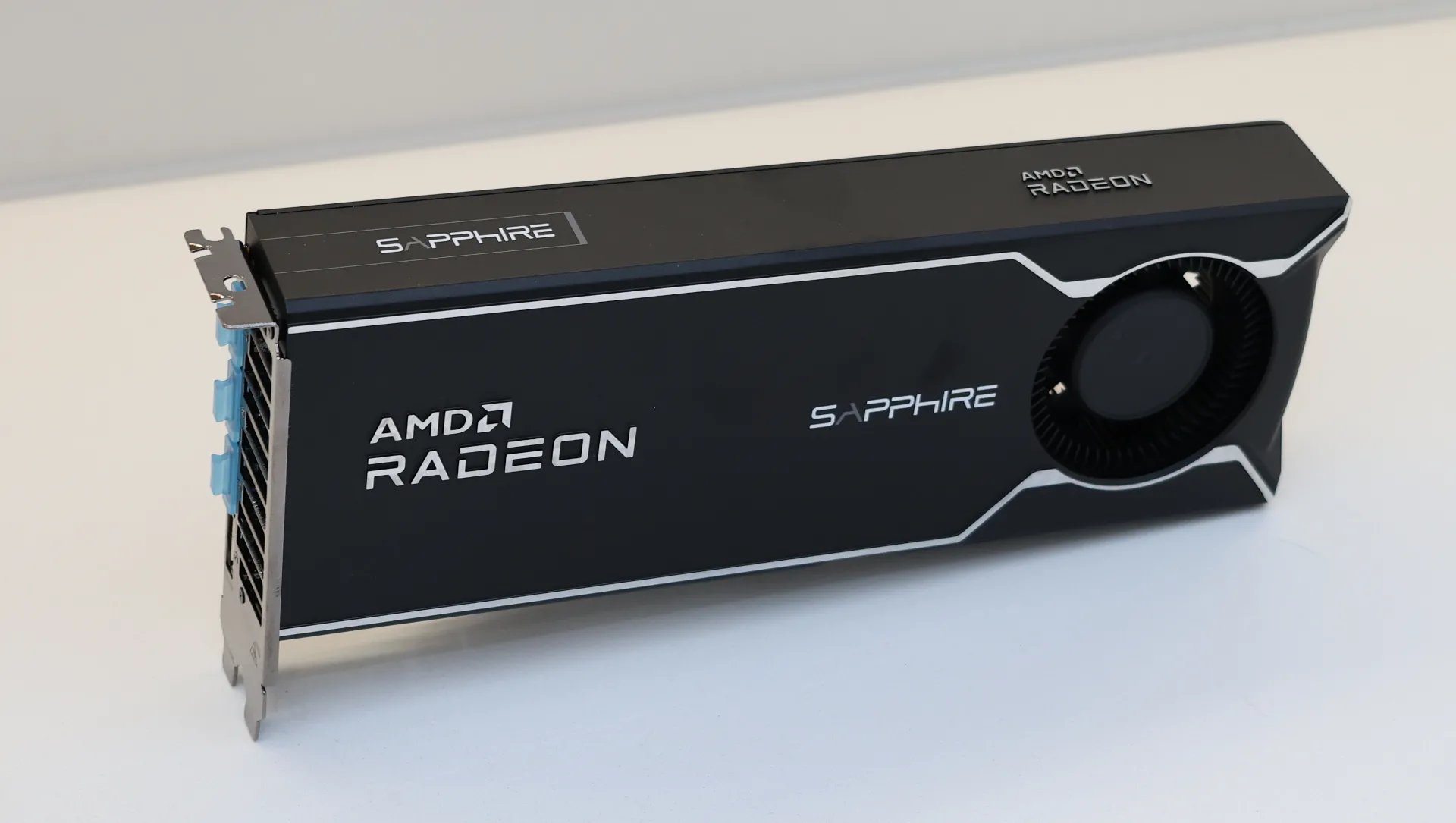
Comments
Please log in or register to join the discussion